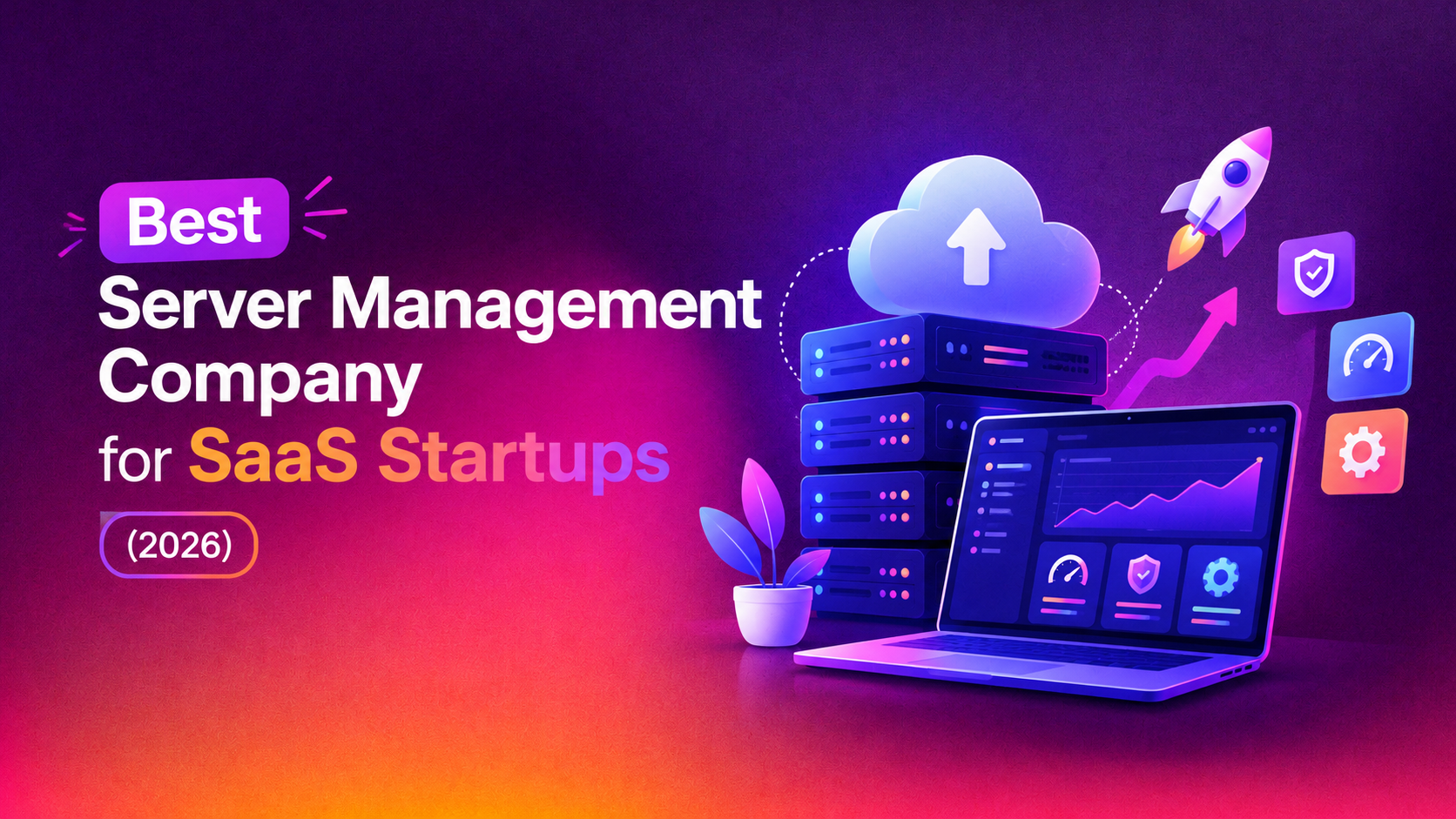
If you're a SaaS founder or CTO, your infrastructure decisions are business decisions. Every minute of downtime chips away at customer trust, every unmonitored server is a support ticket waiting to happen, and every hour your engineers spend patching kernels or babysitting cron jobs is an hour they didn't spend shipping features. Choosing the best server management company for SaaS startups isn't about finding the cheapest vendor — it's about finding a partner who can keep your infrastructure stable, secure, and scalable while your team focuses on the product.
This guide breaks down exactly what to look for in a managed server management provider, compares the vendor types available in 2026, and shows you how to evaluate response times, SLAs, and pricing so you don't get burned by a provider who looks great on paper but disappears when your production database starts throwing errors at 2 a.m.
Why SaaS Startups Can't Afford DIY Server Management
Early-stage SaaS teams often start by managing their own servers — a founder or a single backend engineer handles provisioning, patching, backups, and firefighting. This works fine until it doesn't. The moment you onboard your first enterprise customer who asks about your uptime SLA, or your database runs out of disk space during a demo, the cracks show.
The core problem is bandwidth, not competence. A talented engineer can absolutely harden a Linux box, configure a firewall, and set up monitoring. But server monitoring for startups isn't a one-time task — it's a 24/7 commitment. Kernel vulnerabilities get disclosed at 3 a.m., disk usage spikes over a weekend, and a misconfigured cron job can silently fail for weeks before anyone notices. Without dedicated coverage, these things pile up until they become incidents.
- Opportunity cost: every hour spent patching servers is an hour not spent on your product roadmap
- Hiring cost: a single senior DevOps hire in the US or EU costs $120K-$180K/year before benefits — and you need at least two for real 24/7 coverage
- Risk exposure: unpatched CVEs, expired SSL certificates, and unmonitored disk usage are the leading causes of preventable SaaS outages
- Compliance pressure: SOC 2 and ISO 27001 audits increasingly require documented patch management and incident response processes
💡 None of these worked? Skip the guesswork.
Get Expert Help →What "Best" Actually Means for a Server Management Provider
Marketing pages love the word "best," but for a SaaS startup evaluating vendors, "best" should translate into five concrete, measurable things:
If your SaaS product is customer-facing and revenue-generating, a provider who takes 4 hours to acknowledge a critical alert is not a serious option. Look for guaranteed first-response times under 15-30 minutes for P1 incidents, in writing, not just implied.
Many providers advertise 24/7 support but route out-of-hours tickets to a single on-call engineer who may already be juggling five other clients. Ask specifically how many engineers are staffed on the night shift and what their average ticket load is.
The best vendors catch problems before they become outages — disk usage trending toward 90%, a certificate expiring in 10 days, memory leaks building up over a week. Reactive-only providers wait for something to break before they act.
SaaS budgets are tight and unpredictable in the early stages. Providers that force you into rigid annual contracts or bundle unnecessary services are a poor fit. Look for hourly billing or clear tiered plans that scale with your infrastructure footprint.
Your SaaS stack might run on cPanel, plain Ubuntu, Docker, Kubernetes, or a mix. A provider who only knows one panel or one cloud will eventually hit a wall. You want a team comfortable across Linux distributions, container orchestration, and the major cloud providers.
Vendor Comparison: How Top Server Management Companies Stack Up
Below is a practical comparison framework SaaS founders can use when shortlisting vendors. Use it as a scorecard during your own evaluation calls.
| Evaluation Criteria | Hyperscale Cloud Support (AWS/Azure native) | Generic Managed Hosting Providers | CloudHouse Technologies |
|---|---|---|---|
| 24/7 human response (not just chatbot/ticket queue) | Limited without premium support tier | Varies widely, often business hours only | Yes — round-the-clock engineer coverage |
| Pricing model | Percentage of cloud spend, expensive at scale | Fixed annual contracts, low flexibility | Hourly and tiered plans, no lock-in |
| Stack flexibility (cPanel, Plesk, DirectAdmin, Docker, bare Linux) | Cloud-native only | Panel-specific, limited container support | Full stack coverage across panels, containers, and cloud |
| Proactive monitoring & patching | Add-on, extra cost | Basic uptime checks only | Included — disk, CPU, memory, SSL, patch cadence |
| Time to first response (P1 incident) | 1-4 hours typical | 2-8 hours typical | Under 30 minutes SLA |
| Startup-friendly onboarding | Complex, enterprise-oriented | Slow, paperwork-heavy | Same-week onboarding |
This kind of comparison is exactly why more SaaS teams are moving away from generic hosting support and toward a specialised server management service built around startup realities — fast response, flexible billing, and engineers who actually understand SaaS workloads rather than treating every ticket the same.
Vendor Evaluation Checklist for SaaS Founders
Before signing with any provider, run through this checklist on your discovery call:
- Do they publish a written SLA with specific response-time commitments per severity level?
- Can they name the exact monitoring stack they use (Zabbix, Datadog, Prometheus, custom) and what metrics trigger alerts?
- Do they offer hourly or pay-as-you-go pricing, or only long annual contracts?
- How many dedicated engineers are on shift during nights and weekends, not just "on call"?
- Do they have documented experience with your specific stack (Node.js, Django, Rails, containerized microservices, etc.)?
- What is their process for emergency escalation if the first engineer can't resolve an issue?
- Can they provide references from other SaaS clients at a similar stage of growth?
- Is patch management, backup verification, and SSL renewal included by default or billed separately?
Outsourced DevOps vs In-House: The Real Cost Comparison
Many founders assume hiring in-house is the "safer" option, but the math rarely favors it for teams under 50 people. A single senior DevOps engineer costs six figures annually and still leaves gaps in weekend and holiday coverage. Outsourced devops server management through a specialised provider gives you a full team — monitoring, patching, incident response, and capacity planning — for a fraction of one full-time salary, with no recruiting overhead, no sick days, and no single point of failure when your one ops hire goes on vacation.
This is precisely the gap that managed server support for saas providers are built to fill: they act as your extended infrastructure team without the fixed cost, giving you enterprise-grade saas infrastructure management at startup-friendly pricing.
Why SaaS Founders Choose CloudHouse for Server Management
CloudHouse Technologies works specifically with SaaS startups and hosting companies that need dependable, always-on infrastructure support without the overhead of building an internal ops team. Our engineers monitor your servers around the clock, patch vulnerabilities proactively, and respond to critical incidents in minutes rather than hours — all on transparent, hourly billing with no long-term lock-in. Whether you're running a single VPS or a multi-server cluster behind a load balancer, we plug in as your extended DevOps team from day one.
Get Reliable Server Management Built for SaaS Startups
If you're evaluating vendors and want a team that treats your uptime like it's their own product, CloudHouse Technologies is ready to talk. We'll audit your current setup, flag immediate risks, and show you exactly how our monitoring and response process works before you commit to anything.
Book a free infrastructure audit with CloudHouse Technologies →
Red Flags to Watch For When Comparing Providers
Not every vendor claiming to offer managed server support for saas companies is equipped to actually deliver it. During your evaluation calls, watch for these warning signs:
- Vague SLA language — phrases like "we respond quickly" instead of a numbered commitment (e.g. "under 30 minutes for P1 incidents") usually mean there's no real internal accountability process.
- Ticket-only support — if there's no path to a phone call or live escalation during a genuine production emergency, you're locked into whatever pace their queue moves at.
- One-size-fits-all monitoring — a provider that applies the same generic monitoring template to an e-commerce store and a multi-tenant SaaS API probably hasn't built SaaS-specific runbooks.
- No visibility into what they're actually doing — you should get monthly (or on-demand) reports showing patch history, incident logs, and uptime numbers, not just a login to a dashboard you never check.
- Bundled "gotcha" pricing — some providers advertise a low base price then charge extra for things that should be standard, like SSL renewal, backup verification, or weekend coverage.
Asking pointed questions about these five areas during a sales call will filter out the majority of underqualified vendors before you ever sign a contract.
How to Structure Your First 30 Days With a New Provider
Once you've selected a vendor, the first month sets the tone for the entire relationship. A provider that's serious about supporting SaaS infrastructure should walk you through a structured onboarding rather than just asking for your server credentials and disappearing.
Week 1 — Infrastructure audit. The provider should map your entire stack: server specs, OS versions, installed panels, open ports, existing monitoring, backup schedules, and any known technical debt. This baseline is what future improvements get measured against.
Week 2 — Monitoring and alerting setup. Dashboards get configured for CPU, memory, disk, and application-level metrics relevant to your SaaS product, with alert thresholds tuned to your actual traffic patterns rather than generic defaults.
Week 3 — Security hardening pass. This includes patching outstanding CVEs, reviewing firewall rules, rotating exposed credentials if needed, and confirming SSL certificates are set to auto-renew well before expiry.
Week 4 — Incident response drill. A good provider will run a simulated incident — a fake alert, a staged failover test — so both teams know exactly how escalation works before a real emergency happens. This is also when you confirm the SLA response times you were promised actually hold up in practice.
If a vendor can't describe something resembling this structure when you ask "what does onboarding actually look like," that's a sign they're used to reactive, ad-hoc engagements rather than disciplined saas infrastructure management.
Frequently Asked Questions
How much does managed server management cost for a SaaS startup?
Pricing typically ranges from a few hundred dollars a month for a single-server startup plan up to several thousand for multi-server, high-availability setups. Most reputable providers, including CloudHouse, offer hourly or tiered billing so you only pay for the level of coverage your current infrastructure actually needs, rather than a flat enterprise contract.
How long does it take to onboard a new server management provider?
A well-run provider can typically complete discovery, access setup, and initial monitoring configuration within a week. CloudHouse aims for same-week onboarding so you're not left without coverage during the transition from self-managed or another vendor.
Can I trust a third-party provider with root access to my production servers?
Reputable providers use scoped access controls, audit logging, and documented change-management processes so every action is traceable. Ask any vendor how they handle access control and incident audit trails before granting them production access — if they can't answer clearly, that's a red flag.
What's the difference between server monitoring and full server management?
Monitoring alone just alerts you when something goes wrong — you still have to fix it. Full server management includes monitoring plus proactive patching, backup verification, security hardening, and hands-on incident response, which is what most SaaS teams actually need to avoid downtime.
Do server management companies offer a trial or month-to-month option?
Many do, and it's worth insisting on one. Avoid providers who require a long annual commitment before you've seen how they perform during a real incident. CloudHouse offers flexible, no-lock-in plans specifically so startups can evaluate service quality before scaling up their engagement.
What should I look for in a server monitoring setup for a growing startup?
At minimum, you want real-time alerts on CPU, memory, disk usage, and SSL certificate expiry, plus uptime checks on your public-facing endpoints. As you scale, application-level monitoring and log aggregation become important too — a good outsourced devops server management partner will help you build this out incrementally rather than over-engineering it on day one.