
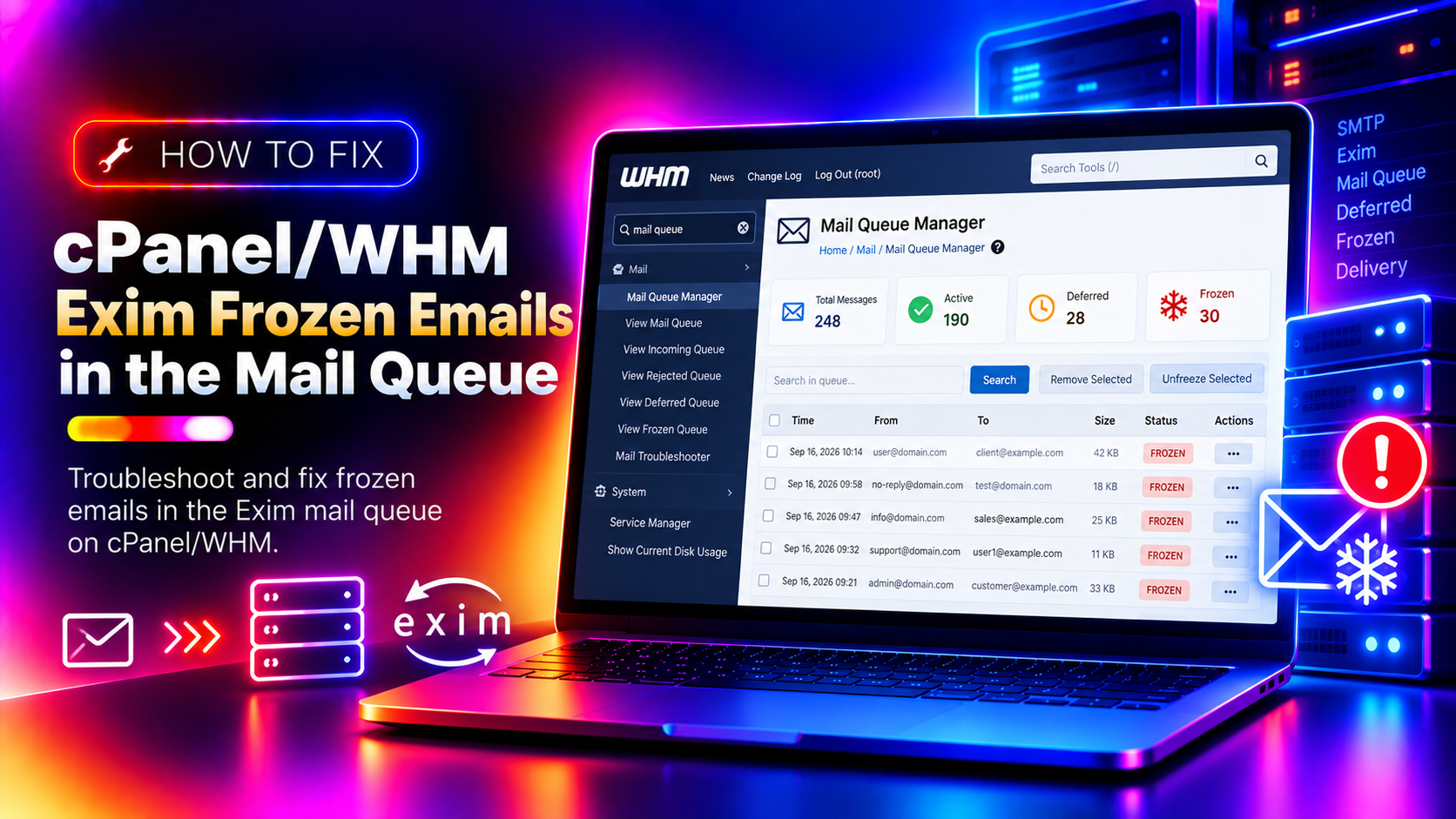
If you manage a cPanel/WHM server, you've likely seen this scenario: email is not sending, users are complaining, and when you check the mail queue, it's full of messages marked as frozen. Exim freezes emails when it cannot deliver a message after repeated attempts — but unlike a normal defer, frozen messages sit permanently in the queue, consuming disk space and confusing your clients. This guide walks you through diagnosing and fixing frozen Exim emails step by step.
Why Does Exim Freeze Emails?
Exim marks a message as frozen when it encounters a permanent error during delivery — usually after a bounce reply itself fails to deliver. Common causes include:
- Backscatter / Double-bounce: A spam message forged your domain as the sender. When Exim tried to bounce it, the bounce itself failed, so the message is frozen.
- Compromised email account: A hacked account sent thousands of spam messages that are now clogging the queue.
- Invalid recipient addresses: Bulk-sent messages to non-existent addresses that permanently failed.
- PHP script abuse: A poorly coded or malicious script on a hosted account injected mail directly via the sendmail binary.
- Exim misconfiguration: Routing rules or filters that cause a loop or dead-end for certain message types.
💡 None of these worked? Skip the guesswork.
Get Expert Help →Step 1: Check the Size and Health of the Mail Queue
Before taking any action, understand the scope of the problem. Log in to your server via SSH as root.
exim -bpcIf this returns thousands of messages, something is actively generating mail.
exim -bp | head -50Look for the word frozen next to message entries.
exim -bp | grep -c frozenThis tells you how many frozen messages you're dealing with specifically.
exim -bp | awk '{print $4}' | sort | uniq -c | sort -rn | head -20This shows you which email addresses are sending the most messages. A single address sending hundreds of messages is a red flag.
grep "cwd=" /var/log/exim_mainlog | grep -v "cwd=/var/spool" | awk -F"cwd=" '{print $2}' | awk '{print $1}' | sort | uniq -c | sort -rn | head -20The cwd= field shows the working directory of the process that injected the mail. If it points to a website's directory (e.g., /home/username/public_html), a PHP script is the culprit.
grep "cwd=/home/username/public_html" /var/log/exim_mainlog | grep "php" | tail -20Replace username with the account name found above.
8. Or suspend via command line
/scripts/suspendacct username "Sending spam — investigating"After suspending, change the email account password immediately and scan for malicious scripts.
exim -bp | grep frozen | awk '{print $3}' | xargs exim -MrmThis pipes the message IDs of frozen messages directly to exim -Mrm which removes them.
In WHM, search for Mail Queue Manager in the left nav. You can filter by status (Frozen), select all, and click Delete.
exim -bpcThe count should drop significantly. Run exim -bp | grep -c frozen to confirm frozen messages are gone.
Find or add the timeout_frozen_after setting. A value like 7d (7 days) tells Exim to automatically remove messages that have been frozen for more than 7 days:
timeout_frozen_after = 7dSave and restart Exim:
service exim restartLog in to the affected cPanel account. Navigate to Email > Email Deliverability. Click Repair if any records are invalid, or click on the domain to enable DKIM/SPF records in DNS.
_dmarc.yourdomain.com TXT "v=DMARC1; p=quarantine; rua=mailto:postmaster@yourdomain.com"The p=quarantine policy tells receiving mail servers to treat failed messages with suspicion, reducing backscatter from forged senders.
Step 7: Monitor the Queue Going Forward
After clearing the frozen queue, set up monitoring to catch issues early:
- Check the queue count regularly:
exim -bpc - Set WHM Mail Troubleshooter alerts for queue thresholds
- Review
/var/log/exim_mainlogdaily for unusual patterns - Consider installing a managed server management service that monitors and clears Exim queues proactively
FAQs
Conclusion
Frozen emails in cPanel/WHM Exim queues are usually a symptom of a deeper issue — spam injection, backscatter, or a compromised account. The key is to diagnose the source first, then clear the frozen messages, and finally configure Exim and email authentication to prevent recurrence. With the steps above, your mail queue should be clean and healthy within minutes.