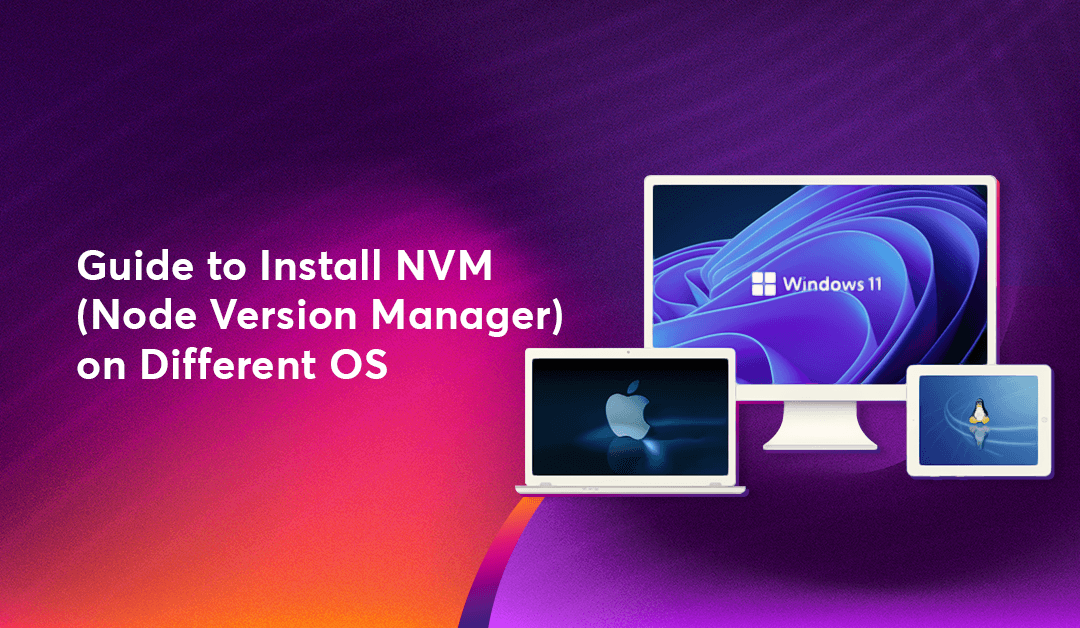
1. Why Use NVM Instead of a Standard Installer?
When you use the official Node.js installer, it performs a "global" installation that can lead to permission errors (requiring sudo) and limits you to just one version. NVM solves this by:
Managing Multiple Versions: Switch between "LTS" (Long Term Support) and the latest experimental versions easily.
Avoiding Permission Issues: NVM installs Node in your user directory, meaning you won’t need to use sudo for npm global installs.
Project Consistency: You can ensure every developer on your team is using the exact same Node version.
2. Installing NVM on macOS and Linux
For macOS and Linux users, NVM is a shell script that integrates into your terminal.
Step 1: Run the Install Script Open your terminal and run the following cURL command:
Bash Step 2: Update Your Profile
curl -o- https://raw.githubusercontent.com/nvm-sh/nvm/v0.39.7/install.sh | bash
The script attempts to add the NVM configuration to your profile file (.bash_profile, .zshrc, or .bashrc). If the nvm command isn't recognized after restarting your terminal, you may need to manually add these lines to your ~/.zshrc or ~/.bashrc:
Bash
export NVM_DIR="$([ -z "${XDG_CONFIG_HOME-}" ] && echo "$HOME/.nvm" || echo "$XDG_CONFIG_HOME/nvm")" [ -s "$NVM_DIR/nvm.sh" ] && . "$NVM_DIR/nvm.sh" # This loads nvm
Step 3: Verify Installation
Close and reopen your terminal, then type:
Bash
nvm --version
3. Installing NVM on Windows
Standard NVM does not support Windows natively. Instead, Windows users use a separate but similar tool called nvm-windows.
Step 1: Download the Installer Go to the nvm-windows releases page and download the nvm-setup.exe file.
Step 2: Run the Setup Follow the installation wizard. If you already have a version of Node.js installed, the installer will ask if you want NVM to manage it. Select Yes.
Step 3: Check in PowerShell Open PowerShell or Command Prompt (as Administrator) and run:
PowerShell
nvm version
4. How to Use NVM: Common Commands
Once installed, the commands are virtually identical across all operating systems.
Install a Specific Version:
Bash
nvm install 20.11.0 Install the Latest LTS (Recommended):
Bash
nvm install --lts Switch to a Version:
Bash
nvm use 18.19.0 List Installed Versions:
Bash
nvm ls
5. NVM vs. Other Version Managers
While NVM is the industry standard, there are other options available depending on your workflow.
NVM (Node Version Manager) The most popular choice for individual developers and teams. It is powerful and supports nearly every version of Node ever released.
Volta A newer, faster alternative written in Rust. It is "hassle-free" because it automatically switches versions based on the package.json file of the project you are currently in.
FNM (Fast Node Manager) Designed for speed, FNM is another Rust-based manager that is significantly faster than the original Bash-based NVM, making it a favorite for power users on macOS and Linux.
Troubleshooting Tip: The "Command Not Found" Error
If you have installed NVM but keep seeing "command not found," it is almost always because your terminal's configuration file (like .zshrc or .bashrc) hasn't been "sourced" or refreshed. Simply run source ~/.zshrc (on Mac/Linux) or restart your terminal entirely to fix the connection.
![Fix Windows 0x80004005 error [SOLVED]](https://strapise.cloudhousetechnologies.com/uploads/banner_fix_windows_0x80004005_error_9c97b9a4c9.png)