Moving a production Linux or Windows server is one of those projects where a single missed step — an unverified backup, a forgotten cron job, a DNS record nobody remembered — can turn a planned maintenance window into a multi-day outage. If you are about to hire a server migration provider, the fastest way to protect yourself is a written server migration checklist that covers exactly what needs to happen before, during, and after cutover, and exactly what you should be asking any vendor before you sign off.
This guide gives you that checklist — the requirements a serious migration partner should already have covered, and the questions that separate a provider who has done this hundreds of times from one who is learning on your production box.
What Is a Server Migration and Who Needs This Checklist?
A server migration is the process of moving websites, applications, databases, mailboxes, and configuration from one server (or hosting environment) to another — whether that's an old dedicated box to a new cloud VPS, one data center to another, or a straight cPanel-to-cPanel account transfer. Anyone doing any of the following needs a checklist before they start:
- Hosting companies moving client accounts off end-of-life hardware
- Businesses migrating from a legacy dedicated server to cloud infrastructure
- Teams switching control panels (Plesk to cPanel, or vice versa)
- Companies consolidating multiple servers into fewer, larger instances
- Anyone replacing an IT vendor and inheriting an undocumented server
Skipping the planning stage is the single biggest cause of migration failures — not the technical transfer itself.
The Pre-Migration Requirements Checklist
Before any data moves, these items need to be confirmed in writing. Treat this as a hard gate — do not proceed to the transfer phase until every row is checked.
| Requirement | Why It Matters | Who Owns It |
|---|---|---|
| Full inventory of domains, subdomains, mailboxes, cron jobs, SSL certs | Anything not inventoried gets missed and breaks silently after cutover | Current admin / provider |
| Verified, restorable backup of files, databases, and configs | The single most critical safety net if the migration fails mid-way | Migration provider |
| Access checklist: SSH/SFTP, control panel login, DB credentials, DNS zone access | Missing access is the #1 reason migrations stall on day one | Client + provider |
| Defined acceptable downtime window | Determines migration method — near-zero downtime needs staged sync, not a single cutover | Business owner |
| Written rollback plan | If cutover fails, you need a documented path back to the original environment within minutes, not hours | Migration provider |
| Staging/preview URL or host-file test method | Lets you validate the new server before DNS ever changes | Migration provider |
| List of what will NOT be migrated by default | Clear scope boundaries prevent post-migration surprises | Migration provider |
| Post-migration monitoring window (2-4 weeks) | Catches delayed issues — slow queries, missed mail queues, expired sessions | Migration provider |
How Much Does Server Migration Cost in 2026?
Pricing depends heavily on server count, data volume, and whether the move is a like-for-like transfer or a platform change (e.g. Plesk to cPanel). As a general 2026 market range:
- Single small server (under 50GB, one control panel): $150 – $500 one-time
- Mid-size server with multiple accounts/databases: $500 – $1,500
- Enterprise multi-server or zero-downtime migration: $2,000+ with dedicated project management
- Ongoing hourly support during transition: billed per hour, useful when scope is uncertain
Be wary of flat "$99 migration" offers with no mention of backup verification, rollback planning, or post-migration monitoring — those costs usually reappear as emergency fixes later.
Questions to Ask Before You Hire a Server Migration Provider
Use these questions as your vendor-evaluation checklist. A provider who answers vaguely on any of these is a red flag:
- What is the exact migration method for my setup? — cPanel-to-cPanel transfer tool, rsync, mysqldump, or manual rebuild — each fails differently, and the provider should know which applies to you.
- Is this "best effort" or fully supported end-to-end? — Get clarity on who owns fixing what if something breaks at cutover.
- What is the realistic downtime, in a sequence of steps — not a promise? — A credible answer names the phases (DNS TTL reduction, sync, cutover, verification), not just a number.
- How will I test the new server before DNS switches? — Expect a staging URL or temporary host-entry method.
- What is your documented rollback procedure? — Ask them to describe it, not just confirm one exists.
- What do you not migrate by default? — Third-party integrations, custom cron jobs, and firewall rules are common gaps.
- Do you provide post-migration monitoring? — Issues like SSL, DNS propagation, and email delivery often surface days later.
Whatever provider you choose, insist on seeing the migration plan in writing before work starts. If you're evaluating options, CloudHouse's server migration service is built around this exact checklist — verified backups, a documented rollback plan, and a staging environment for every migration, on both Linux and Windows infrastructure.
In-House vs Outsourced Server Migration
If you have a dedicated sysadmin who has done multiple production migrations, in-house may work. For most businesses, outsourcing is the safer default because:
- A specialist team has already handled the edge cases (large databases, legacy apps, slow upstream providers) that trip up a first-time migration
- External providers typically carry migration-specific tooling and rollback experience your in-house team may not have exercised under pressure
- You get a documented, third-party-owned rollback plan instead of relying on institutional memory
Why Hosting Companies Choose CloudHouse for Server Migration
CloudHouse runs Linux and Windows server migrations with verified backups at every step, a written rollback plan before work begins, and 24/7 hourly-billed support so you are never paying for idle standby time. No long-term lock-in contracts — you get a scoped migration plan and a fixed or hourly quote before anything moves.
💡 None of these worked? Skip the guesswork.
Get Expert Help →The Step-by-Step Server Migration Process
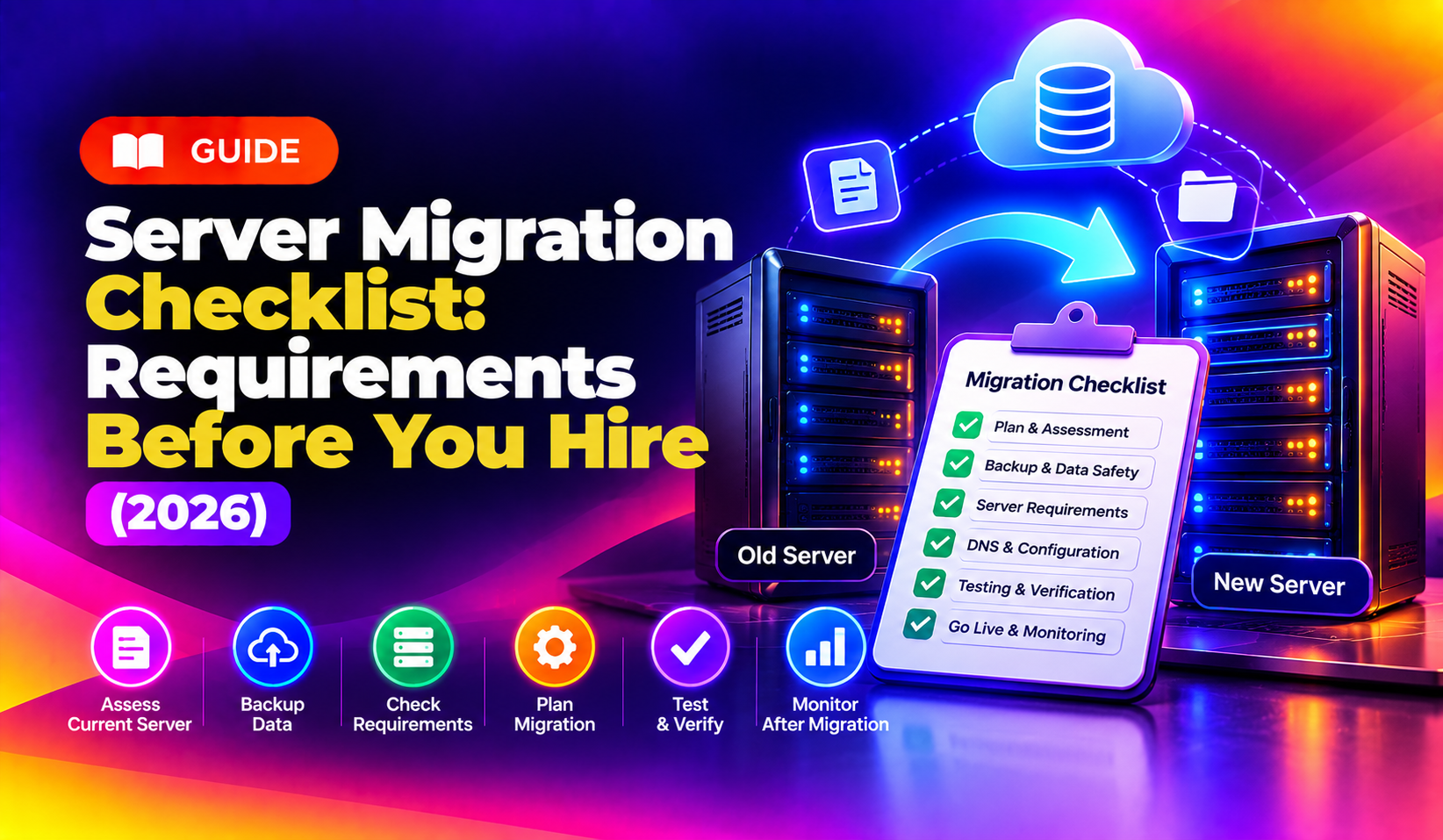
Beyond the pre-migration requirements checklist, the actual execution should follow a predictable sequence. Here is the process a competent provider follows, regardless of whether you're moving one cPanel account or an entire data center:
The provider audits every domain, subdomain, mailbox, cron job, SSL certificate, and third-party integration (payment gateways, SMTP relays, CRM webhooks) on the source server. Nothing gets migrated blind — every dependency is documented first.
The destination server is provisioned with matching OS version, control panel, PHP/runtime versions, and firewall rules. Version mismatches are one of the most common causes of "it worked on the old server" failures.
A complete backup of files, databases, mail, and configuration is taken and — critically — test-restored to confirm it is actually usable, not just present. An unverified backup is not a real backup.
Bulk data (files, historical email, static assets) moves first while the source server stays live. This shrinks the eventual cutover window to only the data that changed since the bulk transfer — often minutes instead of hours.
Before DNS ever changes, the new server is tested via a staging URL or temporary host-file entry. Every critical application, database connection, and mail flow is smoke-tested against pre-migration benchmarks.
DNS TTL is lowered well ahead of cutover so the switch propagates quickly. A final delta sync captures any last-minute changes, then DNS is pointed to the new server.
The provider actively monitors the new server for 2-4 weeks — checking mail delivery, SSL validity, DNS propagation, error logs, and performance against pre-migration benchmarks — because some issues only surface under real production load.
Common Server Migration Pitfalls (and How the Checklist Prevents Them)
Most migration failures trace back to a handful of recurring mistakes. Each one is exactly why the checklist above exists:
- Email breaking after cutover — usually caused by MX records not updated in sync with the web DNS, or mailbox data not fully synced before the final cutover. A staged migration with a defined mail-first sequence avoids this.
- SSL certificate errors on the new server — happens when certificates aren't reissued or reinstalled correctly for the new hostname/IP. Confirming SSL handling is part of the vendor questions above.
- File permission and ownership mismatches — Linux migrations between different user/group ID schemes can leave applications unable to read their own files. A competent provider normalizes UID/GID mapping as part of the transfer.
- Forgotten cron jobs and scheduled tasks — these rarely show up in a quick file copy and need to be explicitly inventoried, which is why discovery and dependency mapping is step one, not an afterthought.
- Database character set or version mismatches — moving between MySQL/MariaDB versions without checking compatibility can corrupt special characters or break queries silently.
- No rollback path when cutover fails — without a documented, tested rollback procedure, a failed cutover can turn into extended downtime while the team improvises a fix live.
Windows vs Linux Server Migration: Key Differences
While the checklist principles are the same, the technical execution differs:
- Linux migrations commonly rely on rsync, mysqldump, and cPanel/WHM or Plesk transfer tools, with attention to file permissions (UID/GID) and cron jobs.
- Windows migrations typically involve IIS site configuration exports, SQL Server backup/restore, registry-dependent application settings, and Active Directory or domain-join considerations if the server participates in a domain.
- Mixed environments (e.g. a Windows application server talking to a Linux database server) need dependency mapping across both platforms, which is where generalist providers without cross-platform experience tend to struggle.
Make sure whichever provider you evaluate can show migration experience on your specific OS and control panel combination, not just a generic "we do server migrations" claim.
Frequently Asked Questions
How much does a server migration cost in 2026?
Most single-server migrations range from $150–$500, mid-size multi-account servers from $500–$1,500, and enterprise or zero-downtime migrations run $2,000 and up. The exact cost depends on data volume, number of accounts, and whether you're changing control panels.
How long does a typical server migration take?
A single small server usually takes a few hours to a full day including validation. Larger multi-server or zero-downtime migrations can take several days when staged in phases to keep downtime near zero.
Do you offer a trial or month-to-month support plan after migration?
Yes — CloudHouse offers hourly-billed post-migration support with no long-term contract, so you can extend monitoring coverage only as long as you actually need it.
What happens if the migration fails halfway through?
A properly planned migration always has a documented rollback procedure and a verified backup of the original environment, so you can revert within minutes rather than losing the site entirely. Always confirm this plan exists in writing before work starts.
Can I migrate my server myself instead of hiring someone?
You can, if you have in-house experience with your specific control panel, database engine, and DNS setup. Most businesses outsource because a specialist has already handled the failure modes — large databases, mail queue issues, SSL reissuance — that a first-time migration is likely to hit.