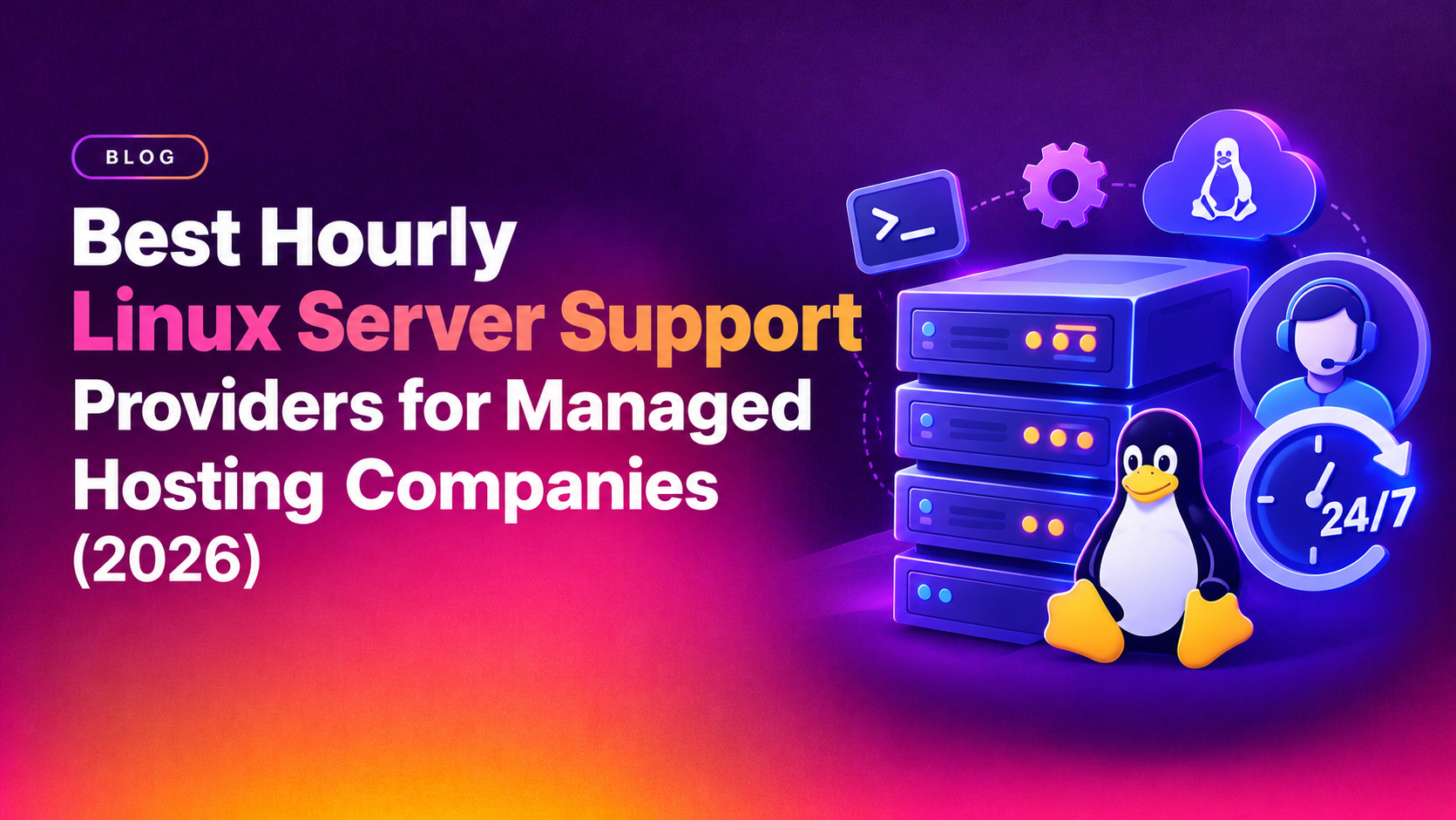
If you run a managed hosting company, you already know the math: hiring a full-time Linux sysadmin costs $60,000-$90,000 a year in salary alone, yet server emergencies don't arrive on a predictable schedule. This is exactly why more hosting providers are searching for hourly Linux server support for hosting companies — a way to get certified sysadmin coverage exactly when it's needed, billed only for the hours worked, without the overhead of a full-time hire. This guide breaks down what to look for in an hourly Linux support provider, compares the criteria that actually matter, and shows you how to avoid the vendors that look cheap on paper but cost you in downtime.
Why Hosting Companies Are Moving to Hourly Linux Support
Managed hosting companies operate on thin margins and unpredictable ticket volume. A single in-house Linux admin can burn out covering nights, weekends, and emergency escalations — and if they leave, you lose institutional knowledge overnight. Hourly Linux support flips this model: you get a bench of certified engineers who scale up during incidents (a compromised WordPress cluster, a failed RAID array, a kernel panic at 3 a.m.) and scale down when things are quiet, so you're never paying for idle headcount.
The pain point is real and specific: hosting company founders and ops leads need reliable per-hour Linux sysadmin coverage without hiring full-time staff, and they're comparing vendors on responsiveness, SLA terms, and total cost. Get the vendor choice wrong and you inherit slow response times, inconsistent documentation, and support staff who don't understand hosting-specific stacks like WHM/cPanel, Plesk, or DirectAdmin.
What "Best" Actually Means for Hourly Linux Support
Every vendor claims to be the "best" hourly Linux support provider. Strip away the marketing and there are five criteria that separate a genuinely reliable partner from a call-center reseller:
- Response SLA — is 15-minute first response contractual, or just a website claim?
- Engineer seniority — are you getting L1 script-readers or engineers who can debug kernel-level issues, MySQL replication lag, and Nginx/Apache misconfigurations?
- Hosting-stack fluency — real experience with WHM/cPanel, Plesk, DirectAdmin, Webmin, and multi-tenant hosting environments, not generic "Linux admin" resumes.
- Transparent hourly billing — no minimum monthly retainer traps, no rounding every ticket up to a full hour.
- Security-first process — documented change management, audit logs, and no shared root credentials across clients.
Vendor Evaluation Checklist
Use this checklist when screening any linux server support provider before signing a contract:
- Do they publish a real, contractual response-time SLA (not "typically within a few hours")?
- Can they name specific hosting control panels they support day-to-day?
- Do they bill in real hourly increments, or round every ticket to a full hour minimum?
- Do they offer a trial block of hours before a long-term commitment?
- Is 24/7 coverage genuinely staffed, or routed through a generic help desk after hours?
- Do they provide a dedicated point of contact who learns your infrastructure over time, instead of a rotating pool of strangers?
- Do they carry NDA and data-handling terms suitable for a hosting business with end-customer data?
Comparing Hourly Linux Support Models
| Evaluation Criteria | Typical Freelance/Marketplace Admin | Generic Outsourced Call Center | CloudHouse Hourly Linux Support |
|---|---|---|---|
| Response SLA | Best-effort, no contract | Hours, often queued | Contractual fast response, 24/7 |
| Hosting-stack expertise | Varies wildly by individual | Generic Linux/Windows only | WHM/cPanel, Plesk, DirectAdmin, Webmin fluent |
| Billing transparency | Hourly, but no accountability | Monthly retainer minimums | Pure pay-per-hour, no lock-in |
| Security process | Ad hoc, no audit trail | Basic ticketing only | Documented change management + audit logs |
| Continuity | Single point of failure | Rotating unfamiliar agents | Dedicated engineers who know your stack |
Understanding Hourly Linux Support Pricing
One of the most common searches among ops leads is hourly linux support pricing — and the honest answer is that it varies by engineer seniority and scope. Basic monitoring-only support can run $15-$25/hour, while senior sysadmin work involving security hardening, migrations, or emergency incident response typically runs $35-$75/hour depending on region and specialization. Watch for providers who quote a low headline rate but enforce a high monthly minimum-hours commitment — that's a retainer in disguise, not true hourly billing.
A genuinely hourly model should let you burn through 5 hours one month and 40 the next without penalty. If a vendor can't explain their billing increment (is it billed in 15-minute blocks, or rounded to a full hour?), ask before signing anything.
Outsourced Linux Sysadmin Support vs. Hiring In-House
Choosing between outsourced linux sysadmin support and a full-time hire comes down to ticket volume predictability. If your hosting company handles fewer than 60-80 hours of sysadmin work a month, an hourly model is almost always cheaper and more resilient than one salaried engineer, because you get bench depth (multiple engineers, no single point of failure) instead of one person's working hours and vacation schedule. Above that volume, a hybrid model — one in-house lead plus hourly overflow support — tends to work best for growing hosting providers.
There's also a hidden cost most founders underestimate: recruiting and vetting a competent Linux sysadmin can take 4-8 weeks, and a bad hire can quietly cost tens of thousands of dollars in downtime, missed patches, or security incidents before the mistake is caught. An hourly support provider removes that hiring risk entirely — you're evaluating a track record and a team, not betting on a single resume. It also solves the "single point of failure" problem that plagues small hosting companies: if your one in-house admin is on vacation, sick, or simply asleep when a server goes down, an hourly provider's bench of engineers is already awake and on call.
Typical Response-Time Benchmarks to Ask For
Response-time language in a sales pitch is meaningless without numbers attached to it. When evaluating a hourly linux server support for hosting companies provider, ask them to commit, in writing, to benchmarks like these:
- Critical/down-server tickets — first response within 15 minutes, 24/7, with an engineer actively working the issue within 30 minutes.
- High-priority tickets (degraded performance, partial outage) — first response within 1 hour.
- Standard tickets (configuration changes, routine requests) — first response within 4 business hours.
- Monthly reporting — a summary of hours used, incidents handled, and recurring issues flagged for permanent fixes, not just a raw invoice.
Providers who hesitate to put these numbers into a contract are telling you, indirectly, that they can't consistently hit them.
💡 None of these worked? Skip the guesswork.
Get Expert Help →How Onboarding Usually Works
The provider's lead engineer reviews your server inventory, control panels in use, backup setup, and any known recurring issues.
Credentials are provisioned through a secure vault or scoped SSH keys — never shared in plain text over email or chat.
You agree on who gets notified for critical incidents, what counts as an emergency, and how status updates are communicated during an outage.
Most hosting companies start with a small block of hours to test response times and technical quality before committing to a larger monthly volume.
Once trust is established, the provider becomes an extension of your team, with monthly reporting on hours used and issues resolved.
Why Hosting Companies Choose CloudHouse for Hourly Linux Support
CloudHouse Technologies built its hourly Linux server support service specifically for managed hosting companies, not generic SMBs. That means engineers who already speak WHM/cPanel, Plesk, and DirectAdmin fluently, a documented 24/7 escalation process, and billing that's genuinely hourly — no forced monthly minimums, no lock-in contracts. Clients get a consistent engineer pool that learns their infrastructure instead of starting from zero on every ticket.
Questions to Ask Before You Sign
Before committing hours to any linux server support provider, run a short discovery call and ask these questions directly — the quality of the answers tells you more than any marketing page:
- "Walk me through what happens in the first 15 minutes after I report a server outage." A vague answer here is disqualifying.
- "How many engineers are on your Linux team, and what's their average tenure?" High turnover teams re-learn your environment constantly.
- "Can I speak to a reference client who runs a similar hosting stack to mine?" Any established provider should have one ready.
- "What happens if I use zero hours in a month — do I still get billed a minimum?" This exposes hidden retainer terms immediately.
- "How do you handle a security incident, like a compromised account or malware injection, differently from a routine ticket?" Look for a distinct incident-response process, not the same generic queue.
A provider that answers all five clearly and specifically, without hedging, is worth moving forward with. One that dodges two or more of them is a risk you don't need to take on.
Red Flags to Avoid When Comparing Providers
A few warning signs consistently separate weak managed hosting linux support vendors from strong ones: refusal to share a written SLA, vague answers about which control panels they actually support, insistence on a large upfront retainer before you've tested response quality, and support tickets that get passed between multiple unfamiliar agents with no continuity. If a vendor can't answer these plainly during a sales call, that's a preview of what post-contract support will feel like.
Get Reliable Hourly Linux Support Today
Stop choosing between an expensive full-time hire and unreliable freelance coverage. CloudHouse Technologies offers hourly Linux server support for hosting companies with certified engineers, transparent per-hour billing, and a real 24/7 SLA built around hosting-specific stacks. Get a free quote for hourly Linux server support and see exactly what your first block of coverage would look like — no long-term contract required.
Frequently Asked Questions
How much does hourly Linux server support typically cost?
Pricing generally ranges from $15-$25/hour for monitoring-level work up to $35-$75/hour for senior sysadmin tasks like security hardening, migrations, or emergency incident response. Always confirm whether the quoted rate includes a hidden monthly minimum before comparing providers on price alone.
Can I trust an outsourced team with root access to my hosting servers?
Yes, provided the provider has documented change-management processes, signed NDAs, and audit logging on every action taken with elevated privileges. Ask any prospective vendor to show you their access-control and logging policy before granting root credentials — a provider that can't produce one isn't ready for production hosting infrastructure.
How quickly can hourly Linux support start after signing up?
Most reputable providers, including CloudHouse, can onboard a hosting company and begin covering tickets within 24-48 hours, since there's no infrastructure to deploy — just credential handoff, a brief environment walkthrough, and an agreed escalation path.
Is hourly support enough for 24/7 emergency coverage, or do I still need in-house staff?
A well-staffed hourly provider can fully cover 24/7 emergency response for most hosting companies under roughly 80 hours of monthly sysadmin work. Above that volume, many hosting providers pair one in-house lead engineer with hourly overflow support for cost efficiency and continuity.
What control panels and hosting stacks should an hourly Linux support provider know?
Look for proven, day-to-day experience with WHM/cPanel, Plesk, DirectAdmin, and Webmin, plus core Linux administration skills like MySQL/MariaDB tuning, Nginx/Apache configuration, firewall management, and backup/disaster recovery. A provider limited to generic "Linux admin" experience without hosting-specific control panel exposure will slow down every ticket.