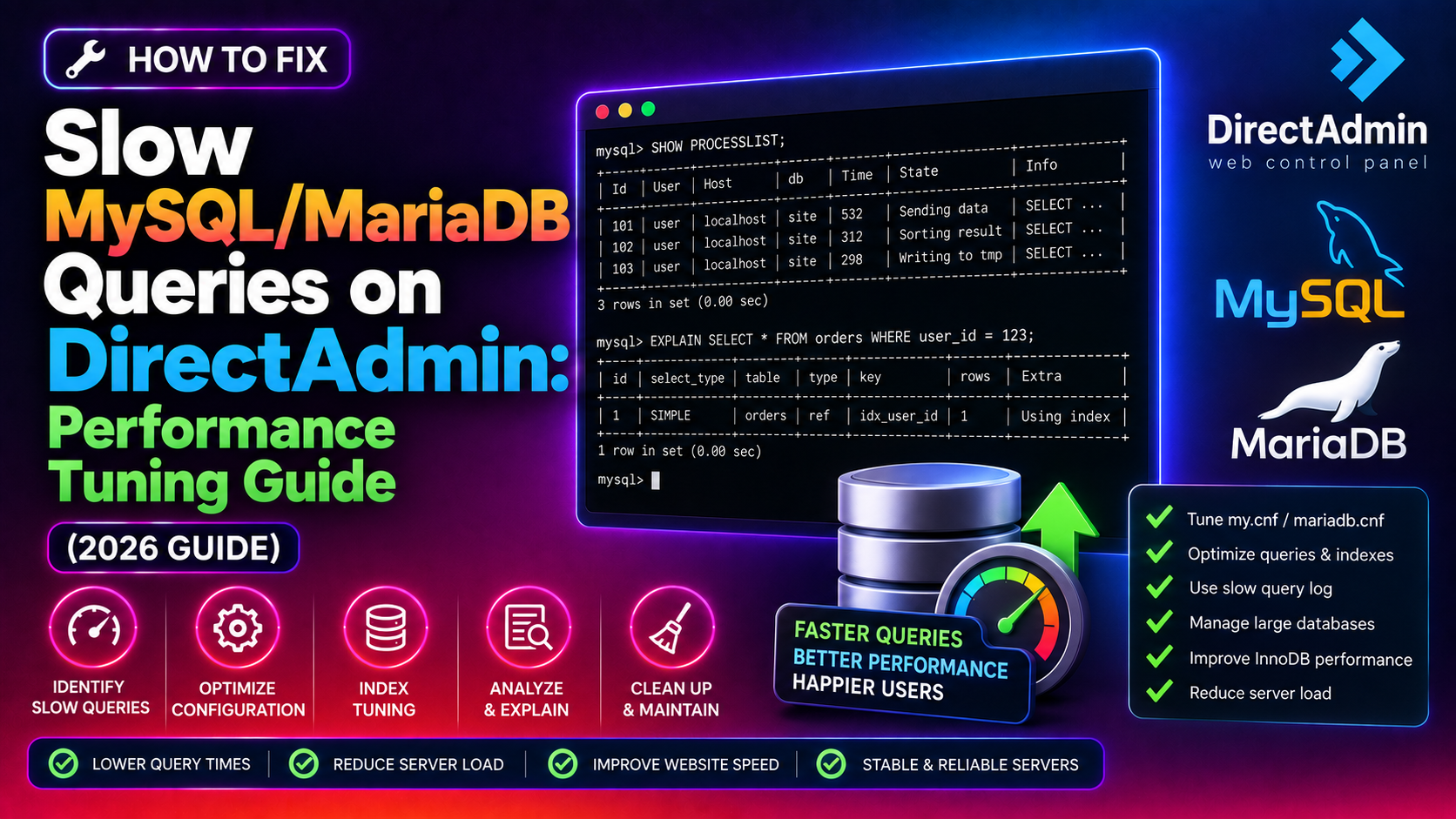
On DirectAdmin hosting servers, slow MySQL or MariaDB query performance is one of the most common root causes of high CPU load, PHP timeouts, and sluggish WordPress or e-commerce sites. The default MariaDB configuration that ships with most DirectAdmin installations is tuned conservatively — it works on minimal RAM but leaves significant performance on the table for servers with 2 GB or more. This guide shows you how to diagnose slow queries with the slow query log, use mysqltuner to identify bottlenecks, and apply the key configuration changes to my.cnf that will have the biggest impact.
💡 None of these worked? Skip the guesswork.
Get Expert Help →Step 1: Enable the Slow Query Log in DirectAdmin
Before tuning anything, you need data. The slow query log records every query that takes longer than a configurable threshold, giving you a precise list of the queries causing performance problems.
On DirectAdmin servers, the main configuration file is typically at:
/etc/my.cnfSome installations split configuration into /etc/mysql/conf.d/. Check both locations.
Open the file as root and add these lines under the [mysqld] section:
[mysqld]
slow_query_log = 1
slow_query_log_file = /var/log/mysql-slow.log
long_query_time = 1
log_queries_not_using_indexes = 1
long_query_time = 1 records any query taking more than 1 second. On a heavily loaded server, start at 2 seconds to reduce log volume. The log_queries_not_using_indexes flag is especially valuable — full table scans on large tables often take milliseconds but become catastrophic as data grows.
systemctl restart mariadbOr via DirectAdmin service manager: DirectAdmin → Advanced → Service Monitor → MariaDB/MySQL → Restart.
Let the server run under normal load for 10-15 minutes, then read the slow query log:
tail -100 /var/log/mysql-slow.logLook for queries with high Query_time values and tables appearing in EXPLAIN outputs without an index being used.
wget https://raw.githubusercontent.com/major/MySQLTuner-perl/master/mysqltuner.pl
perl mysqltuner.pl --host 127.0.0.1
It will prompt for the root password. You can also pass it with --user root --pass yourpassword.
The output is divided into sections. Focus on the lines marked [!!] — these are warnings requiring attention. Common findings on stock DirectAdmin installations include:
innodb_buffer_pool_sizeis set too low relative to available RAM- High thread creation rate (thread_cache_size too small)
- Table cache too small (table_open_cache)
- Many slow queries logged without indexes being used
mysql -e "SHOW VARIABLES LIKE 'innodb_buffer_pool_size';"The default is often 128 MB — far too small for a server with 4+ GB of RAM running multiple WordPress sites.
On a dedicated server or VPS, this is the most impactful single change you can make. For a 4 GB RAM server:
[mysqld]
innodb_buffer_pool_size = 2G
For an 8 GB RAM server, set it to 5-6 GB. On shared hosting servers where DirectAdmin manages multiple accounts, use 40-50% to leave headroom for Apache, PHP-FPM, and the OS.
For servers with 8+ GB buffer pool size, use multiple instances to reduce lock contention:
innodb_buffer_pool_instances = 4Each instance should be at least 1 GB. The total pool size divides evenly across instances.
mysql -e "SHOW STATUS LIKE 'Threads_created';"
mysql -e "SHOW STATUS LIKE 'Connections';"
If Threads_created is close to Connections, threads are being created for every connection — the cache is too small or empty.
[mysqld]
thread_cache_size = 32
For busy DirectAdmin servers with many cPanel-style sites, 32-64 is appropriate.
The default max_connections is often 151, which can be too low on busy DirectAdmin servers:
max_connections = 300Watch SHOW STATUS LIKE 'Max_used_connections' — if this is approaching your max_connections limit, you'll see connection refused errors in PHP/WordPress logs.
Each table that's opened requires a file descriptor. The table_open_cache controls how many open table instances MariaDB maintains in memory:
table_open_cache = 2000
table_definition_cache = 1400Larger InnoDB redo logs improve write performance on busy servers but increase crash recovery time:
innodb_log_file_size = 256MNote: Changing innodb_log_file_size requires a clean shutdown of MariaDB. Stop the service, delete the old log files (/var/lib/mysql/ib_logfile*), then start MariaDB — it will recreate them at the new size.
Step 6: Apply the Complete Optimised my.cnf Configuration
Here is a consolidated recommended configuration for a DirectAdmin server with 4 GB RAM running typical WordPress and PHP applications. Add these under the [mysqld] section:
[mysqld]
# InnoDB performance
innodb_buffer_pool_size = 2G
innodb_buffer_pool_instances = 2
innodb_log_file_size = 256M
innodb_flush_method = O_DIRECT
innodb_flush_log_at_trx_commit = 2

# Connection handling
max_connections = 250
thread_cache_size = 32
table_open_cache = 2000
table_definition_cache = 1400

# Query cache (disable on MariaDB 10.3+)
query_cache_type = 0
query_cache_size = 0

# Slow query logging
slow_query_log = 1
slow_query_log_file = /var/log/mysql-slow.log
long_query_time = 1
log_queries_not_using_indexes = 1

# Temporary tables
tmp_table_size = 128M
max_heap_table_size = 128M
Note on innodb_flush_log_at_trx_commit = 2: This reduces disk I/O by flushing the log to disk once per second rather than on every commit. On a web hosting server, the performance gain is significant — the only risk is losing up to 1 second of transactions in a hard crash, acceptable for most hosting workloads.
Note on query_cache_type = 0: The MySQL query cache was removed entirely in MySQL 8.0 and is effectively deprecated in MariaDB 10.3+. It causes mutex contention on busy servers and should be disabled.
Step 7: Monitor After Tuning
After restarting MariaDB with the new configuration, monitor these metrics over the next 24 hours:
# Buffer pool hit rate (should be > 99%)
mysql -e "SHOW STATUS LIKE 'Innodb_buffer_pool_reads%';"

# Thread cache efficiency
mysql -e "SHOW STATUS LIKE 'Threads_created';"

# Check for max connection saturation
mysql -e "SHOW STATUS LIKE 'Max_used_connections';"

# Check slow query log for improvements
wc -l /var/log/mysql-slow.log
For ongoing DirectAdmin server performance monitoring and database tuning, CloudHouse's managed server service includes MySQL/MariaDB performance reviews, slow query analysis, and proactive configuration tuning.
FAQs
Conclusion
Fixing slow MariaDB/MySQL performance on a DirectAdmin server starts with enabling the slow query log to find problem queries, then running mysqltuner to identify configuration gaps. The highest-impact changes are almost always setting innodb_buffer_pool_size to 50-70% of available RAM, enabling thread caching, and disabling the legacy query cache. Apply the configuration changes incrementally, restart MariaDB, and monitor buffer pool hit rates and slow query log volume to confirm improvements. For DirectAdmin servers where database performance is critical and changes need to be made safely under load, CloudHouse's managed server team handles MariaDB tuning, monitoring, and ongoing optimisation.