
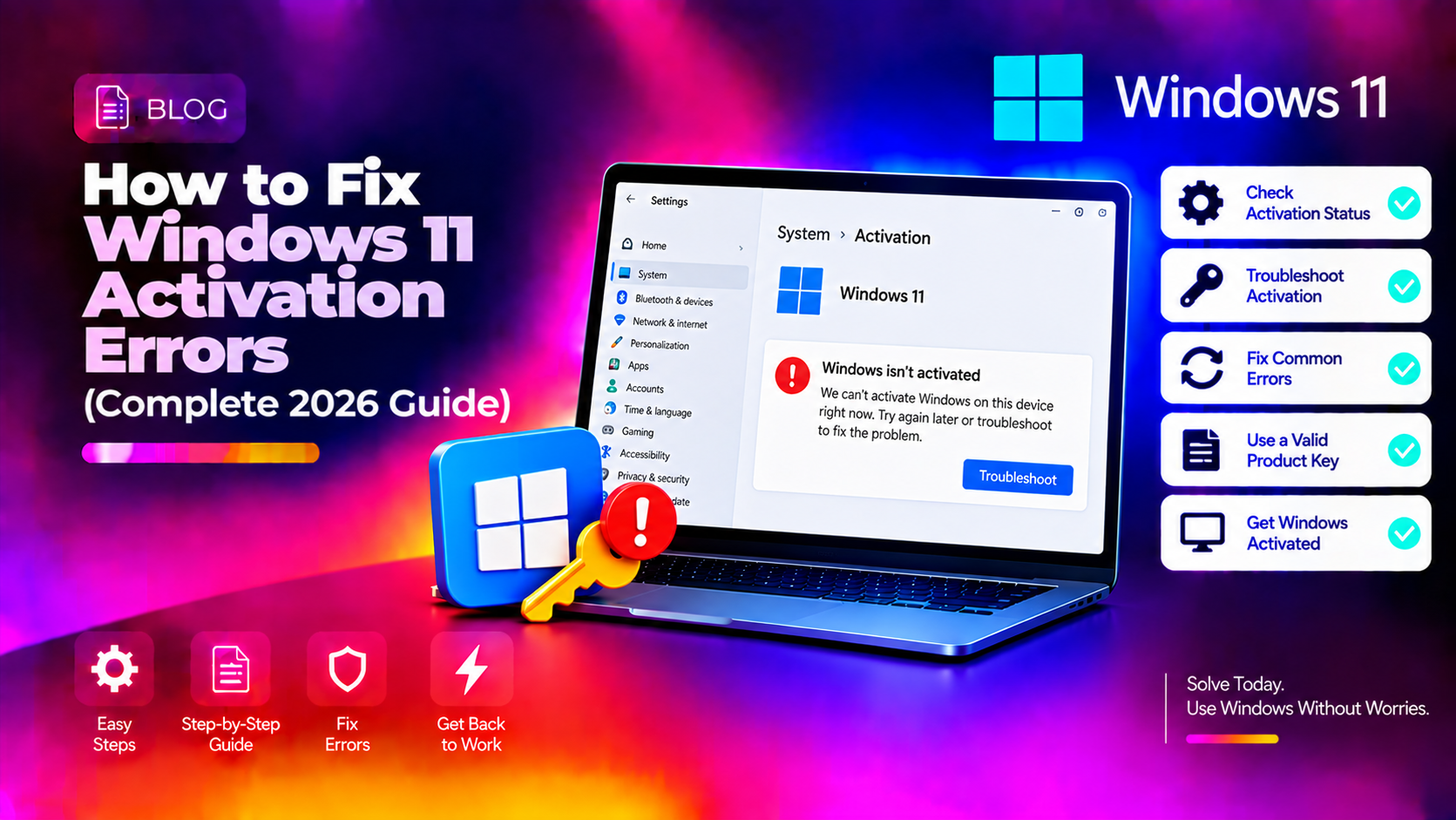
Why Windows 11 Shows "Windows Isn't Activated"
Windows 11 activation errors have surged in 2026 following KB5079473 (March 2026), which triggered activation resets on some systems, and the retirement of phone activation. Whether your PC shows error 0xC004F213, 0x803F7001, or simply "Windows isn't activated", this guide covers every fix — from the quickest (running the activation troubleshooter) to the most thorough (relinking your digital license to your Microsoft account).
Check Your Activation Status First
Open Settings → System → Activation to see your exact status and error code. Then run:
slmgr /dliThis shows your license type (OEM, Retail, or Volume) and partial product key. Understanding your license type determines the correct fix.
Fix 1: Run the Activation Troubleshooter
Go to Settings → System → Activation → Troubleshoot. This built-in tool resolves the majority of activation errors automatically — particularly after hardware changes or Windows reinstalls. Let it complete, then check if Windows activates.
Fix 2: Use the slmgr Commands (Command Line)
Open Command Prompt as Administrator and try these in sequence:
# Attempt immediate online activation
slmgr /ato
If that fails with a specific error code, reset the activation state:
# Uninstall the current product key
slmgr /upk

# Clear the product key from registry
slmgr /cpky

# Re-enter your product key (replace XXXXX-XXXXX-XXXXX-XXXXX-XXXXX with your key)
slmgr /ipk XXXXX-XXXXX-XXXXX-XXXXX-XXXXX

# Set the activation server
slmgr /skms kms.core.windows.net

# Activate
slmgr /ato
Fix 3: Error 0xC004F213 — Hardware Change (Digital License)
0xC004F213 means Windows can't match your digital license to your current hardware — typically caused by motherboard replacement, major hardware upgrade, or a fresh Windows install on different hardware.
Fix: Relink via Microsoft Account
- Go to Settings → System → Activation → Add an account (or sign in if already showing)
- Sign in with the Microsoft account that was linked to your original Windows license
- After signing in, click Troubleshoot and choose I changed hardware on this device recently
- Select your current device from the list and click Activate
If you never linked your license to a Microsoft account, you may need to contact Microsoft Support (1-800-642-7676) — they can manually reactivate after verifying your original purchase.
Fix 4: Error 0x803F7001 — Not Activated After Upgrade
This error typically appears when upgrading from Windows 10 to Windows 11 on a device that wasn't activated. The digital upgrade license requires the underlying Windows 10 license to be genuine.
# Check if Windows 10 was genuinely activated before upgrade
# Run this and look for "License Status: Licensed"
slmgr /dlv
If your Windows 10 wasn't activated, you'll need to purchase a Windows 11 retail license. If it was activated, try the troubleshooter again — the license transfer may just need a server check.
Fix 5: Activation Error After KB5079473 (March 2026 Update)
KB5079473 caused activation resets on some systems. If your activation broke in March 2026:
# Check Windows Update history
Get-WinEvent -LogName Setup | Where-Object {$_.Message -like "*KB5079473*"} | Select-Object TimeCreated, Message
Run the Activation Troubleshooter — Microsoft pushed an automatic fix for this in KB5081025. If you haven't received that update:
wuauclt /detectnow
wuauclt /updatenow
Fix 6: Reset the Tokens.dat File (Corrupted License Store)
# Stop Software Protection service
net stop sppsvc

# Navigate to tokens directory
cd %SystemRoot%\System32\spp\store.0
# Backup and delete tokens.dat
ren tokens.dat tokens.dat.backup

# Restart the service
net start sppsvc

# Attempt activation
slmgr /ato
Windows will recreate tokens.dat from your license information. This fixes cases where the local license store is corrupted but the license itself is valid.
Fix 7: Clean Install Windows 11 and Reactivate with Digital License
If nothing else works, perform a clean Windows 11 install. Your digital license is tied to your Microsoft account (if linked) or your hardware fingerprint, so it will reactivate automatically during setup — no product key needed if you sign in with the same Microsoft account.
Download the Windows 11 Media Creation Tool from Microsoft, create a USB, and install fresh. During setup, choose "I don't have a product key" — Windows activates automatically after connecting to the internet.
Microsoft No Longer Offers Phone Activation
In 2026, Microsoft officially retired the phone activation option (previously available via slmgr /dti). If you've been told to "call Microsoft to activate", this path no longer works. Use your Microsoft account or contact Microsoft Support online at support.microsoft.com.
Need Help With Windows 11 Activation?
If you're stuck on an activation error code that none of these fixes resolve, CloudHouse Technologies' Pay-Per-Ticket Support can diagnose your license type and activate Windows remotely — no subscription, just fast expert help.