If you get SSL installation wrong — a broken certificate chain, an expired renewal nobody caught, a mixed-content warning that tanks conversions — the damage shows up in browser warning screens, not a support ticket queue. Choosing how to choose an SSL installation provider is really a vendor-vetting problem: most companies can install a certificate, but far fewer can configure the chain correctly, automate renewals, and be reachable when something breaks at 2am. This guide gives you a concrete checklist, the red flags that predict a bad hire, and the exact questions to ask before you sign anything.
What Is SSL Installation and Who Needs It?
SSL/TLS installation is the process of generating a certificate signing request (CSR), obtaining a certificate from a Certificate Authority (CA), installing it correctly on your web server (Apache, Nginx, IIS, or a control panel like cPanel/Plesk), and configuring the full certificate chain — root, intermediate, and leaf certificates — so every browser and device trusts the connection without warnings.
You need a dedicated SSL installation provider if you:
- Run an ecommerce site handling payment data (PCI DSS requires valid, correctly configured TLS)
- Manage multiple domains or subdomains and need wildcard or multi-domain (SAN/UC) certificates
- Have seen "not secure" or chain-related warnings in Chrome/Firefox dev tools
- Don't have in-house server admin capacity to handle renewals every 90–398 days
- Are migrating servers or hosting providers and need certificates re-installed correctly
Doing this yourself is possible with tools like Let's Encrypt's Certbot, but a surprising number of outages trace back to a self-managed certificate expiring silently, or an intermediate certificate left out of the chain.
💡 None of these worked? Skip the guesswork.
Get Expert Help →Vendor-Vetting Criteria: What Actually Matters
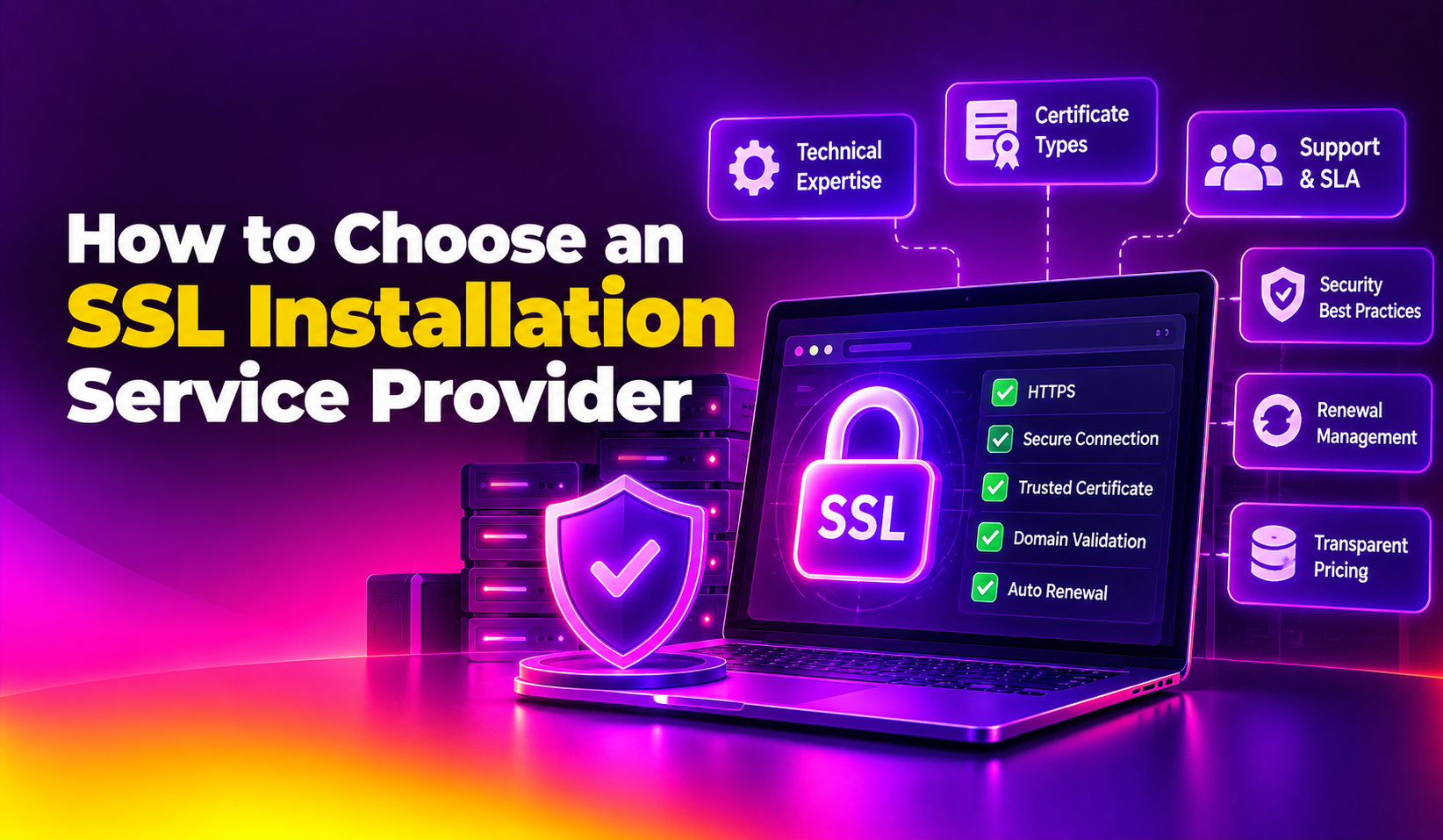
Not all "SSL installation services" are equal. Some are one-person shops running a script; others are server management teams who treat SSL as one piece of ongoing hardening. Use this checklist to score any provider you're evaluating.
- Full chain verification, not just installation. Ask if they test the installed chain with tools like SSL Labs' SSL Test after every install — not just "it loaded in my browser."
- Auto-renewal is engineered, not promised. The provider should set up automated renewal (via ACME/Certbot cron jobs, or CA API integration) with monitoring and alerting — not a calendar reminder.
- Multi-CA and multi-platform experience. A competent provider has installed certificates from Let's Encrypt, Sectigo, DigiCert, and GlobalSign across Apache, Nginx, IIS, and control panels like cPanel, Plesk, and DirectAdmin.
- Server hardening included, not sold separately as an afterthought. SSL installation done in isolation from broader server security (firewall rules, TLS protocol versions, cipher suites) is incomplete work.
- Transparent, itemized pricing. You should get a fixed quote for installation plus a clear support/renewal retainer — not vague "contact us for pricing" with hidden hourly surprises later.
- Verifiable support response times. Ask for their actual average first-response time on a support ticket, and whether it's 24/7 or business-hours only.
- References or case studies from similar server environments. A provider that mostly does WordPress shared hosting is a different fit than one used to multi-server enterprise environments.
How the Vetting Process Should Actually Work
Ask the provider for a recent SSL Labs test result (or offer to run one together on a test subdomain) so you can see the actual grade they deliver, not just a verbal promise.
A serious provider can describe exactly what happens if an automated renewal fails — who gets alerted, how fast, and what the fallback manual process looks like.
Get installation, chain verification, renewal automation, and post-install support explicitly listed as line items — verbal assurances during a sales call are not enforceable later.
This structured approach turns "which SSL installation company should I choose" from a gut-feel decision into a documented comparison you can defend to your own stakeholders.
DIY vs. Outsourced SSL Management
Some technical teams reasonably ask whether they should just handle SSL in-house with Certbot and a cron job rather than hiring a provider. The honest answer depends on scale and risk tolerance: a single-domain personal blog can usually manage a self-run Let's Encrypt setup safely. But once you're running multiple domains, load balancers, CDNs, or any compliance-relevant traffic, the coordination overhead of keeping every certificate, chain, and renewal script in sync across environments is exactly the kind of ongoing operational burden a dedicated server hardening provider is built to absorb. The real cost of DIY isn't the certificate — it's the engineering hours spent troubleshooting an outage the one time renewal silently fails.
Ask specifically whether they run an SSL Labs test after every installation and what grade they typically target (A or A+).
You want automated renewal plus active monitoring and alerting — not a passive assumption that a cron job will always work.
Get a number, not an adjective. "Fast" means nothing; "under 30 minutes, 24/7" is verifiable.
Cross-reference their answer against your actual stack (Nginx, Apache, IIS, cPanel, Plesk, DirectAdmin, Webmin).
SSL installed on an otherwise unhardened server (weak ciphers, outdated TLS versions, open ports) is a partial fix.
A provider that balks at this, or can only offer generic testimonials, hasn't done the volume of real installs they claim.
Get clarity on whether post-install troubleshooting is covered under the original fee or billed separately.
Why Businesses Choose CloudHouse for SSL Installation
CloudHouse installs and manages SSL certificates as part of a broader server hardening and security service, not as an isolated one-time task — every installation includes chain verification, automated renewal monitoring, and 24/7 support because certificate issues rarely happen during business hours. Hourly billing with no long-term lock-in means you're not committing to a bloated annual contract just to get a certificate installed correctly. Clients running cPanel, Plesk, DirectAdmin, and custom Nginx/Apache stacks get the same rigor: SSL Labs verification, documented renewal automation, and a named engineer who actually answers when the certificate is about to expire.
Frequently Asked Questions
How much does professional SSL installation cost?
A one-time SSL installation service typically ranges from $50–$300 depending on server complexity and certificate type (single-domain, wildcard, or multi-domain SAN), with ongoing management/renewal retainers often billed hourly or as a small monthly fee. Free certificates like Let's Encrypt reduce the certificate cost itself, but professional installation and chain verification still carry labor cost.
How long does SSL installation actually take?
A single-domain certificate on a standard server (Nginx, Apache, or a control panel) usually takes 30–90 minutes once the CSR and domain validation are complete. Multi-domain, wildcard, or multi-server setups can take several hours, especially if the certificate chain needs to be re-verified across load balancers or CDNs.
Do I need a paid certificate, or is a free one like Let's Encrypt enough?
Let's Encrypt certificates provide the same encryption strength as paid certificates and are sufficient for most sites. Paid Organization Validation (OV) or Extended Validation (EV) certificates add verified business identity, which matters more for ecommerce, finance, or enterprise sites where visitor trust signals carry commercial weight.
What happens if my SSL certificate expires without me noticing?
Browsers will block visitors with a hard "Not Secure" or "Your connection is not private" warning, effectively taking your site offline for new visitors and often disrupting API integrations and payment gateways that require valid TLS. This is exactly why automated renewal with active monitoring — not a calendar reminder — is a non-negotiable vendor requirement.
Can a bad SSL installation actually break my site even if the certificate itself is valid?
Yes. A valid certificate installed with an incomplete or incorrect chain (missing intermediate certificates) will work on some devices/browsers and fail on others, since not all clients cache root/intermediate certificates the same way. This inconsistency is one of the most common — and hardest to self-diagnose — SSL installation mistakes.