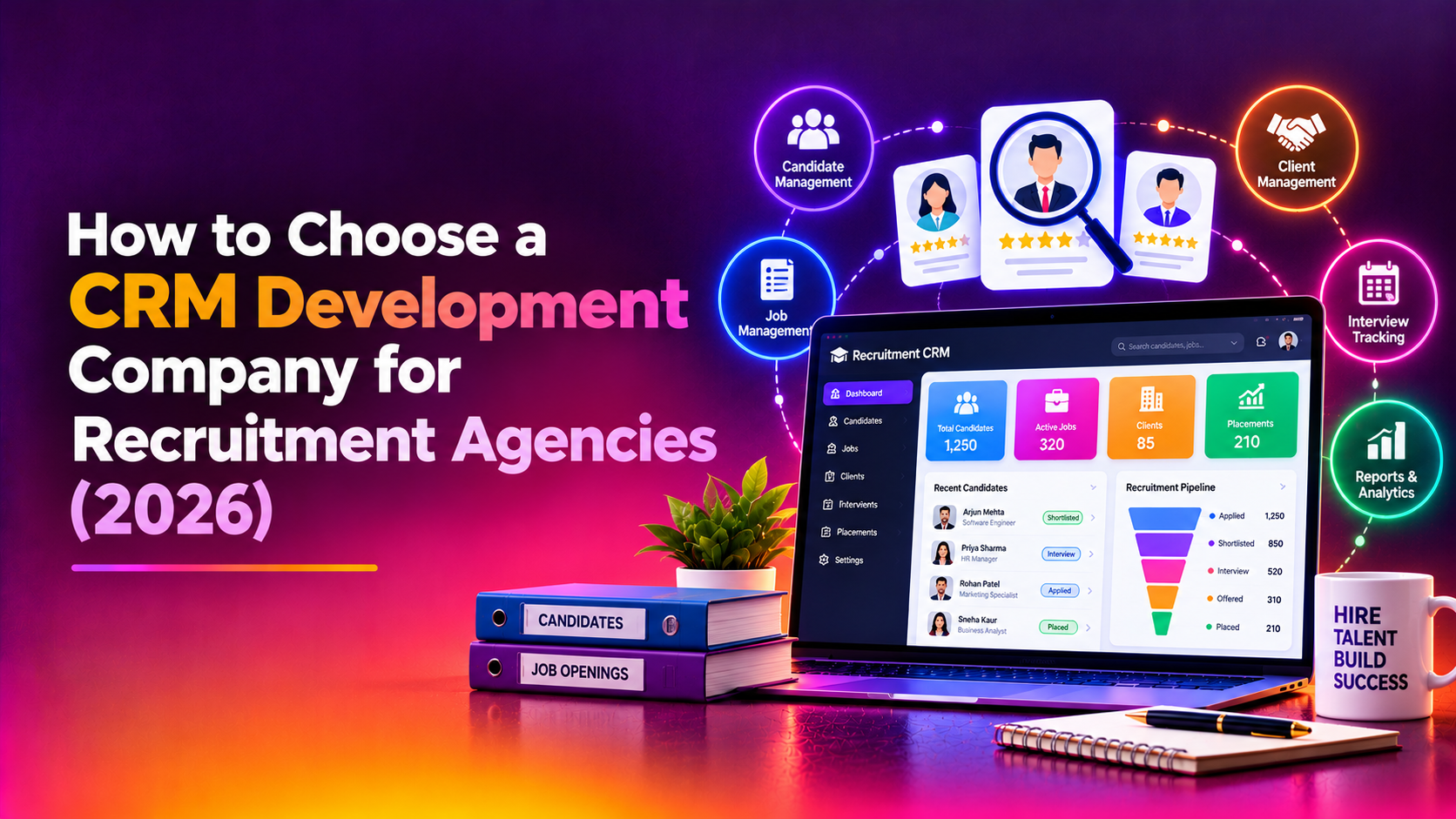
Picking a CRM development company for recruitment agencies is not the same as picking one for a retailer or a clinic. Your business runs on two pipelines at once: candidates moving toward placement and clients moving toward signed job orders. Add resume volume, calls and messages across email and WhatsApp, commission rules that differ by recruiter, and personal data that must be handled with consent, and a generic sales CRM starts to look thin. This guide helps founders and operations heads decide between off-the-shelf and custom, then evaluate vendors with sharper questions.
It is aimed at owners and ops leads of staffing and recruitment agencies who are outgrowing spreadsheets, a basic CRM or an applicant tracking tool that does not match how they work. Nothing here is legal advice. Data protection and consent rules depend on where you and your candidates are located, so confirm your duties with your own counsel.
Off-the-shelf recruitment CRM or custom build?
Start with this decision, because it changes which vendors you should even talk to. A packaged recruitment agency CRM is usually faster to start and cheaper to begin with. A custom build costs more up front but fits your process. Neither is automatically right.
- Packaged tools suit you when your process is close to the industry norm, your team is small, and you can live with the vendor's roadmap and per-seat pricing as you grow.
- Custom suits you when your commission rules, client billing models, compliance steps or niche (for example volume hiring, healthcare staffing or overseas placement) do not fit the standard screens, and staff are working around the tool every day.
- A hybrid is common: keep a job board or email tool you like, and build the core pipeline, reporting and integrations around it.
If you are leaning custom, a team that offers CRM development services should be able to explain, in plain language, what they would build first and what they would leave to existing tools.
What a recruitment CRM actually has to do
Before you speak to any vendor, write down the workflows that matter. Vendors who skip this step tend to quote for a generic contact database. A realistic list for an agency includes the following.
- Candidate pipeline: sourcing, screening, submission, interview stages, offer, placement and post-placement follow-up, with clear ownership of each candidate.
- Client pipeline: lead, meeting, agreement, active client and account history, kept separate from candidates but linked to job orders.
- Job-order tracking: openings per client, requirements, submitted profiles, status per submission and ageing so nothing stalls unnoticed.
- Resume parsing: pulling name, contact details, skills and experience from uploaded files into searchable fields, with a manual correction step because parsing is never perfect.
- Communication: logged email, call notes and WhatsApp conversations attached to the right candidate or client record.
- Commissions and billing: rules per placement type, splits between sourcer and closer, and a clear audit trail for payouts.
- Consent and privacy: recorded consent, retention periods, the ability to export or erase a person's data on request.
- Reporting: time to submit, submission-to-interview ratios, recruiter activity and revenue by client, drawn from real records.
Why a custom ATS CRM can be worth it
The case for custom ATS CRM development usually comes down to three things. First, fit: your recruiters stop switching between tools and re-entering the same data. Second, ownership: your pipelines, parsing rules and commission logic live in a system you control. Third, scale: you pay for development once rather than for every additional seat. The trade-off is that you also take on responsibility for maintenance, hosting and security, so you need a vendor who stays involved after launch.
Questions to ask about resume parsing and search
Resume parsing is where demos look better than reality. Ask the vendor to run your own sample resumes, including messy PDFs, scanned files and non-standard layouts, through the proposed approach.
- Will parsing use a third-party service or an in-house method, and what happens to candidate data sent to it?
- How are parsing errors corrected, and do corrections improve later results?
- Can recruiters search by skill, location, notice period and past employer, and can they save those searches?
- How are duplicate candidates detected when the same person applies through several channels?
Email and WhatsApp integration: ask about the rules, not the logo
Most agencies want conversations logged automatically. Email is straightforward. WhatsApp is more constrained, because business messaging runs through the official business platform with approval rules and template requirements. A vendor should explain what is possible within those rules, who pays the messaging provider, and how consent to message a candidate is captured and stored. Be cautious of anyone who promises that every personal WhatsApp chat will sync into the CRM without friction.
Commissions, permissions and data privacy
Commission logic is a common reason agencies go custom, and a common source of disputes after launch. Ask the vendor how they model splits, clawbacks for candidates who leave early and different rates per client. Then look at access control: can a junior recruiter see only their own candidates, can a client-specific team be walled off, and is every export logged?
On privacy, look for recorded consent with a date and source, configurable retention, and a practical way to find and delete a person's records. Also ask where data is hosted, who has administrator access at the vendor, and how backups are encrypted. The right answers depend on your jurisdiction, so involve your counsel early.
Vendor evaluation checklist
Use this when you interview each CRM developer on your shortlist. Score each line yes, partly or no, and write down the evidence they gave you.
- They asked to see your current process and spreadsheets before proposing anything.
- They can explain your candidate and client pipelines back to you correctly.
- They have built or can show relevant systems, and offer references you can speak with.
- They tested resume parsing on your own sample files.
- They explained what WhatsApp and email integration can and cannot do.
- Commission rules were discussed in detail, including splits and exceptions.
- Consent, retention and data deletion are part of the design, not an extra.
- You will receive the source code, documentation and admin access at hand-over.
- Hosting, backups and security responsibilities are written down.
- The quote is itemised by module and phase, with assumptions and exclusions.
- Change requests have a defined process and a rate you agree in advance.
- Support after launch is defined, including how long and how to reach the team.
- You can start with a smaller first release and expand.
Comparing your options
The table below is a general comparison, not a ranking. Individual products and vendors vary widely, so test claims against your own workflows.
| Factor | Packaged recruitment CRM | Generic CRM with customisation | Custom CRM development |
|---|---|---|---|
| Speed to first use | Fastest | Moderate | Slowest, unless phased |
| Fit with your pipeline | Good if standard | Needs workarounds for recruitment | Built around your process |
| Commission logic | Often limited | Possible with extra tools | Modelled exactly |
| Up-front cost | Lowest | Moderate | Highest |
| Long-term cost driver | Per-seat fees and add-ons | Licences plus custom work | Maintenance and enhancements |
| Vendor lock-in risk | Higher, data export varies | Medium | Lower if you own code and data |
| Control over privacy and hosting | Set by the vendor | Partly configurable | Your decision |
Avoiding vendor lock-in and cost overruns
These are the two biggest fears, and both can be managed contractually. To limit lock-in, insist on ownership of the source code and database, a documented data export in a standard format, and accounts you control for hosting and third-party services. To limit overruns, split the project into phases with a defined outcome for each, agree what counts as a change request, and review working software at each stage instead of at the end. Be wary of an open-ended time-and-materials arrangement with no cap or review points.
Red flags
- A fixed price quoted before anyone has seen your workflow.
- No discussion of consent, retention or deletion of candidate data.
- Promises of flawless resume parsing or unrestricted WhatsApp syncing.
- Source code or database kept by the vendor after you have paid.
- A single-line quote with no modules, assumptions or exclusions.
- No named person responsible for support after launch.
Cost and timeline drivers
Ask for an itemised quote rather than a headline number. Cost and duration depend mainly on the number of modules, the complexity of commission rules, the depth of integrations, how much data must be migrated from existing sheets or tools, reporting needs, and how many user roles require different permissions. A phased build that begins with the candidate pipeline and job orders usually lets you start using the system sooner and refine the rest from real feedback.
Why Companies Choose CloudHouse for CRM Development
CloudHouse Technologies plans a CRM build in phases, so you see working modules instead of waiting for one large delivery. We keep support available after launch and provide transparent, itemised quotes that show what is included and what is not. You can read about our approach on the CRM development service page.
Conclusion
The best partner for a recruitment agency is the one who understands that candidates and clients are separate pipelines, treats consent as a core feature and lets you keep your code and data. Work through the checklist, test parsing and integrations on your own material, and compare itemised quotes. When you are ready to talk through your process, request a CRM development quote from CloudHouse and start with a focused first phase.