
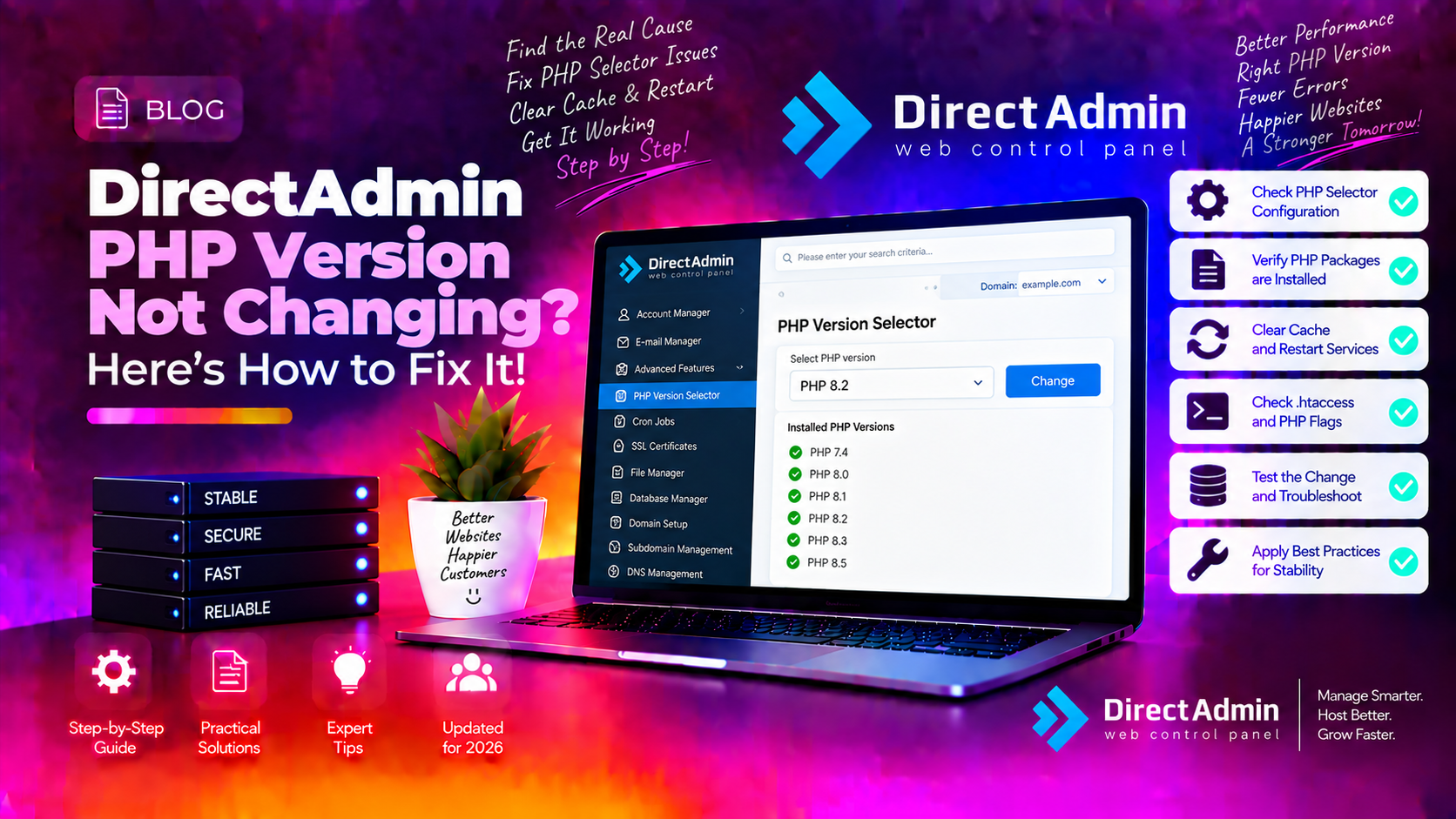
You installed a new PHP version through DirectAdmin's CustomBuild, changed the setting, restarted Apache — and the site is still running the old PHP version. This is one of the most common administration headaches on DirectAdmin servers, and it happens because PHP version control in DirectAdmin operates at two separate levels that must both be configured correctly.
This guide explains exactly how DirectAdmin's PHP version system works, why changes often don't take effect, and how to fix each root cause step by step.
How PHP Version Selection Works in DirectAdmin
DirectAdmin with CustomBuild 2.0 supports up to four simultaneous PHP versions, defined in /usr/local/directadmin/custombuild/options.conf as php1_release through php4_release. PHP can run in three modes depending on how Apache and CustomBuild are configured:
- PHP-FPM — recommended mode, each PHP version runs as a separate FastCGI process manager service
- FastCGI (SuPHP/CGI) — older mode, PHP runs as CGI per request
- mod_php — Apache module mode; only one PHP version can be active at a time server-wide
PHP version selection happens at two levels: the server global default set in CustomBuild, and per-domain settings set in DirectAdmin's Domain Setup. When the per-domain setting overrides the global, changing the global has no effect on that domain. This is the most common reason PHP version changes appear not to work.
💡 None of these worked? Skip the guesswork.
Get Expert Help →Step 1: Check the Domain-Level PHP Version Override
This is the first thing to check — it explains most "PHP version change not working" reports.
Navigate to DirectAdmin → Account Manager → List Accounts → click the domain → Domain Setup.
In Domain Setup, look for a "PHP Version" or "PHP Version Selector" dropdown. If a specific PHP version is selected here, it overrides the server global. Change it to the version you want for this domain and click Save.
grep "php" /usr/local/directadmin/data/users/*/domains/*.conf | grep -v "^Binary" | head -30This shows the PHP version configured per domain. A line like php1=yes means the domain is using PHP slot 1 (php1_release in options.conf). If you changed php2_release but the domain has php1=yes, the domain stays on php1.
cd /usr/local/directadmin/custombuildReplace 1 with the slot number (1-4) you are building:
./build php nThis builds all PHP slots. To build only a specific slot:
./build php1The build process takes 15-30 minutes depending on server speed. Watch for any compilation errors in the output.
After the build completes, regenerate all virtual host configuration files to pick up the new PHP binaries:
./build rewrite_confsThis is the step that most guides miss. Without it, Apache and Nginx continue using the old PHP binary paths even after a successful build.
systemctl restart httpd   # CentOS/AlmaLinux/Rocky
systemctl restart apache2  # Ubuntu/Debian
If using PHP-FPM, also restart the FPM services:
systemctl restart php-fpm*Or restart all PHP-FPM services at once with DirectAdmin's service restart:
/usr/local/directadmin/directadmin restart httpdsystemctl status php-fpm*If a PHP version service is not running, start it:
systemctl start php81-php-fpm # example for PHP 8.1cd /usr/local/directadmin/custombuild
./build rewrite_confsls -la /var/run/php-fpm/You should see socket files for each active PHP version. Missing sockets indicate the corresponding FPM service is not running or the pool config is missing.
echo '<?php phpinfo(); ?>' > /home/username/domains/yourdomain.com/public_html/info.phpAccess https://yourdomain.com/info.php in a browser. The PHP Version line at the top confirms which version is running. Delete the file after checking:
rm /home/username/domains/yourdomain.com/public_html/info.phpphp -vNote that the CLI PHP version and the web-served PHP version can differ. The CLI version is set separately and does not affect web requests.
In DirectAdmin → Admin Level → CustomBuild → Version Management, you can see all installed PHP versions and their current status.
For complex PHP version management on DirectAdmin servers, including migrating sites between PHP versions safely, CloudHouse Technologies provides managed DirectAdmin server administration with full CustomBuild expertise.