
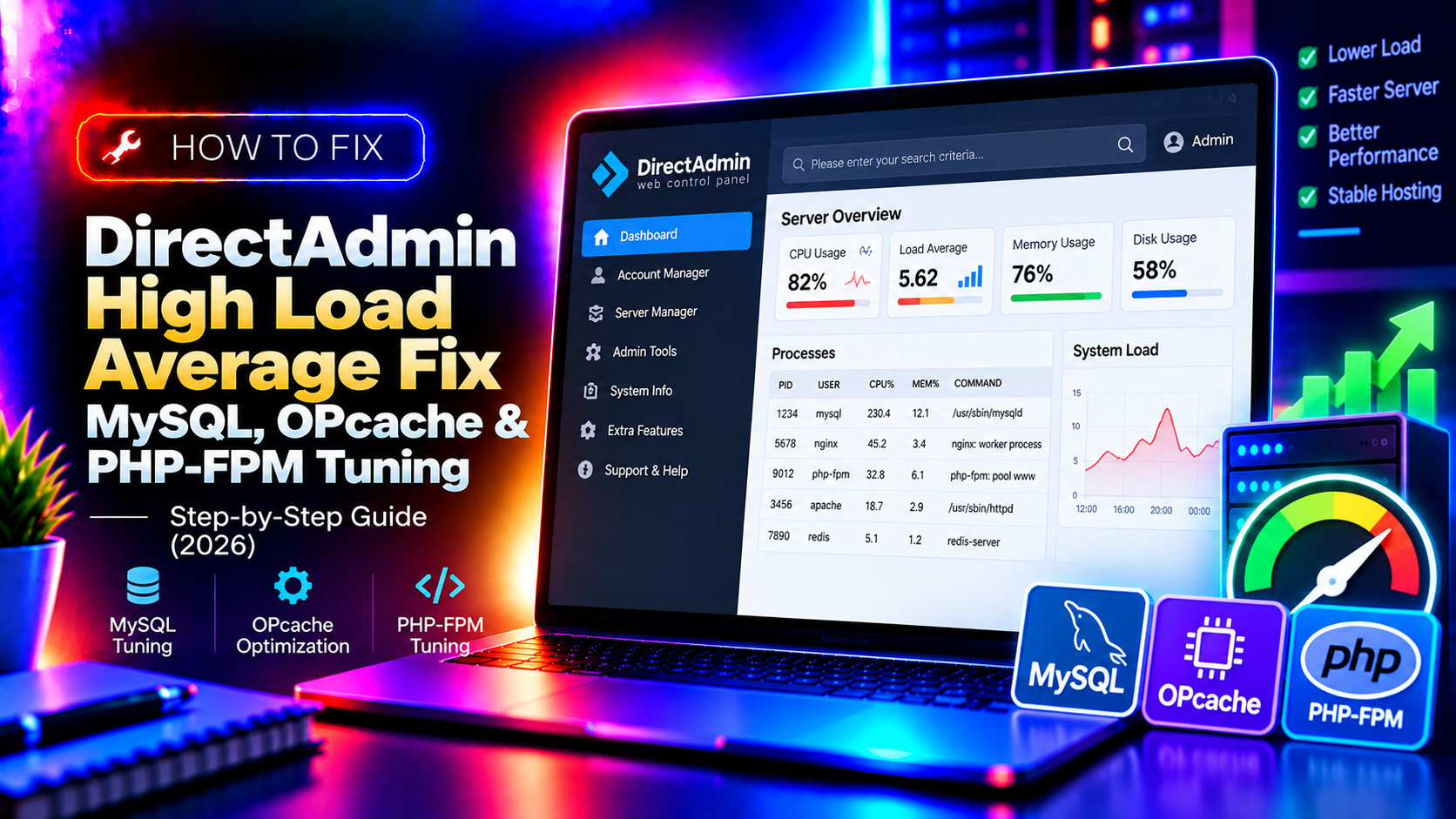
Your DirectAdmin server's load average is sitting at 8, 12, or higher, sites are loading slowly, and you don't know whether to blame MySQL, PHP, a bot flood, or a runaway cron job. This guide gives you a systematic triage workflow — identify the culprit in minutes, then apply the right fix: MySQL tuning, OPcache configuration, or PHP-FPM pool optimization.
Step 1: Read the Load Average Correctly
Before touching anything, understand what the numbers mean. Run:
uptimeOutput example: load average: 4.23, 6.11, 5.89
The three numbers are the 1-minute, 5-minute, and 15-minute load averages. On a server with 4 CPU cores, a load of 4.00 is 100% utilisation. Sustained load above your core count means something is consistently saturating your CPUs.
Check your core count:
nproc
# or
cat /proc/cpuinfo | grep "^processor" | wc -l
A load of 8 on a 4-core server is 200% — definitely a problem. A load of 3 on an 8-core server is light utilisation — probably fine.
💡 None of these worked? Skip the guesswork.
Get Expert Help →Step 2: Identify What's Causing the Load
Run these in sequence to narrow down the source.
top -b -n 1 | head -30Look at the %CPU column. Common culprits: mysqld, php-fpm, httpd/nginx, exim.
iostat -x 1 5
# Look at %iowait — above 20% sustained means disk I/O is the bottleneck# Apache access log — top 20 requesting IPs in the last minute
tail -10000 /var/log/httpd/access_log | awk '{print $1}' | sort | uniq -c | sort -rn | head -20
# Apache — top 20 most-requested URLs
tail -10000 /var/log/httpd/access_log | awk '{print $7}' | sort | uniq -c | sort -rn | head -20tail -1000 /var/log/httpd/access_log | grep -v "Googlebot\|Bingbot" | awk '{print $1}' | sort | uniq -c | sort -rn | head -10If one or two IPs account for hundreds of requests, block them immediately:
csf -d OFFENDING_IP  # if CSF is installed
# or
iptables -I INPUT -s OFFENDING_IP -j DROPwget https://raw.githubusercontent.com/major/MySQLTuner-perl/master/mysqltuner.pl
perl mysqltuner.pl/etc/my.cnf:[mysqld]
# InnoDB buffer pool — set to 50-70% of total RAM
innodb_buffer_pool_size = 2G
# Allow loading the buffer pool before queries start
innodb_buffer_pool_load_at_startup = 1
innodb_buffer_pool_dump_at_shutdown = 1
# Reduce disk I/O for InnoDB
innodb_flush_log_at_trx_commit = 2
innodb_flush_method = O_DIRECT
# Query cache (MySQL 5.7 — disable in MySQL 8 where it's removed)
query_cache_type = 1
query_cache_size = 128M
query_cache_limit = 2M
# Slow query log — find expensive queries
slow_query_log = 1
long_query_time = 2
slow_query_log_file = /var/log/mysql/slow-query.logsystemctl restart mysqldmysql -e "SHOW PROCESSLIST;" | awk '$6 > 30 {print "KILL "$1";"}' | mysqlphp -r "phpinfo();" | grep -i opcache/etc/php.d/10-opcache.ini (or wherever your PHP ini is):opcache.enable=1
opcache.enable_cli=0
opcache.memory_consumption=256
opcache.interned_strings_buffer=16
opcache.max_accelerated_files=16000
opcache.revalidate_freq=60
opcache.save_comments=1
opcache.fast_shutdown=1
opcache.validate_timestamps=1On a busy shared hosting server with many WordPress sites, increase memory_consumption to 512 and max_accelerated_files to 32000.
systemctl reload php-fpm
# or for a specific version:
systemctl reload php81-php-fpmopcache-status.php file in a web root with <?php $s = opcache_get_status(); echo "Hit rate: " . round($s['opcache_statistics']['opcache_hit_rate'], 2) . "%"; ?>. A hit rate below 80% means OPcache memory is too small or max_accelerated_files is too low.
Step 5: Tune PHP-FPM Pool Settings
Too many PHP-FPM worker processes consume all RAM; too few create a backlog of queued requests that inflates load average.
1. Find the average PHP process memory usage:
ps --no-headers -o "rss,cmd" -C php-fpm | awk '{sum+=$1; count++} END {print "Average: " sum/count/1024 " MB, Total processes: " count}'max_children = (Available RAM for PHP) / (Average PHP process size). For example, 4GB available / 80MB per process = 50 max children.
3. Edit /etc/php-fpm.d/www.conf:
pm = dynamic
pm.max_children = 50
pm.start_servers = 10
pm.min_spare_servers = 5
pm.max_spare_servers = 20
pm.max_requests = 500
Setting pm.max_requests = 500 restarts workers after 500 requests, preventing memory leaks from poorly coded plugins from accumulating.
systemctl restart php-fpmStep 6: Enable Nginx as a Reverse Proxy (Optional but High-Impact)
DirectAdmin supports running Nginx in front of Apache via CustomBuild. Nginx handles static files (images, CSS, JS) with minimal CPU overhead, and only forwards dynamic PHP requests to Apache. This alone can halve Apache's load on WordPress-heavy servers.
cd /usr/local/directadmin/custombuild
./build update
./build set webserver nginx_apache
./build nginx
./build apache
./build rewrite_confs
Step 7: Monitor Load Continuously
# Real-time process summary
htop

# Watch load average with MySQL query count every 5 seconds
watch -n 5 'uptime; mysqladmin status | grep -E "Queries|Threads_running|Uptime"'

# Check for PHP-FPM queue backlogs
grep "pool www" /var/log/php-fpm/error.log | tail -20
If you need ongoing DirectAdmin server management rather than a one-time fix, a managed hosting provider handles proactive tuning before load spikes affect your clients.