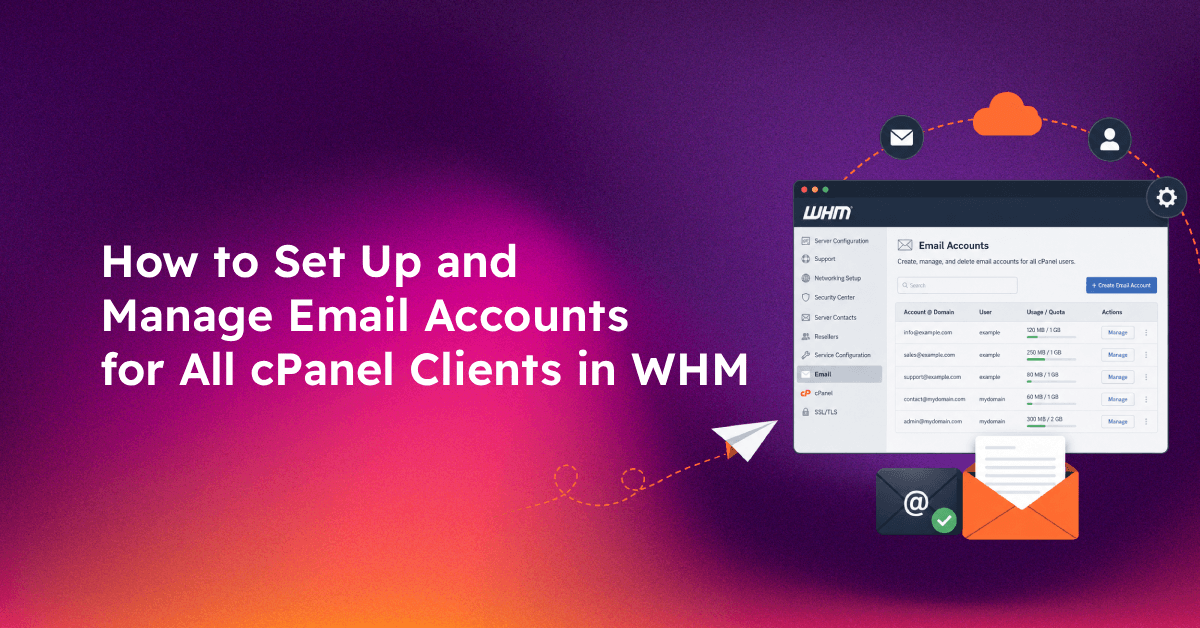
Managing email at scale in WHM is one of the most underestimated challenges for web hosting resellers. When you're responsible for dozens or hundreds of cPanel accounts, a missed DKIM configuration, an uncapped email quota, or a single spam-sending account can damage deliverability across your entire server. This guide covers WHM email account management end-to-end — from setting limits inside hosting packages to bulk DKIM enforcement and monitoring email health across all client accounts.
The Reseller's Email Problem: Why Per-Account Limits and Deliverability Break at Scale
Most hosting resellers configure email once per account when they first set it up and never revisit it. The result is predictable: clients eventually hit quota limits without warning, unauthenticated email starts hitting spam folders, and one compromised account floods the mail queue before you notice.
Three problems tend to escalate together:
- Uncapped email accounts — clients create hundreds of inboxes, consuming server resources and IMAP connection slots
- Missing or misconfigured DKIM/SPF — newly provisioned accounts inherit the default package but never get authentication records signed at the server level
- No centralised monitoring — WHM shows individual account mail queues but offers no aggregate view of email health across all reseller accounts without third-party tooling
The solution is to manage email at the WHM admin layer, not the cPanel user layer — setting policies in hosting packages, enforcing authentication globally, and monitoring queue metrics before clients complain.
💡 None of these worked? Skip the guesswork.
Get Expert Help →Setting Email Limits Inside WHM Hosting Packages
Every cPanel account is created from a hosting package (also called a feature list + plan combination). Email limits set at the package level apply to all accounts on that plan, which is far more scalable than editing accounts individually.
In WHM, go to Packages → Add a Package (for new plans) or Edit a Package (for existing ones). Scroll to the resource limits section.
The default is Unlimited, which you should never leave in place on a shared server. Recommended values:
- Basic shared hosting plan: 10–25 email accounts
- Business plan: 50–100 email accounts
- Reseller plan: Unlimited (managed by the reseller themselves)
Uncapped mailing lists can be weaponised for spam. Set a maximum of 500–1,000 subscribers per list on shared plans.
Under the cPanel interface, users can set per-mailbox quotas. At the package level in WHM, you control the total disk allocation for the account, which indirectly caps how much email can accumulate across all inboxes. Set appropriate disk limits per plan rather than Unlimited.
After editing a package, WHM asks if you want to update accounts already on this package. Click Update to apply the new limits to all existing accounts in that plan.
Search for any cPanel account and click Manage to override package-level email limits for that specific account without changing the global package. Useful for clients who legitimately need more email accounts than their plan allows.
For onboarding clients with pre-defined email addresses, use the WHM API 1 endpoint to call cpanel API functions:
curl -s -k -u "root:PASSWORD" "https://localhost:2087/json-api/cpanel?cpanel_jsonapi_user=clientuser&cpanel_jsonapi_apiversion=2&cpanel_jsonapi_module=Email&cpanel_jsonapi_func=addpop&domain=clientdomain.com&email=info&password=Str0ngPass"a=500"Replace clientuser, clientdomain.com, and the quota (in MB) with the appropriate values. This can be scripted for bulk provisioning across multiple accounts.
Navigate to WHM → Email → Enable DKIM/SPF Globally. Click Proceed. This generates DKIM keys for all existing accounts and configures new accounts to get DKIM automatically at creation.
Run this WHM API call to audit DKIM status across all accounts:
for user in $(whmapi1 listaccts | grep -oP '(?<=user: )[\w]+'); do
  echo -n "$user: "
  whmapi1 has_local_authority domain=$(grep -m1 '' /var/cpanel/users/$user | awk -F= '{print $2}') | grep -o 'has_local_authority: [01]'
doneWHM → DNS → Edit Zone Templates → Standard zone template. Ensure the SPF TXT record is present:
"v=spf1 +a +mx +ip4:YOUR.SERVER.IP ~all"Replace YOUR.SERVER.IP with your server's primary IP. This template applies to all new zones created by WHM going forward.
DMARC is not enabled by default in WHM. For business-tier clients, add a DMARC TXT record to their zone manually or via the cPanel zone editor:
_dmarc.clientdomain.com. IN TXT "v=DMARC1; p=quarantine; rua=mailto:dmarc-reports@clientdomain.com"WHM → Server Configuration → Tweak Settings → Disk → enable Send disk quota warning to users who are approaching their account's disk quota. Set the threshold to 80%.
In WHM → Email → Mailbox Quota Warning, set warnings at 80% and hard limits at 100%. Clients receive an email when approaching their mailbox limit, reducing support tickets.
# List all accounts over 80% disk usage
whmapi1 listaccts | grep -E "diskused|disklimit|user" | paste - - - | awk '{if ($2/$4 > 0.8) print $6, $2"MB/"$4"MB"}'
For hosting providers managing many servers, consider delegating ongoing WHM email management — including monitoring, DKIM enforcement, and quota configuration — to a managed server service so your team can focus on client relationships rather than daily admin tasks.
FAQs
Can I change the email account limit for one account without changing the whole package?
Yes. In WHM → Account Functions → Manage Account, you can override package-level resource limits for any individual cPanel account, including the max email accounts setting.
Why is DKIM not working even after enabling it globally in WHM?
The most common cause is that the DNS zone is hosted externally (e.g. Cloudflare). In that case, WHM writes the DKIM TXT record to the local zone file but it never gets served. You must manually copy the DKIM public key from WHM → Email → Manage DKIM Keys and add it to the external DNS provider.
How do I stop one account from spamming and damaging my server IP reputation?
Immediately suspend the account in WHM → Account Functions → Suspend Account. Then flush the Exim mail queue entries for that domain: exiqgrep -i -f @spammingdomain.com | xargs exim -Mrm. Investigate the root cause (compromised password, vulnerable script) before unsuspending.
What is the recommended Exim hourly send limit for shared hosting?
For shared hosting, 200–500 emails per hour per domain prevents a single account from monopolising the mail queue while allowing legitimate transactional email to flow. Business plans can be set to 1,000–2,000.
How do I check if my server IP is blacklisted after a spam incident?
Use MXToolbox: https://mxtoolbox.com/blacklists.aspx. Enter your server IP to check against 100+ blacklist databases. If listed, remediate the spam source first, then submit delisting requests to each blacklist individually.