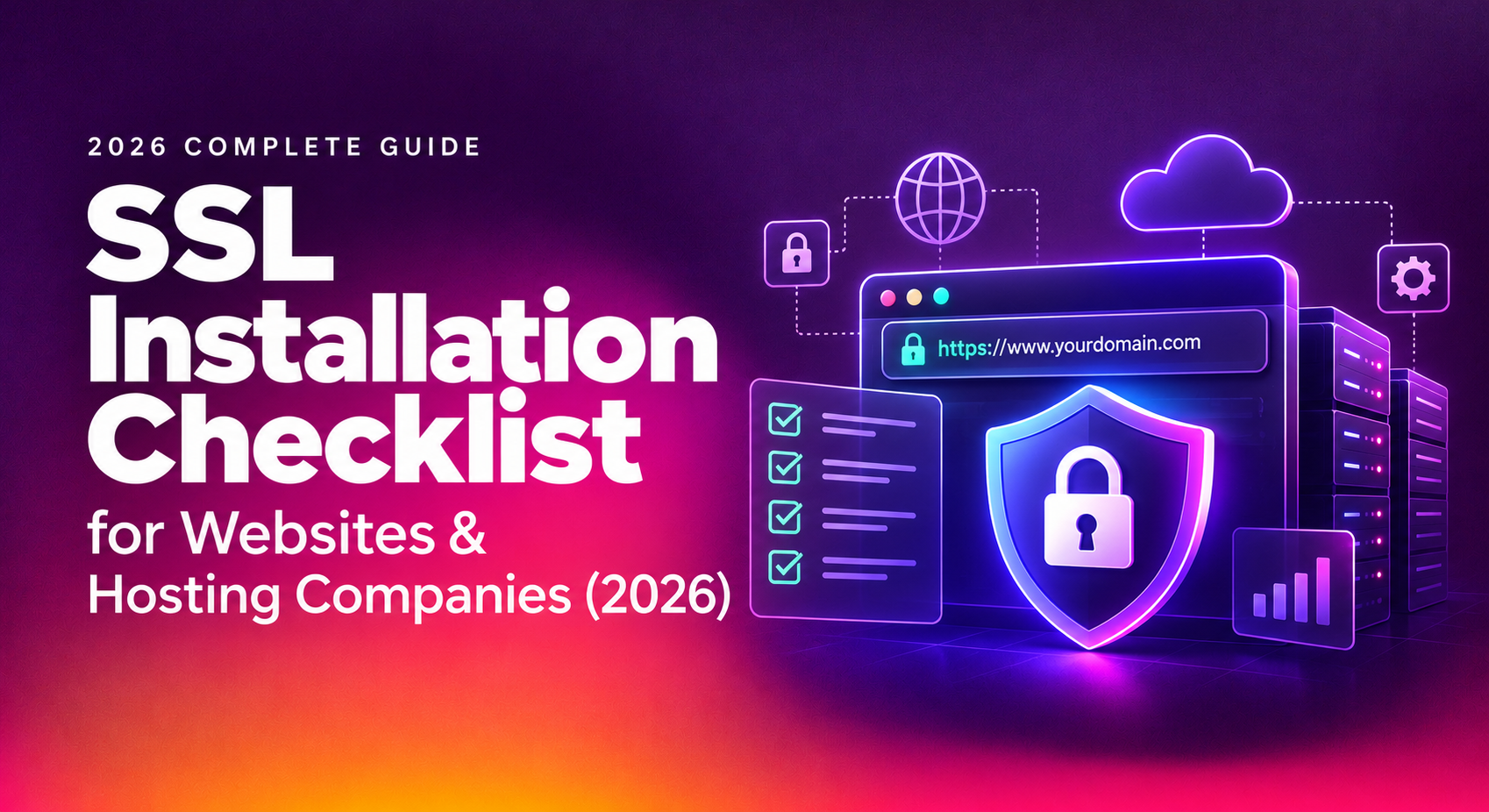
SSL installation looks simple until a missed intermediate certificate takes a checkout page offline, or a hardcoded HTTP image turns a fresh HTTPS deployment into a browser warning. This ssl installation checklist is built for the moment right before you install or renew — whether you run one production site or manage certificates for dozens of hosting clients — so you catch DNS, chain, and configuration issues before they become downtime.
In 2026, certificate lifetimes keep shrinking and browsers keep tightening validation rules, which means the operational discipline around SSL matters more than the certificate itself. The technology hasn't changed much; the margin for error has.
What SSL Installation Involves in 2026
SSL (technically TLS) installation is the process of generating a certificate signing request (CSR), validating domain ownership with a certificate authority (CA), receiving the signed certificate and its intermediate chain, and configuring your web server or load balancer to serve that chain correctly on every relevant hostname and port.
What's changed in recent years is the pace. Public certificates now commonly run on 90-day or shorter validity cycles, which pushes hosting teams toward automation (ACME clients like Certbot or acme.sh) instead of manual renewal. At the same time, browsers have gotten stricter about ssl certificate installation requirements — incomplete chains, weak cipher suites, and SAN mismatches now fail faster and more visibly than they did a few years ago.
None of this changes the fundamentals. You still need a valid CSR, a certificate that matches every hostname in use, a complete trust chain, and a server configuration that serves all of it without leaking insecure resources. The difference is that with shorter renewal cycles, the checklist below has to be repeatable, not a one-time ritual.
Pre-Installation Checklist: DNS, CSR & Chain Verification
Most SSL incidents trace back to one of five causes: an expired certificate, a domain mismatch, an untrusted issuer, a broken certificate chain, or mixed content. Nearly all of them are preventable with a pre-installation pass. Before you touch a production server, work through this ssl installation checklist:
- Confirm DNS A/AAAA records point to the correct server before requesting a certificate, especially after any migration or IP change.
- Verify every hostname that needs coverage — apex domain, www, subdomains, and any staging or API hosts — is listed in the CSR's Subject Alternative Names (SAN).
- Generate the CSR with a current key size (2048-bit RSA minimum, or ECDSA where supported) and store the private key with root-only or service-account-only read permissions.
- Choose the correct validation method: HTTP file validation works for single domains, but a wildcard ssl installation requires DNS or email validation since file validation isn't supported for wildcards.
- Download the full certificate bundle from the CA, including all intermediate certificates, not just the leaf (end-entity) certificate.
- Install certificates in the correct order — leaf, then intermediates, then root (if required) — using the
fullchain.pemstyle bundle on Nginx/Apache rather than the leaf file alone. - Run a chain verification test (via
openssl s_clientor an online SSL checker) before and after cutover to confirm the chain resolves cleanly with no missing or out-of-order intermediates. - Set an expiry monitoring alert at 30 and 7 days out, even if renewal is automated, so a failed cron job doesn't turn into a surprise outage.
- Schedule a maintenance window and have a rollback plan (previous certificate and config backup) ready before you touch a live server.
This is also where hosting teams doing server hardening tend to bundle SSL work with broader configuration review — disabling outdated TLS versions, tightening cipher suites, and confirming HSTS headers — since you're already inside the server config making changes.
💡 None of these worked? Skip the guesswork.
Get Expert Help →Common SSL Installation Mistakes That Cause Downtime
Some browsers and most non-browser clients (mobile apps, API consumers, curl) don't have the intermediate CA cached locally. If your server config only serves the leaf certificate, those clients will reject the connection even though a browser might silently repair the chain. Always deploy the full chain bundle.
Hardcoded image, script, or stylesheet URLs in theme headers and footers are the single most common reason a freshly HTTPS-enabled site still shows a browser warning instead of a padlock. After installation, open browser dev tools, check the console for mixed-content warnings, and fix hardcoded HTTP references or switch to protocol-relative or root-relative paths.
With 90-day certificate lifetimes now standard, a single missed renewal cron job or an expired CA account can silently fail three months later at 2am. Automated renewal (via ACME) combined with independent expiry monitoring — not just relying on the automation to work — is the only reliable defense.
Teams frequently add a new subdomain to DNS and application routing but forget to reissue the certificate to include it in the SAN list. The result is a certificate name mismatch error the moment that subdomain goes live.
Testing in a staging environment that already trusts an old certificate can mask chain problems that only appear on a clean client. Always validate the chain externally — from a machine or service that has never seen the old certificate — before flipping production traffic.
Checklist for Hosting Companies Managing SSL at Scale
A single-site checklist doesn't scale to a hosting company managing certificates across dozens or hundreds of client domains. Hosting company ssl management needs process, not just a checklist, layered on top of the basics above:
- Maintain a central inventory of every certificate, its expiry date, issuing CA, and which server(s) it's deployed on — spreadsheets break down past roughly 20-30 certificates.
- Standardize on an ACME-capable CA or reseller so renewal can be automated with Certbot, acme.sh, or an equivalent client rather than handled manually per client.
- Build an ssl renewal checklist runbook that covers CSR generation, validation method selection, chain deployment, and post-renewal verification — and require it for every renewal, not just first installs.
- For clients with wildcard certificates deployed across multiple servers, re-export and redistribute the renewed certificate and private key to every server, not just the primary one.
- Centralize expiry alerting (30/14/7/1 day thresholds) so a failed automated renewal is caught by a human before a client's site goes down.
- Log every installation and renewal with a timestamp and operator, so a recurring issue on a specific client's stack is traceable across renewal cycles.
- Once you're past roughly 100 managed certificates, evaluate a dedicated certificate lifecycle management (CLM) tool rather than stretching scripts and spreadsheets further.
This is the layer where most in-house teams start to feel the strain — the checklist itself isn't hard, but running it correctly across every client, every renewal cycle, without a missed step, is where outsourced server hardening and SSL management support tends to pay for itself.
Why Businesses Choose CloudHouse for SSL Installation & Server Hardening
CloudHouse handles SSL installation and renewal as part of a broader server hardening engagement, not as an isolated task — so certificate work is paired with cipher suite review, HSTS configuration, and expiry monitoring from day one. Clients running SSL across multiple domains or servers get a documented inventory and a renewal process that doesn't depend on one engineer remembering a cron job, which is the difference between a routine renewal and a 2am incident call.
Frequently Asked Questions
How much does professional SSL installation cost?
Cost depends on the number of domains, whether you need wildcard or multi-domain (SAN) coverage, and whether it's bundled with broader server hardening. A single-domain installation is typically a small fixed-fee task; multi-domain or wildcard setups across several servers cost more due to the extra validation and redistribution work involved.
How long does SSL installation or renewal actually take?
A straightforward single-domain installation with DNS already correctly pointed can be completed within an hour, including chain verification. Wildcard or multi-server renewals, or first-time installs requiring DNS changes to propagate, typically take longer — plan for a maintenance window rather than assuming it's instant.
Will installing or renewing SSL cause downtime?
It shouldn't, if done correctly. Downtime almost always comes from an incomplete chain, a missed SAN, or a config reload error, not from the certificate itself. That's why a pre-installation checklist and a rollback plan matter more than the installation step itself.
Does SSL renewal need to be repeated manually every time?
Not if it's automated. Most modern certificates support ACME-based automatic renewal, but automation still needs independent expiry monitoring — automated renewal can fail silently (expired CA account, DNS validation record removed, server misconfiguration) and monitoring is what catches that before the certificate actually expires.
What's included in ongoing SSL management versus a one-time install?
A one-time install covers CSR generation, validation, and initial chain deployment. Ongoing management adds expiry monitoring, automated renewal, chain verification after every renewal, and redistribution across servers for wildcard certificates — the parts that prevent a renewal three months later from becoming an outage.