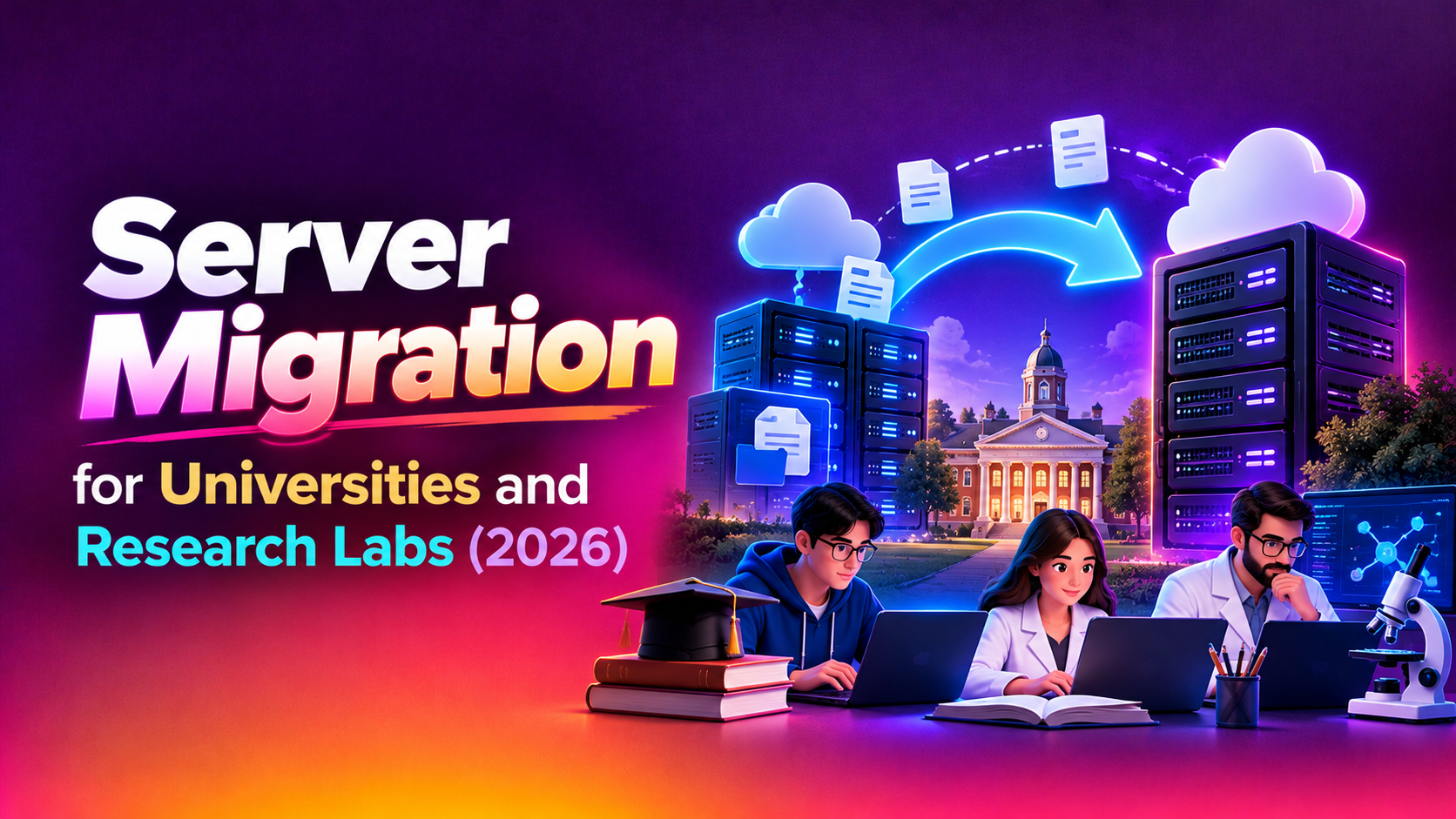
A university server estate rarely looks like a tidy corporate one. It holds a decade of research data, a student portal that must never go down during enrolment, a mail system everybody depends on and a few machines that nobody dares touch because a grant-funded instrument still talks to them. This guide explains how to plan server migration for university and research labs, covering Linux and Windows workloads, directory services, large datasets and the academic calendar. It is written for IT directors, research computing managers and lab administrators who need a plan their department heads can approve.
Nothing here replaces an assessment of your own environment. Use it as a framework, then ask any provider for an itemised quote. If you want to see how we scope this work, our server migration service page explains the process.
Why university migrations are different
Commercial migrations usually have one owner and one maintenance window. Academic estates have many owners, each with different priorities and funding sources.
- Decentralised ownership: a central IT team runs identity and mail, while individual labs run their own servers under their own grants.
- Legacy systems that persist: an old Linux box may run analysis software that a single research group still publishes from.
- Calendar-driven risk: enrolment, exam periods, results release and grant reporting deadlines all shrink the safe cutover window.
- Funding cycles: hardware refreshes often depend on grant or capital budgets, so timing is tied to money as well as technology.
- Data obligations: research data may carry retention rules, ethics conditions or data-sharing agreements that follow it wherever it moves.
Start with an inventory that includes the unofficial servers
The first task is finding everything. Central IT usually knows about the core systems, but labs frequently run machines under desks, in departmental racks or on rented virtual servers that never appeared in an asset register. A realistic inventory records the operating system and version, the owner, the purpose, what depends on it, how much data it holds and whether it is still supported by its vendor.
Ask each department head to confirm the list and name an owner for every machine. Anything without an owner is a risk: either it is retired with approval, or someone accepts responsibility for it during the move. This step also exposes the hardware that is genuinely end of life, which supports the case for a grant-funded refresh.
Moving research data and large datasets
Research data is the part of the estate that cannot be rebuilt. Moving it needs more care than moving application servers.
Plan the transfer, not just the destination
Large datasets can take a long time to copy over a campus link, and the source is usually still in use while you copy. A sound approach performs an initial bulk copy, then repeated incremental synchronisations, then a final short sync during cutover. Checksums should confirm that files arrive intact, because silent corruption in a dataset can invalidate months of analysis.
Respect permissions and metadata
Ownership, group permissions, access control lists, timestamps and extended attributes often carry meaning for research workflows. A migration that copies the bytes but loses the permissions can lock researchers out or, worse, expose restricted data. Test a sample of each dataset type before moving everything.
Check storage and compliance conditions
Some datasets must stay in a specific location, be encrypted at rest or be retained for a set period. Confirm these conditions with the research office before choosing the destination, and record them in the migration plan.
Authentication: LDAP, Active Directory and single sign-on
Identity is the dependency that breaks the most things when it is handled badly. Students, staff and visiting researchers sign in to the learning platform, mail, wifi, lab machines and cluster logins, often through LDAP or Active Directory.
- Map every consumer of the directory: applications, Linux hosts using LDAP or SSSD, Windows domain members, mail relays and third-party portals.
- Keep identities stable: user IDs, group memberships and numeric UIDs on Linux must match after the move, or file ownership will break.
- Run old and new in parallel: replicate the directory, point a small group of test systems at the new one and expand gradually.
- Plan for certificates and DNS: expired or mismatched certificates are a common cause of failed sign-ins after cutover.
- Keep a rollback path: until the new directory has proved itself, the old one should remain intact and reachable.
Mail and student portals
Email and the student portal are the services that everyone notices immediately. A mailbox migration needs to preserve folders, calendars, shared mailboxes and forwarding rules, and it needs a plan for mail arriving during the move. Lowering DNS time-to-live values in advance helps the switch happen quickly, and keeping the old system in a read-only state for a period gives users a place to find anything missed.
Student portals depend on databases, file storage, authentication and often integrations with the student records system. Test these integrations end to end with real workflows, such as submitting an assignment or viewing a timetable, instead of only checking that the web page loads. Our Linux and Windows server migration team treats these integrations as part of the scope rather than an afterthought.
Timing around the semester calendar
The best cutover window is the one that sits furthest from critical academic events. Typical safe periods are the gap between terms, the quiet weeks after results are released and the early part of a long break. Avoid enrolment, add and drop periods, examinations, assessment submission deadlines and grant reporting dates.
Work backwards from the chosen window. Allow time for inventory, rehearsal, user communication and a fallback date if something slips. If the calendar offers only one realistic window a year, split the migration into stages so that low-risk systems move first and the most visible services move last.
Migration phases at a glance
| Phase | What happens | Who is involved | Typical timing |
|---|---|---|---|
| 1. Discovery and inventory | Find all servers, owners, dependencies and data volumes | Central IT, lab managers, department heads | Well before the target window |
| 2. Design and funding | Choose targets, agree budget, align with grant or capital cycles | IT leadership, finance, research office | Aligned with budget approval |
| 3. Pilot and rehearsal | Migrate a low-risk system and rehearse the full cutover steps | Migration engineers, system owners | During a quiet teaching period |
| 4. Data and application sync | Bulk copy, incremental syncs and checksum verification | Engineers, research data owners | Running in the background for weeks |
| 5. Directory and mail cutover | Switch authentication, DNS and mail routing | Central IT, migration team | Inside the agreed term-break window |
| 6. Validation and hypercare | Confirm services, monitor, fix issues, retire old servers safely | Support team, system owners | First weeks after cutover |
Risk table for academic migrations
| Risk | Why it happens | How to reduce it |
|---|---|---|
| Forgotten lab server | Machine never listed in the asset register | Network scans plus confirmation from every department head |
| Data corruption or loss | Large transfers interrupted or copied without verification | Checksums, incremental syncs and verified backups before cutover |
| Broken file ownership | Linux UIDs or ACLs differ on the new system | Preserve identities and test permissions on sample data |
| Sign-in failures | LDAP or AD dependencies missed, certificates mismatched | Dependency map and parallel run before switching |
| Cutover during a critical date | Window clashes with enrolment, exams or deadlines | Calendar review with registrars and a fallback date |
| Software that will not run on a new OS | Old analysis tools tied to specific libraries | Containers, virtual machines or a documented exception |
| Hardware refresh slips | Grant funding or procurement delays | Phase the plan so early work does not depend on new hardware |
Linux and Windows workloads together
Most campuses run both. Windows servers often host file shares, print services, Active Directory and departmental applications, while Linux hosts run web services, databases, compute nodes and research software. They need different handling.
- Windows: check licensing, domain functional levels, group policy dependencies and application compatibility with the target version.
- Linux: check package versions, kernel dependencies, mounted storage, scheduled jobs and any custom scripts in user home directories.
- Mixed shares: where Linux hosts mount Windows shares, or the reverse, test authentication and permission mapping across both.
- Unsupported operating systems: if a legacy system cannot be upgraded, isolate it, document the exception and plan its eventual retirement.
Funding and hardware refresh
Grant-funded and capital-funded refreshes shape the migration more than most technical choices. We do not quote prices in articles because they depend on your scope, but these are the main cost drivers to discuss with any provider.
- The number of servers and how many are physical rather than virtual.
- Total data volume and the network capacity available for transfer.
- The complexity of directory, mail and portal integrations.
- How much rehearsal and parallel running you need.
- Whether the target is new on-premises hardware, a private virtualisation platform or a cloud environment.
- Support and monitoring expected after cutover.
Ask for an itemised quote so the research office can see which costs belong to which grant or budget line. Where funding arrives late, ask whether the work can be phased so that discovery and preparation proceed before hardware is delivered.
Communication and change management
Academic users tolerate planned downtime when they hear about it early and understand the reason. Publish the schedule, name the affected services and give researchers a way to flag conflicts with experiments or deadlines. Brief the helpdesk before cutover so staff and students get consistent answers. After the move, share what changed and who to contact for issues.
Questions to ask before you choose a provider
- Have they handled both Linux and Windows environments, including directory services?
- How do they verify large data transfers?
- Will they rehearse the cutover, and can they work around our academic calendar?
- What rollback plan exists if a service fails after the switch?
- What documentation will we receive at handover?
- How is support handled after go-live?
You can review how we approach these questions on our server migration for Linux and Windows page.
Why Companies Choose CloudHouse for Server Migration
Clients come to CloudHouse because we plan delivery in clear phases, stay available for support after launch and provide transparent, itemised quotes so each cost can be traced to a budget line. We aim to fit the migration around your calendar instead of asking your institution to fit ours. You can read more about the approach on our server migration service page.
Conclusion
A successful campus migration comes from a complete inventory, careful handling of research data, a tested directory and mail cutover and a window that respects the academic calendar. Use the phase and risk tables above to structure your plan and to brief the people who must approve it. To discuss your environment and receive an itemised proposal, visit our server migration service for Linux and Windows page and request a quote.