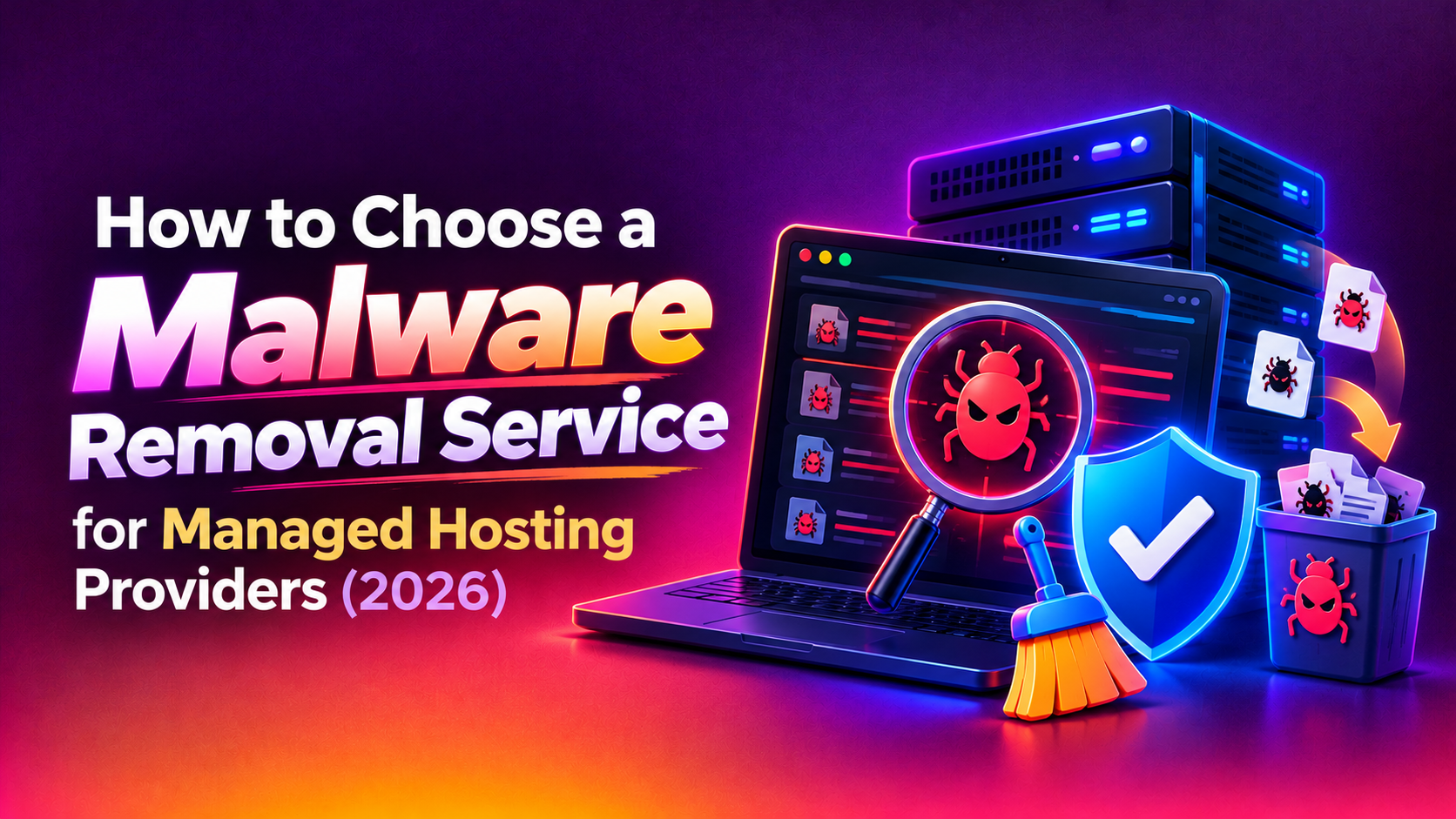
When you run a managed hosting business, malware is never one customer's problem. One compromised account can slow a shared server, get an IP address blacklisted and generate a wave of angry tickets from tenants who did nothing wrong. This guide explains how to choose a malware removal service for managed hosting providers, with a vendor evaluation checklist and a comparison table you can use in your next procurement conversation.
It is written for hosting founders, operations leads and support managers who need a cleanup partner they can trust across many accounts at once. Nothing here is a guarantee of outcome, and every platform differs, so use it as a framework and ask each vendor for an itemised quote. If you want to see how we scope this work, our malware removal service page is a good starting point.
Why hosting providers need a different kind of cleanup
A single-site owner wants one website cleaned. A hosting provider needs something broader, and a vendor who only understands the first case will struggle with the second.
- Many accounts, one machine: infected files in one account can be used to probe neighbouring accounts if isolation is weak.
- Mixed software: customers run different CMS versions, themes, plugins and custom code, so there is no single clean baseline.
- Reputation is shared: a blacklisted outbound IP affects mail delivery for every tenant on that address.
- Customers expect answers: your clients want to know what happened, what was removed and whether it can happen again.
- Your own team is stretched: support staff are rarely forensic specialists, and pulling senior admins into cleanup work delays everything else.
What a good service must actually cover
Multi-tenant cleanup across many accounts
Ask how the vendor scans and cleans at scale. A capable team should be able to inventory affected accounts, separate confirmed infections from false positives and work account by account without touching healthy tenants. They should also explain how they avoid heavy scans that spike CPU or disk input and output, because that is how cleanup turns into downtime for neighbours.
Reinfection root-cause analysis
Deleting infected files is the easy part. Sites that are cleaned and then reinfected within days usually share a small set of causes: outdated plugins and themes, weak or reused credentials, leftover backdoors and web shells, and writable directories that should not be writable. A good vendor investigates how the intruder got in, looks for persistence such as rogue admin users, scheduled tasks and modified configuration files, and tells you what to change so the same route is closed. A vendor who only promises a clean scan is selling you a repeat invoice.
Blacklist and reputation delisting
After cleanup, search engine warnings, browser interstitials and mail blocklists can keep hurting your tenants. Ask whether delisting requests are part of the service, which lists the vendor handles, and how they confirm the underlying problem is fixed before requesting review. Reviews submitted too early tend to fail and can slow recovery. For a provider, this also covers outbound mail reputation, so ask how the vendor handles spam relay clean-up and queue purging.
Evidence and customer-ready reporting
Your customers will ask what happened. The vendor should deliver a written report per affected account covering the files and database entries found, the likely entry point, the actions taken and the recommended follow-up. You should be able to forward it to a customer with little editing. Consistent evidence also protects you if a customer disputes responsibility or asks whether data was exposed.
Response-time commitments
During an active outbreak, hours matter. Ask for written response and escalation expectations, how out-of-hours incidents are handled, and who you speak to. Be cautious of any vendor that will not put response commitments in writing.
Protecting neighbours from downtime
The cleanup should be designed around the rest of the server. Look for isolation of suspect accounts, throttled scanning, careful handling of mail queues and a clear plan for when an account must be suspended. The goal is to contain the problem without taking the whole host offline.
You can read how we approach this on our hosting malware cleanup page.
Vendor evaluation checklist
Use this checklist when you speak to any malware removal vendor, including us. A reliable provider should be comfortable answering every item in writing.
- Multi-account capability: can they work across dozens or hundreds of accounts, and how do they prioritise?
- Platform familiarity: do they understand your control panel, web server stack, PHP handlers and account isolation model?
- Root-cause analysis: do they identify the entry point, or only remove symptoms?
- Backdoor hunting: do they check for web shells, rogue users, cron entries and modified core files?
- Low-impact methods: how do they limit load on shared resources during scans?
- Delisting support: which blacklists and search warnings do they handle?
- Customer reports: is a per-account written report included?
- Response commitment: are response times and escalation paths written into the agreement?
- Access handling: do they use time-limited, logged access and remove it when finished?
- Data confidentiality: what are the terms on customer data they may see during cleanup?
- Post-cleanup hardening: do they advise on patching, credential resets and file permissions?
- Clear pricing: is the quote itemised, with no vague open-ended hours?
- Exit terms: can you stop at any time without penalty or lock-in?
Comparison table: your main options
Hosting providers generally choose between handling cleanup internally, buying automated scanning tools, using a one-off per-incident vendor or signing an ongoing partnership. Each fits a different situation.
| Criteria | Internal support team | Automated scanner only | One-off incident vendor | Ongoing managed partner |
|---|---|---|---|---|
| Multi-account scale | Limited by staff time | Good at detection, weak at cleanup | Depends on the vendor | Planned capacity for bulk work |
| Root-cause analysis | Varies with staff skills | Usually none | Often included, scoped per case | Included and repeated for patterns |
| Backdoor detection | Inconsistent | Signature-based, can miss custom shells | Manual review by specialists | Manual review plus tracking over time |
| Blacklist delisting | Done ad hoc | Rarely offered | Sometimes extra | Usually part of the engagement |
| Customer reporting | Written by hand, slow | Raw scan output | Report per incident | Standard reporting format |
| Response time | Competes with other tickets | Instant alerts, no human action | Agreed per incident, may be slow to start | Written commitment in the agreement |
| Neighbour impact | Risky if staff rush | Scans can add load | Depends on method | Throttled, planned approach |
| Cost pattern | Hidden in salaries and distraction | Low licence cost, extra labour later | Variable, spikes during outbreaks | Predictable, itemised retainer or per-case rates |
| Lock-in risk | None | Licence term | Low | Moderate, reduced by clear exit terms |
The table shows why many providers combine approaches: automated detection to spot trouble early, plus a specialist partner for the cleanup itself. Your own staff then focus on customer communication and prevention.
Red flags to watch for
- A promise of a guaranteed one-click fix across every account.
- No explanation of how reinfection will be prevented.
- Requests for permanent, unrestricted root access with no logging.
- No sample report and no written response commitment.
- Pricing that is a single unexplained figure.
- Pressure to sign before they have seen a representative infected account.
Understanding cost drivers
We do not quote prices in an article because they depend entirely on your environment. These are the factors that move a malware removal quote, so you can compare vendors fairly.
- The number of affected accounts and the size of each site and database.
- How deep the infection goes, including backdoors and modified core files.
- Whether servers need isolation or rebuild work.
- Blacklist delisting scope, including mail reputation.
- Depth of reporting required for each customer.
- Out-of-hours response and the level of support after cleanup.
- Any hardening work you want performed after the incident.
Ask every vendor for an itemised quote that separates detection, cleanup, root-cause investigation, delisting and reporting. Then compare like with like, and include the staff time you would otherwise spend. A cheaper quote that omits root-cause work often costs more once reinfection starts.
A practical process for selecting a vendor
- Define your scenario: note account counts, panel type, current detection tools and recent incidents.
- Shortlist two or three vendors: use the checklist above and request written answers.
- Run a small trial: give them one representative infected account and review the report, the speed and the follow-up advice.
- Check the access model: confirm how credentials are shared, logged and revoked.
- Compare itemised quotes: look for clarity, not just a low figure.
- Agree the playbook: decide in advance who contacts customers, who approves account suspension and how updates are shared.
Having the playbook before an outbreak makes a large difference. Most of the stress in an incident comes from people not knowing who decides what. If you want help preparing one, our team can walk through it as part of a malware removal engagement.
Questions to ask on the first call
- How would you handle an outbreak affecting many accounts on one server?
- What do you do to find the original entry point?
- How do you avoid slowing down unaffected customers?
- What will each customer-facing report contain?
- What is your response commitment outside business hours?
- What happens if infected accounts keep being reinfected?
Why Companies Choose CloudHouse for Malware Removal Service
Clients come to CloudHouse because we plan the cleanup before we start, stay available for support after the work is done and provide transparent, itemised quotes so you can see what each part of the job costs. We focus on finding the cause as well as removing the symptoms, so the same problem is less likely to return. You can learn more about how we work on our malware removal service page.
Conclusion
Choosing a malware removal service as a hosting provider comes down to scale, root-cause discipline and communication. Look for a partner who can clean many accounts without harming neighbours, who finds the reinfection route, who handles delisting and who gives you customer-ready evidence under a written response commitment. Use the checklist and table above, insist on an itemised quote and run a small trial before you commit. To discuss your environment and get a clear proposal, visit our malware removal service for hosting providers page and request a quote.