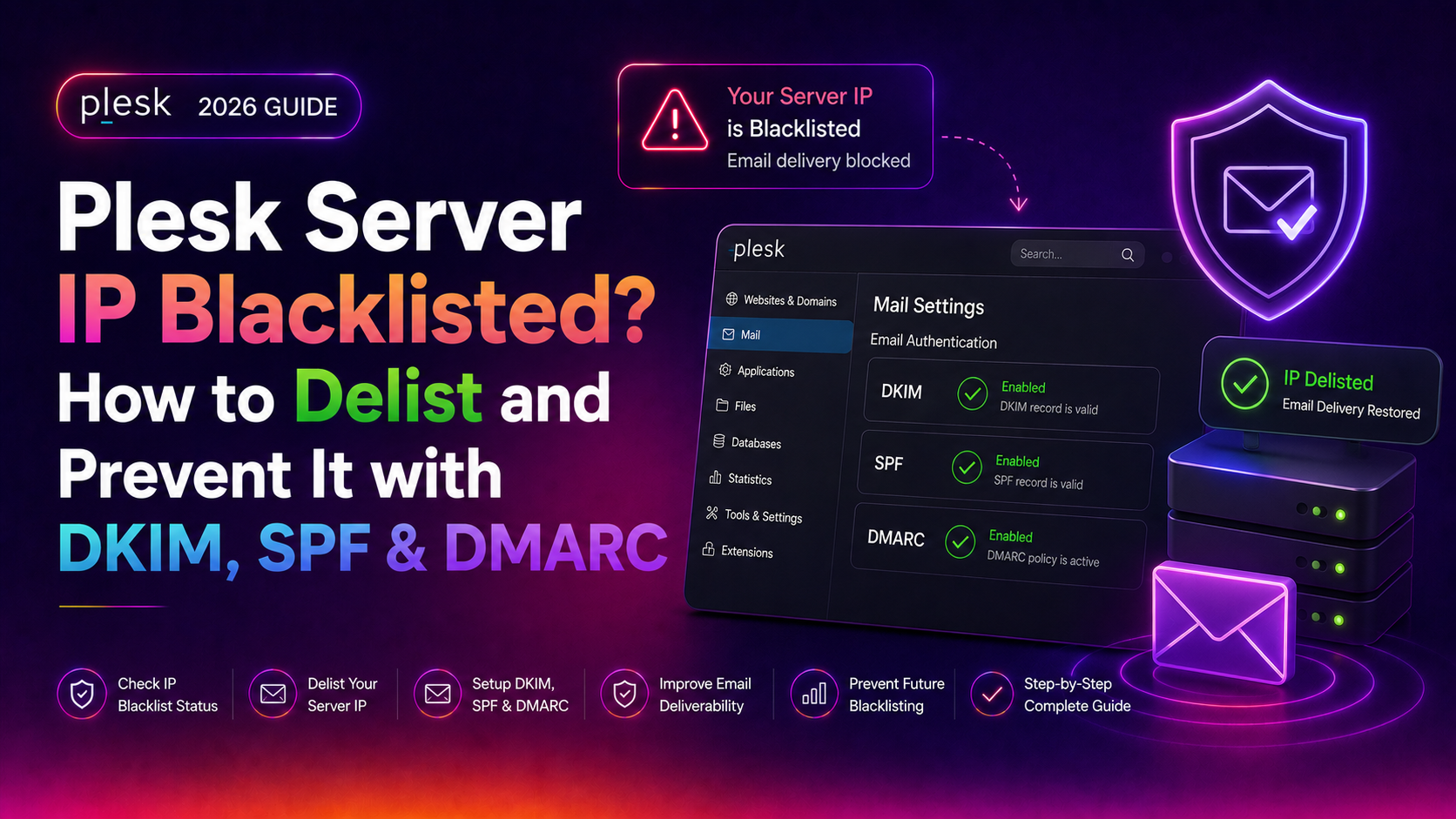
If outbound emails from your Plesk server are bouncing with messages like "550 5.7.1 Service unavailable; Client host blocked" or silently landing in recipients' spam folders, your Plesk server IP is almost certainly blacklisted on one or more RBLs (Real-time Blackhole Lists). This guide walks you through diagnosing the blacklisting, delisting your IP from Spamhaus, SpamCop, and Microsoft's blocklists, and hardening your Plesk mail server with DKIM, SPF, and DMARC so it never happens again.
💡 None of these worked? Skip the guesswork.
Get Expert Help →How to Check If Your Plesk Server IP Is Blacklisted
Before you can fix anything, you need to know exactly which blacklists have flagged your IP and why. Checking multiple RBL databases simultaneously is the fastest approach.
Step 1 — Find Your Server's Public IP
Log in to your Plesk server via SSH and run:
curl -s https://ipinfo.io/ipThis confirms the IP that mail servers see when your Plesk server sends email. If you have multiple IP addresses, verify which one Postfix is using as the outbound IP:
postconf -n | grep inet_interfaces
postconf -n | grep smtp_bind_address
Step 2 — Run a Multi-RBL Lookup
Use one of these free tools — paste your IP and scan all lists simultaneously:
- MXToolbox Blacklist Check:
https://mxtoolbox.com/blacklists.aspx— checks 100+ RBLs - MultiRBL:
https://multirbl.valli.org/— checks 200+ lists - Spamhaus IP Checker:
https://check.spamhaus.org/— official Spamhaus lookup
You can also query from the command line. To check if your IP (e.g., 203.0.113.10) is on Spamhaus ZEN:
# Reverse the IP octets and append the DNSBL zone
dig 10.113.0.203.zen.spamhaus.org A +short
A response of 127.0.0.2 means listed on SBL; 127.0.0.10 or 127.0.0.11 means listed on PBL; 127.0.0.4 means XBL. No output means not listed.
Step 3 — Check Mail Logs for Bounce Evidence
tail -200 /var/log/maillog | grep -i "blocked\|blacklist\|reject\|denied"
# Or on Debian/Ubuntu-based systems:
tail -200 /var/log/mail.log | grep -i "blocked\|blacklist\|reject\|denied"
Look for rejection messages containing phrases like CBL, SBL, SpamCop, Barracuda, or URLs pointing to removal forms — these confirm which specific list is blocking your mail.
Check Postfix's mail queue for clues about the spam origin:
# View the queue
postqueue -p

# See the full content of a queued message (replace QUEUEID)
postcat -vq QUEUEID | head -60
Look at the X-PHP-Originating-Script header — if present, it identifies the exact PHP file generating the spam. Suspend or audit that site immediately:
# Flush the mail queue after identifying the source
postsuper -d ALL
Removing from Spamhaus
Spamhaus operates several lists with different meanings and removal processes:
- SBL (Spamhaus Block List) — your IP sent spam. Manual review required. Visit
https://check.spamhaus.org/, find your listing, and click "Request Removal." Spamhaus investigators verify the fix within 1–2 business days. - XBL (Exploits Block List) — your server is running malware or an open proxy. Fix the malware/open proxy, then request removal at the same portal. XBL is often automated and can remove quickly once the exploit is gone.
- PBL (Policy Block List) — this is for IPs that should not send direct-to-MX mail (e.g., dynamic IPs or residential ranges). If your dedicated server IP is incorrectly on the PBL, submit a self-service removal at
https://www.spamhaus.org/pbl/. - CSS (Content Sending Sources) — bulk/commercial spam. Requires Spamhaus to verify you have suppression lists, opt-out mechanisms, and complaint handling before removal.
Removing from SpamCop
SpamCop does not accept manual removal requests. Listings automatically expire within 24 hours after the last spam report. To shorten this window:
- Stop all spam immediately (flush the queue, fix the exploit)
- Reduce your sending volume temporarily
- Check status at
https://www.spamcop.net/bl.shtml?YOUR.IP.HERE
Removing from Microsoft (Outlook / Hotmail / Live)
Microsoft maintains its own private blocklist for Outlook.com, Hotmail, and Live.com deliveries. To delist:
- Go to
https://sender.office.com/(Microsoft's sender support portal) - Enter your IP address and complete the CAPTCHA
- Provide a valid contact email and submit
- Also register for the Smart Network Data Services (SNDS) at
https://postmaster.live.com/snds/to monitor complaint rates and trap hits going forward
Expect 24–48 hours for straightforward removals.
Removing from Barracuda
Visit https://www.barracudacentral.org/rbl/removal-request, enter your IP, provide a justification, and submit. Removals typically process within 12 hours for IPs with no prior history.
DKIM (DomainKeys Identified Mail) adds a cryptographic signature to every outgoing message that receivers can verify against your DNS public key.
- In Plesk, go to Tools & Settings → Mail Server Settings
- Under the DKIM spam protection section, check "Allow signing outgoing mail"
- Click OK to save
Then enable DKIM per domain:
- Go to Domains → [your domain] → Mail Settings
- Check "Use DKIM spam protection system to sign outgoing email messages"
- Click OK
Plesk automatically creates the DKIM DNS record in the form default._domainkey.yourdomain.com. If you use external DNS, go to Domains → [domain] → Hosting & DNS → DNS Settings, copy the TXT record value, and add it to your external DNS provider.
# Send a test email to check-auth@verifier.port25.com and review the reply
# Or check via command line:
dig TXT default._domainkey.yourdomain.com +short
You should see a v=DKIM1; k=rsa; p=... record. Then send a test message and check the received email headers for dkim=pass.
Configure SPF in Plesk
SPF (Sender Policy Framework) declares which mail servers are authorised to send email for your domain.
- In Plesk, go to Tools & Settings → Mail Server Settings
- Enable "Enable SPF spam protection" to check incoming mail
For outgoing protection, add a DNS TXT record to each domain. A standard record for a Plesk server where your IP is the only authorised sender:
v=spf1 ip4:YOUR.SERVER.IP ~allIf you also send via Google Workspace or another provider:
v=spf1 ip4:YOUR.SERVER.IP include:_spf.google.com ~allUse ~all (softfail) initially; switch to -all (hardfail) once you've confirmed all legitimate sending sources are included. Check your SPF record with:
dig TXT yourdomain.com +short | grep spfConfigure DMARC in Plesk
DMARC (Domain-based Message Authentication, Reporting & Conformance) tells receiving servers what to do when SPF or DKIM fails, and sends you reports about authentication failures.
In Plesk's DNS Template (Tools & Settings → DNS Template), add a TXT record:
- Name:
_dmarc - Value:
v=DMARC1; p=none; rua=mailto:dmarc@yourdomain.com; ruf=mailto:dmarc@yourdomain.com; fo=1
Start with p=none (monitor mode) to collect reports without blocking mail, then graduate to:
# After 2-4 weeks of clean reports, move to quarantine:
v=DMARC1; p=quarantine; pct=25; rua=mailto:dmarc@yourdomain.com

# Then gradually increase pct to 100, and finally:
v=DMARC1; p=reject; rua=mailto:dmarc@yourdomain.com
Use a free DMARC report analyser like https://dmarcian.com or https://dmarc.postmarkapp.com to read the aggregate XML reports.
Set a Correct PTR (Reverse DNS) Record
Many RBLs and receiving mail servers check that your IP's reverse DNS resolves to a hostname, and that hostname resolves back to the same IP (a "forward-confirmed rDNS"). Without this, even authenticated mail is frequently rejected.
# Check your current PTR record
dig -x YOUR.SERVER.IP +short

# The result should match your mail server hostname (e.g., mail.yourdomain.com)
# Verify the forward lookup too:
dig mail.yourdomain.com A +short
To set or change your PTR record, contact your hosting provider or VPS control panel — this cannot be set in Plesk or your domain registrar. It must be set by the IP owner (your host).
PHP's built-in mail() function injects directly into Postfix with no authentication, making it easy for compromised scripts to spam undetected. The fix is to use an SMTP wrapper:
# Install msmtp as a sendmail replacement
apt-get install msmtp msmtp-mta   # Debian/Ubuntu
yum install msmtp                  # CentOS/RHEL
In Plesk, go to Domains → [domain] → PHP Settings and set sendmail_path to point to your SMTP relay script. Alternatively, install the WP Mail SMTP plugin in WordPress to force SMTP authentication for all outgoing mail from that site.
To monitor PHP mail usage, add logging to php.ini:
mail.log = /var/log/php_mail.logCheck for Open Relay
# Test from an external machine (not your server)
telnet YOUR.SERVER.IP 25
EHLO test.com
MAIL FROM: <test@external-domain.com>
RCPT TO: <test@another-external-domain.com>
If Postfix accepts this relay attempt (responds with 250 instead of 554), your server is an open relay. Check Postfix's smtpd_recipient_restrictions in /etc/postfix/main.cf:
postconf smtpd_recipient_restrictionsIt must include permit_sasl_authenticated, permit_mynetworks, and reject_unauth_destination — in that order.
Audit Mail Forwarders
Catch-all forwarders that redirect all mail for a domain (including spam and bounce messages) can dramatically inflate your outbound volume and trigger blacklisting. In Plesk, review each domain's Mail → Mail Forwarding settings. Disable catch-all addresses for domains that don't need them, or route them to a dedicated mailbox rather than forwarding externally.
Enable Greylisting and Rate Limiting
- Go to Tools & Settings → Mail Server Settings → Greylisting
- Enable greylisting for all domains
Greylisting temporarily rejects mail from unknown senders — legitimate mail servers retry (and eventually pass), while most spam bots do not retry.
For rate limiting, Plesk's outbound SMTP rate controls can be found under Tools & Settings → Mail Server Settings → Relay. Set a reasonable limit (e.g., 200 messages per hour per domain) to cap damage if a site is compromised.
Monitor Your IP Reputation Proactively
Catching a blacklisting before your customers do saves support headaches. Set up free monitoring with:
- HetrixTools (free tier): monitors 80+ blacklists every 15 minutes and sends email/SMS alerts
- MXToolbox Monitor: email alerts when your IP or domain appears on blacklists
- Microsoft SNDS: daily colour-coded report on complaint rates hitting Microsoft's spam traps
If you manage multiple Plesk servers, consider deploying a CloudHouse server management service to handle proactive blacklist monitoring, DKIM/SPF/DMARC setup, and incident response across your entire fleet.
FAQs
How long does it take to get removed from a blacklist?
SpamCop auto-expires within 24 hours. Spamhaus SBL/XBL typically processes removal requests within 1–2 business days after verification. Microsoft's delist portal resolves most cases within 24–48 hours. Barracuda usually processes within 12 hours. UCEPROTECT L2/L3 listings must be resolved by your ISP and can take a week or more.
My DKIM record is set up but mail still shows dkim=fail — why?
The most common cause is using external DNS while Plesk manages DKIM keys. Go to Domains → [domain] → Hosting & DNS → DNS Settings, copy the exact TXT record value for default._domainkey, and paste it into your external DNS provider. Allow 15–60 minutes for propagation, then re-test with dig TXT default._domainkey.yourdomain.com +short.
What is the difference between SPF softfail (~all) and hardfail (-all)?
Softfail (~all) tags mail from unauthorised IPs as suspicious but still delivers it — useful during initial setup to avoid blocking legitimate mail you may have forgotten to include. Hardfail (-all) instructs receivers to reject mail from any IP not listed in your SPF record. Switch to -all only after 2–4 weeks of DMARC monitoring confirms you've captured all your legitimate sending sources.
Can I prevent re-listing after delisting?
Yes — implement all four layers: (1) DKIM + SPF + DMARC with at least p=quarantine, (2) PTR/rDNS matching your mail hostname, (3) PHP mail() logging or SMTP-only restriction, and (4) proactive blacklist monitoring with HetrixTools or MXToolbox. With all four in place, re-listing is rare even if a site on your server is temporarily compromised, because abuse is caught before enough spam reports accumulate to trigger a listing.
My hosting provider's shared IP is blacklisted — what can I do?
If you are on shared hosting, you do not control the IP reputation — other tenants' abuse affects you. Options: (1) request a dedicated IP from your provider, (2) route outbound mail through a transactional relay service like Mailgun, SendGrid, or Amazon SES, or (3) migrate to a managed VPS where you fully control the IP. A dedicated server management provider can handle the IP-to-server configuration and email stack setup for you.
Fixing a blacklisted Plesk mail server IP requires two parallel tracks: delisting from each RBL using the correct removal process, and hardening your mail stack so the same exploit path cannot be used again. The combination of DKIM signing, a strict SPF policy, a graduated DMARC policy, rDNS alignment, and PHP mail() audit gives you the layered defence that keeps high-volume Plesk deployments off the major blacklists for good.