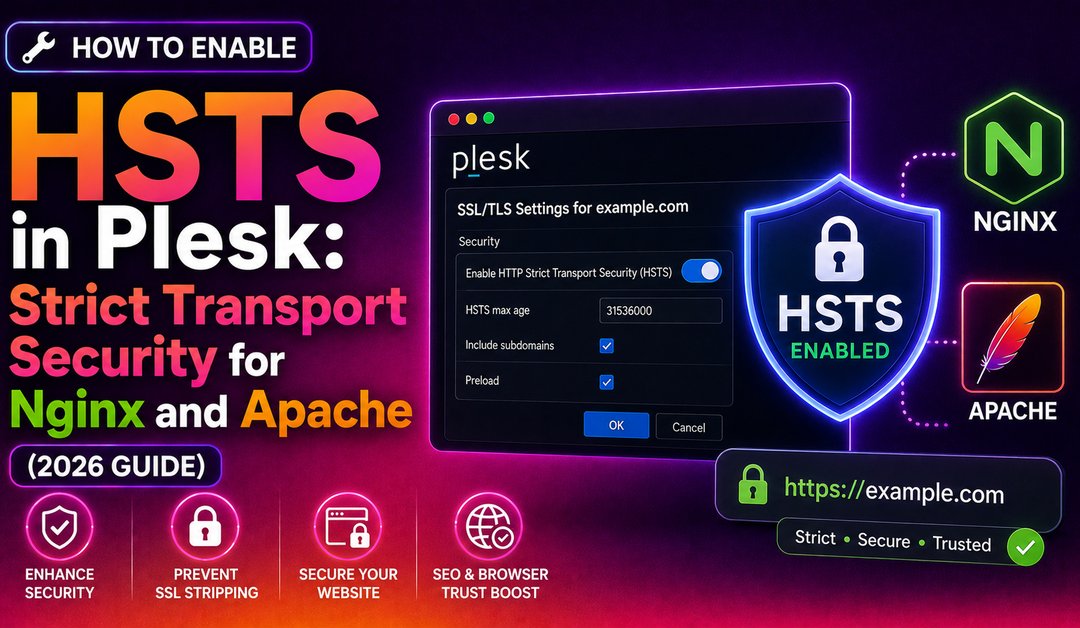
Having a valid SSL certificate installed in Plesk is just the first step. Without HTTP Strict Transport Security (HSTS), browsers can still make an initial unencrypted HTTP request to your site before being redirected to HTTPS — a window that allows SSL stripping attacks. HSTS tells the browser to only connect over HTTPS for a defined period, eliminating that insecure first request entirely. This guide covers exactly how to configure HSTS in Plesk for both Nginx and Apache stacks, including the includeSubDomains and preload directives, and how to verify the header is working correctly.
What Is HSTS and Why Does It Matter in Plesk?
The Strict-Transport-Security (HSTS) header is a security policy sent by your web server that instructs browsers to refuse HTTP connections and always use HTTPS. Once a browser has received this header once, it enforces the policy locally for the duration of the max-age value — even before making any network request.
Without HSTS, an attacker on the same network can intercept the initial HTTP request and downgrade the connection before the server's redirect can fire. This attack is known as SSL stripping and is trivially easy on public Wi-Fi. HSTS closes this gap at the browser level.
In Plesk, HSTS is not enabled by default. You must add the header to your domain's Nginx or Apache configuration.
Prerequisites Before Enabling HSTS in Plesk
HSTS is a one-way door. Once a browser has stored the policy, it will refuse to connect over HTTP for the entire max-age period. If your certificate expires or becomes invalid during that time, visitors will not be able to access your site at all — not even with a click-through warning.
Before enabling HSTS:
- Verify a valid SSL certificate is installed for the domain in Plesk (Websites & Domains → SSL/TLS Certificates)
- Confirm the domain works correctly over HTTPS — test
https://yourdomain.comin the browser - If you plan to use
includeSubDomains, ensure ALL subdomains also have valid SSL certificates - Ensure any HTTP-to-HTTPS redirect is already working (Plesk: Hosting Settings → Permanent SEO-safe 301 redirect from HTTP to HTTPS)
💡 None of these worked? Skip the guesswork.
Get Expert Help →Step 1: Enable HSTS for Nginx in Plesk
If your Plesk server uses Nginx as a proxy (the default configuration for most modern Plesk installations), add the HSTS header in the Nginx additional directives section.
Navigate to Websites & Domains → click on the domain you want to configure → click Apache & Nginx Settings.
Scroll to the Additional nginx directives section (this applies to both HTTP and HTTPS virtual hosts). Add the following line:
add_header Strict-Transport-Security "max-age=31536000" always;The max-age=31536000 value is one year in seconds — the minimum recommended value for production use. The always parameter ensures the header is sent on all responses, including error pages.
If every subdomain (mail, www, app, etc.) has a valid certificate:
add_header Strict-Transport-Security "max-age=31536000; includeSubDomains" always;The preload directive opts your domain into browser HSTS preload lists (Chrome, Firefox, Safari), meaning browsers enforce HTTPS before ever connecting to your server for the first time:
add_header Strict-Transport-Security "max-age=31536000; includeSubDomains; preload" always;Only add preload if you intend to submit your domain to hstspreload.org. Once preloaded, removal can take months.
Plesk writes the directive to the domain's Nginx vhost configuration and restarts Nginx automatically.
Navigate to Websites & Domains → Apache & Nginx Settings.
Scroll to the Additional directives for HTTPS text area (not the HTTP one — HSTS must only be sent over HTTPS connections):
Header always set Strict-Transport-Security "max-age=31536000; includeSubDomains"This requires mod_headers to be enabled on the Apache server, which it is by default on most cPanel/Plesk stacks.
Never add the HSTS header to the plain HTTP (port 80) vhost. Browsers ignore HSTS headers received over HTTP — only headers sent via HTTPS are stored and honoured.
curl -sI https://yourdomain.com | grep -i strictExpected output:
strict-transport-security: max-age=31536000; includeSubDomainsOpen Chrome or Firefox DevTools → Network tab → click the main document request → check the Response Headers section for strict-transport-security.
Run a full SSL test at ssllabs.com/ssltest/. Under the Protocol Details section, look for the Strict Transport Security (HSTS) row — it should show Yes with your max-age value. SSL Labs also awards bonus points in the rating for HSTS with includeSubDomains and preload.
If both Nginx and Apache headers are configured for the same domain, some tools (including Qualys SSL Labs) may report that the HSTS policy is invalid due to duplicate headers. Use only one — the Nginx additional directives field on servers where Nginx is enabled as a proxy.
plesk bin panel_gui --set-hsts 1Log in as admin → Tools & Settings → SSL/TLS Certificates → find the Plesk panel certificate → click Secure Plesk → enable HSTS.
Note: You must have a valid certificate installed for the Plesk hostname (not just hosted domains) before enabling HSTS for the panel itself.
Step 5: Submit to the HSTS Preload List (Optional but Recommended)
Browser vendors maintain a hardcoded list of domains that must always use HTTPS. Once your domain is on this list, it will be enforced even on a browser's very first visit — before any HSTS header has been received.
Requirements for preload submission:
- A valid SSL certificate on the root domain
- HSTS header with
max-ageof at least 31536000 (1 year) includeSubDomainsdirective presentpreloaddirective present- All subdomains redirect to HTTPS
Submit at hstspreload.org. After submission, it typically takes 2-4 weeks for the domain to appear in Chrome's preload list and up to several months to be removed if you later need to opt out.
Common HSTS Mistakes in Plesk
- Adding HSTS before SSL is fully working — verify HTTPS works correctly first or you'll lock visitors out
- Using a short max-age — values under 31536000 are accepted but provide weak protection; hstspreload.org requires exactly one year minimum
- Enabling includeSubDomains without checking all subdomains — any subdomain without a valid cert will become unreachable once HSTS is in force
- Adding HSTS header to both Nginx and Apache fields — causes duplicate headers; use only the Nginx field on dual-stack servers
- Forgetting to flush browser HSTS cache during testing — Chrome: chrome://net-internals/#hsts → Delete domain; Firefox: clear browsing data → Cached Web Content
For Plesk servers where SSL/TLS hardening is part of a broader security strategy, CloudHouse's managed Plesk server service covers SSL certificate management, HSTS configuration, cipher suite hardening, and ongoing security monitoring.
FAQs
Conclusion
Enabling HSTS in Plesk is a three-step process: add the Strict-Transport-Security header in the Nginx additional directives (or Apache HTTPS directives on Apache-only servers), verify the header is present with curl or SSL Labs, and optionally submit to the HSTS preload list for maximum security. The key prerequisites are a valid SSL certificate and a working HTTP-to-HTTPS redirect — get those in place first, then deploy HSTS with a one-year max-age. For production Plesk environments where SSL configuration, cipher hardening, and ongoing certificate management need to be maintained reliably, a managed Plesk server service ensures your security headers stay current.