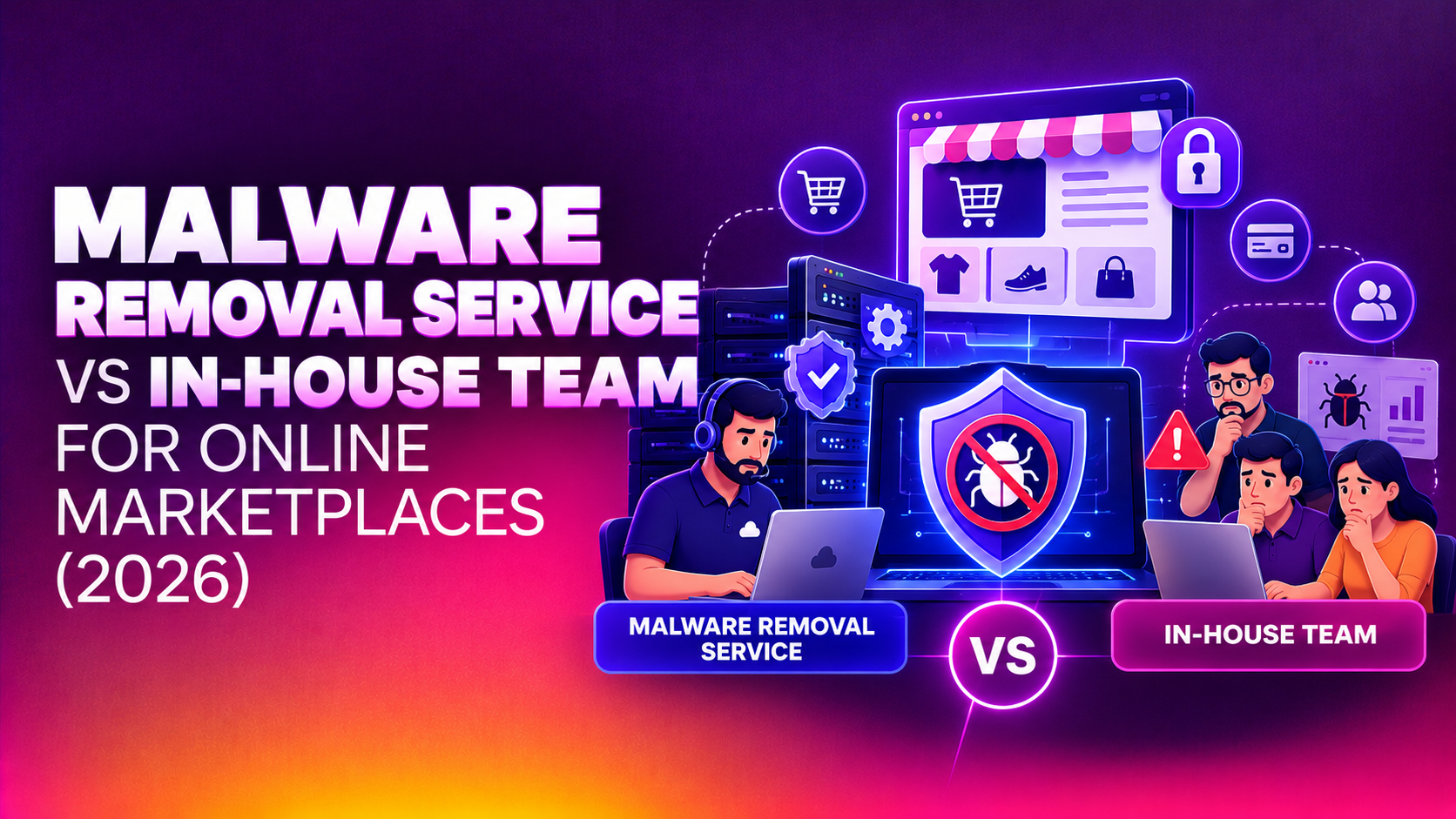
If you run an online marketplace, the question is rarely whether a malicious file will reach your platform. It is how quickly you can find it, remove it and make sure it does not come back. This article compares a malware removal service vs in-house online marketplaces teams, so operators with many vendors, uploads and plugins can decide who should own cleanup. It is written for founders, CTOs and operations leads who are weighing a retained dev team against an outside specialist.
Nothing here is a guarantee of any outcome, and every platform is different. Use it as a framework for your own decision, then ask any provider for an itemised quote against your real environment.
Why marketplaces face a different malware problem
A brochure website has one owner and a handful of editors. A marketplace has hundreds or thousands of semi-trusted contributors, each of whom can add content, media or code. That changes the threat model in ways that matter when you are choosing who handles cleanup.
- Vendor-uploaded files: product images, PDFs, digital downloads and import spreadsheets all pass through your upload handlers. A single weak validation rule can let a script disguised as an image reach a web-accessible folder.
- Third-party plugins and extensions: payment gateways, shipping connectors, review widgets and vendor dashboards each add code you did not write and may not review.
- Many privileged accounts: vendor and staff logins with reused or stolen passwords are a common route to a compromised store front.
- Search and trust damage: injected spam pages, hidden redirects and card-skimming scripts can get a domain flagged by browsers and search engines, which hurts buyers and sellers at the same time.
- Multiple entry points: a marketplace often runs a main application, an admin area, an API, a staging copy and background workers. Cleaning one and missing another is how infections return.
What malware removal actually involves
Deleting the file you can see is the smallest part of the job. A proper marketplace malware cleanup usually covers these stages.
- Containment: limiting damage first, for example by restricting uploads, rotating exposed credentials or isolating affected servers.
- Detection and scoping: scanning files, databases and scheduled tasks to find every infected item, including backdoors placed to survive a basic cleanup.
- Removal: cleaning or replacing infected files and database entries without breaking legitimate vendor content.
- Root-cause analysis: working out how the attacker got in, whether through an outdated plugin, a weak upload rule, a stolen login or a misconfigured server.
- Hardening: closing that route and the ones next to it.
- Monitoring and reporting: watching for reinfection and documenting what was found so you can brief your team and, if needed, your customers.
The key point for this comparison is that the last three stages decide whether you are cleaning once or cleaning repeatedly. Our malware removal service is built around that full sequence rather than just file deletion.
What an in-house team does well
An internal developer or DevOps team has real advantages, and it would be dishonest to pretend otherwise.
- Deep knowledge of your code: they know which files are custom, which are third-party and which behaviours are normal for your vendor workflows.
- Immediate availability during working hours: no onboarding, no access negotiation and no briefing needed.
- Direct control: sensitive data stays within your own staff and you decide the priorities.
- Ongoing ownership: they can fold security fixes into the normal release process.
For a small, well-staffed engineering team with someone who has handled incidents before, in-house cleanup can be a sound choice for minor or well-understood problems.
Where in-house teams struggle with malware
The difficulty is that malware cleanup is a different skill from building features. Product developers are rarely trained to hunt obfuscated code, read server logs for intrusion patterns or spot persistence mechanisms.
- Incident skills are rare and perishable: a team that sees one serious infection every few years does not build much pattern recognition.
- Competing priorities: the people best placed to clean up are also the ones shipping the roadmap, and cleanup tends to be rushed so features can resume.
- Out-of-hours gaps: attacks do not respect office hours, and a small team cannot always be on call across time zones where your vendors and buyers live.
- Blind spots about their own work: the people who built an upload handler are often the least likely to see how it can be abused.
- Tool and licensing costs: scanners, log analysis and threat intelligence feeds add up when only one team uses them.
Where an outside service helps and where it does not
A specialist provider brings repeated incident experience and a set procedure. That usually shows up as faster scoping, more thorough hunting for hidden backdoors and a written root-cause report. Outsourcing also gives you an independent view, which matters if you need to explain an incident to partners or payment providers.
There are limits to be honest about. An outside team starts without knowing your codebase, needs access that you must grant carefully and cannot replace the ongoing engineering discipline your own developers provide. The best results usually come from a provider and an internal team working together, with the provider handling the incident and your developers owning the permanent fixes.
Malware removal service vs in-house team: comparison table
The table below is a general comparison, not a ranking. Individual providers and individual internal teams vary widely, so treat each row as a question to put to whoever you are considering.
| Factor | In-house dev team | Outsourced malware removal service |
|---|---|---|
| Response time | Fast during working hours; depends on who is on call overnight and at weekends | Depends on the service level you agree; ask for response commitments in writing |
| Knowledge of your platform | Strong from day one | Starts from scratch and builds it during scoping |
| Incident and forensic experience | Often limited to occasional events | Typically a core skill built from repeated cases |
| Root-cause analysis | Possible, but may be skipped under delivery pressure | Normally a defined deliverable with a written report |
| Reinfection prevention | Strong when security fixes enter the release cycle | Strong on hardening and monitoring; permanent code changes still need your developers |
| Coverage across files, database and servers | Depends on skills and tooling available | Usually a structured sweep of all three |
| Independent view for partners or auditors | Harder, as the team is reviewing its own systems | Easier to provide an outside assessment |
| Cost structure | Salaried time plus tools; the work competes with the roadmap | Per incident or retained; ask for an itemised quote |
Cost drivers to compare honestly
The cheapest option on paper is often not the cheapest in practice. When you compare, count the real cost of each route rather than a headline figure.
- For an in-house team: salaried engineering time diverted from product work, the cost of delayed releases, scanning and monitoring tools, and the risk of a second cleanup if the root cause was missed.
- For an outside service: the size of the platform, the number of servers and applications in scope, how long the infection has been present, the response speed you need and whether monitoring continues afterwards.
- For both: the business cost of downtime, lost vendor confidence and any warnings applied to your domain while the problem lasts.
No honest provider can quote a meaningful figure without seeing your environment. Ask for an itemised proposal that lists scope, assumptions, exclusions and what would change the price once work begins.
A practical decision framework
Most marketplaces fall into one of three situations. Use these as a starting point.
- You have a strong security-minded internal team and a minor, understood problem: handle it in-house, but still document the root cause and add a check to prevent a repeat.
- You have a developer team focused on features and no incident experience: bring in a specialist for the cleanup and root-cause work, then let your developers implement the permanent fixes.
- You are actively compromised, flagged by browsers or seeing card data risk: speed and thoroughness matter most, so involve an outside service immediately rather than starting with a trial-and-error internal attempt.
Whichever route you take, protect evidence early. Avoid wiping servers or overwriting logs before someone has captured what the attacker did, because that information is what makes the root-cause analysis possible.
Questions to ask any provider before you sign
- How do you scope an infection, and will you check files, databases and scheduled tasks?
- Will you deliver a written root-cause report and a list of hardening changes?
- How do you handle vendor-uploaded content, so legitimate files are not deleted?
- What access do you need, how is it logged and how is it revoked when you finish?
- What happens if the infection returns, and what monitoring is included?
- Can you provide an itemised quote with assumptions and exclusions?
How to prevent reinfection regardless of who cleans up
Reinfection is usually the most expensive part of a malware incident, and it comes from a handful of repeat causes. Whoever does the cleanup, make sure these are covered.
- Keep the platform, plugins and server software updated, and remove extensions you no longer use.
- Validate uploads by content type and block script execution in upload folders.
- Enforce strong, unique passwords and two-factor authentication for staff and vendor accounts.
- Rotate every credential and key that could have been exposed during the incident.
- Keep tested, offline backups so you can restore cleanly if needed.
- Monitor file changes and unusual outbound connections so a new compromise is noticed early.
Why Companies Choose CloudHouse for Malware Removal
CloudHouse Technologies plans each cleanup as a sequence of containment, removal, root-cause analysis and hardening, so the work does not end at deleting the visible file. Support continues after the cleanup, so questions about monitoring or a suspicious alert have somewhere to go. Quotes are transparent and itemised, so you can compare them with the cost of handling the incident internally. You can read more on our malware removal service page.
Conclusion
For an online marketplace, the choice between an outside service and an in-house team comes down to incident experience, available time and how much independent assurance you need. Many operators get the best result by combining the two: a specialist to contain and investigate, and their own developers to ship the permanent fixes. If you would like a second opinion on your situation, request a malware removal quote from CloudHouse and get your marketplace cleaned and protected before the next vendor upload puts it at risk.