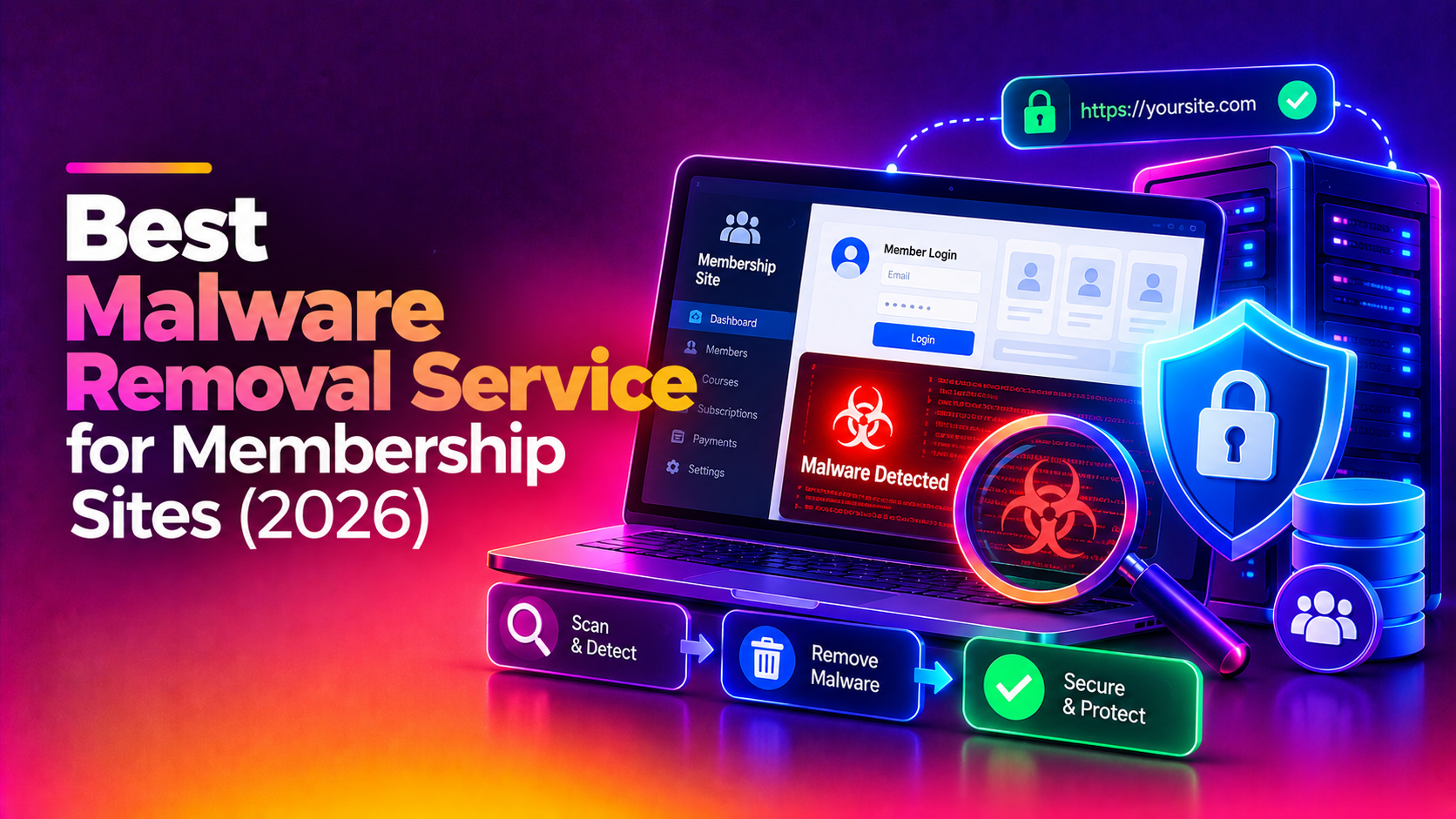
If your membership or subscription site has been hacked, flagged by Google or quietly skimming card details, you need the best malware removal service for membership sites, not a generic scan-and-delete job. Members trust you with logins, personal details and payment pages, so every hour of an active infection is a risk to them and to your revenue. This guide explains how to judge providers, what a proper cleanup involves and the questions to ask before you hand over access. If you would rather talk to specialists now, request a malware removal quote from CloudHouse.
Why Membership Sites Need More Than a Plugin Scan
A brochure website that gets infected is embarrassing. A membership site that gets infected can expose accounts, subscriptions and payment flows. The attack surface is also larger: login forms, member dashboards, gated content, checkout pages, webhooks from payment gateways, user uploads and a stack of plugins or extensions that all need to stay patched.
Automated scanners are useful for spotting known signatures, but they commonly miss the things that hurt membership sites most:
- Payment skimmers: small scripts injected into checkout or billing pages that copy form input and send it elsewhere.
- Rogue admin accounts: new users with elevated roles that let an attacker walk back in after cleanup.
- Backdoors in odd places: web shells hidden in upload folders, theme files, cache directories or the database.
- Conditional redirects: malware that only shows spam or scam pages to visitors arriving from search engines, so you never see it while logged in as admin.
- Credential harvesting: modified login or registration code that logs passwords as members type them.
Removing visible symptoms without finding the entry point is the most common reason sites get reinfected within days or weeks.
What a Good Malware Removal Service Should Cover
A credible service works through a clear sequence. Be wary of any provider who cannot describe it.
- Containment: limiting damage first, for example putting the site into maintenance mode, rotating exposed credentials and blocking malicious traffic while investigation continues.
- Full file and database inspection: reviewing core files, plugins, themes, uploads, scheduled tasks and database tables, not just running one scanner.
- Cleanup and verification: removing malicious code, restoring tampered files from trusted sources and confirming nothing remains.
- Root cause analysis: identifying how the attacker got in, whether through an outdated plugin, weak credentials, a vulnerable server service or a compromised account.
- Hardening: closing that entry point and tightening permissions, authentication and server configuration.
- Blacklist and warning review: helping you request a review from Google and other lists once the site is genuinely clean.
- A written summary: what was found, what was changed and what you should do next.
How to Evaluate the Best Malware Removal Service for Membership Sites
Use these criteria to compare any provider, including us. Ask for specific answers rather than marketing language.
1. Do they understand payment and member data?
Ask how they inspect checkout and billing pages, and whether they check for injected scripts that skim form data. A provider that only talks about "scanning files" is not thinking about your real exposure. They should also be able to explain what to do about member accounts if credentials may have been captured, such as forcing password resets and reviewing recent account changes.
2. Do they find the cause, not just the symptoms?
Cleanup without root cause analysis is a temporary fix. Ask how they trace the initial entry point and whether they review server logs, user accounts, file modification patterns and installed extensions. The answer should be a process, not a promise.
3. Is reinfection prevention part of the work?
Look for concrete hardening steps: updating or replacing vulnerable components, removing unused plugins, tightening file permissions, enabling two-factor authentication for admins, restricting access to sensitive areas and putting a web application firewall or equivalent rules in place where appropriate. Ask what happens if the site is reinfected through the same hole after cleanup.
4. Can they handle Google warnings and blacklists?
Browser warnings and search flags scare members away quickly. A good provider knows how review requests work, what evidence the review process expects and why a review submitted before the site is truly clean tends to fail. They should be clear that timing depends on the reviewing party, not on the provider.
5. How do they treat your access and data?
You are giving someone access to a site that holds member information. Ask how they handle credentials, whether they work on a copy or live, who on their team will have access and how they handle data after the job. Reasonable providers answer these directly.
6. Are scope, price and timeline explained up front?
Fixed advertised prices often hide limits, such as one site only, no database cleanup or no follow-up. Membership sites vary a lot in size, stack and complexity, so a sensible provider reviews the environment first and then agrees scope and price in writing.
7. Do they communicate clearly during an incident?
You will want to know what is happening and what decisions are yours, such as whether to notify members. Ask who your contact is and how updates are delivered.
Comparing Your Options
Most site owners choose between four routes. The right one depends on the stack, the risk and how much in-house expertise you have.
| Option | Strengths | Limits for membership sites |
|---|---|---|
| Security plugin or automatic scanner | Quick to run, useful for detecting known signatures | Can miss hidden backdoors, rogue users and skimmers; does not explain how the attack happened |
| Restore from a backup | Fast when a clean backup exists | Backups may already contain the infection and the original weakness remains; recent member signups and orders can be lost |
| In-house developer | Knows your code and stack | May lack incident response experience; tempting to rush back to live without full verification |
| Specialist malware removal service | Manual inspection, root cause analysis, hardening and blacklist support | You must share access and trust the provider, so vet them against the criteria above |
In practice many teams combine routes: a specialist leads the cleanup and hardening while the developer supports with application knowledge.
Warning Signs of a Weak Provider
- They promise a fixed outcome or exact timeline before looking at your site.
- They only run an automated scan and call it a cleanup.
- They cannot explain how they will find the entry point.
- They offer no hardening or reinfection guidance.
- They are vague about who will access your site and data.
- They pressure you to decide immediately without explaining the scope.
What to Do While You Arrange Cleanup
A few steps limit damage while you wait for help. Change administrator, hosting, database and payment gateway credentials from a device you trust. If you suspect checkout pages are affected, consider pausing card entry or switching to a hosted payment page from your gateway until the site is verified. Keep a copy of the infected site and logs for investigation rather than deleting everything. Avoid making further changes that could overwrite evidence, and note the date you first noticed the problem.
If the site is showing a Google warning, do not request a review yet. Review requests work best once the site is verified clean, and repeated early requests can slow things down.
Questions to Ask Before You Hire
- How will you inspect checkout, login and registration pages specifically?
- How will you find how the attacker got in?
- What hardening is included to prevent reinfection?
- Will you help with Google and blacklist reviews?
- Who will have access to my site and member data?
- What will I receive in writing at the end?
- How is scope and price agreed, and what is not included?
Finally, think about what happens after the cleanup. Ask whether the provider will recheck the site after a short period, advise on monitoring and explain what routine maintenance keeps plugins, themes and server software current. For a site that takes recurring payments, ongoing care matters as much as the first fix, because new vulnerabilities appear regularly and unpatched software is a common way back in.
Why Membership and Subscription Sites Choose CloudHouse for Malware Removal
Membership and subscription businesses come to CloudHouse because we treat login, member data and payment pages as the priority areas during an investigation, not an afterthought. We trace how the attacker got in, clean the site and apply hardening so the same route is closed. We also support the Google and blacklist review process once the site is verified clean, so members stop seeing warnings. We review your environment first and then agree scope and price with you before work starts.
Conclusion
The best malware removal service for membership sites is the one that protects member data and payment pages, finds the real entry point, hardens the site against reinfection and explains its work in writing. Use the criteria above to compare providers, and be cautious of anyone who offers a scan, a fixed promise and nothing more. If your site is infected or flagged, you can get a malware removal quote from CloudHouse. We will review your environment and agree scope and price before we begin.