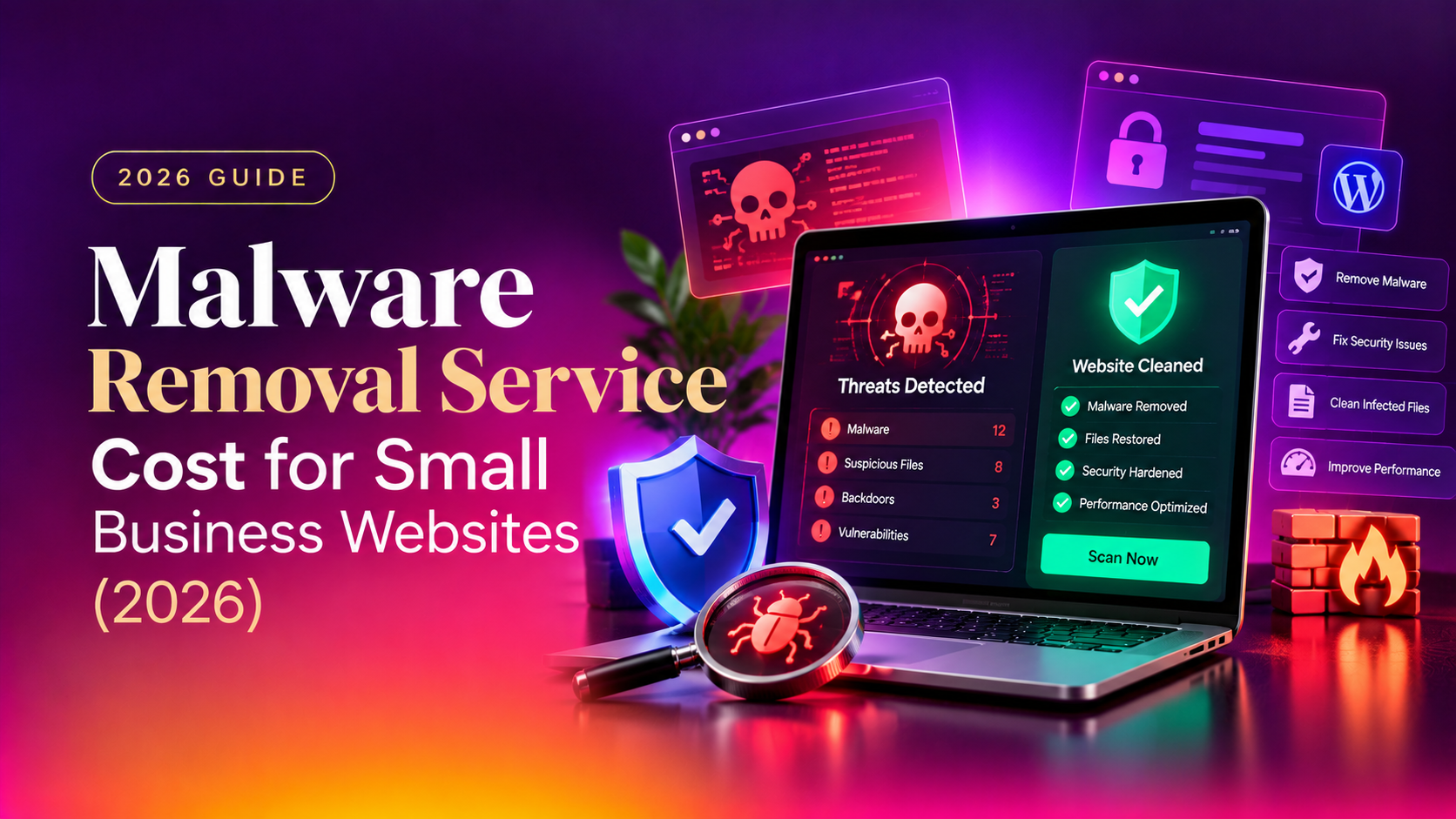
If your website has been flagged by Google Safe Browsing, your hosting provider suspended your account, or you're seeing strange redirects and spam pages you never created, you need a straight answer: how much does a malware removal service cost for small business websites in 2026? The honest answer is that pricing varies by infection severity, but real numbers exist — and this guide gives you them, along with what actually drives the price up or down.
Too many articles on this topic dance around real figures or bundle malware cleanup in with vague "security packages." We're not doing that here. Below you'll find actual pricing ranges, a breakdown of what affects cost, and a clear comparison so you can budget accurately before you call anyone.
What Causes Website Malware Infections?
Before pricing makes sense, it helps to understand how sites get infected in the first place. Small business websites are attacked constantly — not because they're high-value targets individually, but because automated bots scan millions of sites looking for known vulnerabilities.
- Outdated CMS or plugins: Unpatched WordPress core, themes, or plugins are the single biggest driver of website malware cleanup pricing coming in higher than expected — old vulnerabilities are trivial for bots to exploit.
- Weak or reused admin passwords: Brute-force login attempts remain one of the most common infection vectors.
- Nulled or pirated themes/plugins: These frequently ship with backdoors already embedded.
- Compromised hosting neighbors: On shared hosting, a breach on another account can spread to yours.
- Outdated SSL/TLS or exposed file permissions: Misconfigured server permissions let attackers write files directly.
Once inside, attackers typically inject spam links, redirect visitors to scam pages, mine cryptocurrency in the background, or install a backdoor for future access — which is exactly why a rushed, incomplete cleanup often results in reinfection within weeks.
Recognizing an infection early also matters for cost. Watch for these warning signs, which typically mean the problem is still contained and cheaper to fix than one that's been sitting for months:
- Your browser or a visitor's browser shows a "This site may be hacked" or "Deceptive site ahead" warning
- Your hosting provider emails you about abuse complaints or suspends your account
- Search results for your domain show spammy titles you never wrote (pharmacy spam, gambling links, counterfeit goods)
- Unexplained new admin users appear in your WordPress dashboard or CMS
- Your site redirects visitors to unrelated pages, or loads noticeably slower than usual
- Google Search Console shows a manual action or security issue notification
Any single one of these is worth investigating immediately. Two or more together almost always mean the infection has been present for a while, which pushes you toward the higher end of the pricing ranges below.
Malware Removal Service Cost: What to Expect in 2026
Based on current market data across dozens of providers, most small business websites should budget between $150 and $2,500 for professional cleanup, with the majority of straightforward cases landing in the $250–$700 range. Here's how that breaks down by infection type:
| Infection Type / Service Tier | Typical Price Range | What's Included |
|---|---|---|
| Basic spam injection cleanup | $150 – $350 | Malicious code removal, core file scan, one blacklist removal request |
| Standard malware removal (most common) | $300 – $700 | Full site scan, malware/backdoor removal, Google Safe Browsing delisting, basic hardening |
| Emergency same-day response | $500 – $1,200 | Priority cleanup within hours, database + file-level scan, security hardening, hosting-level review |
| Deep/backdoor or e-commerce infection | $1,200 – $2,500+ | Manual code audit, payment-page integrity checks, full backdoor removal, ongoing monitoring setup |
| Ongoing monitoring & maintenance retainer | $40 – $150/month | Continuous scanning, firewall rules, automatic patching, monthly reports |
These figures reflect current malware removal service pricing 2026 benchmarks across independent security firms and agencies. If a quote comes in dramatically below $100 with no scope details, be cautious — it usually means a surface-level scan rather than a genuine cleanup, which risks reinfection and a repeat bill within a month.
To put these numbers in context: a straightforward WordPress site with an injected spam-link infection, caught within a week or two, typically lands around $200–$350 for a one-time cleanup with blacklist removal included. A site that's been infected for months, has multiple backdoors, and needs full core-file replacement plus database sanitization can easily run $1,000–$1,500. An active e-commerce store with a payment-page skimmer — the most serious category — regularly sees quotes of $1,800 or more once forensic review, PCI-related documentation, and monitoring setup are factored in. Knowing which bucket your situation falls into before you get quotes helps you spot a lowball quote that's likely to leave the job half-done.
💡 None of these worked? Skip the guesswork.
Get Expert Help →What Affects the Price of Malware Cleanup
The cost to remove malware from website platforms isn't arbitrary — a handful of factors consistently drive the number up or down:
A surface-level spam injection is far cheaper to fix than a deeply embedded backdoor that's evaded detection for months. The longer malware sits undetected, the more files, database tables, and cron jobs it typically touches.
WordPress malware removal cost tends to be more predictable than custom-built platforms because scanning tools are mature, but a large store with thousands of pages and third-party integrations will always cost more to clean and verify than a five-page brochure site.
If Google, Norton, or McAfee have flagged your site, removal from those blacklists is a separate, often manual process layered on top of the technical cleanup — and it can add days to the timeline if not handled by someone experienced with the resubmission process.
Same-day or emergency response commands a premium over a standard 24–72 hour turnaround, simply because it requires a technician to drop other work immediately.
Full root/SSH access to the server speeds up diagnosis considerably. Shared hosting with limited access often requires more manual investigation, which can add to labor time and cost.
Agencies and businesses running multiple sites or subdomains on the same server often find that an infection has spread laterally across all of them. Cleanup pricing scales with the number of affected properties, since each one needs its own scan, verification, and blacklist check even if the underlying vulnerability is the same.
A cleanup that stops at "malware removed" without closing the entry point is only a temporary fix. Providers that include a web application firewall, updated file permissions, and credential resets in their quote may charge slightly more upfront, but this hardening step is usually what separates a $300 quote that needs redoing in six weeks from a $500 quote that actually holds.
DIY vs Professional Malware Removal
Free plugins like Wordfence or Sucuri's scanner can detect obvious infections, and a technically confident site owner can sometimes remove simple spam injections manually. But small business malware cleanup done in-house carries real risk: missing a single backdoor file means the infection returns, often worse, within weeks — and by then you may have lost search rankings, customer trust, or payment processing access.
| Factor | DIY / Free Plugin | Professional Removal Service |
|---|---|---|
| Cost | $0 – $300 (time + risk) | $150 – $2,500 depending on severity |
| Backdoor detection | Rarely, surface-level only | Full manual file & database review |
| Blacklist removal | Self-service, slow, often rejected | Managed submission, faster clearance |
| Reinfection guarantee | None | Usually 30–90 days |
| Time to resolution | Hours to days of trial and error | Typically 24–72 hours |
For anything beyond a single obvious spam page, professional malware removal services pay for themselves by preventing the far more expensive scenario of a second infection, extended downtime, or permanent search ranking damage.
Why Small Businesses Choose CloudHouse for Malware Removal
CloudHouse Technologies handles malware removal and hardening for small business websites with transparent, hourly-billed pricing rather than vague package tiers — you pay for the work actually needed, not a one-size-fits-all bundle. Our team works directly at the server and application level, meaning most standard infections are cleaned and Safe Browsing delisting requests are submitted within the same business day, with no long-term contract required.
How to Get an Accurate Quote Before You Commit
Before agreeing to any malware removal service cost for small business engagement, ask the provider three specific questions: what exactly is included in the base price, whether blacklist and Google Safe Browsing removal is bundled or billed separately, and what the reinfection guarantee actually covers. A vague answer to any of these is a red flag. A reputable provider should be able to give you a firm quote — or at worst a tight range — after a brief initial scan, not a mystery invoice at the end of the job.
It's also worth asking whether the quote includes a written summary of what caused the infection. Understanding the root cause matters just as much as the cleanup itself, since it's the only way to confirm the vulnerability that let attackers in has actually been closed rather than just patched over.
Frequently Asked Questions
How much does malware removal cost for a small business website?
Most small business websites pay between $150 and $700 for a standard cleanup, with deeper backdoor infections or e-commerce sites running $1,200–$2,500+. The exact figure depends on infection severity, platform, and whether blacklist removal is needed.
How long does malware removal take?
A standard cleanup typically takes 24–72 hours. Emergency same-day services exist for an added fee, while deeply embedded backdoor infections on larger sites can take 3–5 days to fully audit and clear.
Do malware removal services guarantee the infection won't come back?
Reputable providers offer a reinfection guarantee, usually covering 30–90 days after cleanup, provided you accept basic hardening recommendations (updated passwords, patched plugins, a firewall). Always ask what the guarantee actually covers before paying.
What is the difference between WordPress malware removal cost and removal for other platforms?
WordPress cleanup tends to be more standardized and slightly cheaper because of mature scanning tools and a large pool of specialists, typically $250–$800 for standard cases. Custom-built or less common platforms often cost more due to manual investigation requirements.
Will Google remove the "This site may harm your computer" warning after cleanup?
Yes, but only after you submit a review request through Google Search Console following the cleanup — this isn't automatic. Delays here are common if the malware wasn't fully removed, since Google will re-flag the site if it rescans and finds remnants.
Website malware doesn't wait, and neither should the response. If your site has been flagged or is behaving strangely, get a fast, honest assessment of the actual cleanup cost before the problem spreads further.