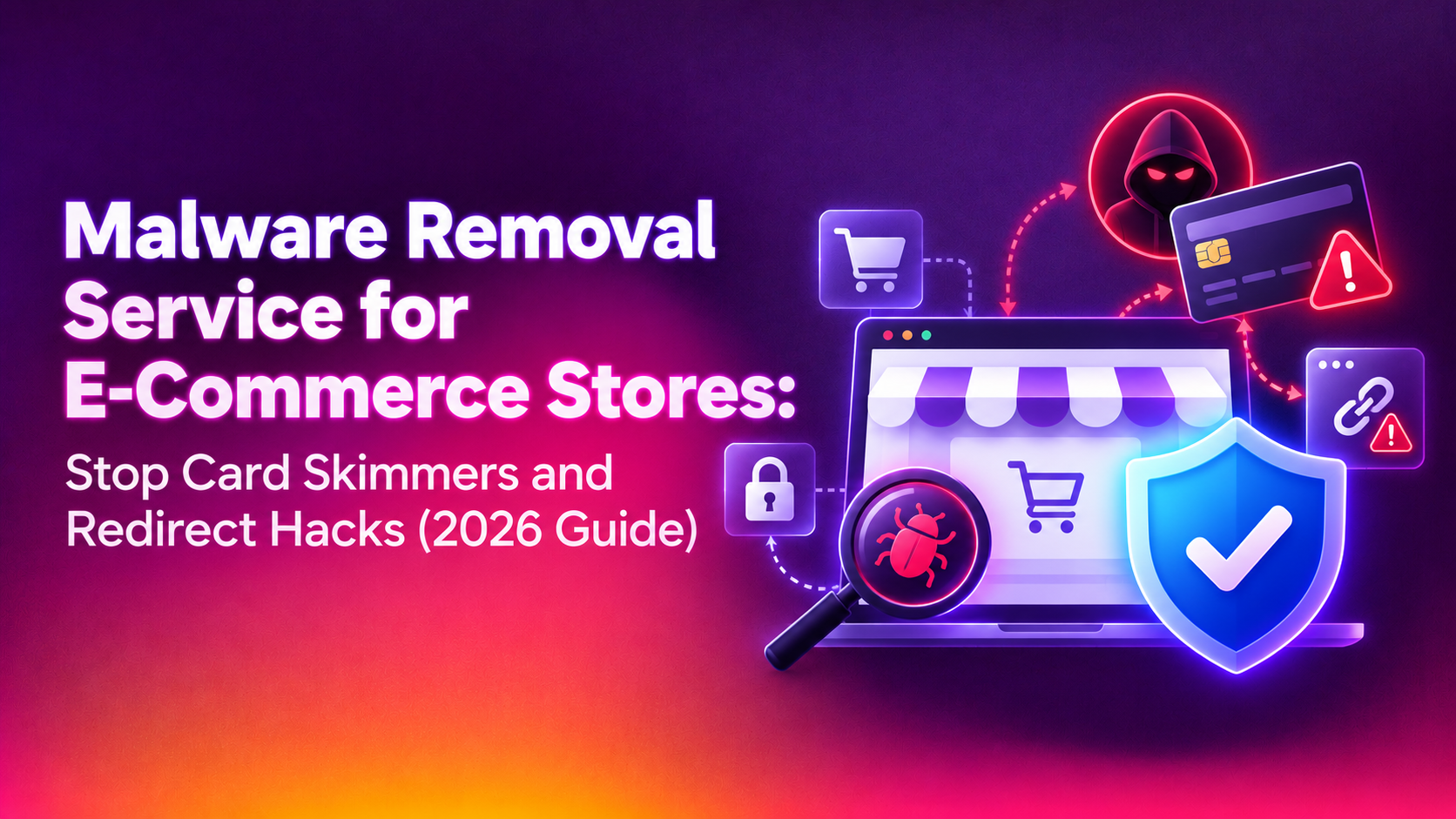
If you run an online store, you are not just protecting a website — you are protecting live payment data, customer accounts, and revenue that stops the moment your checkout goes down. That's exactly why a dedicated malware removal service for ecommerce stores looks completely different from a generic "clean my website" plan. Attackers target WooCommerce, Magento, Shopify (via malicious apps), and custom-built storefronts specifically because a single injected script at checkout can silently harvest thousands of credit card numbers before anyone notices.
Why E-Commerce Stores Are the #1 Target for Malware Attacks
Card-skimming malware families like Magecart have compromised tens of thousands of online stores over the past several years, and the pattern rarely changes: attackers exploit an outdated plugin or unpatched extension, drop a small JavaScript skimmer into the checkout page, and quietly exfiltrate payment details to an external server for weeks or months before a customer complaint, a bank chargeback spike, or a Google Safe Browsing flag exposes the breach. Ecommerce sites are attractive precisely because they process payment card data at scale, run more third-party plugins than a typical brochure website, and often have several people with admin access across marketing, dev, and support teams — each an extra potential entry point.
Most published guides on this topic explain what malware is in general terms without ever addressing the specific, higher-stakes reality of a transactional storefront — which is exactly the gap this guide fills.
Warning Signs Your Online Store Has Been Compromised
Ecommerce malware is built to hide. It rarely announces itself with an obvious defacement — instead, watch for these subtler signals:
- Unexpected redirects at checkout or on product pages sending shoppers to spam or phishing domains
- A spike in chargebacks or fraud disputes that your payment processor flags, often weeks after the actual card data theft
- Google Safe Browsing or your host flagging the domain as "deceptive site" or suspending the account for abuse
- New, unrecognized admin users in WordPress/WooCommerce, Magento admin, or your hosting cPanel
- Slow checkout or payment page load times caused by a skimmer script quietly making external calls
- Search engine rankings collapsing due to spam injection, cloaked pages, or a manual action penalty
- Customers reporting fraudulent charges shortly after purchasing from your store
Any one of these on its own can look like a minor glitch. Two or more together are a strong indicator that your store needs an immediate, professional malware audit rather than a plugin-based scan.
Why Generic Website Scanners Aren't Enough for Online Stores
Most off-the-shelf security plugins are built for brochure websites, not transactional storefronts. They typically miss:
- Payment-page-specific skimmers injected only at the checkout or cart step, invisible to scans that only crawl the homepage
- Database-level backdoors hidden inside product descriptions, order metadata, or serialized PHP objects in WooCommerce/Magento tables
- Third-party extension and app vulnerabilities — the most common ecommerce entry point, since stores routinely run 15-40 plugins/extensions for shipping, tax, marketing, and payment gateways
- Conditional malware that only activates for specific IP ranges, user agents, or geographic regions to evade both automated scanners and manual review from the wrong location
- Persistence mechanisms such as scheduled cron-based reinfection scripts that silently restore the malware after a surface-level cleanup
This is why a proper ecommerce cleanup requires manual, platform-aware forensic review — not just an automated signature scan.
💡 None of these worked? Skip the guesswork.
Get Expert Help →Our Ecommerce Malware Removal Process
Within the first hour, we assess the scope of compromise, take the store into a safe maintenance state if payment data is actively at risk, and preserve forensic evidence for any required breach disclosure.
We scan every layer — core files, themes, plugins/extensions, the database, cron jobs, .htaccess/nginx configs, and admin user accounts — comparing against known-clean checksums for WooCommerce, Magento, and popular platforms to catch modified core files instantly.
Malicious JavaScript injections, PHP web shells, and database-stored backdoors are surgically removed without deleting legitimate customizations — a mistake generic scanners make constantly by nuking entire files instead of the injected payload.
We identify and close the actual entry point — an outdated payment extension, a leaked admin credential, an exposed staging environment — so the same malware can't simply walk back in through the same door within days.
If Google Safe Browsing, your host, or your payment processor flagged the store, we file the necessary review requests and monitor until the flags clear, minimizing lost sales during the "store looks broken" window.
Post-cleanup, we implement a web application firewall, file integrity monitoring, and scheduled malware scans so reinfection is caught within hours, not months — critical for a channel where every hour of downtime has a direct dollar cost.
Our malware removal service is built specifically for this kind of high-stakes, transactional environment, with engineers who understand WooCommerce, Magento, and custom cart architectures rather than a one-size-fits-all cleanup script.
DIY Plugin Cleanup vs. Professional Ecommerce Malware Removal
| Factor | DIY Security Plugin | Professional Ecommerce Removal Service |
|---|---|---|
| Checkout/payment page scanning | Usually not covered | Dedicated skimmer detection |
| Database backdoor detection | Rarely, surface-level only | Full manual database forensic review |
| Reinfection rate | High — root cause often untouched | Low — entry point identified & patched |
| Blacklist/Google Safe Browsing removal | Self-service, slow, often rejected | Managed submission, faster clearance |
| Downtime during cleanup | Hours to days of trial and error | Typically same-day to 24-48 hours |
| PCI/compliance documentation | None provided | Incident report for processor/insurer |
| Ongoing monitoring | Basic automated alerts | WAF + file integrity + human review |
Platform-Specific Risks: WooCommerce, Magento, and Shopify Apps
Not every ecommerce platform gets infected the same way, and understanding your specific platform's weak points helps you evaluate whether a proposed cleanup plan is actually thorough or just a generic template.
WooCommerce / WordPress stores are most commonly compromised through outdated plugins, nulled/pirated premium themes bundled with hidden backdoors, and weak admin passwords reused across other services. Because WooCommerce runs on top of WordPress core, it inherits every WordPress-specific vulnerability class on top of its own payment and cart-specific extensions — which is why plugin inventory review is one of the first things a competent cleanup team checks.
Magento stores tend to be compromised through unpatched core CVEs (Magento has a long history of critical vulnerabilities affecting checkout and admin panels), vulnerable third-party extensions from the marketplace, and exposed admin panels without IP restriction or two-factor authentication. Because Magento stores are often larger, higher-revenue operations, they are disproportionately targeted by sophisticated Magecart groups running long-term, low-noise skimmer campaigns rather than smash-and-grab defacements.
Shopify stores are less exposed at the core platform level since Shopify manages hosting and core code, but remain vulnerable through malicious or poorly vetted third-party apps that request excessive permissions, compromised staff accounts, and social-engineering attacks targeting store owners directly. Cleanup here focuses more on app audit and access review than file-level forensics.
Whatever platform you run, the underlying principle is the same: the malware removal service you choose needs actual experience with your specific cart software, not just generic "website security" experience.
Typical Costs of Ecommerce Malware Cleanup
Cleanup pricing across the industry generally ranges from around $200 for a straightforward single-infection cleanup on a WooCommerce store, up to $600-$1,000+ for a Magento or multi-domain store requiring database-level remediation, blacklist removal, and post-cleanup monitoring. Express or same-day services typically carry a premium. These figures should be weighed against the cost of a single day of lost checkout revenue plus potential chargeback liability — for most stores, that comparison makes professional remediation the cheaper option by a wide margin.
Why Online Store Owners Choose CloudHouse for Ecommerce Malware Removal
CloudHouse Technologies works with WooCommerce, Magento, and custom cart platforms every week, so our engineers already know where card skimmers hide and how attackers typically pivot from a compromised plugin to full database access. We offer transparent, flat-rate pricing with no surprise add-ons, 24/7 emergency response for active breaches, and a re-infection guarantee window so you're covered if the same malware resurfaces shortly after cleanup.
What Happens If You Delay Cleaning an Infected Store
Every day an ecommerce malware infection goes untreated compounds the damage. Google can blacklist the domain, dropping organic traffic overnight. Payment processors can flag unusual fraud patterns and freeze payouts pending investigation. Customers who had card data stolen may pursue chargebacks or, in serious cases, legal action — and depending on your jurisdiction and payment card industry (PCI DSS) obligations, an undisclosed breach involving stolen card data can carry regulatory consequences on top of the reputational damage. The cost of professional remediation is almost always smaller than the compounding cost of doing nothing.
Get Your Store Cleaned and Secured Today
If your ecommerce store is showing any signs of compromise — or you simply want a professional security audit before an attacker finds the gap first — don't wait for a Google blacklist notice or a flood of chargebacks to force your hand. Talk to CloudHouse Technologies about our malware removal service and get a same-day response.
Frequently Asked Questions
How much does malware removal cost for an ecommerce store?
Costs typically range from around $200 for a basic single-infection cleanup to $600-$1,000+ for complex Magento or multi-domain infections requiring database remediation and blacklist removal. Most providers, including CloudHouse, quote a flat rate after an initial assessment so there are no surprise charges mid-cleanup.
Will cleaning up malware delete my products, orders, or customer data?
No. A properly executed cleanup surgically removes the injected malicious code — scripts, backdoors, and modified files — while preserving your product catalog, order history, and customer records. Reputable providers always take a full backup before starting remediation as an added safety net.
How do I know if the malware will come back after cleanup?
Reinfection almost always happens because the original entry point — an outdated plugin, leaked credentials, or an unpatched vulnerability — was never actually closed, only the visible symptom was removed. A thorough service identifies and patches that root cause, then adds file integrity monitoring so any reinfection attempt is caught within hours rather than resurfacing weeks later.
How long does it take to remove malware from an online store?
A single-platform infection (e.g. WooCommerce) is typically resolved within 24-48 hours. More complex Magento infections, multi-domain networks, or cases requiring extensive database forensic review can take 3-5 days. Emergency triage and checkout protection, however, usually begin within the first hour of engagement.
Do you offer a trial or guarantee before I commit to a full cleanup plan?
CloudHouse provides an upfront assessment and flat-rate quote before any work begins, with no long-term contract required for a one-time cleanup. We also include a re-infection window after cleanup, so if the same malware resurfaces shortly after remediation, we address it at no additional charge.
Can malware removal affect my store's SEO or Google rankings?
The malware itself is usually what damages rankings — through spam injection, cloaked redirect pages, or a Google Safe Browsing blacklist flag that removes the site from search results entirely. Professional cleanup, combined with a blacklist review request, is the fastest path to restoring both rankings and customer trust after an infection.