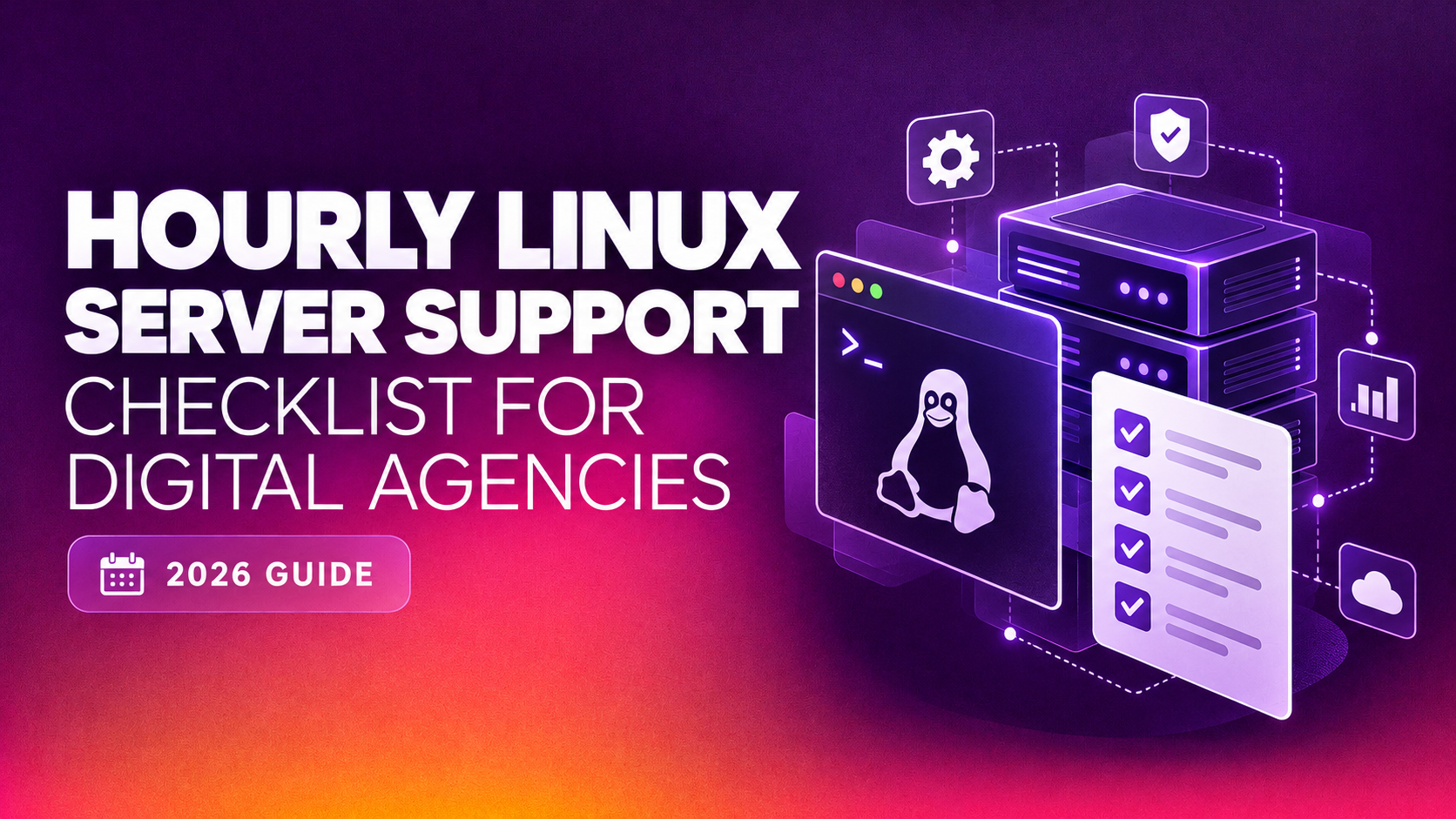
When you're running a digital agency juggling ten, twenty, or fifty client servers, a full-time Linux sysadmin rarely makes financial sense — but going without expert help until something breaks is riskier still. This is exactly why more agencies are moving to hourly Linux server support: pay only for the hours you use, get a certified engineer when a client site goes down at 2am, and skip the fixed monthly overhead of an in-house hire. This hourly Linux server support checklist for agencies walks through exactly what to confirm before you sign with a vendor, what's typically bundled into the hourly rate versus billed separately, and how to avoid the support gaps that turn a five-minute fix into a client-facing outage.
Why agencies choose hourly Linux server support over full-time hires
A full-time Linux administrator in most markets costs upward of $60,000–$90,000 annually before benefits — a budget line that's hard to justify when your agency's actual sysadmin workload is a few hours a week spread unevenly across dozens of client environments. Hourly Linux server support for digital agencies flips that math: you pay a per-hour or per-incident rate only when work is actually needed, with no idle salary sitting on the books during quiet weeks.
The other advantage is breadth of expertise. One in-house hire is strong in, say, cPanel and Apache tuning, but weak on Kubernetes or mail server forensics. An hourly support vendor with a team behind it can usually cover WHM/cPanel, Plesk, DirectAdmin, Nginx, firewall hardening, and email deliverability issues under a single contract — coverage a solo hire can't match.
The catch: not all pay as you go Linux server support vendors are built for agencies managing multiple client accounts with different SLAs, access credentials, and escalation paths. Most hourly support marketing targets a single site owner with one VPS, not an agency with a portfolio. That's the gap this checklist is built to close.
The vendor checklist: what to confirm before you sign up
Before committing to any hourly support provider, get written answers — not verbal assurances — on each of the following:
- Guaranteed response time: Ask for the actual SLA in minutes/hours for critical (server down) vs. non-critical (config change) tickets — "fast response" without a number is not a commitment.
- Multi-client account handling: Confirm the vendor can manage separate access credentials, billing, and ticket histories per client server without mixing them up or exposing one client's data to another.
- Minimum billing increment: Some vendors bill in 1-hour minimums even for a 10-minute fix; others bill in 15-minute increments — this materially changes your effective cost across dozens of small tickets.
- After-hours and weekend coverage: Confirm whether nights/weekends are included in the standard hourly rate or carry a surcharge — this is where many agencies get surprised on their first invoice.
- Panel and stack coverage: Verify the vendor actually supports the control panels your client base runs — cPanel/WHM, Plesk, DirectAdmin, Webmin — plus the web/mail/database stack (Nginx, Apache, MySQL/MariaDB, Exim/Postfix).
- Escalation path for critical outages: Ask what happens if the assigned engineer can't resolve the issue — is there a senior escalation tier, or do you wait for the same person to come back online?
- Documentation and handoff: Confirm every ticket comes with a written summary of what was done, so your team retains institutional knowledge even if you rotate support vendors later.
- NDA and data handling terms: Since the vendor will have root access to client infrastructure, confirm a signed NDA and clear data-handling policy exist before granting credentials.
- Trial or month-to-month terms: Avoid any vendor that requires a long-term contract to access hourly rates — the entire appeal of hourly support is flexibility.
What's typically included per hour vs billed separately
Understanding what your hourly rate actually buys prevents scope disputes mid-ticket. Most reputable providers include the following within the standard hourly rate:
- Diagnosing and fixing server downtime, crashes, or resource exhaustion (CPU/RAM/disk)
- Security patching, OS updates, and applying critical CVE fixes
- Web server and database performance tuning (Apache/Nginx/MySQL config adjustments)
- Email deliverability troubleshooting (SPF/DKIM/DMARC, blacklist removal, mail queue issues)
- SSL certificate installation and renewal
- Firewall rule configuration and basic malware cleanup
- Backup verification and restore assistance
Items commonly billed as separate scope, or requiring a quote outside the hourly rate, include:
- Full server migrations between hosts or data centers
- Large-scale malware remediation after a serious compromise
- Custom scripting or automation builds (CI/CD pipelines, provisioning scripts)
- Emergency after-hours work if not covered by your base agreement
- Ongoing proactive monitoring setup (as opposed to reactive fixes)
Get this breakdown in writing before your first ticket. Agencies that skip this step are the ones who end up disputing an invoice after a "quick fix" turns into a four-hour migration nobody pre-approved.
Why Agencies Choose CloudHouse for Hourly Linux Support
CloudHouse Technologies built its hourly Linux server support specifically around agency workflows — separate ticket queues and access credentials per client server, transparent per-hour billing with no forced minimums beyond what's fair for the work, and engineers who cover cPanel, Plesk, DirectAdmin, and Webmin under one contract. There's no long-term lock-in: agencies can scale support up during a busy migration season and scale back down when things are quiet, paying only for actual hours logged. Every ticket comes with a written resolution summary, so your team keeps full visibility into what changed on every client's server.
Red flags that signal a vendor isn't built for agency-scale work
Beyond the checklist items above, watch for these warning signs during the sales conversation itself: vague answers when you ask how many concurrent client servers their team typically manages, reluctance to put SLA numbers in writing, and pricing pages that only mention a single-server plan with no language about portfolio management. If a vendor can't describe how they'd separate ticket queues for ten different clients, they likely haven't built the internal tooling to do it reliably — and you'll find that out during your first real incident, not before.
Another subtle red flag: providers that quote a low headline hourly rate but bill in awkward increments (a 3-hour minimum for a 20-minute DNS fix, for example) or add "emergency surcharges" that aren't disclosed until the invoice arrives. Ask for three sample invoices from existing clients if a vendor is willing to share them — real billing history tells you more than a rate card ever will.
How to compare vendors: a simple evaluation table
| Evaluation factor | What "good" looks like | What to avoid |
|---|---|---|
| Response SLA (critical) | 15-30 minutes, written into contract | "As soon as possible" with no number |
| Billing increment | 15-minute increments after first hour | Flat 3-4 hour minimums per ticket |
| Multi-client handling | Dedicated ticket queue and credentials per client | Single shared login for "all your servers" |
| Panel coverage | cPanel, Plesk, DirectAdmin, Webmin all supported | Only supports one panel type |
| Contract terms | Month-to-month, cancel anytime | 12-month minimum commitment required |
| Documentation | Written resolution summary on every ticket | Verbal-only updates, no ticket trail |
Run every prospective vendor through this table before signing. It takes fifteen minutes and prevents months of frustration if you pick a provider that's really set up for single-site owners rather than agencies with a growing client roster.
Common scenarios where agencies lean on hourly support
In practice, most agencies don't call an hourly Linux server support provider for routine maintenance — they call when something specific and time-sensitive goes wrong. The most common triggers include:
- A client site goes down outside business hours and your team doesn't have deep server-level troubleshooting skills on call.
- A security scanner or hosting provider flags malware on a client's server and you need it cleaned and hardened quickly, without waiting weeks for an in-house hire to ramp up on the specifics.
- Email suddenly stops delivering for a client — often a blacklist, SPF/DKIM misconfiguration, or a compromised mail queue sending spam — and it's costing the client business.
- A server is running out of disk space or memory during a traffic spike and needs immediate triage before it takes the site offline entirely.
- You're onboarding a new client whose existing server was never properly configured, and you need a security and performance audit before taking over support responsibility.
None of these scenarios justify a full-time hire on their own — but collectively, across a portfolio of client servers, they add up to real recurring need. That's the exact gap hourly support is designed to fill: expert help exactly when it's needed, without paying for idle capacity the rest of the time.
Setting expectations internally before you switch
Once you've chosen a vendor, a short internal rollout avoids confusion later. Brief your account managers on what counts as a "critical" ticket versus routine maintenance, so client-facing staff aren't over-escalating minor issues at premium after-hours rates. Set up a shared log — even a simple spreadsheet — tracking which client server each ticket relates to, hours billed, and resolution notes, so you can spot patterns (a client whose server needs frequent attention might need a plan upgrade or a full audit) before costs creep upward unnoticed.
It's also worth agreeing internally on who has authority to approve out-of-scope work — like a full migration quoted separately from the hourly rate — so an engineer mid-ticket doesn't have to chase down approval from three different people before proceeding. A five-minute internal policy conversation here saves hours of delay during an actual outage.
Calculating your real hourly-support budget
Agencies often underestimate hourly support spend by only counting emergency tickets. A more realistic budget accounts for three categories: reactive fixes (outages, security incidents), scheduled maintenance (patching, backup verification, SSL renewals), and periodic audits (a quarterly review of each client server's configuration and security posture). Tracking hours across all three categories for a full quarter gives you a much more accurate baseline than guessing from memory, and it gives you leverage to negotiate a volume discount with your vendor once you know your real monthly hour count.
It's also worth comparing that real hourly spend against the fully-loaded cost of a junior in-house hire — salary, benefits, training time, and the ramp-up period before they're independently productive across your entire panel and stack mix. For most agencies managing fewer than roughly 40-50 active servers, the hourly model comes out ahead on pure cost, and it wins even more decisively on flexibility during slow months.
Getting started with hourly support
If your agency is evaluating hourly Linux server support, start with a low-risk test: route one or two non-critical tickets to a prospective vendor and judge their response time, communication clarity, and documentation quality before moving your full client portfolio over. Confirm the checklist items above in writing, keep a record of what's included per hour, and make sure escalation paths are clear before an actual outage tests them for you.
CloudHouse offers hourly Linux server support built for exactly this agency use case — no monthly retainer required, transparent per-hour billing, and engineers who already speak the language of multi-client server management. Get a free quote for hourly Linux server support and see how it compares to keeping the risk in-house.