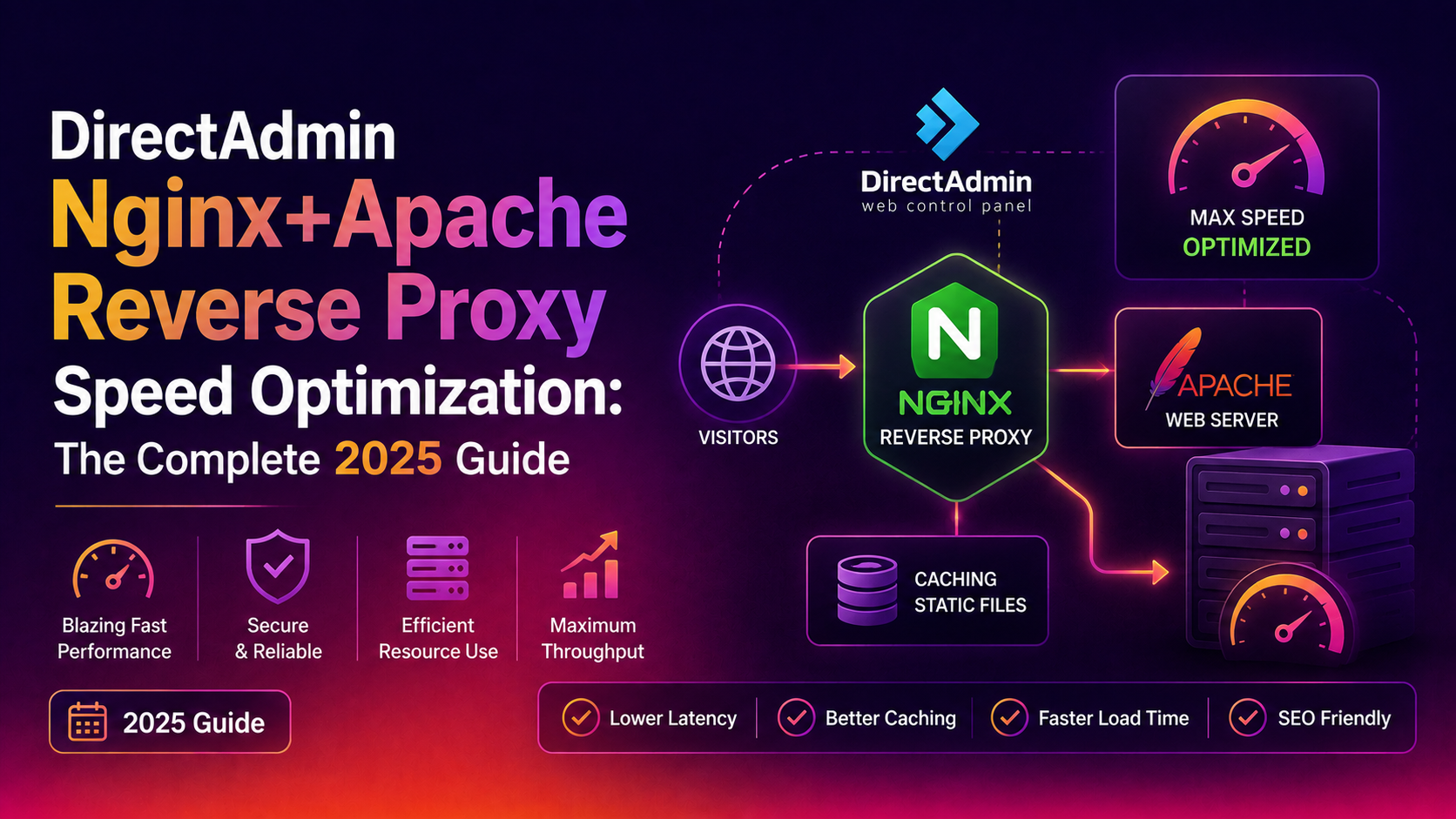
If you manage hosting servers running DirectAdmin with the Nginx+Apache reverse proxy stack, you've likely encountered frustratingly slow page loads that leave both you and your clients searching for answers. DirectAdmin Nginx Apache speed optimization requires understanding all three layers — the Nginx front-end proxy, the Apache backend, and PHP-FPM — because a bottleneck in any one of them will drag down your entire stack. This complete 2025 guide walks through every tuning step with DirectAdmin-specific file paths, CustomBuild flags, and real configuration blocks.
Why the Nginx+Apache Stack Goes Slow (and Where to Look First)
Before touching a single config file, you need to identify which layer is actually causing the slowdown. The DirectAdmin Nginx+Apache stack has three distinct performance layers, and diagnosing the wrong one wastes hours.
Common root causes by layer:
- Nginx proxy layer: missing HTTP/2, disabled compression, too few worker processes, or inadequate keepalive settings
- Apache backend: oversized prefork MPM worker counts, mod_deflate not enabled, or missing KeepAlive tuning
- PHP-FPM pool: wrong pm.max_children, process manager set to static instead of dynamic/ondemand, or insufficient opcache memory
Quick diagnosis commands to run first:
# Check which Nginx build is active in DirectAdmin CustomBuild
cat /usr/local/directadmin/custombuild/options.conf | grep -E "nginx|apache"

# Check current worker process count vs CPU cores
nginx -V 2>&1 | grep -o "worker_processes[^;]*"
nproc

# View real-time request distribution
tail -f /var/log/nginx/access.log | awk '{print $7}' | sort | uniq -c | sort -rn | head -20

# Check PHP-FPM pool status
curl -s http://127.0.0.1/fpm-status?full 2>/dev/null | head -40
If Nginx response times (logged via $upstream_response_time) are under 200ms but total page time is over 2 seconds, compression or HTTP protocol is your first fix. If upstream times are high, the problem lives in Apache or PHP-FPM.
💡 None of these worked? Skip the guesswork.
Get Expert Help →Enable HTTP/2 on the Nginx Reverse Proxy in DirectAdmin
DirectAdmin's Nginx reverse proxy ships with HTTP/1.1 by default in many installations. Enabling HTTP/2 alone can cut page load times by 20–40% for pages with multiple assets because of request multiplexing.
Run nginx -V 2>&1 | grep http_v2. If --with-http_v2_module appears, you're ready. If not, rebuild through CustomBuild:
cd /usr/local/directadmin/custombuild
./build update
./build nginxDirectAdmin uses template-based vhost generation. Edit the custom template so all newly created vhosts inherit HTTP/2:
# Template location for Nginx+Apache combo
nano /etc/nginx/nginx.conf
Find the server block that handles port 443 and update the listen directives:
listen 443 ssl http2;
listen [::]:443 ssl http2;For existing vhosts under /etc/nginx/conf.d/ or user-specific files:
# Find all SSL server blocks missing http2
grep -rn "listen 443 ssl;" /etc/nginx/conf.d/ | grep -v http2
Use a sed replace for bulk updates:
find /etc/nginx/conf.d/ -name "*.conf" -exec sed -i 's/listen 443 ssl;/listen 443 ssl http2;/g' {} \;
find /etc/nginx/conf.d/ -name "*.conf" -exec sed -i 's/listen \[::\]:443 ssl;/listen [::]:443 ssl http2;/g' {} \;nginx -t && systemctl reload nginxConfirm HTTP/2 is active: curl -I --http2 https://yourdomain.com 2>&1 | grep -i "HTTP/". You should see HTTP/2 200.
/etc/nginx/nginx.confgzip on;
gzip_vary on;
gzip_proxied any;
gzip_comp_level 5;
gzip_buffers 16 8k;
gzip_http_version 1.1;
gzip_min_length 256;
gzip_types
application/atom+xml
application/geo+json
application/javascript
application/x-javascript
application/json
application/ld+json
application/manifest+json
application/rdf+xml
application/rss+xml
application/xhtml+xml
application/xml
font/eot
font/otf
font/ttf
image/svg+xml
text/css
text/javascript
text/plain
text/xml;Keep gzip_comp_level at 5 — levels above 6 burn CPU for minimal extra compression.
Brotli Configuration
nginx -V 2>&1 | grep brotliIf missing, rebuild Nginx with Brotli via CustomBuild. First check options.conf:
grep brotli /usr/local/directadmin/custombuild/options.confSet nginx_brotli=yes then rebuild:
cd /usr/local/directadmin/custombuild
./build set nginx_brotli yes
./build nginxnginx.confbrotli on;
brotli_comp_level 6;
brotli_static on;
brotli_types
application/atom+xml
application/javascript
application/json
application/rss+xml
application/x-javascript
application/xml
font/otf
font/ttf
image/svg+xml
text/css
text/javascript
text/plain
text/xml;curl -H "Accept-Encoding: br" -I https://yourdomain.com | grep -i content-encoding
# Should return: content-encoding: br
curl -H "Accept-Encoding: gzip" -I https://yourdomain.com | grep -i content-encoding
# Should return: content-encoding: gzipTune Nginx Worker Processes, Connections, and Keepalive Settings
Default Nginx configurations installed by DirectAdmin's CustomBuild are conservative. On a modern multi-core server, these defaults create unnecessary queuing under load.
Worker Process and Connection Tuning
Edit /etc/nginx/nginx.conf:
# Set to number of CPU cores (or "auto")
worker_processes auto;
worker_cpu_affinity auto;

events {
    worker_connections 4096;
    multi_accept on;
    use epoll;
}

http {
    sendfile on;
    tcp_nopush on;
    tcp_nodelay on;

    # Keepalive to browsers
    keepalive_timeout 30;
    keepalive_requests 1000;

    # Keepalive to Apache backend (critical for proxy performance)
    upstream apache_backend {
        server 127.0.0.1:8080 weight=1 max_fails=3 fail_timeout=30s;
        keepalive 64;
    }
}
The keepalive 64 directive on the upstream block is one of the most overlooked optimizations. Without it, Nginx opens a new TCP connection to Apache for every proxied request — adding 1–3ms of overhead per request that compounds quickly under load.
Proxy Buffer and Timeout Settings
Add these to your http or server block:
proxy_buffering on;
proxy_buffer_size 128k;
proxy_buffers 8 256k;
proxy_busy_buffers_size 256k;
proxy_read_timeout 60s;
proxy_connect_timeout 10s;
proxy_send_timeout 60s;

# Required for keepalive upstream connections
proxy_http_version 1.1;
proxy_set_header Connection "";
Setting proxy_http_version 1.1 with an empty Connection header forces HTTP/1.1 persistent connections to Apache, which is what the keepalive 64 upstream directive needs to work correctly.
Open File Cache
open_file_cache max=10000 inactive=30s;
open_file_cache_valid 60s;
open_file_cache_min_uses 2;
open_file_cache_errors on;
After all changes: nginx -t && systemctl reload nginx
Optimize Apache Backend and PHP-FPM Behind the Proxy
Because Apache runs behind Nginx and only handles dynamic requests, it doesn't need to be configured for raw connection volume — but its worker settings and PHP-FPM pool configuration directly determine how fast PHP pages generate responses.
Apache MPM Tuning
DirectAdmin typically uses Apache with the Event MPM (preferred) or Prefork (required for mod_php, which you should move away from). Check what's active:
httpd -V | grep "Server MPM"
# or
apache2ctl -V | grep "Server MPM"
For Event MPM, edit /etc/httpd/conf/extra/httpd-mpm.conf or the equivalent on your distro:
<IfModule mpm_event_module>
    StartServers             4
    MinSpareThreads         25
    MaxSpareThreads         75
    ThreadLimit             64
    ThreadsPerChild         25
    MaxRequestWorkers      400
    MaxConnectionsPerChild 10000
</IfModule>
Keep MaxRequestWorkers below the point where RAM runs out. A rough formula: available RAM in MB divided by average PHP process size in MB (check with ps aux | grep httpd | awk '{sum += $6} END {print sum/NR/1024 " MB"}').
PHP-FPM Pool Configuration
PHP-FPM pools live in /etc/php-fpm.d/ (or per-user in DirectAdmin at /etc/php-fpm.d/USERNAME.conf). For a typical shared hosting server:
[www]
pm = dynamic
pm.max_children = 50
pm.start_servers = 10
pm.min_spare_servers = 5
pm.max_spare_servers = 20
pm.max_requests = 500
pm.process_idle_timeout = 10s
For a dedicated server with one or two high-traffic sites, switch to pm = ondemand with higher pm.max_children to avoid idle process memory waste.
OPcache Settings
Add or update in /etc/php.d/10-opcache.ini (path varies by PHP version):
opcache.enable=1
opcache.memory_consumption=256
opcache.interned_strings_buffer=16
opcache.max_accelerated_files=20000
opcache.revalidate_freq=60
opcache.fast_shutdown=1
opcache.enable_cli=0
After adjusting PHP-FPM or OPcache, restart the relevant service:
systemctl restart php-fpm
# or for a specific version:
systemctl restart php81-php-fpm
Verify the Full Stack Performance
Run a quick before/after benchmark from another server:
ab -n 1000 -c 50 -H "Accept-Encoding: gzip" https://yourdomain.com/

# Check Nginx upstream response time logs
awk '{print $NF}' /var/log/nginx/access.log | sort -n | awk 'BEGIN{c=0} {a[c++]=$1} END{print "p50:", a[int(c*0.5)], "p95:", a[int(c*0.95)], "p99:", a[int(c*0.99)]}'
After completing all the tuning steps above, most DirectAdmin servers see p95 response times drop by 40–60%. If you still see high upstream times, the bottleneck has moved to your database layer — check slow query logs in MySQL/MariaDB next.
For managed optimization of your entire DirectAdmin stack without the trial-and-error, CloudHouse server management handles Nginx, Apache, PHP-FPM, and database tuning as part of a complete server performance service.
FAQs
Does enabling HTTP/2 on Nginx affect the Apache backend connection?
No. HTTP/2 is negotiated between the client browser and Nginx only. Nginx continues to communicate with Apache over HTTP/1.1 on the internal loopback interface (127.0.0.1:8080). The only change needed at the proxy-to-Apache layer is setting proxy_http_version 1.1 to enable upstream keepalive connections.
What port does Apache use in a DirectAdmin Nginx+Apache setup?
By default, Apache listens on port 8080 (HTTP) and 8081 (HTTPS) internally. Nginx proxies external requests on ports 80 and 443 to these internal Apache ports. You can confirm the binding with ss -tlnp | grep httpd.
Can I enable Brotli without rebuilding Nginx?
Only if your current Nginx binary was already compiled with --add-module=ngx_brotli. Check with nginx -V 2>&1 | grep brotli. If the module is absent, you must rebuild — DirectAdmin's CustomBuild makes this straightforward with ./build set nginx_brotli yes && ./build nginx.
How do I know if my PHP-FPM pool is undersized?
Check the FPM status page: curl http://127.0.0.1/fpm-status. If listen queue is consistently above zero and active processes equals max children, the pool is at capacity and requests are queuing. Increase pm.max_children as long as available RAM permits.
Will these Nginx changes survive a DirectAdmin CustomBuild update?
Changes to /etc/nginx/nginx.conf and virtual host configs in /etc/nginx/conf.d/ are generally preserved across CustomBuild nginx rebuilds. However, always back up your custom configs before running ./build nginx, and check /usr/local/directadmin/custombuild/custom/ for the correct place to put persistent custom includes that CustomBuild won't overwrite.
Tuning the DirectAdmin Nginx+Apache reverse proxy stack is a multi-layer process, but every step compounds — HTTP/2 reduces round trips, compression slashes transfer sizes, keepalive connections eliminate TCP overhead, and properly sized PHP-FPM pools eliminate process-spawn latency. Work through each section systematically, benchmark between changes, and you'll have a consistently fast server that your clients and search engines will both reward.