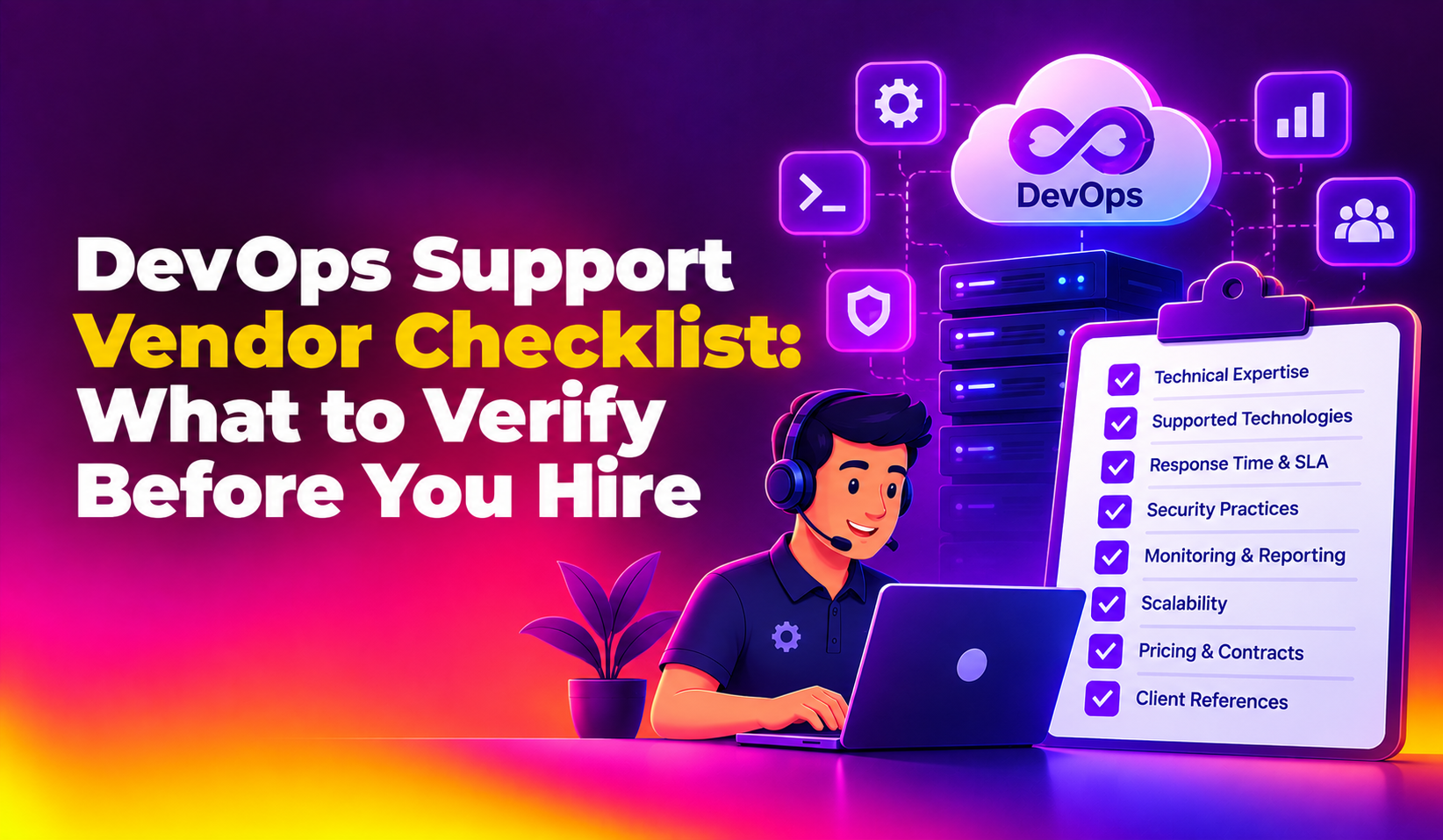
If you run engineering at a fleet, tracking or supply-chain software company, you already know that your customers feel every outage in the physical world: a dashboard goes blank, a driver app stops syncing, a carrier integration times out and a dock schedule falls apart. This guide explains what DevOps support for logistics software companies should cover, where the risks are specific to your industry, and how to judge a provider. If you want a partner to run this work, see our DevOps support service and use the sections below as your scoping checklist.
Logistics software has an unusual shape. Data arrives continuously from vehicles, devices and partner systems, often in bursts. Customers depend on it around the clock and across time zones. Integrations with carriers, ERPs, warehouse systems and mapping providers change on their schedule, not yours. A generic operations setup rarely accounts for this, so the practices below are tuned to it.
Why Logistics Software Needs a Specific DevOps Approach
Most business software can tolerate a quiet maintenance window. Logistics platforms usually cannot, because shipments, drivers and warehouses keep moving at night, on weekends and during public holidays. A failed release at the wrong hour can leave dispatchers working from phone calls and spreadsheets.
Several traits make this domain different from a typical web application:
- Continuous ingestion: location pings, scan events, telematics and EDI or API messages arrive all day, so a slow queue or database turns into lost or late data.
- Many external dependencies: carrier APIs, mapping and geocoding services, payment providers and customer systems can each fail independently.
- Peaks you can predict but must survive: seasonal surges, month-end billing runs and promotional periods stress the same infrastructure that serves everyday traffic.
- Customer-visible status: your uptime is part of your customers' own service promise to their buyers.
- Mixed clients: web dashboards, mobile driver apps and device firmware all need to stay compatible as you ship changes.
Good DevOps support for logistics software companies treats these traits as design inputs. It is not only about keeping servers alive; it is about keeping data flowing, releases safe and incidents short.
What DevOps Support for Logistics Software Companies Should Cover
Use the areas below to describe the scope you need. Each one maps to a failure that logistics teams tend to meet sooner or later.
Release pipelines and safe deployments
Your pipeline should build, test and deploy the same way every time, with automated checks before anything reaches production. For logistics products, that means testing the integrations and data flows that break most often, and having a fast, rehearsed way to roll back. Staged rollouts, such as releasing to a small group of customers or a single region first, limit the blast radius of a bad change. Mobile and device-facing components deserve extra care because you cannot force every client to update at once.
Infrastructure as code and environment consistency
When servers, networks, queues and databases are defined in code, you can recreate an environment, review changes and avoid the drift that causes works-on-staging surprises. This also makes it far easier to add capacity in a new region when a customer expands.
Monitoring, alerting and observability
CPU and memory graphs are not enough. You need to see the health of the things your customers care about: are location updates arriving, how old is the latest event per fleet, are carrier calls succeeding, is the ingestion queue draining. Alerts should point to symptoms that matter and route to a person who can act, not flood a channel with noise that gets ignored.
Integration reliability
Third-party connections are a leading source of incidents. Reliable support includes timeouts, retries with backoff, queues that absorb spikes, and dashboards that show each integration's health separately. When a partner is down, your system should degrade gracefully and tell your support team, rather than failing silently.
Scaling, performance and cost control
Load on a tracking platform grows with every vehicle or device added. Capacity planning, autoscaling where it fits, database tuning and data retention policies keep performance steady and keep your cloud bill understandable as you grow. Telemetry data in particular can balloon, so decide early how long raw data is kept and how it is archived.
Backup, recovery and incident response
Backups only count if restores are tested. Define how much data you can afford to lose and how quickly you must recover, then rehearse it. Pair that with an on-call process, clear escalation paths and written runbooks, followed by short post-incident reviews that lead to real fixes.
Security and access management
Logistics platforms hold customer, shipment and location data, so least-privilege access, secrets management, patching and audit logs matter. If your customers ask for security questionnaires or certifications, confirm current requirements with your compliance advisor and make sure your operations practices can produce the evidence.
Where Logistics Platforms Typically Fail Without Good DevOps
The table below links common failure patterns to the practice that addresses them. Use it to decide which gaps to close first.
| Typical problem | What users notice | DevOps practice that helps |
|---|---|---|
| Ingestion queue falls behind during a surge | Vehicles appear late or stuck on the map | Queue monitoring, autoscaling consumers, backpressure handling |
| Carrier or mapping API slows or fails | Rates, labels or ETAs stop loading | Timeouts, retries, circuit breakers, per-integration health checks |
| Release breaks a customer-specific workflow | Dispatchers cannot create or edit jobs | Automated tests, staged rollout, fast rollback |
| Database grows without control | Reports and searches become slow | Indexing review, retention and archiving policy, capacity alerts |
| Single person knows how deploys work | Fixes wait until that person is available | Documented pipelines, runbooks, shared on-call |
| Backups exist but were never restored | Long recovery after a failure | Scheduled restore tests and defined recovery targets |
Release Pipelines and Monitoring: DevOps Support for Logistics Software Companies
Two areas deliver the quickest improvement for most logistics software firms: how you ship and how you see.
On the shipping side, aim for small, frequent releases that are easy to reason about, with automated tests covering the paths that matter most: authentication, job creation, event ingestion, billing calculations and key integrations. Separate deployment from release by using feature flags, so you can switch a change off without redeploying. Plan for mobile releases to lag behind server releases, and keep your APIs backward compatible long enough for older app versions to continue working.
On the visibility side, build monitoring around customer outcomes. Useful signals include the freshness of the latest event per account, the success rate of each external integration, API latency for your busiest endpoints, queue depth and error rates after each release. Set alert thresholds with the people who handle support, because they know which symptoms customers complain about first. A status page, or at least a clear internal incident channel, helps your account managers communicate during a disruption.
How to Evaluate a DevOps Support Provider
Whether you hire in-house, use a managed partner or combine both, test the provider against your real situation. Ask these questions:
- Do they ask about your data flows first? A useful provider wants to understand ingestion, integrations and peak periods before proposing tools.
- How do they handle incidents? Ask about on-call coverage, escalation, communication during an outage and post-incident reviews.
- What will you own at the end? Pipelines, infrastructure code and runbooks should live in your repositories and accounts, so you are never locked in.
- How do they approach releases? Look for automated testing, staged rollouts and rollback plans, not just a deployment script.
- How is scope defined? Expect a written scope and a clear account of what is included, with pricing agreed after they review your environment.
- Can they work with your stack? Cloud provider, container platform, databases and languages should match what you run, or have a clear migration path.
- How do they communicate? Regular reporting, named contacts and a straightforward way to raise urgent issues.
In-House, Managed or Hybrid DevOps for a Logistics Product
A small logistics software company often has strong developers but no one whose full-time job is reliability. Hiring a dedicated engineer is a real option, though coverage across nights, weekends and holidays is hard to achieve with one or two people. A managed service gives you a team and a process, while your own engineers stay focused on product features.
Many firms land on a hybrid: an internal engineer who knows the product, supported by an external team for on-call, pipeline improvement and infrastructure work. The right balance depends on your size, release frequency and how much customer-facing risk you carry. Our DevOps support can be scoped to fill only the gaps you have, rather than replacing capabilities you already own.
A Practical First 90 Days
If you are starting from an informal setup, a phased approach reduces disruption. A sensible order looks like this:
- Assess: map your architecture, integrations, release process, incident history and cloud spend.
- Stabilise: fix the loudest problems first, such as missing alerts, untested backups and unsafe manual deployments.
- Automate: build or improve the pipeline and capture infrastructure in code.
- Observe: add customer-outcome monitoring and a clear on-call and escalation process.
- Improve: review incidents, tune performance and plan capacity ahead of your next peak period.
Timelines vary with the size and condition of your platform, so agree a plan after the assessment rather than relying on a fixed promise.
Why Choose CloudHouse for DevOps Support for Logistics Software
CloudHouse Technologies provides DevOps and infrastructure support for software companies that cannot afford unreliable releases or silent failures. Our DevOps support service is built around the practices described in this guide: dependable pipelines, monitoring, infrastructure management and incident response.
- Built around your platform: we begin with your architecture, integrations and release process, not a fixed template.
- Focus on reliability: monitoring and alerting shaped around what your customers actually experience.
- You keep ownership: pipelines, infrastructure code and documentation stay with you.
- Clear scope and pricing: pricing is agreed after we review your requirements, so you pay for what you need.
- A team you can reach: named contacts and a defined way to escalate urgent issues.
Conclusion
Logistics software succeeds when data keeps flowing, integrations stay healthy and releases do not disrupt dispatchers and drivers. Strong DevOps practice gives you that: safe pipelines, meaningful monitoring, tested recovery and a clear incident process. Decide which of these areas is weakest in your platform today, and start there. When you are ready, book a consultation for DevOps support or request a free quote. We will review your environment and agree scope and pricing with you.