
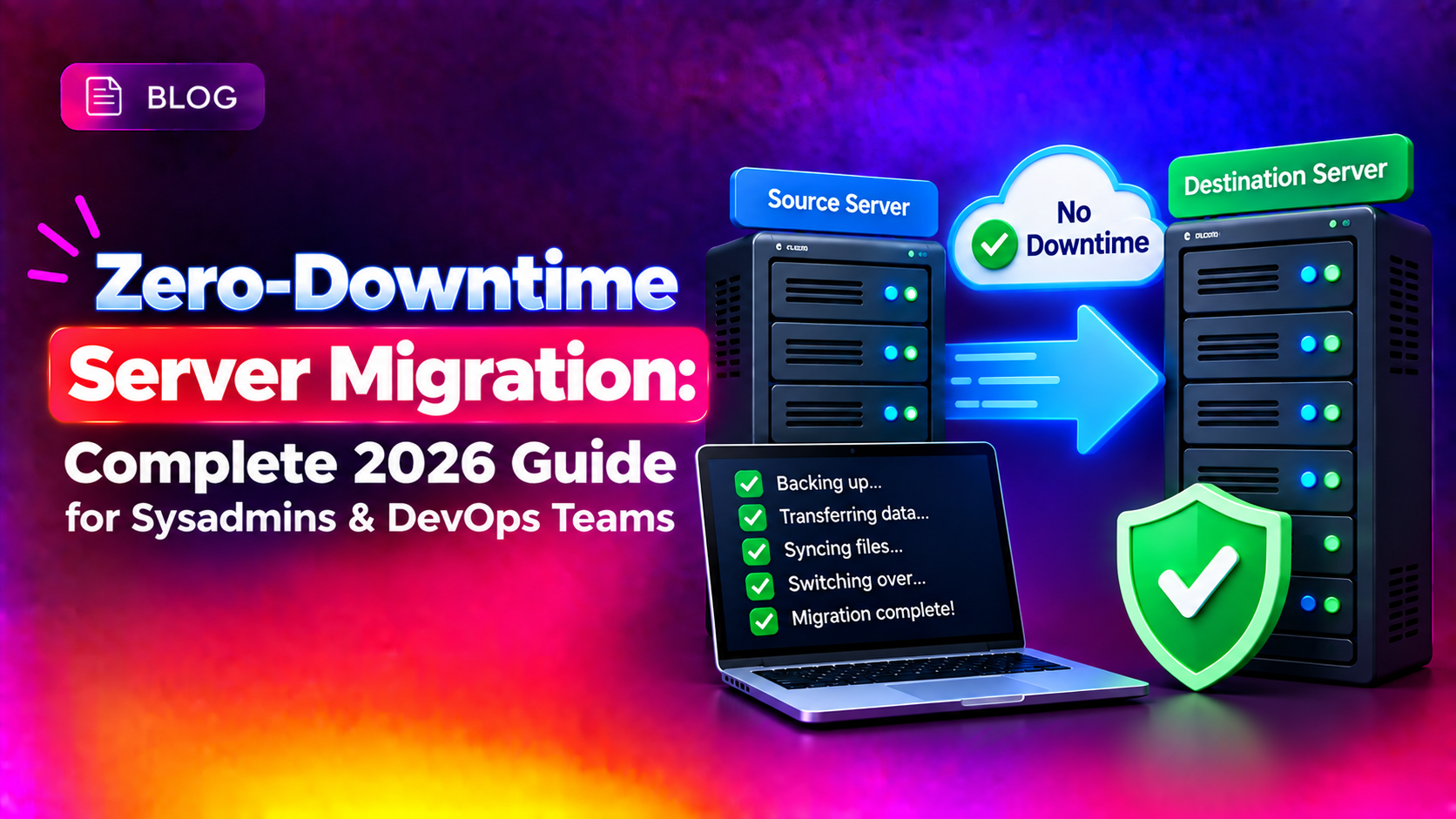
Achieving zero downtime server migration is no longer a luxury reserved for hyperscalers — it is a hard requirement for any business where minutes of outage translate into thousands of dollars in lost revenue and damaged customer trust. Whether you are moving a bare-metal database cluster, a containerised application stack, or a legacy monolith to a new VPS, the right combination of techniques lets you cut over at will without a single dropped request. This guide gives you the production runbooks, real tool configurations, and tested rollback procedures that most guides skip.
Why Zero-Downtime Migration Matters (Business Impact)
Gartner research puts the average cost of IT downtime at $5,600 per minute. For e-commerce platforms, payment gateways, and SaaS products, even a 10-minute maintenance window during peak hours can trigger SLA penalties, chargebacks, and churn that dwarf the cost of the migration itself.
Beyond dollars, there is the SEO dimension: Google's crawlers detect extended 503/504 responses and can demote rankings for sites that go dark for more than a few hours. A zero-downtime cutover keeps your site indexed and your users happy throughout the transition.
- Revenue protection — no missed transactions during the cutover window
- SLA compliance — stay within contractual uptime thresholds (99.9% = max 8.7 hours downtime per year)
- SEO continuity — avoid ranking drops caused by extended 5xx errors
- Team confidence — a rehearsed, reversible plan removes the fear that forces rushed late-night migrations
If your organisation needs expert help architecting a risk-free cutover, the CloudHouse server migration team has handled migrations ranging from single-server VPS moves to multi-region database clusters.
6 Core Techniques: CDC, Dual-Write, Blue-Green, DNS Cutover, Replication, Testing
1. Change Data Capture (CDC)
CDC reads the database transaction log (binlog for MySQL, WAL for PostgreSQL) in real time and streams every INSERT, UPDATE, and DELETE to the destination server. Because it operates at the storage engine level, the application keeps writing to the source with zero awareness of the migration.
Tools: Debezium (Kafka-based, open source), AWS DMS, Maxwell's Daemon (MySQL only).
# Enable MySQL binary logging on the source server
# Add to /etc/mysql/mysql.conf.d/mysqld.cnf:
[mysqld]
server-id        = 1
log_bin          = /var/log/mysql/mysql-bin.log
binlog_format    = ROW
binlog_row_image = FULL
expire_logs_days = 7

# Restart MySQL
systemctl restart mysql
2. Dual-Write Synchronisation
Your application writes every mutation to both the source and destination simultaneously. Once the destination has caught up and has been validated, the application stops writing to the source. Dual-write is simpler than CDC to instrument but requires application-layer changes and careful ordering to avoid race conditions.
Typical implementation: a thin write-proxy layer (HAProxy, ProxySQL, or a feature flag in the ORM) that fans writes to two database hosts while routing reads to the source until you are confident in destination data quality.
3. Blue-Green Deployment
Maintain two identical environments — blue (current production) and green (the new server). Traffic flows 100% to blue. After the green environment passes all smoke tests, a single load-balancer or DNS update flips all traffic to green. Rollback is equally instant: flip back to blue. The old blue stack stays alive for 24–48 hours as a safety net.
# HAProxy snippet — switch production to green
# /etc/haproxy/haproxy.cfg
backend production
    server blue  10.0.0.10:80 weight 0   # disabled
    server green 10.0.0.20:80 weight 100 check

# Reload without dropping connections
haproxy -sf $(cat /var/run/haproxy.pid)
4. DNS-Based Cutover with Low TTL
Lower your DNS TTL to 60–300 seconds at least 24 hours before the migration window. Once your destination server is live and fully synced, update the A record. Because most resolvers have already expired the old cache, propagation completes in minutes rather than hours.
# Check current TTL
dig +nocmd +noall +answer yourdomain.com A

# After migration — verify new IP is resolving globally
dig @8.8.8.8 +short yourdomain.com A
dig @1.1.1.1 +short yourdomain.com A
5. Database Replication for Live Sync
Set up the destination as a replica of the source before the cutover. The replica continuously applies binlog events from the source, keeping the lag to milliseconds. At cutover time, stop writes to the source, wait for Seconds_Behind_Master: 0, promote the replica, and update your application's database DSN.
# On the destination server — check replication lag
mysql -u root -p -e "SHOW SLAVE STATUS\G" | grep Seconds_Behind_Master

# Promote replica to primary
mysql -u root -p -e "STOP SLAVE; RESET SLAVE ALL;"
6. Pre-Cutover Testing with /etc/hosts
Before updating DNS, point your local machine (or a staging proxy) at the new server's IP to test the application fully under real load patterns, without any user impact.
# /etc/hosts — test new server before DNS cut
203.0.113.50  yourdomain.com www.yourdomain.com

# Verify which server you're hitting
curl -sI https://yourdomain.com | grep -i server
💡 None of these worked? Skip the guesswork.
Get Expert Help →Step-by-Step Migration Playbook
Inventory every service: web server, app runtime, database version, cron jobs, SSL certificates, firewall rules, and third-party integrations. Document them in a runbook before touching anything.
# Capture installed packages on source
dpkg --get-selections > /root/installed-packages.txt

# Capture all cron jobs
crontab -l > /root/crontabs-root.txt
for user in $(cut -f1 -d: /etc/passwd); do crontab -u $user -l 2>/dev/null; done

# Capture open ports
ss -tlnp > /root/open-ports.txt

# Disk usage per mount
df -h > /root/disk-usage.txtLog in to your DNS provider and reduce the TTL on all A/AAAA/CNAME records to 60 seconds. Wait at least one full current-TTL period (often 3600–86400 seconds) before proceeding so all resolvers have refreshed.
Build the new server to match the source: same OS version, same web stack, same PHP/Node/Python runtime, same MySQL/PostgreSQL version. Apply firewall rules and SSH key authentication before copying any data.
# Replicate iptables rules from source
iptables-save > /root/iptables-rules.txt
# On destination:
iptables-restore < /root/iptables-rules.txtUse rsync to copy the bulk of data while the source is still live. This first pass handles 95–99% of data transfer so the final cutover sync takes only seconds.
rsync -avz --progress --partial -e "ssh -p 22 -i /root/.ssh/migration_key" /var/www/html/ deploy@203.0.113.50:/var/www/html/Configure the destination as a MySQL replica (or use Debezium for CDC). Confirm replication lag drops to 0 before scheduling the cutover window.
# On source — create replication user
mysql -u root -p -e "
  CREATE USER 'replicator'@'203.0.113.50' IDENTIFIED BY 'StrongPass!23';
  GRANT REPLICATION SLAVE ON *.* TO 'replicator'@'203.0.113.50';
  FLUSH PRIVILEGES;"

# Get binlog position
mysql -u root -p -e "SHOW MASTER STATUS\G"Schedule a short write-freeze window (30–60 seconds is usually enough). Run rsync with --delete to bring file systems in perfect sync, then stop writes to the source database and wait for replication lag = 0.
# Final rsync delta — only changed files, delete orphans
rsync -avz --delete --progress   -e "ssh -p 22 -i /root/.ssh/migration_key"   /var/www/html/   deploy@203.0.113.50:/var/www/html/

# Confirm replication is caught up
mysql -u root -p -e "SHOW SLAVE STATUS\G" | grep -E "Seconds_Behind|Running"Update the A record to the destination server IP. With TTL at 60 seconds, propagation completes within 1–2 minutes for most resolvers.
# Monitor DNS propagation
watch -n 5 "dig @8.8.8.8 +short yourdomain.com A && dig @1.1.1.1 +short yourdomain.com A"Run your smoke-test suite against the live destination. Check: HTTP 200 on critical URLs, database writes round-trip correctly, SSL certificate is valid and HSTS is set, cron jobs are running, and log files show no errors.
# Quick smoke test
curl -sI https://yourdomain.com | grep -E "HTTP|Server|X-Powered"
curl -s https://yourdomain.com/health | python3 -m json.tool

# SSL check
echo | openssl s_client -connect yourdomain.com:443 2>/dev/null | openssl x509 -noout -datesA TTL of 86400 (24 hours) means DNS propagation takes a full day. Lower it at least 48 hours before migration day, not the morning of.
Use the /etc/hosts trick or a synthetic load test (e.g., k6, Apache Bench) against the new server's IP directly, with production-like request volumes and session patterns.
# Apache Bench — 1000 requests, 50 concurrent
ab -n 1000 -c 50 https://203.0.113.50/Private keys should never leave the source server over a network transfer. Re-issue a fresh Let's Encrypt certificate on the destination instead of copying the private key.
# Issue cert on new server before DNS cutover (use --standalone or webroot)
certbot certonly --standalone -d yourdomain.com --agree-tos -m admin@yourdomain.comIf you roll back after writes have landed on the destination, you will lose data unless reverse replication is already running. Set it up immediately after cutover, before you declare the migration complete.
If something goes wrong three weeks after migration and you need to compare configurations, an undocumented source state makes root-cause analysis almost impossible. Run ansible-playbook --check or a comparable audit script before you begin.
Snapshots capture disk state at a point in time. If your database received writes after the snapshot, restoring it will cause data loss. Always pair snapshot rollback with a replication or backup strategy that covers post-snapshot writes.