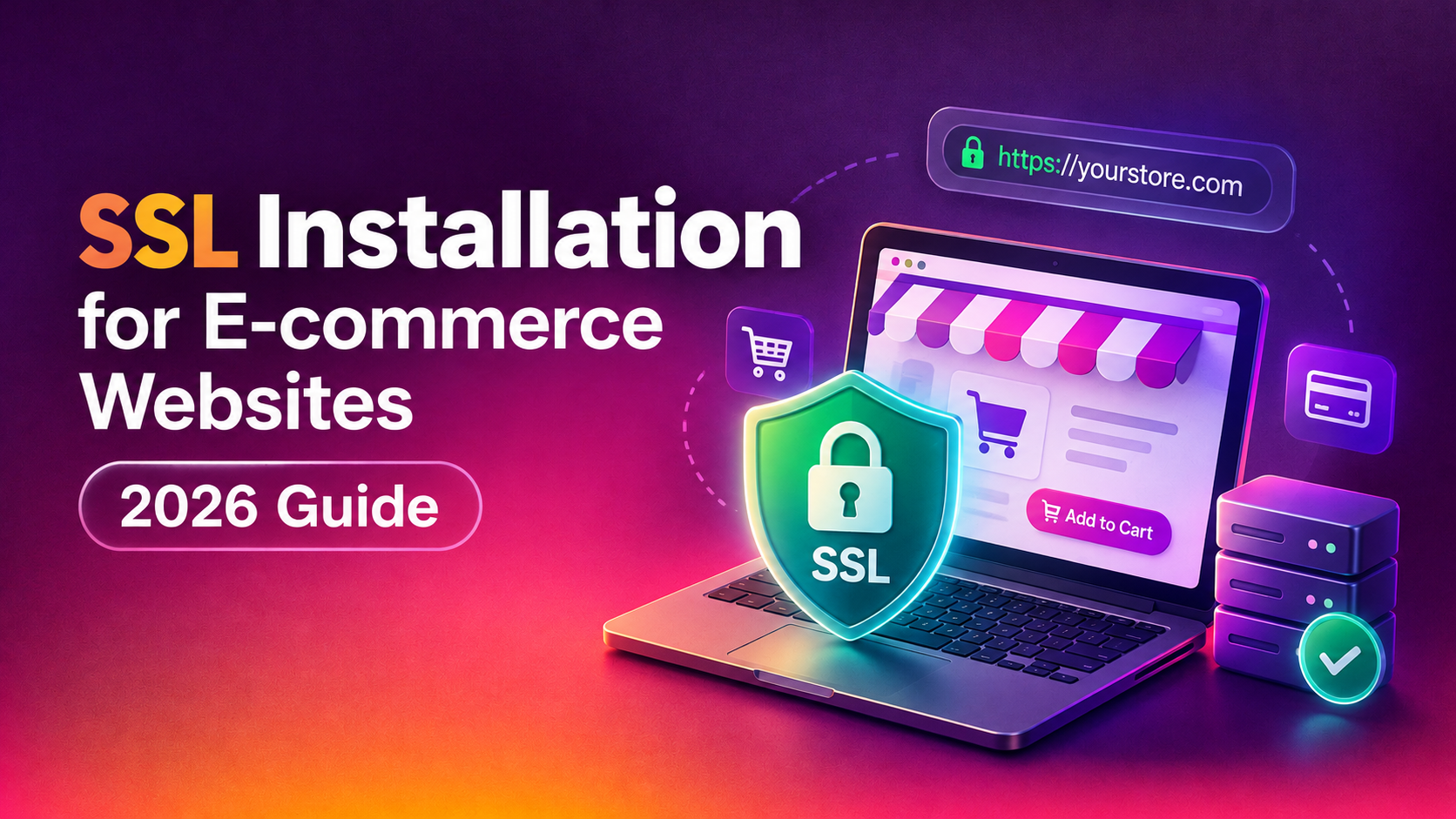
An e-commerce store lives or dies by customer trust, and nothing torpedoes trust faster than a browser flashing "Not Secure" at checkout. SSL installation for e-commerce websites is not a one-time checkbox — it is a layered configuration covering your domain, your checkout subdomain, your payment gateway integration, and your PCI DSS obligations. Get any layer wrong and you risk cart abandonment, failed compliance scans, or worse, a data breach that ends up in a chargeback nightmare. This guide breaks down exactly what proper SSL installation looks like for an online store in 2026, why it matters more here than on any other type of website, and how to decide between doing it yourself or bringing in a server hardening specialist.
Why SSL Installation Matters More for E-commerce Than Any Other Site
A blog or brochure site can survive a slightly misconfigured certificate — visitors might not even notice. An online store cannot. Every page where a shopper enters an email address, a shipping address, or card details is a moment where ecommerce ssl setup quality directly affects conversion.
Three things make SSL uniquely high-stakes for online stores:
- Checkout is a trust funnel. Shoppers are primed to abandon carts at the first sign of doubt. A broken padlock icon, a mixed-content warning, or an expired certificate at the exact moment someone is about to enter their card number is one of the single biggest silent killers of conversion rate.
- Card data triggers regulatory obligations. The moment your site processes, transmits, or even touches cardholder data, PCI DSS applies to you — and PCI DSS explicitly requires strong cryptography and HTTPS for that traffic.
- Search visibility depends on it. Google has treated HTTPS as a ranking signal since 2014, and Chrome actively flags non-HTTPS pages that collect payment or card information as insecure, right in the address bar, in front of your customer.
Put together, a weak or partial SSL setup on a store isn't just a technical gap — it's a revenue leak and a compliance exposure at the same time.
💡 None of these worked? Skip the guesswork.
Get Expert Help →What Proper SSL Installation for an Online Store Involves
A generic "install Let's Encrypt and forget it" tutorial misses most of what an e-commerce site actually needs. Proper ssl installation for ecommerce websites covers the full surface area of your store, not just the homepage.
Domain Validated (DV) certificates are fine for a simple content site, but many stores benefit from Organization Validated (OV) or Extended Validation (EV) certificates, which verify your registered business identity and can reduce hesitation among higher-value shoppers. If you run checkout on multiple subdomains (checkout.yourstore.com, api.yourstore.com), a properly scoped multi-domain (SAN) or wildcard certificate avoids gaps.
Every page — product listings, category pages, blog, account dashboard, and the checkout flow — must be served over HTTPS. Mixed content (an HTTPS page loading an HTTP image, script, or font) silently breaks the padlock and is one of the most common mistakes we see when auditing stores.
HTTP to HTTPS redirects must be implemented as 301s at the server level (not via JavaScript or meta refresh), and your canonical tags, sitemap, and internal links should all point to the HTTPS version. This protects both SEO equity and prevents duplicate-content issues after migration.
HSTS tells browsers to never attempt an insecure connection to your domain again, even if a user types "http://" or clicks an old bookmarked link. For a store, this closes a real attack window where an attacker on public Wi-Fi could otherwise intercept an initial unencrypted request.
Modern stores should disable TLS 1.0 and 1.1 entirely, support TLS 1.2 and 1.3 only, and use strong cipher suites with forward secrecy. This is a direct PCI DSS requirement, not just a best practice.
An expired certificate during a sales campaign is one of the most common — and most avoidable — outages we're called in to fix. Renewal should be automated (via certbot or your CA's ACME client) and paired with uptime monitoring that alerts your team days before expiry, not after.
This is exactly the kind of layered configuration our server hardening service handles for online stores — covering certificate deployment, redirect logic, header configuration, and protocol hardening as one coordinated setup rather than a checklist ticked off in isolation.
SSL and PCI Compliance: What E-commerce Owners Must Know
If your store accepts card payments directly (rather than fully redirecting to a hosted payment page like Stripe Checkout or PayPal), pci compliance ssl requirements apply to you directly, and they go well beyond "have a certificate."
- Requirement 4 (PCI DSS) mandates strong cryptography and security protocols to protect cardholder data during transmission over open, public networks — this is the direct SSL/TLS requirement.
- Requirement 2 requires you to remove default configurations and insecure protocol support, which is where outdated TLS versions and weak cipher suites get flagged during a compliance scan.
- Quarterly ASV scans (Approved Scanning Vendor scans) will actively test your SSL/TLS configuration and fail you for expired certificates, weak ciphers, or missing HSTS — so a "working" padlock icon is not the same as a passing scan.
- Never store raw card numbers in your own database. Proper setup routes card data through your SSL connection directly to your payment processor or gateway, so the sensitive data never touches your servers in an unencrypted or persistently stored form.
The practical takeaway: PCI compliance is not achieved by installing a certificate once. It's an ongoing configuration state that has to survive server updates, plugin changes, and new subdomains being added over time — which is exactly why so many stores fail a scan they thought they'd already passed months earlier.
DIY SSL Installation vs Hiring a Server Hardening Expert
Plenty of store owners start by installing a free Let's Encrypt certificate themselves, and for a small brochure site that's often enough. For a store processing live transactions, the calculus changes.
| Factor | DIY Installation | Server Hardening Expert |
|---|---|---|
| Initial certificate setup | Free to low-cost, but easy to misconfigure redirects and mixed content | Configured correctly across all subdomains and endpoints from day one |
| PCI DSS alignment | Rarely covers Requirement 2/4 protocol hardening unless you know exactly what to check | Configured to pass ASV scans, with documentation for your compliance file |
| Renewal & monitoring | Manual cron jobs, easy to forget or misfire silently | Automated renewal with proactive expiry alerts |
| Ongoing maintenance | Falls on you every time you add a subdomain, plugin, or CDN layer | Covered under an ongoing server management or hardening plan |
| Time investment | Several hours initially, plus recurring troubleshooting | Handled end-to-end, typically within a day |
If your store is small, low-traffic, and not yet processing significant transaction volume, a careful DIY Let's Encrypt setup with an automated renewal cron job can work. But once you're taking real payments, running seasonal sales spikes, or need to show a completed PCI scan to your acquiring bank, an ssl installation service that understands both the server side and the compliance side becomes the safer, cheaper option — the cost of a single failed scan or a missed renewal during a peak sales weekend usually outweighs years of a managed service.
Why E-commerce Businesses Choose CloudHouse for SSL Installation
We handle https for ecommerce site setups for stores that can't afford downtime or a broken checkout page, which means our approach is built around zero-disruption deployment, full protocol hardening, and documentation you can hand directly to your acquiring bank or PCI assessor. We work across cPanel, Plesk, DirectAdmin, and custom Linux stacks, so whatever your store runs on, we configure certificates, redirects, HSTS, and TLS settings as one coordinated job rather than a patchwork of plugins. Support is billed hourly with no long-term lock-in, and renewal monitoring is included so you're never staring down an expired certificate during a launch or a Black Friday sale.
Frequently Asked Questions
Do I need a paid SSL certificate for my online store, or is a free one enough?
A free certificate from Let's Encrypt provides the same encryption strength as a paid one. What paid OV or EV certificates add is business identity verification, which can reduce hesitation for higher-ticket purchases and offers warranty coverage some payment processors ask for. For most small to mid-size stores, a correctly configured free certificate paired with proper hardening is sufficient for both security and PCI compliance.
How much does professional SSL installation for an e-commerce site cost?
Costs vary depending on your server setup and how many subdomains or endpoints need coverage, but a one-time hardened SSL installation is typically a fraction of what a single hour of checkout downtime or a failed PCI scan costs a store. CloudHouse bills SSL and server hardening work hourly, so you only pay for the actual configuration time needed rather than a fixed package that may not match your setup.
How long does SSL installation take for an existing store?
For a straightforward single-domain store, proper installation including redirects, HSTS, and TLS hardening can usually be completed within a few hours with no downtime. Stores with multiple subdomains, custom checkout flows, or legacy plugins that generate mixed content may take a day or so to fully audit and fix, since every page needs to be checked, not just the homepage.
Will installing SSL automatically make my store PCI compliant?
No. SSL/TLS is one required control among many in the PCI DSS framework. You also need to eliminate insecure protocols, avoid storing raw card data, keep software patched, and pass quarterly ASV scans. Proper SSL installation removes one of the most commonly failed items on a compliance scan, but full PCI compliance also depends on how your payment gateway is integrated and how your server is otherwise hardened.
What happens if my SSL certificate expires without me noticing?
Browsers will immediately block visitors with a hard security warning, and most shoppers will not click through it — checkout traffic effectively drops to zero until it's fixed. This is one of the most common emergency calls we get, usually right before a sales event. Automated renewal with expiry monitoring, which we set up as standard, is the simplest way to make sure this never happens to your store.