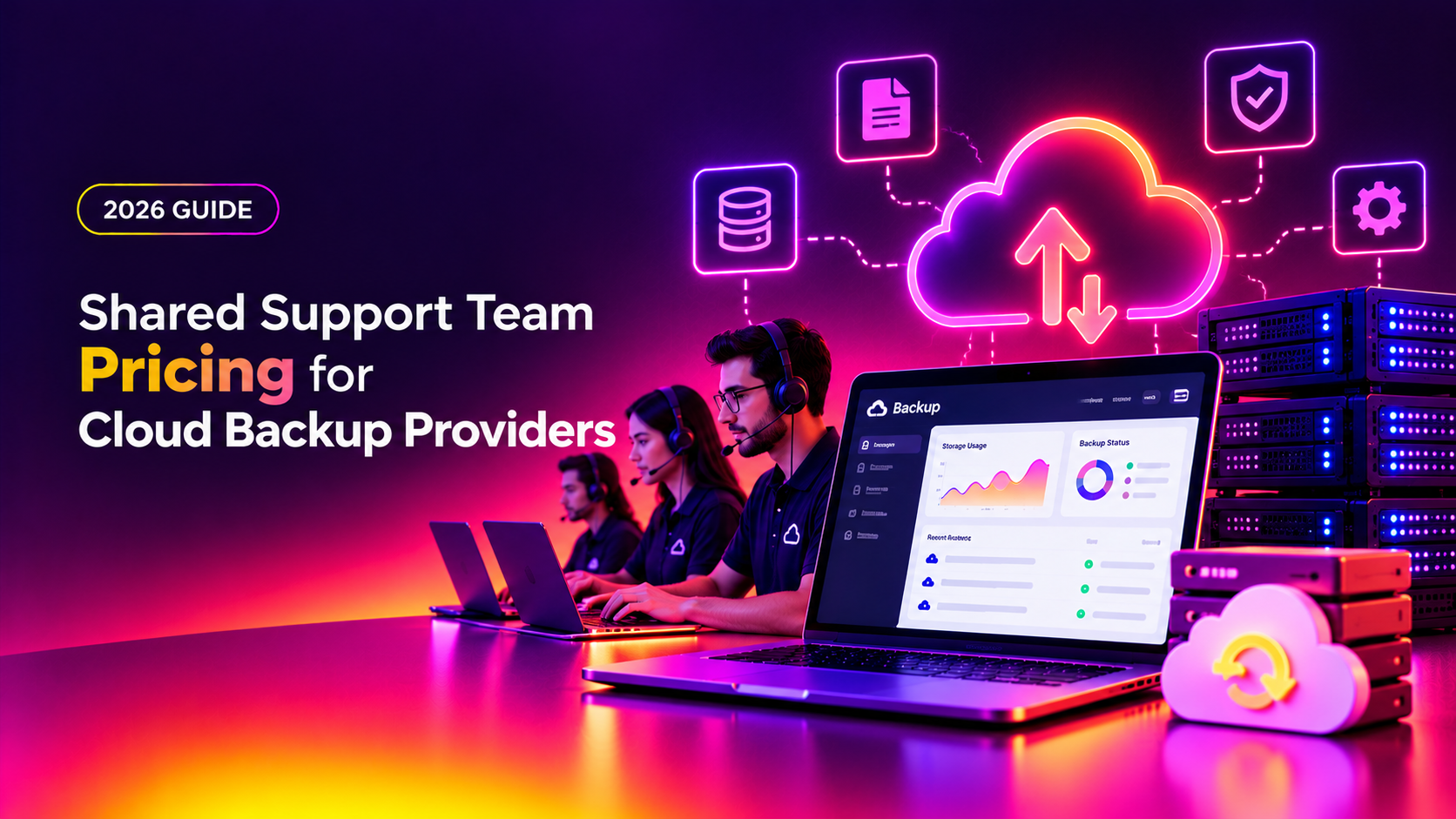
If you run a cloud backup or disaster-recovery service, support is part of the product. Customers do not judge you on the day backups work. They judge you on the night a restore fails. This guide explains shared support team pricing for cloud backup providers: what you pay for, which pricing models exist, and how to compare quotes. We do not publish price figures here because they depend on your scope, so the focus is on cost drivers and how to ask for an itemised quote. Our shared support plans for hosting and backup companies page describes how the service is set up.
Why backup support is different from ordinary hosting support
A generic helpdesk can answer billing questions and reset passwords. Backup and disaster recovery add a layer where the stakes are high and the questions are technical. A shared team serving several providers has to be trained for the specific shape of this work.
- Restore requests: a customer asking for a restore is often already in an incident. They need fast acknowledgement, a clear status and an honest estimate, even when the restore itself is handled by your engineers.
- Failed-backup alerts: alerts arrive at all hours. Someone has to decide whether a failure is a transient network blip, an expired credential, a full quota or a genuine problem with the source system.
- Agent questions: installing, upgrading and troubleshooting backup agents across different operating systems, databases and virtual machines generates a steady stream of repetitive but exacting tickets.
- Retention questions: customers ask how long copies are kept, why an older version is missing and how to change a schedule. Wrong answers here can become compliance problems.
- Billing queries: storage-based billing confuses people. Questions about usage spikes, deleted data still counted and plan upgrades are constant.
Because these categories need different skills, pricing should reflect which of them the shared team actually handles for you.
What a shared support team actually is
In a shared model, a group of support specialists works across several client companies instead of sitting inside one. You get coverage and experience without hiring each role yourself. The team follows your runbooks, uses your ticketing and monitoring tools, and escalates to your engineers when a case needs access or decisions that only you can provide. The trade-off is that attention is divided, so the clarity of your contract on response expectations and escalation matters a lot. You can see how we structure this on our shared team support for web hosting companies page.
The three common pricing models
Most shared support offers fall into one of three structures. Each fits a different kind of backup business.
Per-seat pricing
You pay for a named agent or a fixed number of agents assigned to your account. This gives predictability and familiarity: the same people learn your product. It suits providers with steady, high ticket volumes and strict expectations about who answers. The risk is paying for idle time during quiet periods and being short when an incident spikes demand.
Shared pool pricing
You buy a block of capacity, often described in hours or in a service tier, that a pool of agents draws from. Quiet months and busy months average out across the pool. It suits backup providers whose ticket volume swings with incidents, billing cycles or product launches. The risk is vagueness: you need to know what happens when you exceed the block, and what counts against it.
Per-ticket pricing
You pay for each ticket handled, sometimes with different rates by type. It is easy to start with and scales down to nothing when volume is low. It suits younger providers with unpredictable demand. The risk is that cost becomes hard to forecast, and that complex restore cases can be priced very differently from simple billing questions, so you must agree on how tickets are classified.
Pricing models compared
| Factor | Per-seat | Shared pool | Per-ticket |
|---|---|---|---|
| Cost predictability | High: a known recurring charge | Medium to high: predictable until the block is exceeded | Low to medium: follows ticket volume |
| Cost in a quiet month | Unchanged, so you may pay for idle capacity | Usually unchanged, with some absorbed by the pool | Falls with volume |
| Handling an incident spike | Limited by the number of seats unless you add more | Better, as the pool can flex within limits | Capacity is available but the bill rises |
| Product familiarity | Strongest, because the same people learn your service | Good if runbooks are well maintained | Variable, since cases may go to different people |
| Best fit | Steady volume, strict ownership expectations | Seasonal or incident-driven demand | Early stage or very low volume |
| Main contract risk | Paying for unused seats | Unclear overage and what counts as usage | Disputes about ticket classification |
No model is cheapest in every situation. The right choice depends on how predictable your demand is and how much a slow restore response would cost you in customer trust.
Cost drivers specific to backup and recovery support
Whichever model you choose, these factors raise or lower the price of a quote. Ask a provider to show how each one is treated.
- Hours of coverage: round-the-clock monitoring of failed-backup alerts costs more than business-hours cover. Be honest about whether overnight response is a promise to your customers.
- Technical depth required: teams that only triage and route tickets cost less than teams that can diagnose agent errors, repository problems or restore failures directly.
- Number of platforms supported: more operating systems, hypervisors, databases and agent versions mean more training and more careful runbooks.
- Response commitments: faster first-response and update targets require more staffing headroom, and that is reflected in price.
- Language and channel coverage: phone, chat and email in several languages add cost compared with email alone.
- Onboarding effort: writing runbooks, connecting tools and training the team is real work that many quotes list separately.
- Reporting: regular summaries of ticket themes, repeat failures and response performance take time to prepare.
- Escalation access: the more your team lets the shared agents do themselves, the fewer escalations you handle, but the more carefully access must be controlled.
What should be included, and what often is not
Quotes that look similar can differ enormously in scope. Before comparing numbers, compare what each one covers.
Usually included
- Ticket triage, categorisation and first response.
- Standard agent installation and upgrade guidance from your documentation.
- Billing and plan questions answered from your policies.
- Escalation to your engineers using a defined handoff template.
Often priced separately or excluded
- Out-of-hours alert monitoring and response.
- Hands-on restore assistance that requires access to customer data.
- Onboarding, runbook writing and training.
- Custom reporting and review meetings.
- Surge cover beyond the agreed capacity.
Ask for these items to be written line by line. An itemised structure lets you remove what you do not need and see what each promise costs.
Security and data handling for backup support
Backup providers hold other companies' data, so support access deserves extra care. A shared team should work on the principle of least privilege: agents see ticket details and metadata, not customer data, unless a specific case requires it and a named person approves. Ask how credentials are stored, how access is logged and reviewed, and what happens to access when an agent leaves the team. Restore requests should be verified against the account owner before anything is released, because a fraudulent restore request is a data breach in disguise. These controls add some process, but they are cheaper than the alternative.
How to get a meaningful quote
Providers can only quote accurately if you give them useful inputs. Prepare the following before you ask.
- A rough breakdown of tickets by type: restore, failed backup, agent, retention and billing.
- Your busiest periods and what usually triggers them.
- The response times your own customers have been promised.
- The tools the team must use, such as your ticketing, monitoring and chat systems.
- Which actions the team may take and which must go to your engineers.
- Any compliance requirements that limit who can see customer information.
With these details, a provider can propose a model and show which cost drivers apply. Without them, you will receive a generic price that changes the moment real work begins.
Warning signs in a pricing proposal
- A single bundled figure with no breakdown of what it covers.
- No explanation of what counts as a ticket, an hour or a seat.
- Unclear overage terms, or surge rates revealed only after signing.
- No mention of onboarding, even though a new team cannot support your product without it.
- Long minimum commitments with no review point.
- Promises of instant restores or guaranteed outcomes that depend on your own infrastructure.
Treat these as prompts for questions rather than automatic disqualifiers. A good provider will answer them clearly.
Why Companies Choose CloudHouse for Shared Team Support
Clients choose CloudHouse because we plan onboarding in clear stages, stay available for support after launch and provide transparent, itemised quotes so you can see what each part of the service costs. We would rather agree a realistic scope with you than sell a package that does not fit your volume. You can read more about how this works on our shared support plans page.
Conclusion
For a cloud backup or disaster-recovery provider, the best pricing model is the one that matches how your demand actually behaves and protects your response quality when customers are at their most anxious. Per-seat gives predictability, a shared pool gives flexibility and per-ticket gives a low-commitment start, and each has its own contract risks. Compare scope before price, insist on an itemised breakdown and give providers real ticket data to quote against. To discuss your volume and receive an itemised proposal, visit our shared team support for web hosting companies page and request a quote.