Game server hosting is a different support job from ordinary web hosting. Customers are often players or community owners who notice a problem within seconds, post about it in public, and expect an answer while the server is still down. This shared support team checklist for game server hosting providers is written for owners and support leads who want to bring in an outside team without losing the speed and game knowledge their customers expect.
It covers peak-time ticket spikes, DDoS and lag complaints, mod and config questions, game panel issues, Discord escalation, SLA wording and a practical onboarding plan. If you are still weighing the model itself, our shared team support for web hosting companies page explains how a shared team is structured.
Why game hosting support is its own discipline
A shared support team works well when its workload is predictable. Game hosting is less predictable than most hosting niches, so your checklist has to account for the following.
- Demand follows releases, not the calendar. A new game launch, a seasonal event, a big update or a popular streamer joining a server can multiply tickets in a single evening.
- Customers are emotionally invested. A community owner whose server is down during an event is worried about their own players, so tone matters as much as the fix.
- Problems are hard to classify. "Lag" can mean network congestion, an overloaded node, a bad mod, a tick-rate problem or a player's own connection.
- Support happens in several places. Tickets, live chat, Discord and social posts all carry real complaints, and they need one consistent answer.
- Out-of-hours is normal. Players are most active in evenings and weekends, which is exactly when many in-house teams are thinnest.
The shared support team checklist
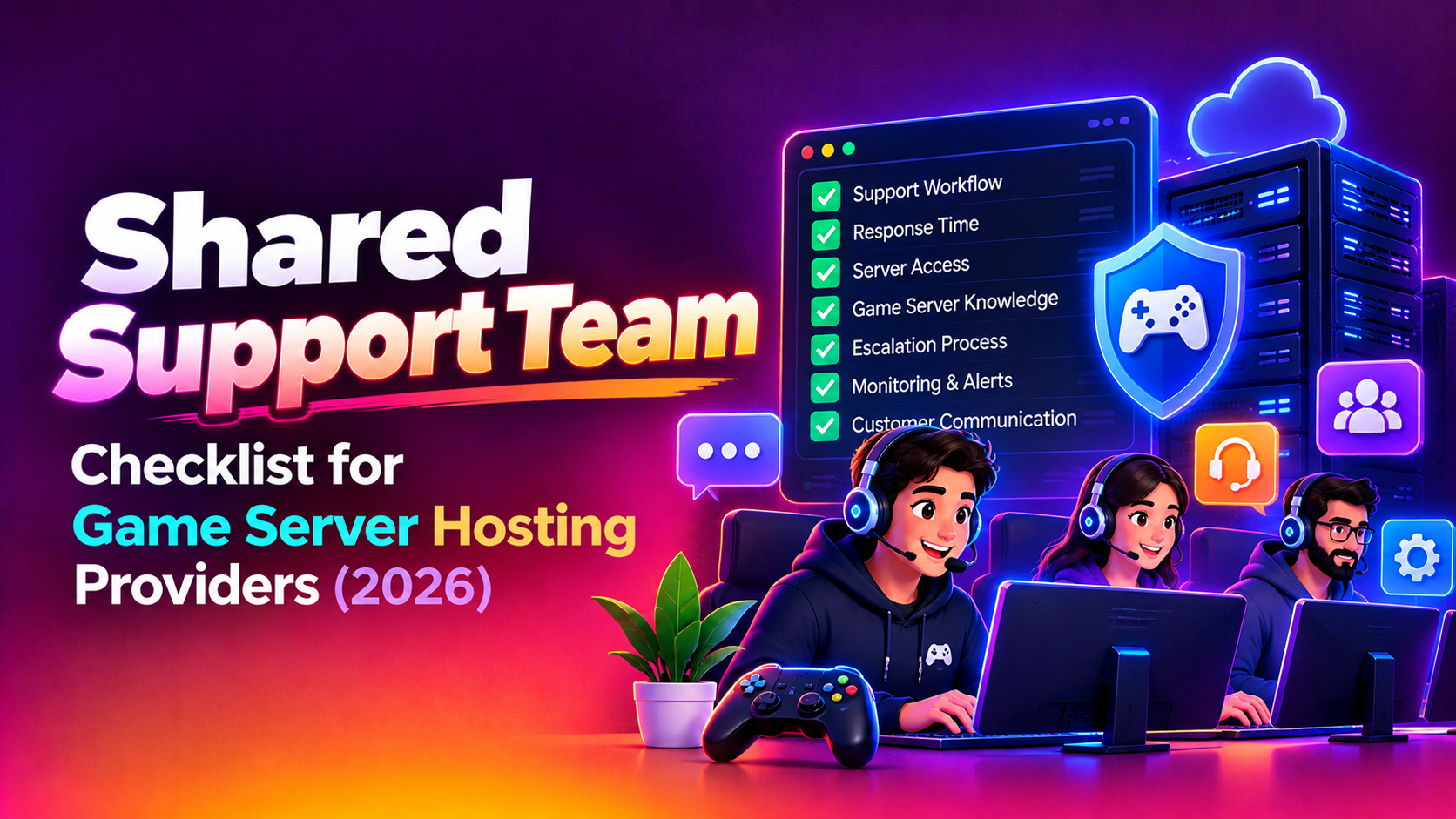
Work through this list before you sign with any provider, and again during onboarding. Each item is something a game hosting provider should be able to confirm in writing.
Coverage and peak handling
- Coverage hours match your player activity, including evenings, weekends and your largest regional time zones.
- There is a written surge plan for launches and events, including how extra agents are added and how much notice you need to give.
- You have a calendar process so the provider knows about game releases, patches, promotions and planned maintenance in advance.
- Ticket queues are prioritised so outages and attacks are never stuck behind billing questions.
- There is a clear rule for when an agent stops troubleshooting and pages your engineers.
Technical readiness
- Agents have documented access to your game panel, with least-privilege roles and no shared passwords.
- The team can explain the difference between a node problem, a network problem and a configuration problem, and knows the first checks for each.
- There is a runbook for each game or game family you sell, covering start-up failures, crashes, version mismatches, port conflicts and resource limits.
- Mod and plugin guidance is written down, including what you support, what you only advise on, and what is the customer's responsibility.
- Backups and restore steps are documented, and agents know who is allowed to trigger a restore.
Security and DDoS
- Agents know how to recognise the signs of an attack versus a plain overload, and which signals to collect before escalating.
- A short script exists for telling customers an attack is being mitigated without exposing details that help attackers.
- Escalation contacts at your network or mitigation provider are current and tested.
- Access to customer data follows an agreed policy, with logged access and a process for removing agents who leave.
Community and communication
- Discord, chat and ticket answers are drawn from the same knowledge base, so customers do not hear conflicting advice.
- A status page or pinned announcement process is ready, with named owners who can post during incidents.
- Agents have approved wording for outages, refunds, credits and apologies, and know what they may promise.
- Public complaints have a defined response path, from first acknowledgement to private follow-up.
Contract and reporting
- The SLA states response times and, separately, what counts as resolution.
- Reports show ticket volume by type, first response, repeat contacts and unresolved items.
- Notice periods, exit terms and knowledge-base ownership are written down.
Ticket types and who handles them
The cleanest way to avoid confusion is to agree a handling table before launch. The table below is a starting point. Adjust it to your games, your tooling and how much authority you want the shared team to hold.
| Ticket type | Typical example | First handler | Escalate to your team when |
|---|---|---|---|
| Server will not start | Crash on boot after a game update | Shared team, using the game runbook | The fix needs a new image, node change or licence action |
| Lag or rubber-banding | Players report high latency in the evening | Shared team gathers location, node and time details | Several customers on one node are affected, or the network is suspected |
| Suspected DDoS | Sudden disconnects for every player | Shared team confirms symptoms and raises an incident | Always, because mitigation sits with your network team |
| Mod, plugin or config | Server fails after a new mod is added | Shared team checks logs and reverts changes | Issue is a bug in your template or panel |
| Panel and access | Cannot log in, sub-user permissions, file manager errors | Shared team | Panel software fault or account takeover is suspected |
| Billing and renewals | Invoice question, upgrade request, failed payment | Shared team within agreed limits | Refunds, credits or contract exceptions are requested |
| Discord and community escalations | Public complaint about downtime | Shared team acknowledges and moves to private channel | The post concerns a wider incident or reputation risk |
| Abuse and policy | Cheat hosting, spam or illegal content reports | Your team only | Not delegated |
Once the table is agreed, add it to your knowledge base and review it after the first busy period. Real tickets will show you where the lines should move.
Handling peak-time ticket spikes
Most game hosts feel their support weaknesses during a launch window, not on a quiet Tuesday. A shared team can help, but only if you prepare it.
Share the release plan early. Tell the team which games are launching, which products are discounted and which customers run large communities. Prepare short macros for the questions you know are coming, such as how to select a version, where to find the server address or how to upload a world. Decide in advance how new tickets will be sorted when volume rises: an outage with many affected servers should always outrank an individual configuration query.
Ask how the provider adds capacity during a spike. A good answer describes named backup agents who have already been trained on your products, not a promise to find people when the surge arrives. Our shared support plans for hosting companies are planned around this idea: trained people, documented runbooks and agreed escalation routes before the busy day.
DDoS and lag complaints without panic
Attack reports and lag complaints often arrive together and look similar. Agents need a calm, consistent method.
- Collect the basics first: affected server, time, region, game version and whether one player or many are affected.
- Check whether the issue is isolated to one server, one node or the whole location.
- Look at recent changes, such as a mod install, configuration edit or update, before blaming the network.
- If symptoms suggest an attack, open an incident and escalate straight away rather than continuing to troubleshoot in the ticket.
- Update the customer at regular intervals, even when the update is only that mitigation is still in progress.
The shared team should never guess. A clear answer such as "we are investigating the node and will update you by a stated time" is better than a confident but wrong explanation.
Mods, configs and game panel questions
Mod and configuration questions are the largest source of avoidable tickets in many game hosting businesses. The solution is a well-maintained knowledge base and a clear support boundary.
Decide which games and which mod frameworks you officially support. For those, write step-by-step guides and give agents authority to inspect logs and roll back recent changes. For everything else, define a polite template that explains what you can check and what remains the customer's responsibility. Include game panel topics too: file permissions, scheduled tasks, startup parameters, sub-users and resource limits are common questions that a trained agent can resolve without engineering help.
Discord and community escalation
For many game hosts, the public community is the real support queue. If a shared team monitors Discord, give it the same rules as the ticket desk: acknowledge quickly, move private details to a ticket and never argue in public. Agree who may post outage notices, who handles moderators and who deals with angry or abusive members. The most useful rule is that every public complaint becomes a tracked ticket, so nothing disappears in a scrolling channel.
Writing SLA wording that protects you
Be careful with SLA language. Customers read it as a promise, and a provider may read it as a target. Separate the following items clearly.
- First response: how soon a person acknowledges the ticket, by priority level.
- Resolution or workaround: what is committed, and what depends on factors outside the shared team's control.
- Escalation: who receives an escalation and how quickly they are expected to react.
- Exclusions: attacks, upstream failures, customer-installed mods and third-party game service outages.
- Reporting: what the provider reports each month and how you review it.
Avoid promising numbers you cannot measure. Ask the provider how they track first response and what happens when targets are missed.
Onboarding a shared team: a practical plan
- Discovery: share your games, products, ticket categories, tooling and past complaints.
- Knowledge base: hand over runbooks, macros and tone-of-voice notes, and fill any gaps together.
- Access: create least-privilege panel and helpdesk accounts for named agents.
- Shadow period: the shared team observes live tickets before answering any.
- Supervised handling: agents reply while your staff review answers.
- Full handling: the agreed ticket types move across, with escalation rules active.
- Review: examine reports after the first busy period and refine the handling table.
What cost depends on
We do not quote figures in articles because scope varies. In general, price moves with coverage hours, the number of games you support, the channels you want covered, expected peak volume, how much technical authority agents hold and how much reporting you need. Round-the-clock cover costs more than business-hours cover, and a team that works inside your game panel requires more onboarding than a pure billing desk. Always ask for an itemised quote so each of these is visible.
Why Companies Choose CloudHouse for Shared Team Support
Hosting companies work with CloudHouse because we plan delivery before the first ticket is answered, stay engaged after launch and provide transparent, itemised quotes. You can see how the engagement is structured on our shared support team service page and decide whether it fits your game hosting business.
Conclusion
A shared support team can give a game server host broader cover, calmer launches and more consistent answers, provided the groundwork is done. Use the checklist and ticket table above, write SLA terms that separate response from resolution, and prepare for peaks well before they arrive. When you are ready to talk through your games and support volume, visit our shared support plans page and request an itemised quote.