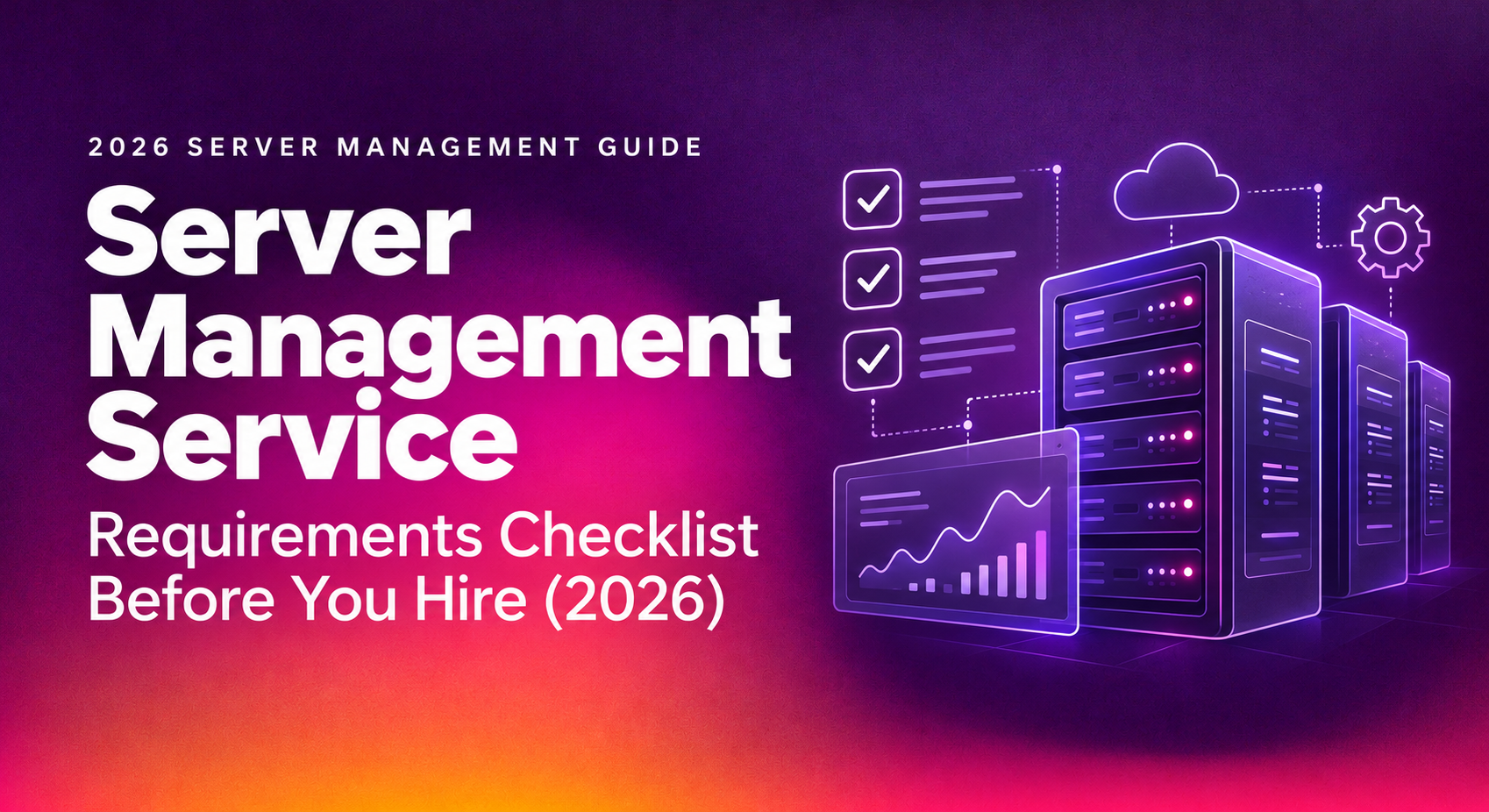
Signing a contract with a server management provider is easy. Discovering three months in that they don't actually patch on schedule, or that their "24/7 monitoring" only means an alert email nobody reads at 2 a.m., is expensive. This server management checklist gives you the exact requirements to verify — monitoring, patching, backups, SLA response times, and security — before you sign anything.
Use it as a literal pre-signing worksheet. If a provider can't answer any item below in writing, treat that as a red flag, not an oversight.
What Server Management Actually Covers in 2026
"Server management" is used loosely in vendor marketing, which is exactly why a checklist matters. In practice, a legitimate server management service should cover proactive monitoring, patch management, backup verification, security hardening, performance tuning, and incident response — not just "we'll fix it if it breaks."
The gap between providers that describe server management generically and providers that can prove coverage is where most bad contracts get signed. Ask for specifics on each of the following areas, not a slide deck of buzzwords.
Core Scope Requirements
- Named list of covered services: OS-level monitoring, database uptime, web server processes, storage, and network reachability
- Whether managed linux server management and Windows Server are both supported, or only one
- Clear separation between "monitoring only" and "monitoring plus remediation" tiers
- Written escalation path from monitoring alert to human engineer action
💡 None of these worked? Skip the guesswork.
Get Expert Help →Requirements Checklist: Monitoring, Patching & Backups
This is the operational core of any server management contract. If any of the following is vague or "handled internally" without documentation, ask for specifics before signing.
Confirm monitoring runs continuously, not just during business hours, and covers CPU, memory, disk I/O, service uptime, and security event logs. Ask what tool generates the alerts and who reviews them at 3 a.m. — a ticket auto-created with no human review is not 24/7 server monitoring requirements compliance, it's a mailbox.
Get the exact patching schedule in writing: critical security patches within 24-72 hours, routine OS patches on a monthly maintenance window, and a documented rollback plan if a patch breaks a service. Ask whether patching is tested in staging first for production-critical servers.
Backups that are never restored are a false sense of security. Require documented backup frequency (daily at minimum), off-site or geographically separate storage, encryption at rest, and — critically — a scheduled restore test with proof, not just a "backup completed" log line.
Ask how alert thresholds are tuned to avoid alert fatigue, and how false positives are handled. A provider with no answer here is likely to either miss real incidents or bury your team in noise.
- 24/7/365 monitoring with a named on-call rotation, not a shared inbox
- Security patches applied within a defined SLA window (24-72 hours for critical CVEs)
- Daily backups with quarterly (minimum) restore tests and written proof
- Documented maintenance windows communicated in advance
- Clear ownership of both managed server support checklist items and who is accountable when something is missed
Confirm the contract defines at least three severity tiers: critical/P1 (server down, security breach), high/P2 (degraded performance, partial outage), and medium/P3 (non-urgent requests). Industry-standard targets are roughly 15-30 minutes response for P1, 1-2 hours for P2, and same-day for P3 — anything vaguer should be pushed back on.
A fast "we've seen your ticket" reply means nothing if resolution drags on for days. Require target resolution windows per severity, and ask for historical performance data — not just promises.
Ask directly: what happens if you miss the SLA? A provider that has no defined credit, refund, or remedy clause is telling you the SLA is marketing language, not a contractual commitment.
- Written severity definitions (P1-P3 minimum) with numeric response times
- Resolution time targets, not just acknowledgment/response times
- Documented SLA breach remedy (service credit, refund percentage, or termination right)
- Reporting cadence — monthly or quarterly SLA performance reports, not "ask if you want them"
- A single point of contact for escalations rather than a rotating ticket queue
If your business handles regulated data, ask for SOC 2, ISO 27001, HIPAA, or PCI-DSS documentation relevant to your industry. A provider unwilling to share audit summaries is a risk signal.
Confirm how engineer access to your servers is provisioned, logged, and revoked — including whether access is shared credentials (a red flag) or individually attributable with MFA enforced.
Ask for a written incident response runbook: who is notified, within what timeframe, and what containment steps are pre-approved without waiting on your sign-off during an active breach.
- Documented compliance certifications relevant to your industry
- Individually attributable access with MFA, not shared root credentials
- Written incident response and breach notification timeline (commonly 24-72 hours by regulation)
- Vulnerability scanning cadence and how findings are remediated
- Data residency and encryption-in-transit confirmation for any offsite management
Why Businesses Choose CloudHouse for Server Management
CloudHouse Technologies built its server management service around the exact gaps this checklist is designed to catch: severity-based SLAs with documented response times, restore-tested backups, and patch management that's scheduled rather than reactive. Instead of a generic monitoring dashboard, clients get a named engineering contact and monthly SLA performance reporting, so coverage is provable, not assumed.
The difference shows up when something actually breaks — a defined P1 response window and a pre-approved incident runbook mean action starts in minutes, not after a ticket sits in a queue.
Frequently Asked Questions
How much does professional server management cost?
Pricing varies by server count, OS mix, and monitoring depth, but most managed server plans are priced per server per month, with tiers for monitoring-only versus full patch-and-backup management. Ask for a quote scoped to your exact server count rather than a flat "starting at" figure, since add-ons often account for the real cost.
Can a provider actually guarantee response times?
Yes, if the SLA is written with severity tiers and a stated remedy for missed targets. A verbal promise of "fast response" without a contractual definition and credit clause is not a guarantee — it's a sales pitch. Insist on the numbers in the contract itself.
How long does onboarding to a new server management provider take?
Typical onboarding for a small-to-mid server environment runs one to three weeks, covering access provisioning, monitoring agent deployment, backup baseline verification, and a documented handover of runbooks. Providers promising same-day full coverage on complex environments are usually skipping verification steps.
Am I locked into a long contract if the provider underperforms?
This should be checked before signing, not after. Look for a contract with a defined exit clause — typically 30-90 days' notice — and confirm you retain full ownership of documentation, credentials, and backup copies if you leave, so a switch doesn't strand your infrastructure.
Do I still need in-house IT staff if I outsource server management?
Most businesses keep a lightweight internal point of contact for business decisions and vendor coordination, while the managed provider handles day-to-day monitoring, patching, and incident response. The right split depends on server count and internal expertise, but full outsourcing is common for businesses without a dedicated infrastructure team.