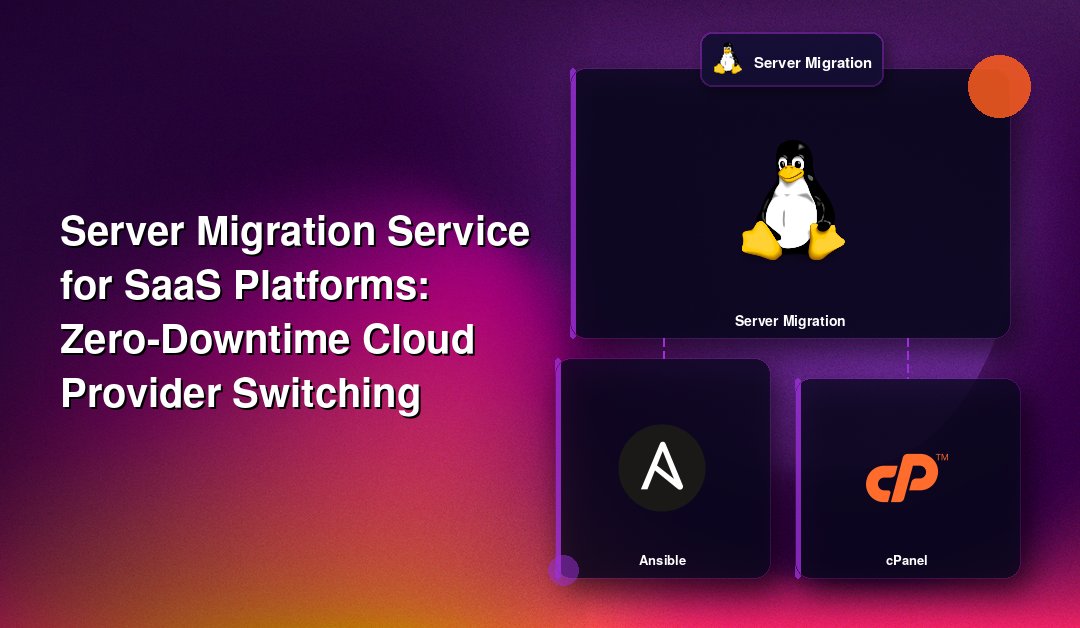
Why SaaS Platforms Can't Treat Server Migration Like a Weekend Project
For most businesses, a server migration is an infrequent chore. For a SaaS platform, it's an operation with revenue, churn, and SLA penalties riding on every minute of downtime. Your customers are logged in around the clock, across time zones, often mid-workflow inside your product. A botched cloud provider switch doesn't just cost you an afternoon — it costs you support tickets, refund requests, and trust you spent years building.
That's the core problem with generic "server migration service" providers: they plan for downtime windows that SaaS companies simply don't have. This guide walks through what a server migration service for SaaS platforms actually needs to look like — zero-downtime cutovers, verified data integrity, and a rollback plan that works even under pressure — and shows the checklist we use at CloudHouse Technologies for every SaaS migration we run, whether you're moving Linux workloads off AWS to a cheaper VPS provider, consolidating Windows app servers onto Azure, or splitting a monolith across two clouds.
The Three Failure Modes That Actually Sink SaaS Migrations
Before the checklist, it's worth naming what actually goes wrong, because most migration horror stories trace back to one of these three:
- Downtime that wasn't supposed to happen. Teams plan a "quick" DNS cutover and discover connection pools, cached IPs, or hard-coded internal endpoints don't fail over cleanly.
- Silent data drift. Writes that land on the old database during cutover never make it to the new one. Nobody notices until a customer reports missing records days later.
- No real way back. The rollback plan exists on paper but was never tested, so when something breaks at 2am, the team is debugging forward instead of reverting.
Every step below exists to close one of these three gaps.
Zero-Downtime Migration: What It Actually Requires for SaaS
"Zero downtime" gets thrown around loosely. For a multi-tenant SaaS application, it specifically means:
- The application layer runs on both old and new infrastructure simultaneously during cutover, behind a load balancer or traffic-shifting proxy.
- Database replication (logical or streaming) keeps the new database in sync with the old one in near real time, so cutover is a promotion, not a bulk copy.
- Session state and background job queues survive the switch without dropping in-flight work.
- DNS TTLs are lowered well in advance so traffic shifts in minutes, not hours.
This is materially different from a single-server WordPress or brochure-site move. SaaS platforms typically run on Linux (Ubuntu/Debian application nodes, sometimes Windows for .NET-based products) with a database tier, a caching tier, background workers, and often containerized services — every one of those needs its own migration path, tested independently before the full cutover.
Data Integrity: Prove It, Don't Assume It
Data loss risk is the single biggest objection SaaS founders raise when we talk about switching cloud providers. Rightly so — your database is the product. Here's what actually protects against it:
- Checksum and row-count validation on every migrated table, comparing source and destination immediately after each sync pass.
- Parallel write verification — running both databases in sync mode and comparing a sample of live transactions before flipping any read/write traffic.
- Schema and index parity checks so query plans on the new database behave the same way under production load, not just in a staging test.
- Point-in-time backups taken immediately before cutover, independent of the replication stream, in case the replication itself has an undetected gap.
None of this is exotic engineering. It's discipline — the kind that gets skipped when a migration is rushed or handled by whoever has a free afternoon.
Rollback Capability: The Plan You Hope You Never Use
A rollback plan that only exists in a document isn't a rollback plan. For SaaS migrations, rollback readiness means:
- The old environment stays fully live and untouched for a defined monitoring window (typically 48–72 hours) after cutover — not decommissioned on day one.
- DNS and load-balancer routing can revert to the old environment in under 10 minutes, tested in a dry run before the real cutover.
- Any writes that occurred on the new environment during the monitoring window can be reconciled back if a rollback is triggered, so reverting doesn't itself cause data loss.
- Rollback triggers are defined in advance — error rate thresholds, latency spikes, failed health checks — so the decision to revert isn't made in a panic.
SaaS Server Migration Checklist
| Phase | What Happens | SaaS-Specific Consideration |
|---|---|---|
| 1. Discovery & Dependency Mapping | Inventory every service, database, queue, cron job, and third-party integration (webhooks, OAuth callback URLs, payment gateways) | Multi-tenant apps often have per-tenant configs or subdomains that get missed in a generic audit |
| 2. Target Environment Build | Provision new Linux/Windows infrastructure, match OS versions, runtime versions, and security groups | Match resource sizing to real production load, not idle baseline — test under simulated peak traffic |
| 3. Replication Setup | Configure logical/streaming database replication and file sync between old and new environments | Verify replication lag stays near-zero under your actual write volume, not a quiet test window |
| 4. Data Integrity Validation | Run checksum, row-count, and schema parity checks across every table | Validate tenant isolation and foreign key integrity, not just row totals |
| 5. Parallel Run & Load Testing | Route a shadow copy of production traffic to the new environment without serving real users | Confirm background jobs, webhooks, and scheduled tasks behave identically on the new stack |
| 6. Rollback Rehearsal | Practice the revert procedure end-to-end before the real cutover | Time the rollback — if it takes longer than your SLA allows, the plan needs revising |
| 7. Cutover | Lower DNS TTL, shift traffic gradually or via full switch, monitor error rates in real time | Use canary routing (5% → 25% → 100%) where your architecture supports it, rather than an all-at-once flip |
| 8. Post-Migration Monitoring | Keep old environment live and monitor new environment closely for 48–72 hours | Watch for tenant-specific errors that only surface under real usage patterns, not synthetic tests |
| 9. Decommission | Retire old infrastructure only after the monitoring window closes clean | Archive final backups from the old environment before deleting anything |
Linux vs. Windows: Different Stacks, Same Discipline
Most SaaS platforms run Linux application tiers (Ubuntu, Debian, or Amazon Linux) with Postgres or MySQL underneath, but a meaningful share — particularly enterprise B2B SaaS — run Windows Server with .NET and SQL Server. The migration discipline above applies to both, but the tooling differs: Linux migrations typically lean on rsync, native database replication, and container orchestration for cutover; Windows migrations lean on SQL Server Always On availability groups, DFS replication for file shares, and IIS/App Service traffic routing. A migration partner who's only fluent in one stack will improvise on the other — ask about specific experience with your exact stack before you sign anything.
Why SaaS Companies Switch Cloud Providers in the First Place
The migrations we run for SaaS clients are rarely about moving to "the cloud" — they're already there. The drivers are usually one of: runaway AWS or Azure bills as usage scales, a need for dedicated infrastructure to meet a customer's compliance requirement, consolidating after an acquisition, or simply outgrowing a provider that made sense at seed stage but not at Series B. Whatever the reason, the migration mechanics — and the risk profile — stay the same.
Get a Zero-Downtime Migration Plan Built for Your Stack
CloudHouse Technologies runs Linux and Windows server migrations for SaaS platforms that can't afford a maintenance window. Our team handles dependency mapping, replication setup, data integrity validation, and a tested rollback plan before we touch production traffic — so your customers never know the switch happened. If you're planning a cloud provider migration and downtime isn't an option, talk to our server migration service team about your specific stack and timeline.
Frequently Asked Questions
Can a SaaS platform really migrate servers with zero downtime?
Yes, when the migration uses parallel infrastructure and live replication rather than a bulk copy-and-switch approach. The old environment keeps serving traffic while the new one is built, synced, and validated; the cutover itself is a traffic shift measured in minutes, not a takedown-and-rebuild. It requires more setup work upfront than a simple lift-and-shift, but for a platform with active users, that upfront work is what prevents the outage.
What happens to customer data if something goes wrong mid-migration?
A properly planned migration validates data integrity at every stage — checksums, row counts, and schema parity checks — before any real traffic touches the new environment. Point-in-time backups are taken independently of the replication stream, so even if the sync itself has a gap, there's a clean recovery point. Data loss risk comes from skipping validation steps under time pressure, not from migration itself.
Do we actually have a way to revert if the new environment has problems after go-live?
A real rollback plan keeps the old environment fully live and untouched for 48–72 hours after cutover, with a rehearsed revert procedure that can redirect traffic back in minutes. The key is testing the rollback before the real migration, not assuming it will work when needed. Any writes made on the new environment during the monitoring window should also be reconcilable back, so a rollback doesn't create its own data loss problem.
How long does a SaaS server migration take from start to finish?
Discovery and dependency mapping typically take 1–2 weeks, replication setup and validation another 1–2 weeks, and the parallel-run/load-testing phase varies with how complex your background jobs and integrations are. The cutover itself, when everything above is done properly, is measured in minutes to a few hours. Rushed migrations skip the validation phases and gamble the time savings against downtime risk.
Does this apply if we're moving between different cloud providers, not just servers within the same provider?
Yes — cross-provider migrations (AWS to Azure, Azure to a dedicated provider, etc.) follow the same core process, with extra attention to networking differences (VPC/VNet configuration, load balancer behavior, DNS provider settings) and any provider-specific managed services that don't have a direct equivalent on the target platform. Those managed-service gaps are usually the biggest source of surprises, so they need to be identified during discovery, not during cutover.