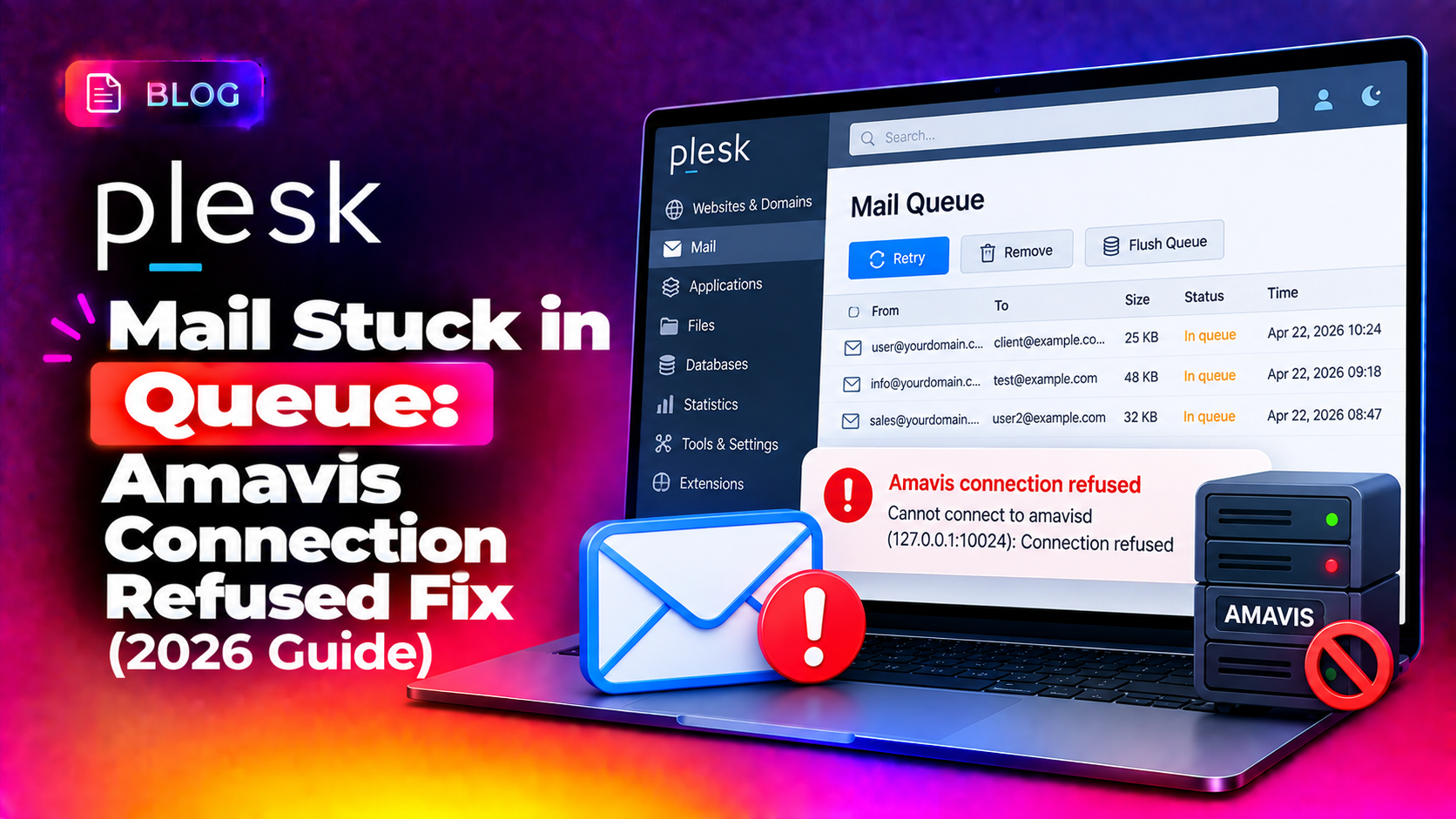
When mail piles up in the Postfix queue right after installing, updating, or removing Plesk Email Security, the cause is almost always a broken connection to Amavis, the content filter service that scans messages before delivery. You'll see errors like "conversation with 127.0.0.1 timed out while receiving the initial server greeting" or "connect to transport private/smtp-amavis: Connection refused" filling up /var/log/maillog, and every message just sits deferred. Here's exactly what's breaking and how to get mail flowing again.
Why Mail Gets Stuck With Amavis Errors on Plesk
Plesk Email Security wires Postfix to Amavis as a content-filter hop — every inbound and outbound message gets routed through 127.0.0.1:10024 for spam/virus scanning before Postfix delivers it. If Amavis isn't running, is overloaded, or was removed without cleanly unwiring the Postfix master.cf transport entries, Postfix keeps trying to hand mail to a filter that never answers — and every message queues up as deferred.
The two most common triggers:
- Amavis service crashed or isn't running — often after a package update or a server reboot where the service didn't start automatically
- Plesk Email Security was removed but Postfix config still references it — leaving a dangling
smtp-amavistransport entry that has nowhere to route mail
💡 None of these worked? Skip the guesswork.
Get Expert Help →Step-by-Step Fix: Restoring the Amavis Connection
systemctl status amavis
If it shows inactive or failed, start it and check the logs for the crash reason:
systemctl start amavis
journalctl -u amavis -n 50 --no-pager
netstat -tlnp | grep 10024
If nothing is listening on that port even after starting the service, Amavis is likely failing to bind — check for a port conflict or a misconfigured amavisd.conf.
Open /etc/postfix/master.cf and check for a smtp-amavis entry still present after the extension was uninstalled. If Plesk Email Security is gone but this entry remains, Postfix has nowhere to route filtered mail. Remove or comment out the dangling transport block, then reload:
postfix reload
From the Plesk CLI, re-apply the mail server configuration to rewrite the Postfix integration cleanly:
plesk repair mail -y
This regenerates the Postfix master.cf and main.cf mail filter hooks to match whatever mail security extensions are currently actually installed.
postqueue -f
This forces Postfix to immediately retry all deferred messages now that Amavis (or the corrected transport) is reachable.
postqueue -p
postsuper -d MESSAGE_ID
find /var/spool/postfix/deferred -name "MESSAGE_ID" -delete
postfix reload
Only do this for messages you've confirmed are genuinely stuck — not ones simply waiting on a legitimate retry interval.
How to Verify Mail Is Flowing Again
- Run
mailqand confirm the queue count is dropping, not growing - Tail
/var/log/maillogand watch for successfulstatus=sentlines instead of repeatedstatus=deferred - Send a test message through the affected domain and confirm delivery time is normal
- Re-check
netstat -tlnp | grep 10024periodically over the next hour to confirm Amavis stays up under load
Preventing This on Future Plesk Mail Servers
- Always run
plesk repair mailafter installing or removing any mail security extension — never assume Postfix config cleaned itself up - Set up a monitoring check on port 10024 and the Amavis service so a crash triggers an alert before the queue backs up
- Review mail queue size on a schedule, not just when customers complain about delayed email
- Keep Plesk and its mail-related extensions on the same update cadence to avoid version mismatches between Postfix config and the installed content filter
When to Call a Server Expert
A backed-up mail queue on a shared Plesk server can affect every hosted domain at once, and diagnosing whether the root cause is Amavis, a corrupted queue file, or a leftover config reference takes practiced troubleshooting under time pressure. CloudHouse's server management service handles exactly this kind of live mail-server incident response for hosting companies that can't afford delayed customer email.
Frequently Asked Questions
Why does mail get stuck right after installing Plesk Email Security?
Amavis, the content filter Plesk Email Security relies on, may not have started correctly or is still initializing. Check systemctl status amavis and confirm it's listening on port 10024 before troubleshooting further.
Is it safe to run "plesk repair mail" on a live production server?
Yes — it rewrites the Postfix mail configuration to match your currently installed extensions without deleting mailboxes or messages already delivered. It's a standard first step for fixing broken mail integrations.
Why won't the "Clear" button in Plesk's Mail Queue remove some messages?
Postfix refuses to operate on corrupted queue files by design, so Plesk's UI clear function can't remove them either. You need to identify and delete those specific message IDs directly via postsuper -d or by removing the file from the queue directory.
What does "connect to transport private/smtp-amavis: Connection refused" mean?
It means Postfix's master.cf still has a transport entry pointing to Amavis, but nothing is actually listening on that socket — usually because the Plesk Email Security extension was removed without cleaning up the reference, or the Amavis service has crashed.
How do I know if the mail queue backup is affecting all domains or just one?
Run mailq and review the sender/recipient domains listed. If messages from multiple unrelated domains are stuck, the issue is server-wide (Amavis/Postfix), not specific to one hosted site's mail configuration.