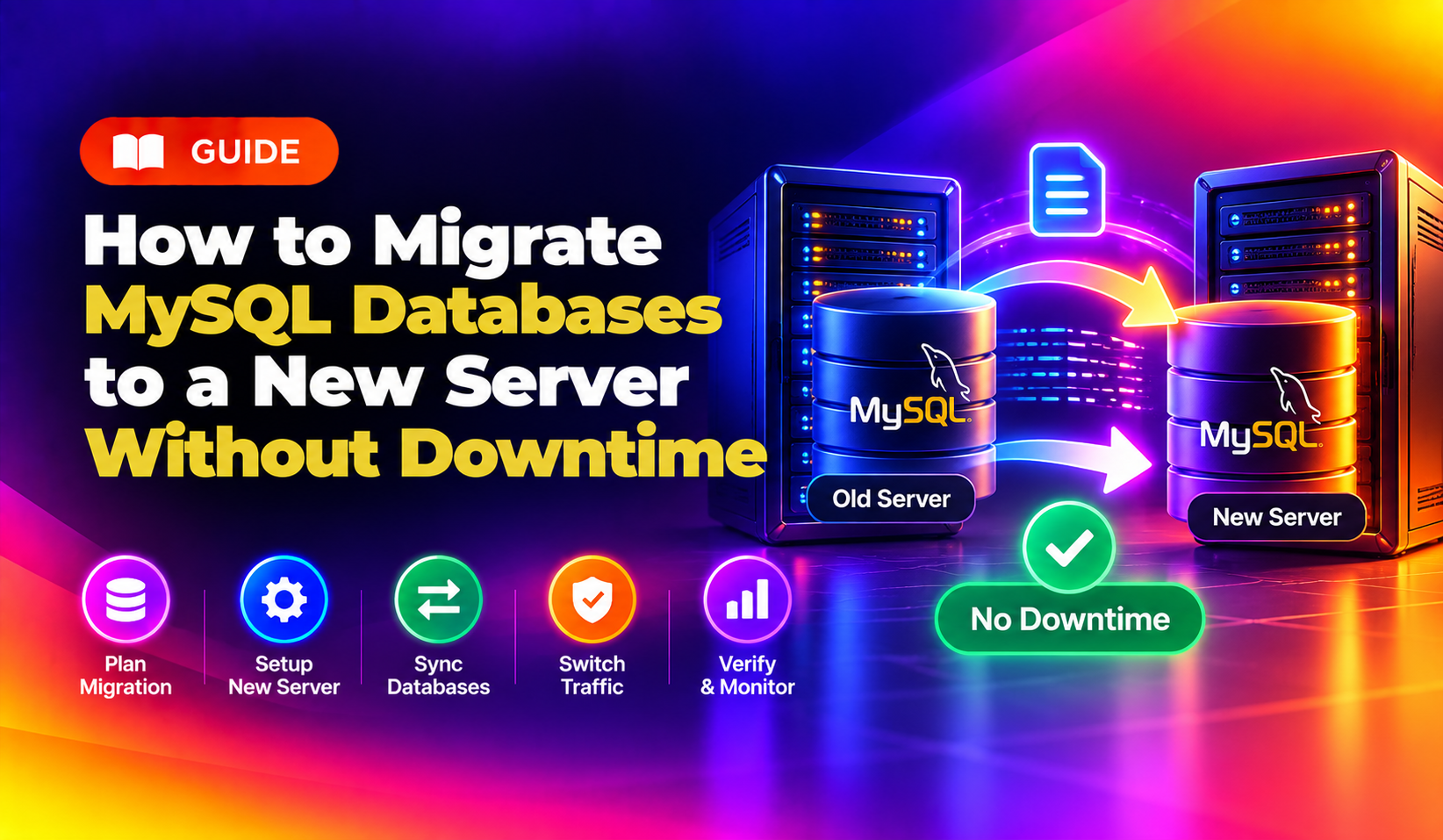
Moving to a new server is stressful enough. Moving MySQL databases without taking your site offline adds another layer of risk that most tutorials brush past. If you get the cutover wrong — a brief window of writes to the old server while the new one isn't yet caught up — you lose data. If you take the site down for the migration, you lose customers.
This guide covers the two main approaches for zero-downtime MySQL migration: the mysqldump + replication method (works for most shared and VPS environments) and a quick checklist for the cutover moment when every second counts. Whether you're migrating between bare-metal servers, from a VPS to a dedicated machine, or moving to a cloud instance, these steps apply.
Pre-Migration Checklist
Before running a single command, confirm these items on both servers:
- MySQL/MariaDB versions are compatible: The destination version must be ≥ source version. Replication from MySQL 5.7 → 8.0 works; the reverse does not.
- Binary logging is enabled on the source:
SHOW VARIABLES LIKE 'log_bin';— must returnON. If not, addlog_bin = /var/log/mysql/mysql-bin.logto/etc/mysql/my.cnfand restart MySQL. - server-id values are unique: Source and destination must have different
server-idvalues inmy.cnf. - Firewall allows port 3306: The destination server needs to reach the source on MySQL's port during the replication phase. Open it temporarily:
ufw allow from DEST_IP to any port 3306 - Disk space available on destination: Run
df -h /var/lib/mysqlon both servers. Destination needs at least 2× the source database size (dump + import working space).
Method 1: mysqldump with --single-transaction (No Lock Approach)
This method works for InnoDB databases (the default storage engine for all modern MySQL/MariaDB installs). It takes a consistent snapshot without locking tables — your application stays live during the dump.
Step 1: Create a Replication User on the Source
mysql -u root -pCREATE USER 'repl_user'@'DEST_SERVER_IP' IDENTIFIED BY 'StrongPassword123!';
GRANT REPLICATION SLAVE ON *.* TO 'repl_user'@'DEST_SERVER_IP';
FLUSH PRIVILEGES;Replace DEST_SERVER_IP with the actual IP address of your new server.
Step 2: Take a Consistent Dump with Binlog Position
mysqldump --single-transaction --quick --skip-lock-tables --master-data=2 --all-databases --triggers --routines --events -u root -p > /tmp/full_dump.sqlThe --single-transaction flag opens a consistent read transaction before the dump starts, eliminating table locks for InnoDB. The --master-data=2 flag embeds the current binlog file name and position as a comment at the top of the dump — you'll use this to start replication from exactly the right point.
After the dump completes, note the binlog coordinates:
head -50 /tmp/full_dump.sql | grep "MASTER_LOG_FILE\|MASTER_LOG_POS"Example output: -- CHANGE MASTER TO MASTER_LOG_FILE='mysql-bin.000042', MASTER_LOG_POS=87634;
Step 3: Transfer the Dump to the Destination
rsync -avz --progress /tmp/full_dump.sql root@DEST_SERVER_IP:/tmp/full_dump.sqlFor very large dumps (50 GB+), compress during transfer:
ssh root@DEST_SERVER_IP "mysqldump options... | gzip" > full_dump.sql.gzStep 4: Import the Dump on the Destination
mysql -u root -p < /tmp/full_dump.sqlMonitor progress on large dumps:
pv /tmp/full_dump.sql | mysql -u root -pInstall pv first with apt install pv or yum install pv.
Method 2: Set Up MySQL Replication for Live Sync
Once the initial dump is imported, configure replication so the destination continuously receives new writes from the source. This keeps the two servers in sync until you're ready to cut over.
Configure the Source (my.cnf)
[mysqld]
server-id = 1
log_bin = /var/log/mysql/mysql-bin.log
binlog_format = ROW
expire_logs_days = 7
Restart MySQL: systemctl restart mysql
Configure the Destination (my.cnf)
[mysqld]
server-id = 2
relay_log = /var/log/mysql/relay-bin.log
read_only = ON
The read_only = ON prevents accidental writes to the destination during the migration window.
Start Replication on the Destination
mysql -u root -pCHANGE MASTER TO
MASTER_HOST='SOURCE_SERVER_IP',
MASTER_USER='repl_user',
MASTER_PASSWORD='StrongPassword123!',
MASTER_LOG_FILE='mysql-bin.000042',
MASTER_LOG_POS=87634;
START SLAVE;Replace the MASTER_LOG_FILE and MASTER_LOG_POS values with the ones you captured from the dump header.
Monitor Replication Lag
SHOW SLAVE STATUS\GWatch these fields:
Slave_IO_Running: Yes— replication I/O thread is activeSlave_SQL_Running: Yes— SQL thread is replaying eventsSeconds_Behind_Master: 0— destination is fully caught up
If Seconds_Behind_Master is growing rather than shrinking, the destination MySQL server is under-resourced or the source write rate is too high. Consider tuning innodb_buffer_pool_size on the destination to match the source.
💡 None of these worked? Skip the guesswork.
Get Expert Help →The Cutover: Switching Traffic with Minimal Downtime
Once Seconds_Behind_Master = 0 and stays at 0 for several minutes, you're ready for cutover. This is the only moment where your application will be briefly unavailable — the goal is to keep it under 30 seconds.
2. Stop writes to the source — either put the app in read-only mode or stop the web server:
systemctl stop nginx # or apache23. Confirm replication is at zero lag
SHOW SLAVE STATUS\G | grep Seconds_Behind_MasterSTOP SLAVE;
SET GLOBAL read_only = OFF;6. Restart the web server on the new server
systemctl start nginx7. Update DNS — point the domain A record to the new server IP (pre-lower TTL to 60 seconds 24 hours before migration for faster propagation)
8. Verify the site loads correctly, then disable maintenance mode
Post-Migration Validation
After cutover, validate data integrity before decommissioning the source:
- Row count check: Compare table row counts between source and destination for critical tables:
SELECT COUNT(*) FROM database.tablename; - Check for replication errors that occurred pre-cutover: Review
/var/log/mysql/error.logon the destination for any SQL errors during replay. - Test application functionality: Run through checkout flows, login, form submissions — any action that writes to the database.
- Keep source server running for 48 hours post-cutover as rollback insurance. Do not decommission until you're fully satisfied with the new server.
Troubleshooting Common Replication Errors
Error 1236 — "Could not find first log file name in binary log index file": The binlog file referenced in your CHANGE MASTER statement has been rotated or deleted on the source. Retake the dump and restart the replication setup.
Duplicate entry error during SQL replay: A row was already inserted during the import but replicated again. Skip the error: SET GLOBAL SQL_SLAVE_SKIP_COUNTER = 1; START SLAVE; — then check the affected table for duplicates.
Slave_IO_Running: Connecting: The destination cannot reach the source on port 3306. Check the source firewall, confirm the replication user's host grant matches the destination IP exactly, and test with mysql -h SOURCE_IP -u repl_user -p from the destination.
Seconds_Behind_Master constantly increasing: The destination is falling behind. Check destination disk I/O (iostat -x 1), increase innodb_buffer_pool_size, and ensure there are no rogue queries running on the destination that are consuming CPU.
Using Percona XtraBackup for Very Large Databases
For databases over 100 GB, mysqldump can take hours and the resulting SQL file becomes unwieldy. Percona XtraBackup is a better tool — it takes a hot physical copy without locking any tables and is significantly faster to restore than importing a SQL dump.
# On source server
xtrabackup --backup --target-dir=/tmp/xb_backup -u root -p
xtrabackup --prepare --target-dir=/tmp/xb_backup

# Transfer to destination
rsync -avz /tmp/xb_backup/ root@DEST_IP:/var/lib/mysql/

# On destination
chown -R mysql:mysql /var/lib/mysql/
systemctl start mysql
After restore, configure replication using the binlog coordinates embedded in /tmp/xb_backup/xtrabackup_binlog_info.
For businesses that need managed server migrations with zero-downtime guarantees, CloudHouse Technologies' server migration service handles the full process — including pre-migration validation, replication setup, DNS cutover coordination, and post-migration monitoring.