What 'You Need to Install Rosetta' Actually Means
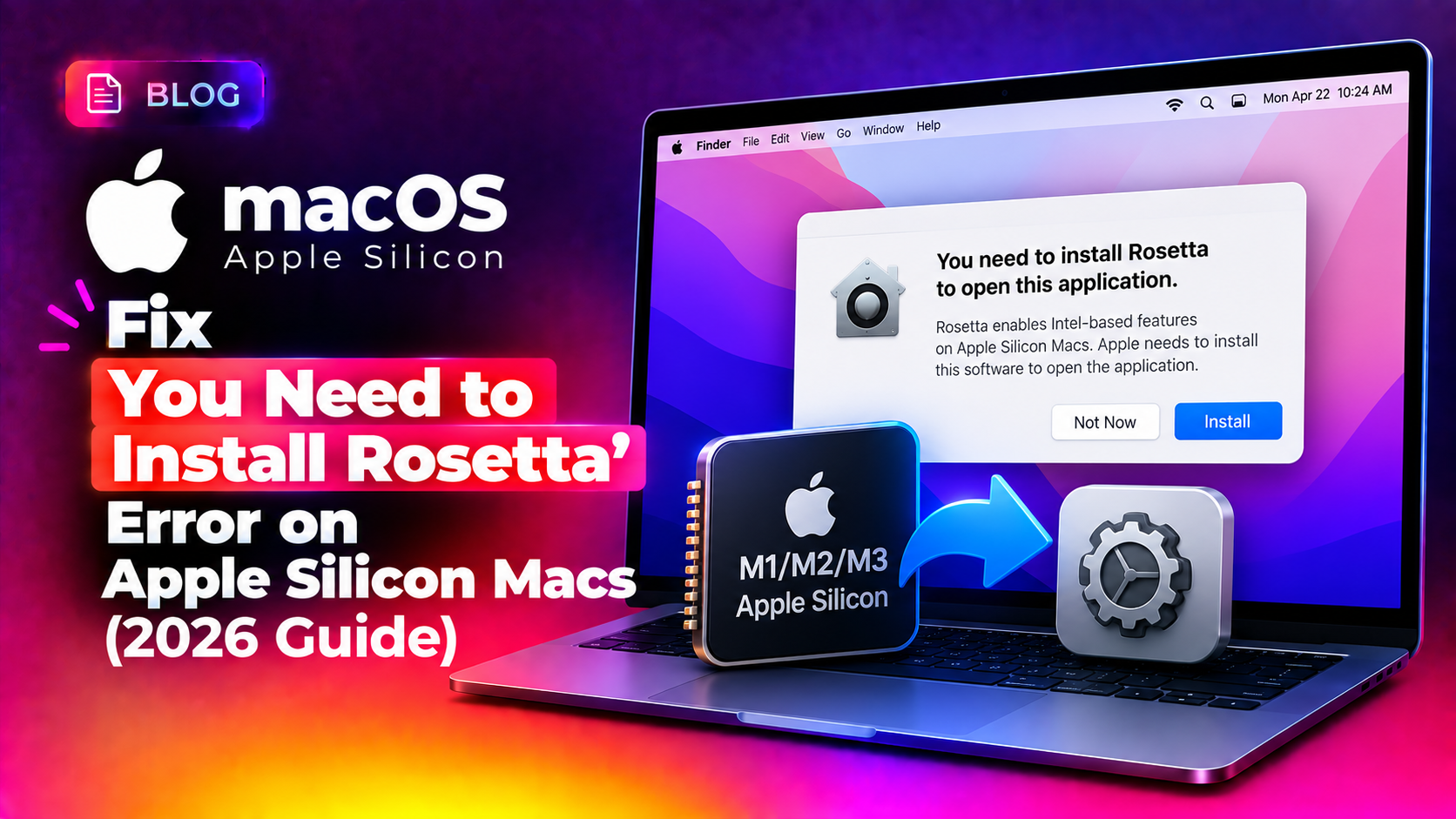
If you open an app on an Apple Silicon Mac (M1, M2, M3, or M4) and see a popup saying "You need to install Rosetta to open this app," it means the app was built for Intel processors and needs Apple's translation layer, Rosetta 2, to run on Apple Silicon. This is extremely common in 2026 even years after the Intel-to-Apple Silicon transition, because many older utilities, legacy games, and niche business software still ship Intel-only builds.
The fix is usually simple, but in 2026 we're seeing more cases where the automatic install fails silently, especially on freshly set up M4 Macs or systems managed by MDM/enterprise profiles. This guide covers both the standard fix and what to do when it doesn't work.
Method 1: Let macOS Install Rosetta Automatically
In most cases, macOS handles this for you the moment you try to open an Intel-only app:
- Make sure your Mac is connected to the internet.
- Open the app that triggered the message.
- When the "You need to install Rosetta" dialog appears, click Install.
- Enter your Mac username and password when prompted, and agree to Apple's software license terms.
- Wait for the installation to complete (usually under a minute), then relaunch the app.
Method 2: Install Rosetta Manually via Terminal
If the automatic prompt never appears, or you want to pre-install Rosetta before deploying software (common for IT admins setting up new Macs), install it directly from Terminal:
softwareupdate --install-rosettaYou'll be asked to agree to the license terms - type A and press Return to accept. To skip the confirmation prompt entirely (useful for scripted deployments):
softwareupdate --install-rosetta --agree-to-licenseMethod 3: Fix a Failed or Stuck Rosetta Install
If the install fails with an error or hangs indefinitely, try these steps in order:
- Check your internet connection - Rosetta downloads a small package from Apple's servers, so a firewall or captive portal can block it.
- Check Apple's System Status page at
apple.com/support/systemstatusfor outages affecting software updates. - Free up disk space - Rosetta needs a small amount of free space to install; if your startup disk is nearly full, clear space first.
- Run the install again with sudo from Terminal:
sudo softwareupdate --install-rosetta --agree-to-licenseIf your Mac is managed by a company MDM profile, a restriction may be blocking Rosetta installation entirely - in that case, contact your IT administrator or check System Settings > Privacy & Security > Profiles for restrictive configuration profiles.
Method 4: Verify Whether an App Actually Needs Rosetta
Before installing Rosetta, it's worth confirming which of your apps actually require it:
- In Finder, locate the app in Applications.
- Right-click and choose Get Info.
- Check the Kind field: "Application (Intel)" means it needs Rosetta; "Application (Universal)" or "Application (Apple Silicon)" means it runs natively.
You can also check from Terminal for any running process:
ps -A -O comm | grep -i "YourAppName"
file /Applications/YourApp.app/Contents/MacOS/YourApp
If the output mentions x86_64 only, the binary is Intel-only and Rosetta is required until the developer ships an Apple Silicon build.
Method 5: Find a Native Alternative
If an app frequently needs Rosetta and runs sluggishly (a sign of translation overhead, especially on graphics-heavy apps or older games), check whether:
- The developer has released a newer, Universal or Apple Silicon-native version.
- A native alternative app exists with similar functionality.
If you manage multiple Macs across a business and need help auditing which apps require Rosetta before an OS upgrade, our pay-per-ticket remote Mac support team can handle the audit and migration for you.
What Happens if You Decline the Rosetta Install
If you click Not Now instead of installing, the app simply won't launch, and macOS will prompt you again the next time you try to open any Intel-only app. Declining does not disable Rosetta for future use - it just skips the install for that moment.
Frequently Asked Questions
Do I need Rosetta on every Apple Silicon Mac?
No - only if you run at least one Intel-only (non-Universal) app. Macs running only native Apple Silicon software never need to install it.
Does Rosetta slow down my Mac?
Rosetta only affects the specific Intel app being translated; it does not slow down the rest of the system, though the translated app itself may run somewhat slower than a native version.
Will Rosetta still work on future macOS versions?
Apple has confirmed Rosetta remains available through macOS 27, with support narrowing to specific older games and legacy frameworks starting with macOS 28.
Why does the Rosetta install prompt keep reappearing?
This usually means the installation failed silently - try running sudo softwareupdate --install-rosetta --agree-to-license manually from Terminal to see the actual error.
Can I install Rosetta without an internet connection?
No, Rosetta must be downloaded from Apple's servers during installation, so an active internet connection is required.