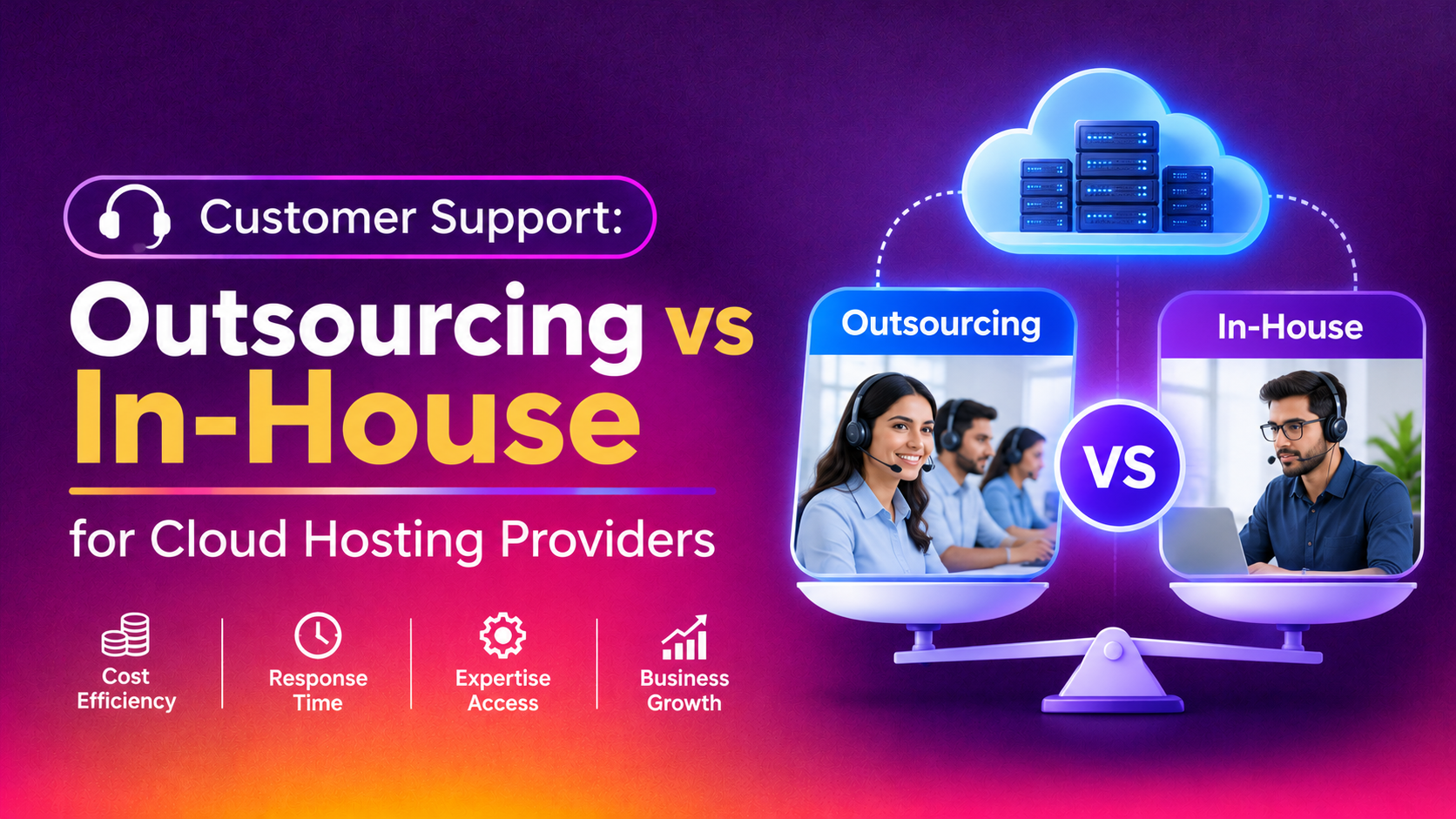
Running a managed WordPress hosting business means your customers aren't just asking "is the server down" — they're asking about plugin conflicts, theme breakage, white-screen errors, PHP version mismatches, and WooCommerce checkout failures. Deciding between live chat outsourcing vs an in-house support team for a WordPress-focused hosting company is a different calculation than for generic hosting, because the technical depth required on every chat is higher. This guide breaks down the real staffing costs, coverage trade-offs, tooling requirements, and hiring timelines so you can choose the model that actually fits your WordPress hosting business in 2026.
Why WordPress Hosting Support Is Different
Generic hosting live chat can often be scripted: "restart your service," "check your DNS," "here's your cPanel login." WordPress hosting support is rarely that simple. Agents need working knowledge of:
- Common plugin and theme conflicts that cause white-screen-of-death errors
- WP-CLI commands for cache clearing, database repair, and core reinstalls
- WooCommerce-specific issues like payment gateway failures and cart abandonment bugs
- PHP version compatibility and memory limit errors
- Malware cleanup triage before escalating to security teams
- Migration-related questions when customers move sites onto your platform
This technical bar changes the outsourcing-vs-in-house math significantly — a generic outsourced live chat vendor without WordPress-specific training will bounce every second ticket to your engineers, defeating the purpose of outsourcing in the first place. That's the single biggest mistake WordPress hosting companies make when evaluating vendors: assuming all "live chat outsourcing" services are interchangeable.
The Real Cost of an In-House Live Chat Team
Building an in-house live chat team for a WordPress hosting company means hiring agents who understand both customer service and basic WordPress troubleshooting — a rarer (and pricier) combination than generic support hires.
Salary and Staffing Costs
To cover a single 24/7 chat queue, you typically need 4-5 full-time agents across rotating shifts (accounting for weekends, holidays, and sick leave). At a loaded cost of $2,500-$4,500/month per agent in most markets (salary + benefits + tools + management overhead), a fully staffed in-house WordPress support chat desk runs $10,000-$22,500/month before you've paid for a single ticketing tool or training program. Add a team lead or QA specialist to review chat transcripts and coach agents, and the monthly bill climbs further.
Hiring and Training Timeline
Recruiting agents who can competently discuss WordPress-specific issues takes longer than hiring for generic chat support. Expect 3-6 weeks to source and interview candidates, plus another 2-4 weeks of onboarding and shadowing before an agent can independently handle WordPress troubleshooting chats without constant escalation. That's 6-10 weeks from decision to a fully productive agent — and you need several of them to cover a real 24/7 rotation. During that ramp period, existing staff or engineers usually absorb the overflow, which is its own hidden cost.
Tooling and Infrastructure
An in-house team also needs a live chat widget, a shared knowledge base, internal WordPress staging access for diagnosing issues, ticketing software integrated with your hosting control panel, and reporting dashboards to track response time and resolution rate. Licensing for these tools commonly adds $500-$2,000/month depending on team size and feature tier.
The Real Cost of Outsourced Live Chat Support
Outsourced live chat providers typically bill $8-$15 per agent-hour for standard coverage, rising toward $20-$45/hour for 24/7, multilingual, or highly specialized technical queues. For a WordPress hosting company running steady chat volume, monthly outsourcing costs commonly land between $2,000 and $6,000/month for full 24/7 coverage — a fraction of the in-house staffing bill.
The catch: not every outsourcing vendor can handle WordPress-specific tickets out of the box. You need a partner willing to train agents on your specific WordPress stack, common plugin issues, and escalation paths — otherwise you're just paying for a slower first-response layer that forwards everything to your engineers anyway. Ask any prospective vendor for their WordPress onboarding curriculum, average first-response time, and escalation rate on technical tickets before signing.
Hidden Costs to Watch For
Some outsourcing quotes look cheaper than they really are. Watch for extra charges tied to dedicated team leads, quality-assurance reviews, minimum monthly ticket volumes, and multi-week "training and ramp" periods that get billed at full rate before agents are actually productive. A transparent vendor will spell these out upfront rather than surprising you on the first invoice.
Outsourced vs In-House: Side-by-Side Comparison
| Factor | Outsourced Live Chat | In-House Team |
|---|---|---|
| Monthly cost (24/7 coverage) | $2,000 – $6,000 | $10,000 – $22,500+ |
| Coverage hours | 24/7/365 standard | Requires 4-5+ hires for true 24/7 |
| Time to full coverage | 1-2 weeks (with WordPress training) | 6-10 weeks (hiring + onboarding) |
| WordPress-specific expertise | Depends on vendor — must vet for WP training | Built in-house, deeper over time |
| Scalability during launches/traffic spikes | Flexible, scale up/down on demand | Slow — requires new hires or overtime |
| Product/customer knowledge depth | Moderate, improves with dedicated agents | High — direct access to internal teams and data |
| Contract flexibility | Month-to-month options common | Fixed payroll commitment |
| Tooling/infrastructure cost | Usually included in vendor pricing | $500-$2,000/month extra, managed internally |
When Outsourcing Makes Sense for WordPress Hosts
Outsourcing tends to be the better fit when:
- You need genuine 24/7 coverage but don't have the ticket volume to justify five full-time hires
- Your support queue is dominated by tier-1 WordPress issues (login resets, cache clears, basic plugin conflicts) that a trained vendor agent can resolve without escalation
- You're scaling fast and can't wait 6-10 weeks to build an internal team
- You want predictable, hourly-billed costs instead of fixed payroll overhead
- You're launching a new hosting plan or promotion and expect a temporary spike in chat volume
When In-House Makes Sense
Keeping support in-house is usually worth the extra cost when:
- Your customer base skews toward complex managed WordPress setups (multisite, custom plugins, high-traffic WooCommerce stores) that need deep product knowledge
- You have the volume to justify a full 24/7 internal team and want tighter control over customer experience
- Support is a core differentiator of your brand and you want agents fully immersed in your product roadmap
- You handle enterprise or VIP accounts where continuity with the same agents matters
A Hybrid Model Often Wins
Many WordPress hosting companies land on a hybrid: an outsourced team handles tier-1 chat volume and after-hours coverage, while a smaller in-house team handles escalations, VIP accounts, and complex WordPress troubleshooting. This gets you 24/7 coverage without the full in-house payroll, while keeping your most technical conversations with people who know your platform inside out. A hybrid setup also gives you a natural pressure valve: if outsourced agents are overwhelmed during a traffic spike, your in-house team catches the overflow, and vice versa during quiet periods.
When evaluating a hybrid setup, define clear escalation rules upfront — for example, any ticket involving a security incident, a refund above a certain amount, or a multisite/enterprise account should route straight to your internal team, while everything else stays with the outsourced tier-1 layer.
Measuring Success: KPIs to Track Either Way
Whichever model you choose, track the same core metrics so you can compare performance objectively:
- First response time — how quickly a customer gets an initial reply
- Resolution rate — percentage of chats resolved without escalation
- Customer satisfaction (CSAT) score per chat
- Escalation rate — how often tier-1 agents need to hand off to engineering
- Cost per resolved ticket — total support spend divided by resolved chats
If an outsourced vendor's escalation rate on WordPress-specific tickets is consistently high, that's a sign their agents need more training — or that the vendor isn't the right technical fit for your platform.
Signs Your Current Support Model Isn't Working
Before committing to either model, look for warning signs that your current setup is already failing your customers:
- Chat abandonment is high because customers wait too long for a first response outside business hours
- Engineers are pulled off development work constantly to answer basic WordPress tickets that a trained agent could handle
- Churn spikes after failed support interactions — customers leave negative reviews citing slow or unhelpful chat responses
- Support costs are growing faster than customer count, suggesting inefficient staffing rather than genuine demand growth
If any of these sound familiar, it's a strong signal to re-evaluate whether your current in-house or outsourced setup is actually cost-effective, regardless of which model you're using today.
💡 None of these worked? Skip the guesswork.
Get Expert Help →How to Evaluate a Live Chat Outsourcing Vendor
If you're leaning toward outsourcing, run any vendor through this checklist before signing:
A serious vendor should be able to show you a training curriculum covering plugin conflicts, WP-CLI basics, and common WooCommerce errors — not a generic customer service script.
Ask what percentage of WordPress-related tickets get escalated to a human engineer versus resolved directly by their agents. A high escalation rate on basic issues is a red flag.
Look for month-to-month flexibility rather than a 6-12 month lock-in, especially if you're trialing the vendor for the first time.
Get a written SLA on first-response time, both during business hours and overnight, since after-hours performance is often where outsourced vendors differ the most.
Before fully committing, send a sample of your actual past WordPress support tickets and see how the vendor's agents would respond. This reveals technical depth faster than any sales call.
Budgeting for Growth
One overlooked advantage of outsourcing for WordPress hosting companies is budget predictability during growth phases. An in-house team requires forecasting headcount months in advance of an expected traffic increase — get the timing wrong and you're either understaffed during a launch or carrying excess payroll during a lull. Outsourced live chat, billed hourly or per-agent, flexes with actual ticket volume, which is particularly valuable for hosting companies running seasonal promotions, Black Friday sales, or new plan launches that create short bursts of support demand.
Why WordPress Hosting Companies Choose CloudHouse for Live Chat Support
CloudHouse trains live chat agents specifically on WordPress hosting environments — plugin conflict triage, WP-CLI basics, and WooCommerce checkout troubleshooting — so tickets don't bounce straight to your engineers. Billing is hourly with no long-term lock-in, and coverage scales up or down as your ticket volume changes, which matters for hosting companies with seasonal traffic spikes. You can review the full live chat support service for hosting companies to see exactly what's included before committing to a plan.
Making the Decision
For most WordPress hosting companies, the deciding factor isn't just cost — it's whether a vendor can actually handle WordPress-specific tickets without constant escalation. If you find a partner who trains agents on your stack, outsourcing typically delivers 24/7 coverage at a third of the in-house cost with a fraction of the ramp-up time. If your support volume is high enough and your customer base needs deep technical hand-holding, a well-staffed in-house team — or a hybrid model — may be worth the premium. Run the numbers against your own ticket volume, and don't be afraid to trial an outsourced vendor on a month-to-month basis before making a long-term staffing decision.