Why Does Ubuntu Show a Black Screen After Suspend?
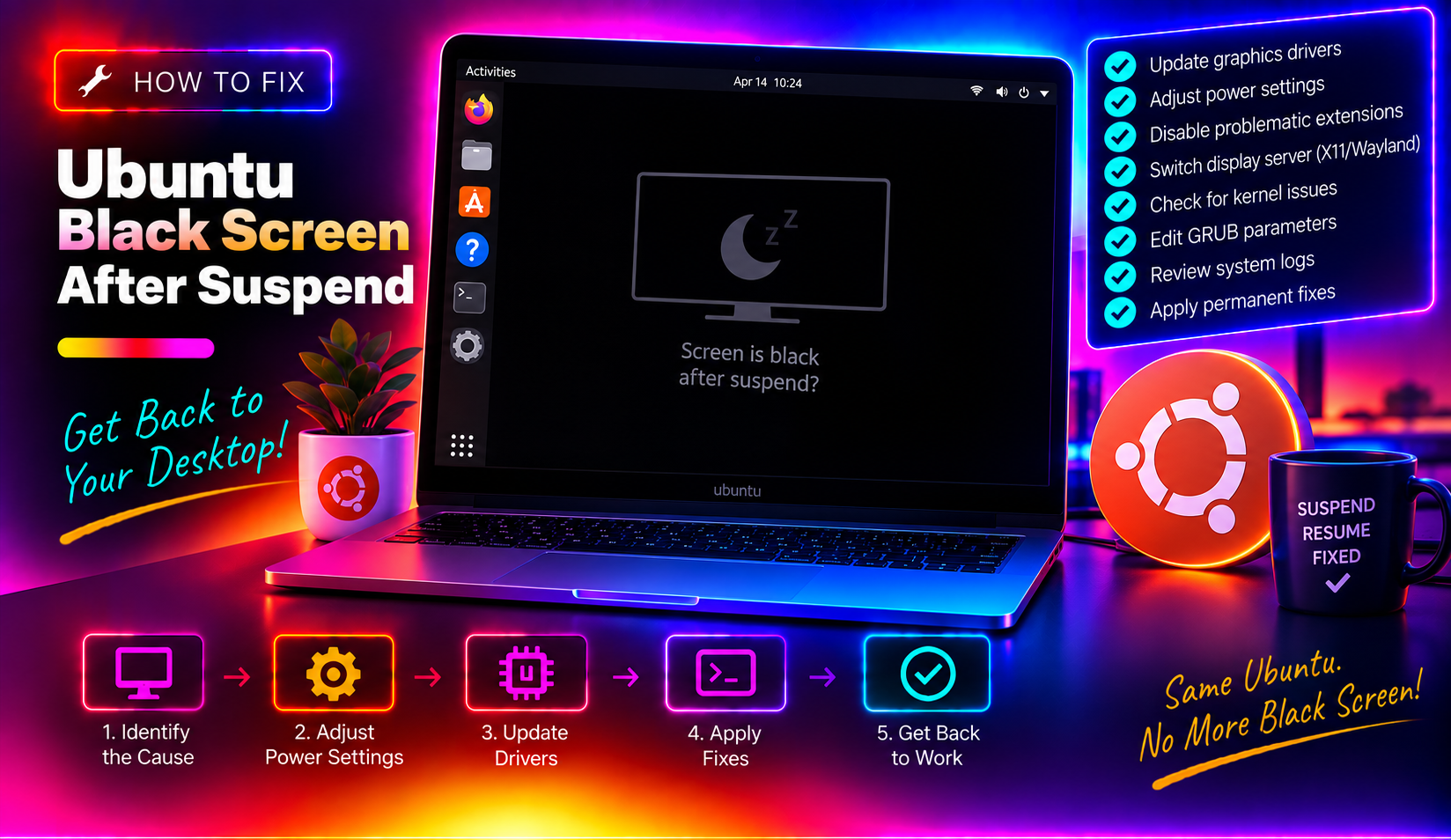
The black screen after suspend is one of the most persistent and frustrating issues on Ubuntu Desktop. The system appears to wake up — fans spin, keyboard lights activate — but the screen stays black or shows a blank desktop with no icons and no launcher. A hard reboot fixes it temporarily, but the problem returns on the next sleep cycle.
The root cause varies by hardware. On NVIDIA systems, the GPU fails to re-initialise its display engine after the power state change. On Intel and AMD systems, it is usually a GNOME shell crash or a kernel mode-setting issue. This guide covers all three scenarios.
Fix 1: Restart the Display Manager Without Rebooting
When you get the black screen after waking from suspend, try this before reaching for the power button. Switch to a text console and restart the display manager:
Ctrl + Alt + F3This opens a text login prompt. Log in with your username and password, then run:
sudo systemctl restart gdm3Then press Ctrl + Alt + F2 or Ctrl + Alt + F7 to return to the graphical session. In many cases, this restores the desktop without a full reboot. If it works, you can use this as an immediate workaround while applying a permanent fix.
Fix 2: Update Graphics Drivers
Outdated GPU drivers are the leading cause of Ubuntu suspend/resume failures. Open Software & Updates > Additional Drivers and check whether a newer driver version is available for your GPU.
For NVIDIA users, you can also update directly from Terminal:
sudo apt update
sudo apt upgrade nvidia-driver-*
After updating, reboot and test the suspend/resume cycle. NVIDIA has released multiple driver fixes for Ubuntu 24.04 suspend issues throughout 2025 and 2026 — staying on the latest tested driver is important.
Fix 3: Add NVIDIA Suspend/Resume Kernel Options (NVIDIA GPUs)
NVIDIA's proprietary driver includes dedicated systemd services for suspend and resume. If these are not running, the GPU does not properly save and restore its state during sleep cycles.
Enable them:
sudo systemctl enable nvidia-suspend.service
sudo systemctl enable nvidia-resume.service
sudo systemctl enable nvidia-hibernate.service
Then add a kernel parameter to force NVIDIA to preserve its video memory state during suspend. Edit the GRUB configuration:
sudo nano /etc/default/grubFind the line starting with GRUB_CMDLINE_LINUX_DEFAULT and add nvidia.NVreg_PreserveVideoMemoryAllocations=1 inside the quotes. The line should look like:
GRUB_CMDLINE_LINUX_DEFAULT="quiet splash nvidia.NVreg_PreserveVideoMemoryAllocations=1"Save the file, then update GRUB and reboot:
sudo update-grub
sudo reboot
Fix 4: Switch to a Different Kernel Version
Some kernel versions introduce regressions that break suspend/resume on specific hardware. If the suspend black screen started after a kernel update, reverting to the previous kernel can confirm this is the cause.
At boot, hold Shift (BIOS) or Esc (UEFI) to open the GRUB menu, select Advanced options for Ubuntu, and choose an older kernel version from the list.
If the older kernel works, you can pin your current working kernel while waiting for the regression fix:
sudo apt-mark hold linux-image-$(uname -r)Check uname -r to confirm which kernel you are running before pinning it.
Fix 5: Disable Secure Boot (for NVIDIA Proprietary Driver)
If NVIDIA's proprietary driver module is not properly signed for your system's Secure Boot keys, the driver fails to load after resume, causing the black screen. You will see modeset: error in the journal.
Check whether this is the issue:
journalctl -b | grep "modeset"If you see errors, either sign the NVIDIA module properly (advanced) or disable Secure Boot temporarily in your BIOS/UEFI to test. If disabling Secure Boot resolves the issue, you can either keep it disabled or follow NVIDIA's module signing guide to re-enable Secure Boot.
Fix 6: Disable and Re-enable the Suspend Target
For systems where suspend itself is causing the crash (rather than resume), changing from the default S3 deep sleep to S1 (lighter sleep state) prevents the GPU from fully powering down and avoids the resume failure:
sudo kernelstub -a "mem_sleep_default=s2idle"Or for GRUB-managed systems, add mem_sleep_default=s2idle to GRUB_CMDLINE_LINUX_DEFAULT as described in Fix 3, then run sudo update-grub.
The trade-off is slightly higher power consumption during sleep compared to deep S3 sleep.
Fix 7: Reinstall GNOME Display Manager
If the issue is a GDM3 crash rather than a GPU driver problem (common on Intel and AMD systems), reinstalling gdm3 sometimes resolves persistent failures:
sudo apt remove --purge gdm3
sudo apt install gdm3
sudo reboot
Alternatively, switch to LightDM as the display manager:
sudo apt install lightdm
sudo dpkg-reconfigure lightdm
Select LightDM when prompted. LightDM handles suspend/resume more reliably on some hardware configurations than GDM3.
Still Getting the Black Screen?
Check the system journal for specific error messages immediately after waking from suspend:
journalctl -b -1 | tail -50The -b -1 flag shows logs from the previous boot cycle. Look for ERROR, Failed, or driver-specific messages that pinpoint the failing component.
If you need expert help diagnosing a persistent Ubuntu suspend issue, CloudHouse Technologies offers per-ticket Linux support — you describe the problem, we fix it.
Frequently Asked Questions
Why does Ubuntu go black after waking from sleep?
The most common causes are: NVIDIA drivers failing to reinitialise the display engine after resume, a GNOME shell crash triggered by the power state change, or a kernel regression introduced in a recent update. The fix depends on your GPU — NVIDIA users should start with Fix 3 (the NVreg_PreserveVideoMemoryAllocations parameter).
How do I wake Ubuntu from a black screen without rebooting?
Press Ctrl+Alt+F3 to switch to a text console, log in, and run sudo systemctl restart gdm3. Then press Ctrl+Alt+F2 to return to the graphical session. This restores the desktop in most cases without requiring a full reboot.
Does the Ubuntu black screen after suspend affect 24.04 LTS?
Yes — Ubuntu 24.04 LTS has known suspend/resume bugs, particularly with NVIDIA GPUs on the 550 and 560 driver series. Canonical and NVIDIA have issued multiple fixes through 2025 and 2026. Keeping both the OS and GPU driver updated is the most reliable long-term solution.
What is mem_sleep_default=s2idle and when should I use it?
It changes the suspend mode from deep S3 sleep (full power-off, most efficient) to s2idle (lighter sleep, keeps more components powered). This prevents GPU power-off issues that cause black screens on resume. Use it when the GPU driver cannot reliably handle S3 resume. The trade-off is slightly higher power draw during sleep.
My Ubuntu black screen started after a kernel update — how do I fix it?
Boot into the previous kernel via GRUB Advanced options and confirm if the older kernel resolves the issue. If it does, run sudo apt-mark hold linux-image-$(uname -r) to pin the working kernel and prevent it being removed by updates, then monitor for a new kernel release that fixes the regression.