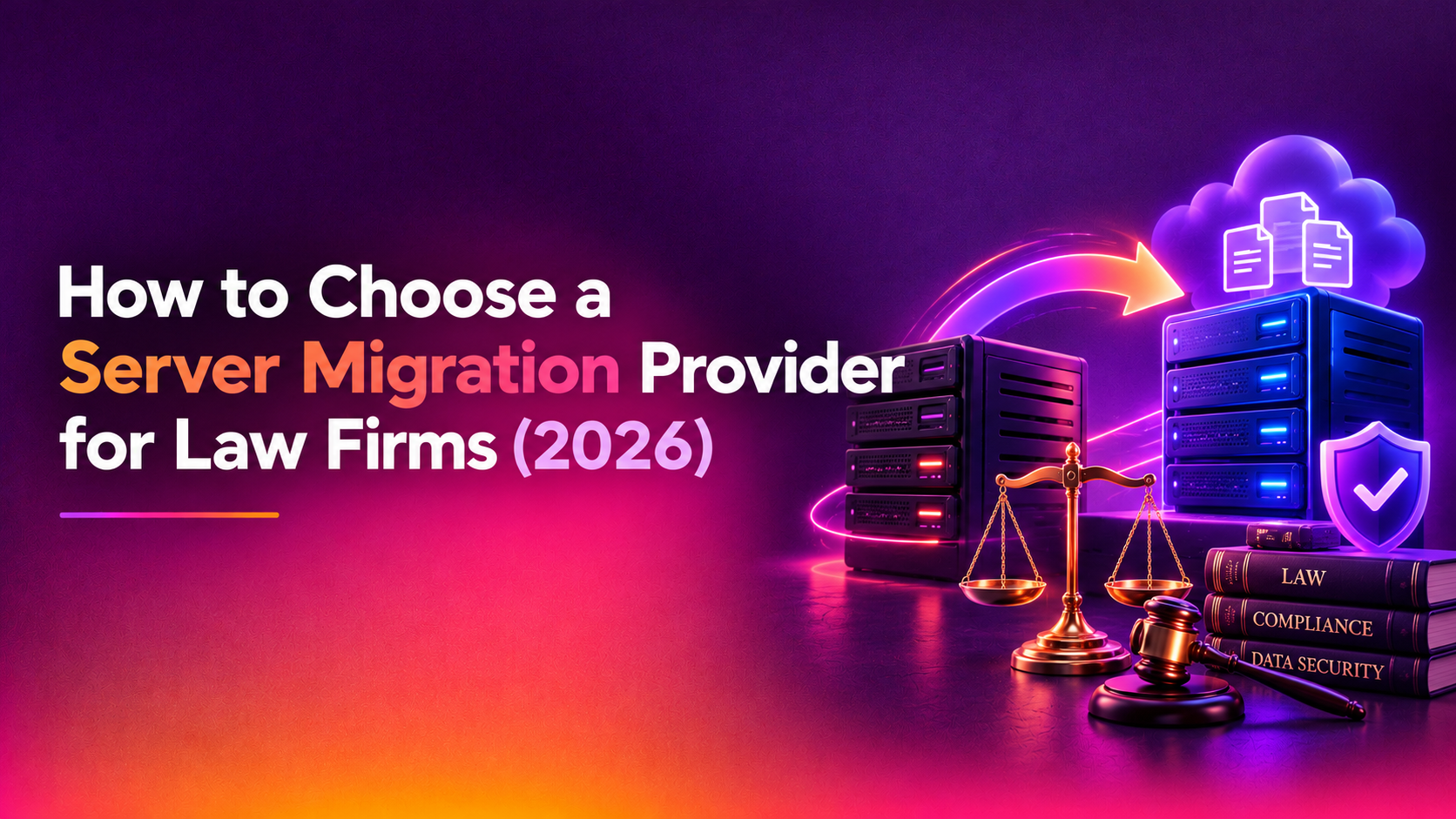
Choosing a server migration provider for law firms is a different exercise from choosing one for a retail business or a design studio. Your servers hold privileged communications, client files, trust-related records and matter histories that you are expected to protect and, in many cases, retain for years. A migration that goes wrong does not just cause an IT headache. It can interrupt a filing, expose a confidential file or leave you unable to show who touched a document. This guide explains what to look for, which questions to ask, and how to compare the vendors on your shortlist.
It is written for managing partners, office managers and IT leads at small and mid-sized firms who are moving file servers, a document management system, email or practice-management hosting to a new server or to the cloud. Nothing here is legal advice. Confidentiality, retention and data-location obligations vary by jurisdiction and regulator, so confirm your specific duties with your own counsel or professional body before you sign anything.
Why law firm migrations carry different risks
A general-purpose IT migration is judged mostly on whether the data arrives and the systems start. A legal IT migration is judged on a longer list. When you evaluate a provider, keep these firm-specific concerns in front of you.
- Client confidentiality and privilege: every technician, subcontractor and tool that touches the data is a potential exposure point. You need to know who they are.
- Court and filing deadlines: downtime is not an abstract cost. A server that is offline on the wrong morning can collide with a hearing, a limitation date or a closing.
- Audit trails: document management systems record who opened, edited and moved files. A careless migration can break or flatten that history.
- Retention and holds: closed matters, legal holds and archived mail must arrive intact and remain retrievable for as long as your obligations require.
- Matter-centric structure: folder trees, permissions and metadata are organised around clients and matters. Flattening them creates a cleanup job that lands on fee earners.
What a law firm server migration usually involves
Most projects are a mix of the following workloads, and a good provider will ask you which apply before quoting.
- File servers with matter folders and inherited permissions, often built up over a decade or more.
- A document management system and its database, with version history and profile metadata.
- Email, whether on-premises Exchange or another platform, including archives and shared mailboxes.
- Practice-management or billing software that depends on a database server and on specific service accounts.
- Supporting services such as Active Directory, print services, scanning-to-folder workflows and backup jobs.
These often live on a mix of Windows and Linux machines, which is why Windows server migration for law firms rarely stands alone. A firm may run Windows file and application servers alongside a Linux web server, a mail relay or a database host. Ask whether the provider is comfortable on both sides, or whether they will hand half the project to someone else.
Security and confidentiality questions to ask first
Start with confidentiality, because it is the area where a weak answer should end the conversation quickly.
Who will have access to our data?
Ask for the names or roles of the people who will work on your systems, whether any work is done by subcontractors, and where those people are located. Ask how access is granted, how it is logged and how it is removed when the project finishes. Credentials created for the migration should be time-limited and revoked at hand-off.
How is data protected in transit and at rest?
Data should move over encrypted channels and sit on encrypted storage during staging. Ask what happens to temporary copies, where they are held and how they are securely deleted after you have signed off. A provider who cannot describe this clearly has probably not thought about it.
Will a confidentiality agreement be signed?
A reputable provider will be comfortable signing a confidentiality or non-disclosure agreement before they see any production data. Many firms also have client engagement terms or insurer requirements that flow down to suppliers, so check those with your counsel rather than assuming.
Where will the data be located?
If you are moving to a hosted server or cloud platform, ask which country and facility will hold your data. Some clients, regulators and engagement letters care about this. Whether it matters for your firm is a question for your own counsel, but the provider should be able to answer the factual part without hesitation.
Planning around court deadlines and billable time
The single biggest operational difference with a law firm is the calendar. Ask every provider how they plan the cut-over, and look for these elements.
- A cut-over window you approve: usually an evening or weekend chosen after checking the firm calendar for hearings, filings and closings.
- Pre-seeding of data: the bulk of files are copied ahead of time and only recent changes are synchronised during the cut-over, which shortens the outage.
- A rehearsal: a trial run on a copy of your data to find permission, path and application problems before the real event.
- A rollback plan: a defined point at which, if something fails, the old server stays in service and nobody loses work.
- Read-only periods: clear instructions on when staff should stop saving, so changes are not made on the old server after the final sync.
Be sceptical of any provider who promises zero downtime for every workload without qualification. For some systems, particularly databases behind practice-management software, a short and planned outage is the safer choice. The honest answer is a plan that minimises the outage and schedules it away from your critical dates.
Protecting audit trails, permissions and retention
This is where document management server migration projects most often go wrong, and where generalist providers tend to be weakest. Ask directly how the provider will preserve each of the following.
- Version history and document metadata, including matter and client profile fields.
- NTFS or equivalent permissions and any matter-level ethical walls or restricted folders.
- Created and modified dates, which can matter when a document's history is questioned.
- Email archives and shared mailboxes, including items subject to a legal hold.
- Logs from the old system, which you may want to keep for a defined period after retirement.
Then ask how they will prove it. A good answer includes file counts and size comparisons, checksum or sample-based verification, and a written reconciliation report you can keep on file. You should also decide, with your counsel, how long the old server or its backup stays available after cut-over and who is responsible for destroying it when that period ends.
Experience that actually matters for legal IT migration
Anyone can say they have done migrations. For legal IT migration, ask for specifics.
- Have they migrated document management or practice-management systems before, and do they understand the vendor's supported migration path?
- Will they coordinate with your software vendor where the vendor's involvement is required for licensing or database moves?
- Can they handle both Linux and Windows servers, including older operating systems that your applications still depend on?
- Do they provide references from regulated or confidentiality-sensitive organisations that you can actually call?
- Who is your single point of contact, and are they available during the cut-over?
Be careful with case studies that quote impressive but unverifiable numbers. A conversation with a real reference tells you more than a glossy page.
Vendor evaluation checklist
Use this checklist when you interview each provider. Score each line yes, partly or no, and note the evidence they gave you.
- They signed a confidentiality agreement before requesting production data.
- They can name who will access your systems and how access is logged and revoked.
- Data is encrypted in transit and during staging, with a defined deletion process afterwards.
- They can state where your data will be held during and after the project.
- They asked about your court calendar and proposed a cut-over window for you to approve.
- The plan includes a rehearsal on a copy of your data and a written rollback point.
- They explained how version history, permissions, dates and metadata will be preserved.
- They will provide a reconciliation or verification report at the end.
- They are experienced with both Linux and Windows servers and your specific applications.
- The quote is itemised, with clear assumptions and what is excluded.
- Post-migration support is defined, including how long and how to reach them.
- They will give you documentation of the new environment and a written hand-over.
- They can provide references you can call.
Comparing provider types
Firms usually weigh three broad options. The table below is a general comparison, not a ranking, and individual providers vary widely.
| Factor | Legal-niche IT firm | General managed service provider | Specialist migration provider |
|---|---|---|---|
| Understanding of legal workflows | Usually strong | Varies by team | Varies; ask for relevant examples |
| Depth on Linux and Windows servers | Often focused on Windows | Broad but sometimes shallow | Typically the core skill |
| Planned cut-over and rehearsal | Common | Depends on the project team | Usually a standard part of the method |
| Ongoing support after the project | Often bundled with a support contract | Part of a managed contract | Defined post-migration support, sometimes time-limited |
| Fit for a one-off move | May prefer long-term clients | May prefer long-term clients | Designed for project work |
If you already have an IT provider you trust, ask them to quote the migration as well. If they decline, or lack experience with your applications, a specialist can work alongside them rather than replace them.
Red flags to watch for
- Reluctance to sign a confidentiality agreement or to say who will handle your data.
- A fixed date promised before anyone has looked at your systems or your calendar.
- No rehearsal, no rollback plan and no verification step.
- A quote that is a single line with no assumptions, exclusions or description of support.
- Vague answers about subcontractors or data location.
- Pressure to decommission the old server immediately after cut-over.
Cost, timeline and what drives both
Reputable providers will not give a meaningful fixed figure without a short discovery step, and you should be wary of those who do. Cost and duration are driven by the volume and condition of the data, the number of servers, the complexity of the document management and practice-management systems, how much downtime you can tolerate and how much testing you want. Clean-up of old permissions and unused data can add effort but often makes the new environment simpler to run. Ask for an itemised proposal so you can compare like with like, and ask what would change the price after the work begins.
Why Companies Choose CloudHouse for Server Migration
CloudHouse Technologies works across Linux and Windows servers, so a mixed environment can be handled by one team rather than split between vendors. Migrations are planned around an agreed cut-over window, with preparation and testing before the switch and a defined plan if something needs to be reversed. Support continues after the move so questions about the new environment have somewhere to go. You can read more about the approach on our server migration service page.
Conclusion
The right provider for your firm is the one who treats confidentiality, deadlines and audit trails as requirements rather than afterthoughts, and who can show you how they will protect them. Use the checklist above, ask for evidence, and confirm your obligations with your own counsel before you commit. If you would like a second opinion on a proposal or want to talk through your environment, request a server migration quote from CloudHouse and plan the move before your next busy period arrives.