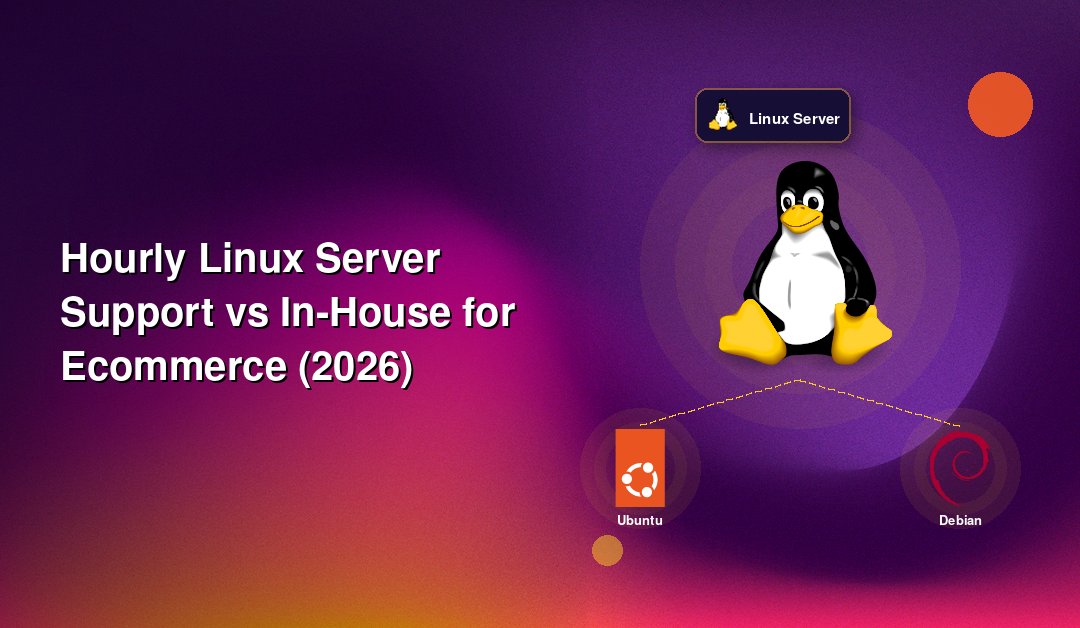
If you run a mid-size online store, the question of hourly Linux server support vs in-house for ecommerce stores eventually lands on your desk. Your storefront, database, search, cache and payment callbacks almost certainly run on Linux, and somebody has to patch, monitor and fix them. This guide compares a full-time sysadmin with hourly outside support so you can decide on cost, coverage and risk rather than habit.
Every figure below is a rough estimate drawn from public salary and pricing pages, and your own numbers will differ by region, stack and provider. Use them to frame the conversation, then get real quotes.
What Mid-Size Ecommerce Stores Actually Need From Linux Support
A store doing a few hundred to a few thousand orders a day usually runs a web tier (Nginx or Apache with PHP-FPM or Node), a database (MySQL, MariaDB or PostgreSQL), Redis or Memcached, a search service, and a CDN in front. The work is uneven. Some weeks nothing happens. Then a flash sale, a bad plugin update or a disk that fills at 2 a.m. demands an expert immediately.
The recurring workload
- Security patching: kernel, OpenSSL, PHP and database updates, scheduled around your trading hours.
- Monitoring and alerting: CPU, memory, disk, response time, checkout errors and certificate expiry.
- Backups and restore tests: a backup that has never been restored is only a hope.
- Performance tuning: slow queries, cache hit rates, PHP worker limits and load balancing.
- Firewall and access control: SSH hardening, fail2ban, WAF rules and PCI-minded configuration.
The spiky workload
Peak season prep, migrations, incident response and capacity planning arrive in bursts. This is the pattern that decides the in-house versus hourly debate: steady, modest baseline work plus rare, urgent spikes.
What an In-House Linux Sysadmin Really Costs
Public salary aggregators in mid-2026 put the average US Linux system administrator at roughly $110,000 to $135,000 a year, with senior engineers well above that. That is base pay only. Add payroll taxes, benefits, equipment, training, recruiting time and paid leave, and a fully loaded cost commonly lands 25 to 40 percent higher. That is an estimate, not a fixed rule.
Then there is coverage. One person cannot be on call 24/7/365. Holidays, sick days and resignations leave your store exposed, and Black Friday does not wait for a replacement hire. To get genuine round-the-clock cover in-house you need at least three people, which is rarely realistic for a mid-size shop.
There is also a utilisation problem. If your infrastructure needs 20 to 40 hours of skilled work a month, you are paying a full-time salary for a fraction of a job, and the person may be bored, or worse, leave.
How Hourly Linux Server Support Works
With hourly support you buy engineer time as you need it, typically in blocks or billed in short increments. Rates vary widely by provider location and seniority. Public pricing pages suggest that North American senior engineers often bill roughly $100 to $200 an hour, Eastern European teams $40 to $80, and Asian providers $25 to $50, with emergency rates higher at some vendors. Treat these as estimates.
Good providers bring a bench of people rather than one individual, so you get a database specialist for a replication issue and a networking specialist for a DDoS problem without hiring either. You can explore how this model is structured on our hourly Linux server support page.
Cost Comparison: In-House vs Hourly vs Hybrid
The table below compares realistic options for a mid-size store. All numbers are illustrative estimates in USD and will shift with your location and requirements.
| Option | Estimated monthly cost | 24/7 coverage | Best fit |
|---|---|---|---|
| One full-time in-house sysadmin | $11,000 to $15,000 fully loaded | No (business hours plus goodwill) | Large, complex estates with daily engineering work |
| Three-person in-house on-call team | $33,000 to $45,000+ | Yes, with rota strain | Enterprises with heavy compliance needs |
| Freelance sysadmin, ad hoc | $1,000 to $4,000 (varies with hours) | Rarely | Small stores with simple stacks |
| Hourly managed Linux support (30 to 60 hrs) | $1,500 to $9,000 depending on rate and region | Yes, from a team | Mid-size stores with steady baseline plus spikes |
| Hybrid: developer in-house, hourly ops support | Existing salary plus $800 to $4,000 | Yes | Stores with strong app developers but no ops depth |
The pattern is clear. Unless your workload fills a full week every week, hourly support tends to cost a fraction of a salaried hire while offering broader skills and better cover. The gap narrows when you consistently burn over 120 to 160 skilled hours a month.
The Hidden Costs People Forget
Downtime is the expensive line item
For a store taking orders around the clock, an hour offline means lost orders, wasted ad spend and customers who may not return. Work out your own revenue per hour, then ask which model gets you back online fastest at 3 a.m. on a Sunday. A single engineer asleep or on holiday is a single point of failure.
Key-person risk
When one sysadmin holds all the tribal knowledge, their departure is a business risk. Documentation, runbooks and shared credentials management are standard practice at a support company, and they are often neglected in a one-person setup.
Recruiting and ramp-up
Hiring a competent Linux administrator can take months, and a new hire needs weeks to understand your environment. Hourly support can usually start within days once access is arranged.
When In-House Still Makes Sense
Outsourcing is not always the answer. An in-house engineer is a better choice when:
- You run dozens of servers or a large Kubernetes estate that needs daily attention.
- Strict data residency or compliance rules forbid outside access to production.
- You are building custom infrastructure as a product, not just keeping a store online.
- Your workload consistently exceeds a full-time role, even outside peak season.
Even then, many teams keep hourly support as a second line for nights, weekends and surge capacity.
Risks of Hourly Support and How to Manage Them
Hourly billing has its own traps. Open-ended tickets can drift, response times can be vague, and some vendors quietly lock you into long contracts. Protect yourself with these steps:
- Ask for a written response-time target for critical incidents, not just a general promise.
- Insist on time reports so you can see exactly what each hour bought.
- Agree on a monthly cap or alert threshold to avoid bill shock.
- Keep your own admin access and documentation so you can leave at any time.
- Confirm how emergency work is billed before you need it.
A Sample Month: Peak Season Versus Quiet Season
Consider a store with a standard LAMP or LEMP stack and two production servers. In a quiet month, the engineering work might be patching, backup checks, a couple of alert investigations and a small performance review, perhaps 20 to 30 hours. In the run-up to a major sale, you may need load testing, cache tuning, database index work and a freeze-window plan, easily doubling that figure.
A salaried sysadmin costs the same in both months, and in the quiet one you are paying for idle capacity. With hourly support you simply buy more hours when the calendar demands it. That elasticity is the central financial argument, and it is why the hybrid approach appeals to growing retailers who cannot predict next year's traffic.
How to Decide: A Practical Framework
Run through four questions with your team before signing anything.
- How many skilled hours per month do we truly need? Track tickets and incidents for 60 days. Under roughly 100 hours points toward hourly support.
- What does an hour of downtime cost us? The higher the number, the more you should value guaranteed 24/7 response.
- Do we have a peak season? Seasonal spikes favour flexible capacity over fixed headcount.
- Can we survive our sysadmin being unavailable for a week? If not, you need a team behind you, in-house or outside.
Most mid-size stores land on a hybrid: keep application developers on staff, and hand server operations, patching, monitoring and incident response to an hourly partner. You keep control of the product and avoid paying a full salary for on-call readiness.
What to Ask Before You Sign With a Provider
- Which Linux distributions and control panels do you support (Ubuntu, Debian, AlmaLinux, Rocky, RHEL)?
- Who answers at 3 a.m., and what is the guaranteed first-response time?
- What is the minimum billing increment and is there a monthly minimum?
- Can I cancel without a penalty, and do I keep full root access?
- How do you handle backups, restore tests and security patching?
- Do you have experience with ecommerce stacks such as Magento, WooCommerce, Shopify-connected backends and headless setups?
Why Mid-Size Ecommerce Teams Choose CloudHouse for Hourly Linux Server Support
CloudHouse provides 24/7 Linux server support with flexible hourly billing, so you pay for the engineering time you use instead of a fixed salary. There is no lock-in: you keep your own access and can scale hours up for peak season or down in quieter months. You can review the details on our hourly server support service page.
Conclusion
For most mid-size ecommerce stores, hourly Linux server support beats a lone in-house sysadmin on cost, coverage and resilience, while in-house wins only when the workload is truly full-time or compliance demands it. Measure your monthly hours and downtime cost, compare real quotes against the estimates above, and consider a hybrid model. If you would like a straight comparison for your own stack, request a quote and we will walk through it with you.