If you're a startup founder or early CTO, you already know the problem: your Linux servers need real expertise, but a full-time systems administrator costs $80,000-$120,000 a year in salary alone — money most seed-stage companies simply don't have. So you turn to hourly Linux server support instead. The trouble is that the hourly support market is full of vendors who either respond too slowly, lack real depth, or bury you in confusing invoices. This hourly linux server support checklist for startups gives you a concrete, walk-through framework to vet a provider properly before you sign anything — not vague marketing promises, but the actual questions to ask and answers to demand.
Why Startups Choose Hourly Support Over a Full-Time Hire
Early-stage companies rarely have server workloads that justify a dedicated 40-hour-a-week hire. A single production server or small cluster might need two or three hours of genuine expert attention a week — patching, monitoring, the occasional fire to put out — not a full salary, benefits package, and management overhead. Hourly Linux server support lets a startup access senior-level DevOps and sysadmin skill on demand, paying only for the work actually performed.
This model also solves a hiring problem that's specific to early-stage companies: it's genuinely hard to attract a strong, experienced Linux administrator to a two-person startup. Experienced engineers want variety, stability, and a team — things a pre-seed company can't yet offer. Linux server support without full-time hire commitments sidesteps this entirely: you get access to a whole team's worth of specialization (security, backups, performance tuning, migrations) without competing in the direct-hire talent market at all.
The catch is that "hourly support" as a category includes everything from excellent boutique DevOps teams to one-person freelance operations that disappear when a server actually goes down. That's exactly why a structured evaluation process matters more here than almost anywhere else in your vendor stack.
The Hourly Linux Support Vendor Evaluation Checklist
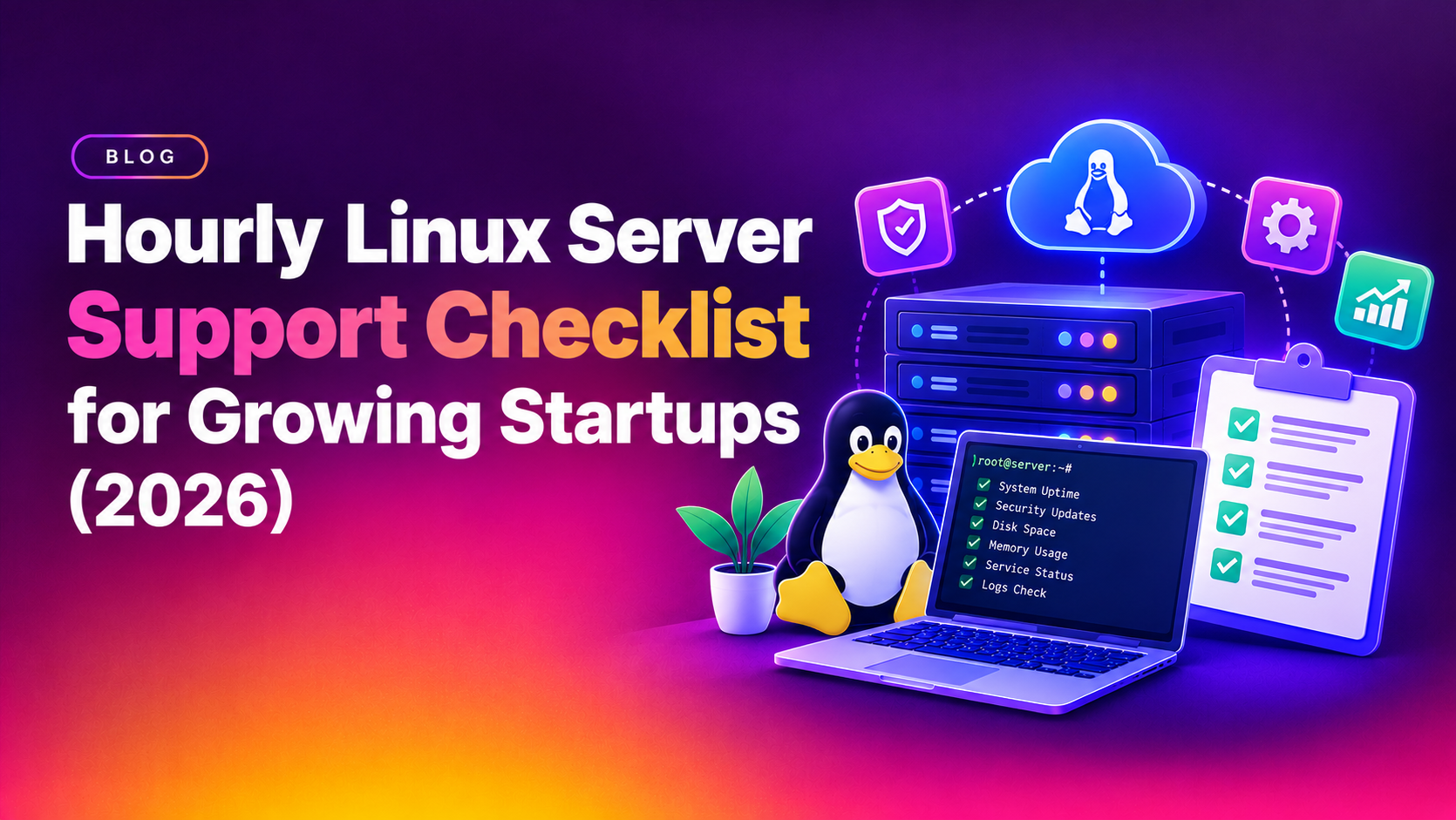
Before you commit a single hour of budget, walk every candidate vendor through this checklist. Treat it as a real screening tool — ask the questions directly on a discovery call and write down the answers.
- Guaranteed response time in writing. Ask for the exact SLA number for critical incidents (e.g., "acknowledged within 30 minutes, 24/7") — and ask what happens if they miss it.
- Named engineers, not a ticket queue. Confirm you'll work with identifiable senior Linux engineers, not a rotating pool of junior support staff learning on your production box.
- Proof of distro and stack expertise. Ask specifically about your OS (Ubuntu, AlmaLinux, Debian, CentOS Stream) and your stack (Nginx/Apache, Docker, Kubernetes, database engines) — vague "we support Linux" answers are a red flag.
- Transparent, itemized hourly billing. Request a sample invoice from an existing client relationship (redacted) so you can see how time is logged and rounded.
- No minimum monthly retainer trap. Confirm you can genuinely use 2 hours one month and 15 the next without penalty — that's the entire point of hourly pricing.
- Security and backup practices disclosed up front. Ask how they handle root access, credential storage, and whether they test your backups, not just take them.
- Real incident history or references. Ask for one reference client of similar size who can speak to actual incident response, not just "great communication."
- Escalation path for after-hours emergencies. Confirm whether nights/weekends are covered at the same rate, a premium rate, or not at all.
- Onboarding and documentation process. A good provider documents your server environment during onboarding so any engineer on their team can pick up context quickly — this protects you from bus-factor risk on their side too.
- Exit terms and data portability. Confirm you retain full root access and documentation if you ever switch providers — a vendor who resists this is a vendor to avoid.
Run every shortlisted vendor through this list side by side. A provider that answers all ten points clearly and confidently — without hedging — is a strong signal of operational maturity.
It's worth actually scoring each vendor rather than relying on gut feel after a sales call. Give each of the ten checklist items a simple 0-2 rating (0 = not addressed, 1 = partially addressed, 2 = fully addressed with evidence) and total the scores across your shortlist. This turns a subjective "they seemed nice" decision into a defensible, repeatable comparison — useful not just for you, but for co-founders or investors who may ask how you chose your infrastructure partner. Keep the completed checklist on file; if a support relationship goes wrong six months in, you'll want a record of what was promised during evaluation.
What Should Be Included in Hourly Server Support Pricing
Published hourly linux server support pricing for genuinely qualified providers typically ranges from $75 to $250+ per hour depending on region, seniority, and whether 24/7 coverage is included. Before comparing quotes purely on the headline hourly figure, confirm what's actually bundled into that rate:
- Monitoring setup and alerting — is proactive monitoring included, or billed separately per incident?
- Routine patching and updates — some vendors bill security patching as "maintenance hours"; others fold it into a low baseline retainer.
- Emergency response availability — is there a night/weekend premium multiplier (commonly 1.5x-2x standard rate)?
- Minimum billing increments — 15-minute increments are far friendlier to a startup budget than a 1-hour minimum per ticket.
- Documentation and reporting — do you get a monthly summary of hours used and work performed, or just a lump invoice?
The goal for a pay per hour server support startup arrangement is predictability without lock-in: you should be able to forecast a rough monthly range while still only paying for hours genuinely consumed. If you'd rather compare a fixed managed plan against hourly billing directly, CloudHouse's hourly Linux server support plans are built exactly around this transparency — itemized time tracking, no hidden minimums, and senior engineers only.
Red Flags to Avoid When Choosing an Hourly Support Provider
Just as important as what to look for is knowing what should make you walk away immediately:
- No SLA in writing. "We're usually fast" is not a commitment — if response time isn't contractual, it isn't real.
- Refusal to name the engineer who'll handle incidents. This usually means junior, offshore ticket queues with high turnover.
- Vague or rounded-up billing. Invoices that show flat "1 hour" charges for a five-minute restart are a sign of padding.
- Pressure to sign a long-term contract for "hourly" support. True startup server management outsourcing shouldn't require a 12-month lock-in just to access pay-as-you-go help.
- No mention of security practices. If a vendor can't clearly explain how they protect root credentials, don't hand them access.
- Generic "we support all servers" marketing with no specifics. Ask for two or three concrete examples of incidents they've resolved — vendors who can't get specific probably haven't done the work.
If a provider triggers two or more of these red flags during your evaluation call, that's usually enough signal to move on to the next candidate.
One subtler red flag worth watching for: a vendor who can only describe their process in the abstract ("we monitor proactively," "we follow best practices") but can't walk you through what actually happens when, say, disk usage hits 90% on a production box at 2 a.m. Ask that exact scenario during your evaluation call. A mature provider will describe their alerting threshold, who gets paged, what the initial triage steps are, and how they communicate status back to you — in specific, concrete terms. A vendor who can only offer generic reassurance hasn't actually run this playbook before, and that's exactly the kind of provider a growing startup can't afford to discover mid-outage.
Why Startups Choose CloudHouse for Hourly Linux Support
CloudHouse built its on-demand linux support service specifically around the gaps startups run into with cheaper hourly vendors: every engagement is staffed by senior Linux engineers (not a rotating junior queue), response-time SLAs are written into every engagement, and billing is itemized down to the minute so you always know exactly what you paid for. There's no forced monthly minimum and no long-term lock-in — you scale support hours up during a launch week and back down the moment things stabilize. For a growing team that needs dependable infrastructure support without the overhead of a full-time hire, that combination of transparency and responsiveness is exactly what a genuinely reliable hourly support partner should look like.
Frequently Asked Questions
How much does hourly Linux server support cost for a startup?
Qualified hourly Linux server support typically runs $75-$250+ per hour depending on the provider's seniority level, region, and whether 24/7 emergency coverage is included. Most early-stage startups with a single production server or small cluster spend a modest, variable monthly amount rather than a fixed retainer, since billing follows actual hours used.
Do hourly support providers guarantee a response time?
A credible provider will always put a specific response-time SLA in writing — for example, critical incidents acknowledged within 15-30 minutes, 24/7. If a vendor won't commit to a number on paper, treat that as a strong warning sign rather than an oversight.
Can I switch between hourly support and a full-time hire later?
Yes — most startups start with hourly or on-demand support and transition to a managed plan or in-house hire once server complexity and traffic justify it. A good provider will document your environment clearly from day one specifically so that transition, whenever it happens, is smooth rather than disruptive.
Is hourly support suitable for production-critical servers?
It can be, provided the vendor offers a real SLA, named senior engineers, and after-hours emergency coverage. Hourly support becomes risky only when it's used as a substitute for monitoring and incident response entirely — pair it with basic proactive monitoring so issues are caught before they become emergencies.
What's the difference between hourly support and a monthly managed plan?
Hourly support bills only for time actually used, which suits variable or lower-volume workloads, while a monthly managed plan bundles a fixed set of services (monitoring, patching, backups) for a flat fee regardless of hours worked. Startups with unpredictable support needs generally save money with hourly billing until their infrastructure grows large enough to make a managed plan more cost-effective.
Choosing the right hourly Linux support partner comes down to discipline: run every candidate through the same checklist, insist on written SLAs, and watch closely for the red flags that separate a dependable partner from a risky one. Get this evaluation right once, and you'll have reliable server support that scales with your startup — without the overhead of a full-time hire you're not ready for yet.