
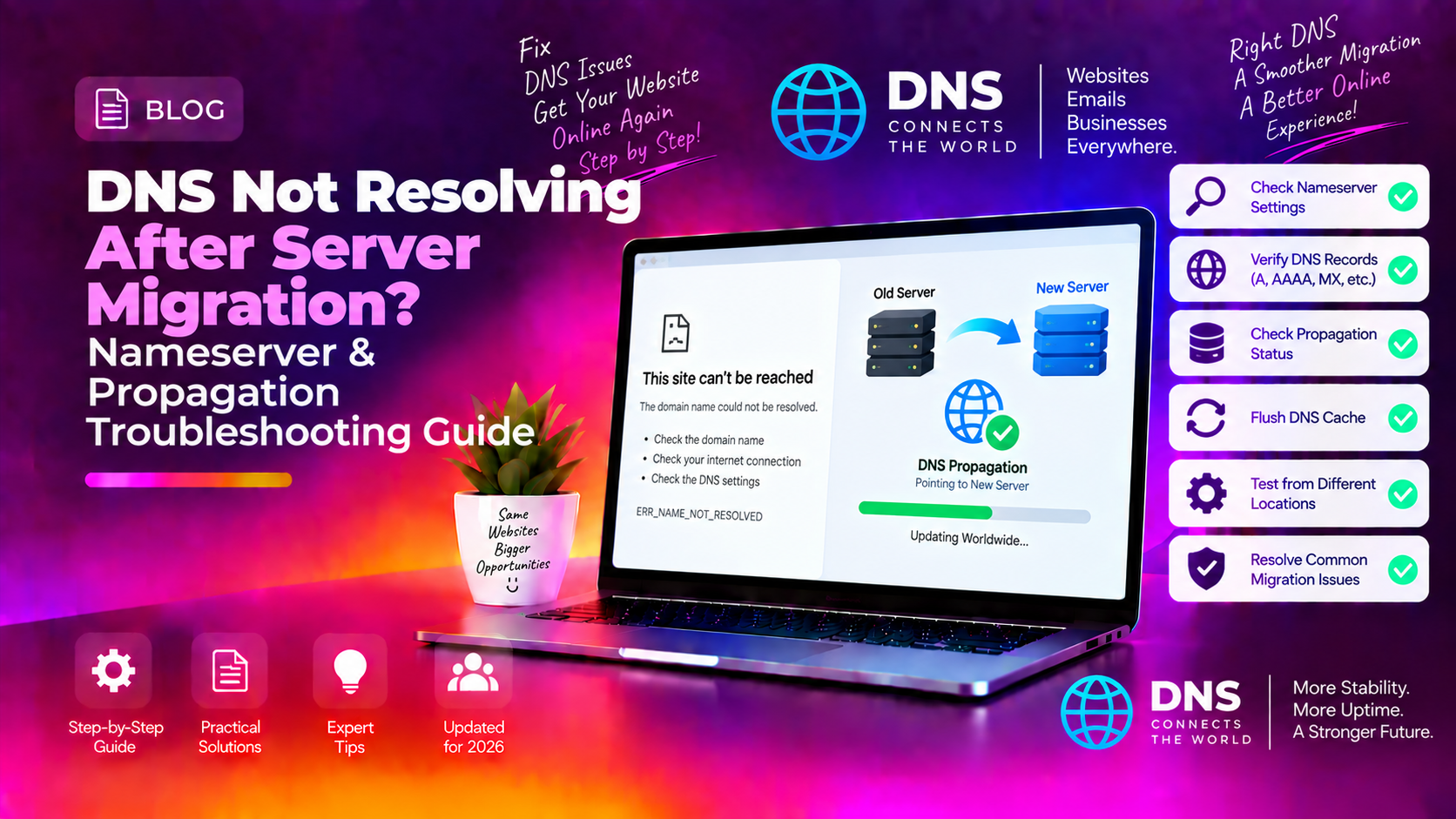
You've just completed a server migration — the data transferred cleanly, the new server is running — and then you notice that some domains aren't resolving. Some visitors see the new site, others still hit the old server, and a few get nothing at all. DNS issues after a server migration are among the most stressful post-migration problems because the root causes are spread across multiple systems and time zones. This guide gives you a systematic way to diagnose and fix them fast.
Why DNS Breaks After a Server Migration
A server migration doesn't automatically update DNS. DNS records point domains to IP addresses, and those pointers live in two places: the domain registrar's nameserver settings and the authoritative nameserver's zone file. When you move to a new server with a new IP address, you must update these records manually — and until propagation completes globally, some resolvers still cache the old IP.
The three most common causes of DNS failure after migration are:
- Nameservers not updated — the domain still points to the old hosting provider's nameservers
- Zone file records not updated — the nameserver is correct but the A record still contains the old IP
- TTL caching — DNS resolvers around the world cached the old record before you changed it, and the TTL hasn't expired yet
💡 None of these worked? Skip the guesswork.
Get Expert Help →Step 1: Confirm What DNS Currently Shows
Use dig to bypass local resolver cache and query the authoritative nameserver directly:
dig +trace yourdomain.com A | tail -20The final answer should show your new server's IP. If it shows the old IP, the zone record hasn't been updated yet.
dig NS yourdomain.com +shortIf these nameservers still belong to your old hosting provider, all zone file changes on the new server are irrelevant until you update the NS delegation at the registrar.
Tools like whatsmydns.net show the resolved IP from multiple geographic locations simultaneously. This tells you whether you're seeing a global outage or just a regional caching delay.
2. Update the nameserver fields to point to your new hosting provider's nameservers. For cPanel servers this is typically:
ns1.yourhostingprovider.com
ns2.yourhostingprovider.com3. Save and wait. Nameserver delegation changes propagate in 24–48 hours. During this window, DNS resolution for the domain is unpredictable because different resolvers may use either the old or new nameservers.
4. Reduce the impact of the wait by temporarily adding the new A record to BOTH old and new nameservers if you have access to both. This ensures that whichever nameserver a resolver queries, it gets the correct new IP.
Step 3: Fix Zone File Records (Nameserver Level)
Once the correct nameservers are in place (or if nameservers were already correct and only the A record is wrong), update the zone file on the authoritative nameserver.
1. For cPanel/WHM servers
Log into WHM → DNS Functions → Edit DNS Zone. Select the domain and update:
- A record for the bare domain (@) → new server IP
- A record for www → new server IP
- MX records → verify these still point to the correct mail server (migration often breaks mail)
Go to Plesk → Domains → [domain] → DNS Settings. Update the A records for @ and www to the new IP.
Log in as admin → DNS Administration → [domain]. Edit the A record entries directly.
dig @ns1.yourhostingprovider.com yourdomain.com A +shortIf this returns the new IP immediately, the zone file is correct. The remaining wait is just TTL-based caching in recursive resolvers worldwide.
Step 4: Fix TTL Caching Issues
TTL (Time To Live) is the number of seconds DNS resolvers are allowed to cache a record. If you changed the A record but the old TTL was 86400 (24 hours), resolvers that cached it just before your change won't query the nameserver again for up to 24 hours.
1. Lower the TTL before your next migration
Best practice is to reduce TTL to 300 (5 minutes) 24–48 hours before a migration. This way, when you flip the A record, the old cached entry expires globally within 5 minutes rather than 24 hours. After propagation is confirmed, raise TTL back to 3600 or 86400.
You cannot speed up global TTL expiry — you can only wait. However, you can help specific users by asking them to flush their local DNS cache:
# Windows
ipconfig /flushdns

# macOS
sudo dscacheutil -flushcache; sudo killall -HUP mDNSResponder

# Linux
sudo systemd-resolve --flush-caches
For users hitting the old server, you can also add the new IP to their local hosts file as a temporary workaround:
NEW_SERVER_IP  yourdomain.com
NEW_SERVER_IP www.yourdomain.comdig MX yourdomain.com +shortThese should point to your mail server hostname, not the old server IP. If mail runs on the same server, the MX hostname (e.g., mail.yourdomain.com) must resolve to the new IP via its own A record.
dig TXT yourdomain.com +short | grep spfIf the SPF record contains the old server's IP (ip4:OLD_IP), update it to include the new IP. Otherwise outbound email from the new server will fail SPF checks and land in spam.
Reverse DNS must be set at the hosting provider level for the new IP. Contact your new host to create a PTR record mapping the new IP to mail.yourdomain.com. Missing PTR records cause mail rejection at major providers.
Step 6: Prevent DNS Problems on Future Migrations
1. Use a pre-migration checklist: lower TTLs 48 hours before, document every DNS record before migrating, verify zone files on the new server before cutting over
2. Keep the old server running for 48–72 hours post-migration so visitors resolving the old IP still land somewhere while propagation completes
3. Use Cloudflare as your DNS provider — Cloudflare's anycast network propagates record changes globally in under 5 minutes, eliminating most TTL-wait headaches
4. Set up monitoring on the new server IP immediately so you catch any resolution failures within minutes rather than hours
DNS problems after migration are time-sensitive — every hour of incorrect resolution means lost visitors and potential revenue. If you need a managed migration with zero DNS downtime, CloudHouse Technologies' server migration service handles every DNS record, TTL reduction, and propagation verification so your domains come up correctly the first time.