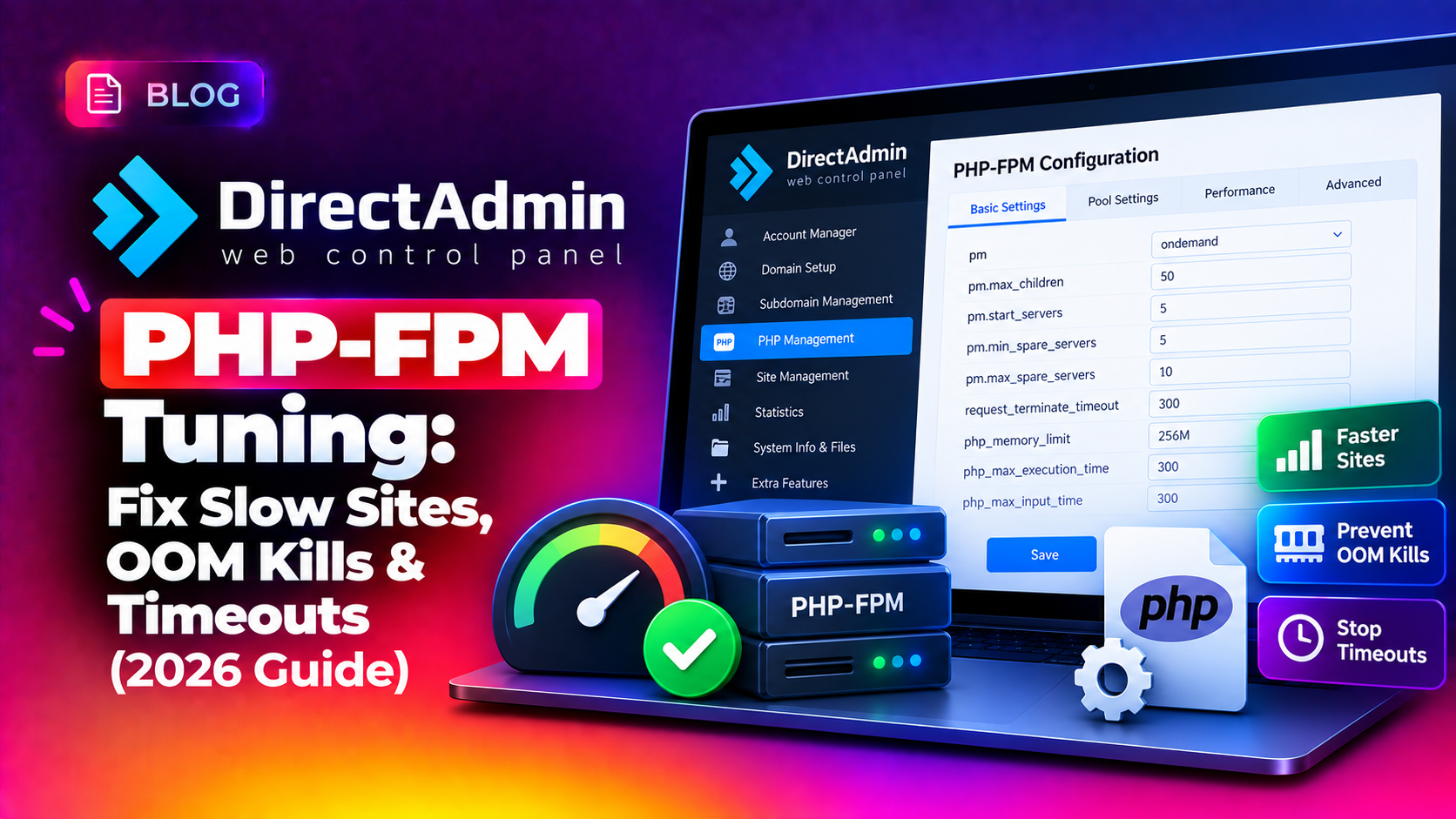
If your DirectAdmin-hosted sites crawl during traffic spikes, throw random 502 Bad Gateway or 504 Gateway Timeout errors, or get silently killed by the Linux OOM killer, the root cause is almost always a misconfigured PHP-FPM pool. DirectAdmin php-fpm tuning is not about guessing bigger numbers — it's about calculating the right pm.max_children value for your actual RAM, picking the correct process manager mode, and watching the logs that tell you exactly what's failing. This guide walks through the DirectAdmin-specific config paths, real formulas, and troubleshooting steps that fix the problem for good.
💡 None of these worked? Skip the guesswork.
Get Expert Help →How to Tell PHP-FPM Is the Bottleneck
Before changing any settings, confirm PHP-FPM is actually the problem rather than MySQL, disk I/O, or Apache/Nginx itself. Chasing the wrong layer wastes hours and can make things worse if you blindly raise memory-hungry settings on a server that's actually starved for disk throughput.
Every time a request has to wait because all pool workers are busy, PHP-FPM logs it. On DirectAdmin, per-user pool logs live under /var/log/php-fpm/ or /usr/local/directadmin/data/users/<user>/php/ depending on version. Look for:
WARNING: [pool www] server reached pm.max_children setting (5), consider raising itIf this line appears repeatedly, your pool is undersized for the traffic it receives.
uptime
free -m
vmstat 1 5
If si/so columns in vmstat show constant swap activity, PHP-FPM workers are being paged to disk, which multiplies response times far beyond what CPU load alone would suggest. A server with a load average of 8 on a 4-core box that also shows heavy swap activity is not a CPU problem — it's a RAM and pool sizing problem that happens to show up as high load.
tail -f /var/log/httpd/error_log
tail -f /var/log/nginx/error.log
Errors like upstream timed out or FastCGI: comm with server aborted confirm PHP-FPM couldn't respond fast enough — usually because every worker was already occupied and the request sat in the backlog queue until the web server gave up.
Rather than guessing which script is slow, PHP-FPM can log any request that exceeds a threshold along with a full backtrace:
request_slowlog_timeout = 5s
slowlog = /var/log/php-fpm/www-slow.log
After adding this to the pool config and restarting, any request taking longer than 5 seconds gets logged with the exact function call stack, which usually points straight at a slow database query, an uncached remote API call, or an image-processing routine — not PHP-FPM itself.
dmesg -T | grep -i "killed process"
journalctl -k | grep -i "out of memory"
If you see entries naming mysqld or php-fpm, your RAM budget is genuinely oversubscribed, not just slow.
2. Set a hard memory limit per PHP process in php.ini for the affected version so a single script can't consume unlimited memory:
memory_limit = 256M3. Protect critical services from being picked first by adjusting their OOM score so the kernel prefers killing a runaway PHP worker over MySQL:
echo -500 > /proc/$(pgrep -o mysqld)/oom_score_adjNote this resets on reboot — add it to a systemd override or startup script for MySQL if OOM events are frequent.
4. Add swap as a buffer, not a crutch. A modest 2-4GB swap file prevents an isolated memory spike from instantly triggering OOM kills, but relying on heavy sustained swapping just moves the bottleneck from "crashed" to "unusably slow," since even fast NVMe storage is orders of magnitude slower than RAM.
fallocate -l 2G /swapfile
chmod 600 /swapfile
mkswap /swapfile
swapon /swapfile
echo '/swapfile none swap sw 0 0' >> /etc/fstab5. Isolate the worst offenders per account. If OOM events consistently trace back to one or two client sites, consider capping that account's PHP-FPM pool independently with a tighter pm.max_children and a lower memory_limit, rather than lowering limits server-wide for every other tenant on the box.
Verifying the Fix
After applying new pool settings and rebuilding, confirm the change actually improved things instead of just moving the bottleneck:
watch -n 2 "ps aux | grep php-fpm | wc -l"
tail -f /var/log/php-fpm/www-error.log
Run a load test with a tool like ab or siege against a representative page and watch whether max_children warnings reappear:
ab -n 500 -c 50 https://example.com/Watch memory and swap during the test in a second terminal:
watch -n 1 free -mIf warnings are gone, load average is stable, and swap usage stays flat under the test, the pool is correctly sized for current traffic. Revisit the calculation any time you add sites to the server, upgrade RAM, or see traffic grow — a pool tuned for last year's traffic is a common cause of "it used to be fine" performance regressions. It's worth re-running this full audit quarterly, or immediately after any marketing campaign or seasonal traffic surge that meaningfully changes visitor volume.
If you'd rather not hand-tune pools across a fleet of DirectAdmin servers, CloudHouse's server management service includes ongoing PHP-FPM and resource tuning as part of continuous server health monitoring, so pool sizing keeps pace with real traffic instead of drifting out of date.
PHP-FPM tuning on DirectAdmin comes down to three decisions: an accurate pm.max_children based on measured process size and real available RAM, a process manager mode that matches your traffic pattern, and safeguards that stop a single runaway process from taking the whole server down. Get those three right, verify with a real load test, and most "random" slowness and 502 errors disappear for good.