
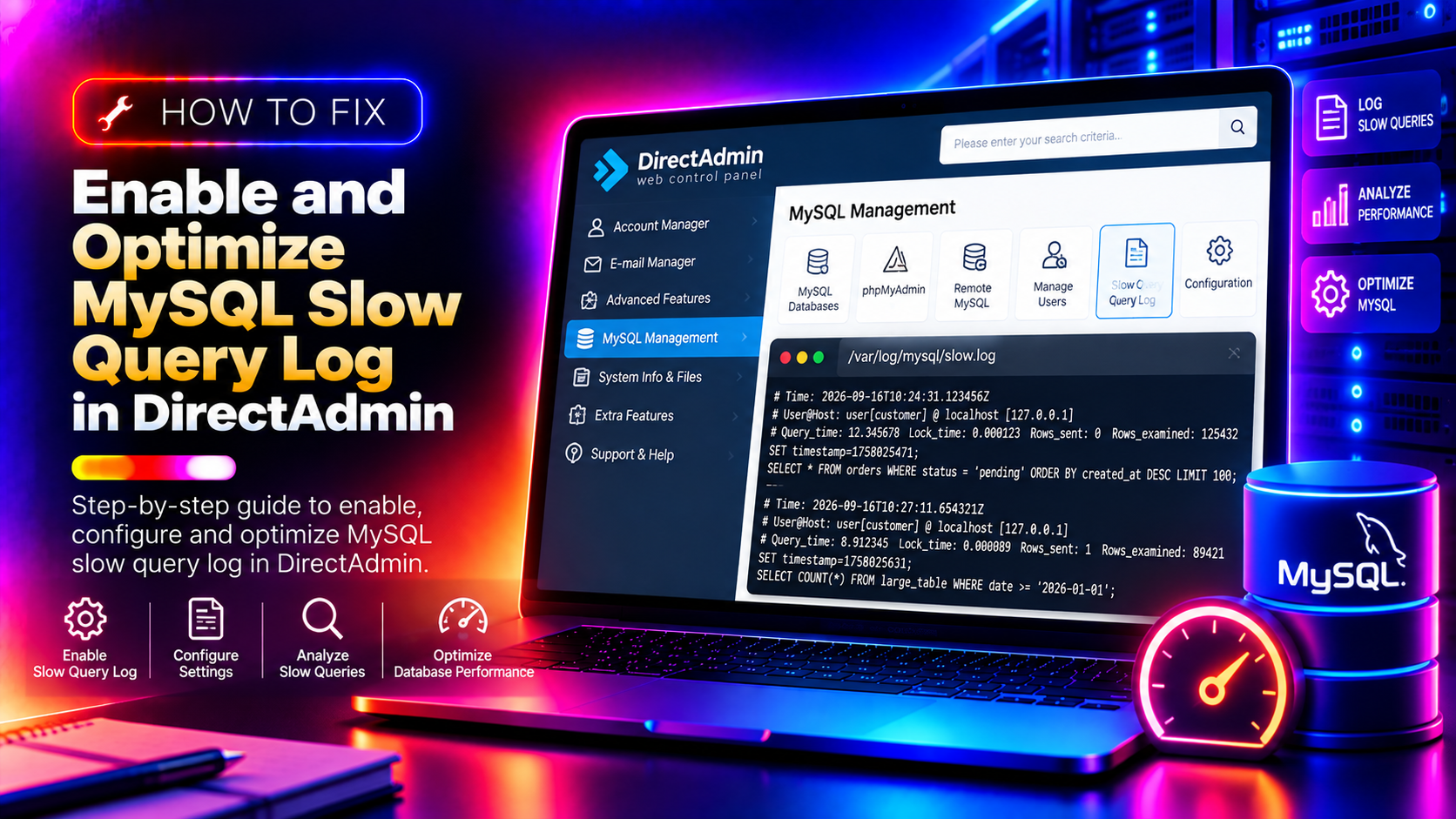
When a DirectAdmin-managed server starts slowing down and PHP pages take seconds to load, MySQL slow queries are often the culprit — but they're invisible unless you've turned on slow query logging. DirectAdmin doesn't enable this by default, and the MariaDB configuration file is easy to overlook behind the panel's interface. This guide shows you exactly how to enable the slow query log, read it, identify the queries that are killing your server's performance, and tune MariaDB/MySQL to fix them.
Why MySQL Slow Queries Hurt Shared Hosting Performance
On a DirectAdmin server running dozens of WordPress or WooCommerce sites, a single unoptimised database query can consume significant CPU and I/O. Because MySQL is shared across all hosted accounts, one slow query from one website slows down every other site on the same server. Common causes of slow queries include:
- Missing indexes: Queries that perform full-table scans instead of using an index
- Oversized InnoDB buffer pool: MariaDB reading frequently-accessed data from disk instead of RAM
- Temporary tables spilling to disk: Complex GROUP BY or ORDER BY queries generating large temp tables
- High connection counts: Too many simultaneous connections causing query queuing
- Legacy MyISAM tables: Older databases using table-level locking instead of row-level (InnoDB)
💡 None of these worked? Skip the guesswork.
Get Expert Help →Step 1: Locate the MariaDB Configuration File in DirectAdmin
DirectAdmin uses MariaDB (a drop-in MySQL replacement) on most modern installations. The main configuration file is at /etc/my.cnf or /etc/mysql/my.cnf, with server-level overrides in /etc/my.cnf.d/.
mysql --help | grep "Default options" -A 5This shows the list of configuration files MariaDB reads, in order. The last file listed takes precedence.
mysql --version
systemctl status mariadb/etc/my.cnf as root:nano /etc/my.cnf[mysqld] section:[mysqld]
slow_query_log = 1
slow_query_log_file = /var/log/mysql/slow-query.log
long_query_time = 1
log_queries_not_using_indexes = 1
min_examined_row_limit = 100Explanation of each setting:
slow_query_log = 1— enables the slow query logslow_query_log_file— file path where slow queries are recordedlong_query_time = 1— log any query taking longer than 1 second (adjust lower to 0.5 for stricter monitoring)log_queries_not_using_indexes = 1— also log queries that skip indexes, even if they're fastmin_examined_row_limit = 100— avoid logging tiny queries that happen to be slow but process very few rows
mkdir -p /var/log/mysql
touch /var/log/mysql/slow-query.log
chown mysql:mysql /var/log/mysql/slow-query.logsystemctl restart mariadbmysql -u root -e "SHOW VARIABLES LIKE 'slow_query%';"
mysql -u root -e "SHOW VARIABLES LIKE 'long_query_time';"mysql -u root
SET GLOBAL slow_query_log = 'ON';
SET GLOBAL slow_query_log_file = '/var/log/mysql/slow-query.log';
SET GLOBAL long_query_time = 1;
SET GLOBAL log_queries_not_using_indexes = 1;
EXIT;Note: Runtime changes do not persist through a restart. Always add them to /etc/my.cnf as well.
mysqldumpslow -s at -t 10 /var/log/mysql/slow-query.logmysqldumpslow -s c -t 10 /var/log/mysql/slow-query.logThe output groups similar queries together and shows execution count, average time, and total time — making it easy to spot which queries are causing the most cumulative load.
yum install percona-toolkit -y
pt-query-digest /var/log/mysql/slow-query.log | head -100
Percona Toolkit's pt-query-digest provides a more detailed breakdown including percentile response times, query frequency, and the actual database and table being queried.
EXPLAIN SELECT * FROM wp_posts WHERE post_status = 'publish' AND post_type = 'post' ORDER BY post_date DESC LIMIT 10;In the output, look for:
type: ALL— this means a full table scan (bad — add an index)rows:— the estimated number of rows examined; higher is slowerExtra: Using filesort— the ORDER BY cannot use an index and must sort in memory or on disk
ALTER TABLE wp_posts ADD INDEX idx_post_type_status_date (post_type, post_status, post_date);mysql -u root -e "SHOW VARIABLES LIKE 'innodb_buffer_pool_size';"[mysqld]
innodb_buffer_pool_size = 4G
innodb_log_file_size = 512M
innodb_flush_log_at_trx_commit = 2
innodb_flush_method = O_DIRECT
query_cache_type = 0
query_cache_size = 0Notes on these settings:
innodb_flush_log_at_trx_commit = 2— improves write performance at the cost of up to 1 second of data loss in a crash (acceptable for most shared hosting)query_cache_type = 0— disable the legacy query cache (deprecated in MariaDB 10.5+, causes mutex contention)
16. Restart MariaDB after editing my.cnf and verify the new settings:
systemctl restart mariadb
mysql -u root -e "SHOW VARIABLES LIKE 'innodb_buffer_pool_size';"wget https://raw.githubusercontent.com/major/MySQLTuner-perl/master/mysqltuner.pl -O mysqltuner.pl
perl mysqltuner.pl --user rootMySQLTuner will highlight:
- Tables that haven't been converted to InnoDB
- Whether the buffer pool is sized appropriately for your workload
- Temporary table overflow (indicating memory settings need adjustment)
- Connection count vs max_connections setting
Apply recommended changes to /etc/my.cnf and restart. For help managing MariaDB performance across a large DirectAdmin environment, CloudHouse's server management service includes database tuning as standard.
Conclusion
MySQL slow query logging is the most reliable way to diagnose database performance issues on a DirectAdmin server. By enabling the slow query log, analyzing it with mysqldumpslow or pt-query-digest, using EXPLAIN to find missing indexes, and tuning the InnoDB buffer pool, you can dramatically reduce page load times across all hosted sites. The key is to enable logging first, collect real data from your workload, and then tune based on what you actually observe — not guesswork.