
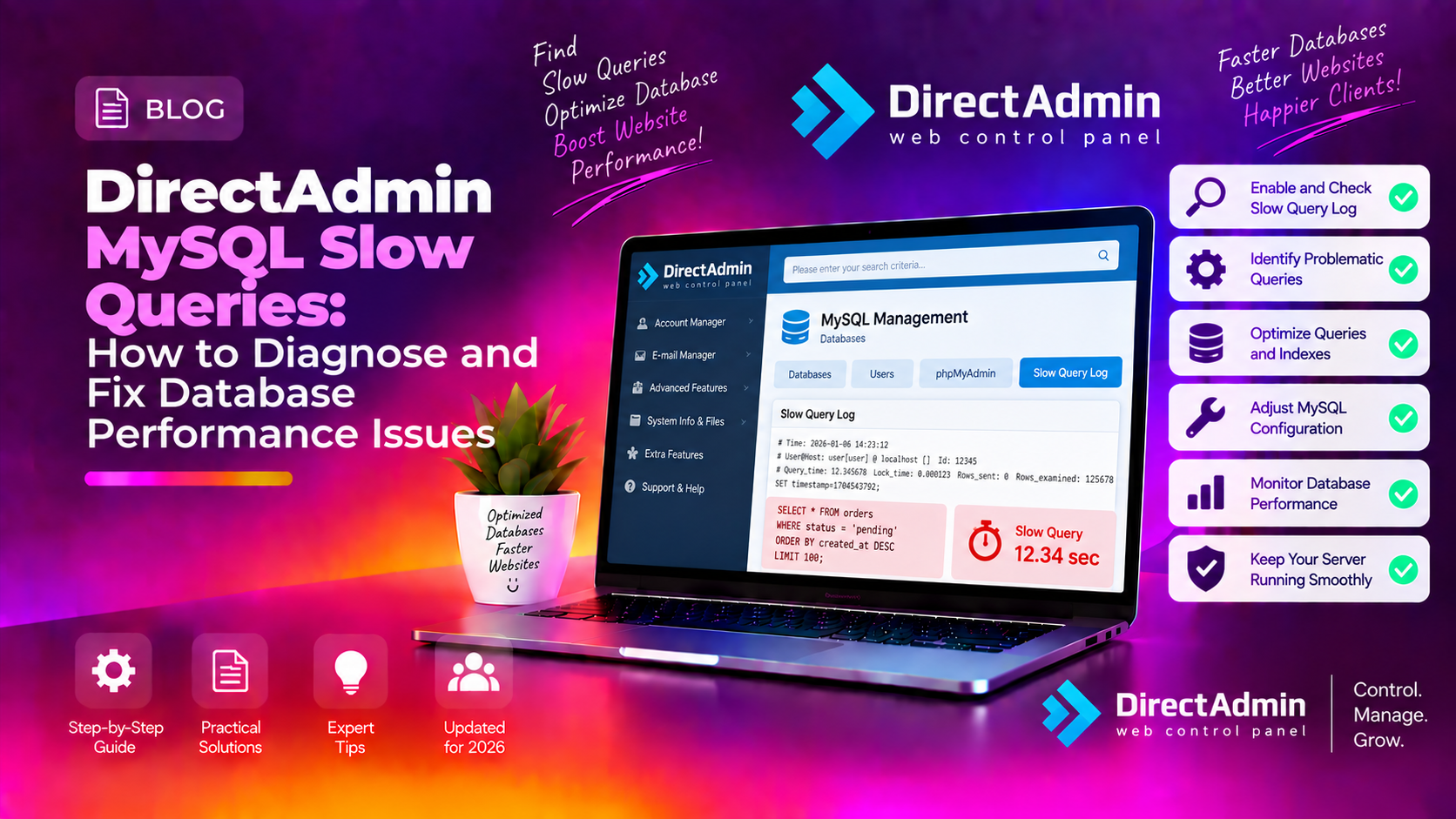
If sites on your DirectAdmin server are timing out and top or htop shows MySQL or MariaDB pegging the CPU, you have a directadmin mysql slow queries fix problem that needs resolving before more clients escalate. This guide walks you through diagnosing the exact bad queries, safely tuning my.cnf to match your available RAM, and adding missing indexes — all without taking your live server offline.
💡 None of these worked? Skip the guesswork.
Get Expert Help →How to Confirm MySQL Is Causing Slow Sites on DirectAdmin
Before touching any configuration, verify that MySQL is genuinely the bottleneck and not something else (PHP, disk I/O, network).
Run top and press M to sort by memory, then P to sort by CPU. Look for mysqld or mariadbd consistently above 80% CPU or consuming the majority of available RAM.
top -b -n1 | grep -i mysqlLog into MySQL as root and run the process list. Queries in the Copying to tmp table, Sorting result, or Locked state are the usual suspects:
mysql -u root -p -e "SHOW FULL PROCESSLIST;"These counters reveal accumulated pressure since the last restart:
mysql -u root -p -e "SHOW GLOBAL STATUS LIKE 'Slow_queries';"
mysql -u root -p -e "SHOW GLOBAL STATUS LIKE 'Created_tmp_disk_tables';"
mysql -u root -p -e "SHOW GLOBAL STATUS LIKE 'Handler_read_rnd_next';"- Slow_queries > 0 — confirms slow query activity even if the log is not yet enabled
- Created_tmp_disk_tables high — queries spilling temp tables to disk, a major drag
- Handler_read_rnd_next very high — full table scans happening constantly
iostat -x 1 5If %iowait stays above 20% and MySQL CPU is also high, you have both a query problem and a hardware constraint — fix the queries first, then consider SSD or increased RAM.
# CentOS / AlmaLinux / CloudLinux (most common with DirectAdmin)
nano /etc/my.cnf

# Debian / Ubuntu
nano /etc/mysql/my.cnfAdd these lines inside the [mysqld] section. If the section does not exist, create it at the top of the file:
[mysqld]
slow_query_log          = 1
slow_query_log_file     = /var/log/mysql/mysql-slow.log
long_query_time         = 1
log_queries_not_using_indexes = 1
min_examined_row_limit  = 100
long_query_time = 1— logs any query taking over 1 second. Start at 2 for very busy servers to reduce noise, then lower to 0.5 once you've fixed the worst offenders.log_queries_not_using_indexes = 1— catches full table scans even on fast queries.min_examined_row_limit = 100— avoids logging trivial single-row lookups.
mkdir -p /var/log/mysql
touch /var/log/mysql/mysql-slow.log
chown mysql:mysql /var/log/mysql/mysql-slow.logOn DirectAdmin servers, use systemctl reload rather than restart whenever possible — this re-reads the config without killing existing connections:
# MariaDB (most DirectAdmin installs)
systemctl reload mariadb

# Or MySQL
systemctl reload mysqld
If reload is not supported by your version, a restart is required. Schedule it during off-peak hours:
systemctl restart mariadbYou can also switch on the slow query log live without touching my.cnf — useful for a quick diagnostic session:
mysql -u root -p -e "SET GLOBAL slow_query_log = 'ON';"
mysql -u root -p -e "SET GLOBAL long_query_time = 1;"
mysql -u root -p -e "SET GLOBAL slow_query_log_file = '/var/log/mysql/mysql-slow.log';"
Note: dynamic changes are lost on the next MySQL restart, so always persist settings in my.cnf.
mysqldumpslow -s t -t 10 /var/log/mysql/mysql-slow.logmysqldumpslow -s c -t 10 /var/log/mysql/mysql-slow.log- Count — how many times this query pattern ran during the log window
- Time — average and max execution time
- Lock — average lock wait time (high lock times point to table-level locking or InnoDB deadlocks)
- Rows — rows examined vs rows sent (a ratio of 10,000:1 screams for an index)
- Query — the normalized SQL pattern (literals replaced with
NorS)
Take the worst query from the log and prepend EXPLAIN:
EXPLAIN SELECT * FROM wp_posts WHERE post_status = 'publish' AND post_type = 'post' ORDER BY post_date DESC LIMIT 10;Watch for type: ALL (full table scan) and key: NULL (no index used). These are the columns you need to index.
Any EXPLAIN showing type: ALL on a large table with no key is a candidate. The columns in your WHERE, ORDER BY, and JOIN ON clauses should be indexed.
-- Example: WordPress site with slow post queries
ALTER TABLE wp_posts ADD INDEX idx_post_status_type_date (post_status, post_type, post_date);

-- Example: WooCommerce order meta slow lookup
ALTER TABLE wp_postmeta ADD INDEX idx_meta_key_value (meta_key, meta_value(20));
Use ALTER TABLE ... ADD INDEX rather than CREATE INDEX — both are equivalent but the ALTER form is standard for MySQL/MariaDB.
In DirectAdmin, navigate to Extra Features → phpMyAdmin. Select the database → select the table → click the Structure tab → scroll to the Indexes section. You can add, edit, and remove indexes through the GUI without writing SQL.
After deleting large numbers of rows or after heavy insert/delete cycles, InnoDB tables accumulate fragmentation. OPTIMIZE TABLE rebuilds the table and its indexes:
-- In phpMyAdmin: select tables → Operations → Optimize table
-- Or via CLI:
OPTIMIZE TABLE wp_posts;
OPTIMIZE TABLE wp_postmeta;
Note: OPTIMIZE TABLE on InnoDB acquires a metadata lock but does NOT block reads/writes for the entire duration on MariaDB 10.5+ (it uses online DDL). On older versions, run it during off-peak hours.
mysqlcheck -u root -p --optimize --all-databasesMariaDB 10.5+ includes a lightweight Performance Schema. The events_statements_summary_by_digest table shows the top SQL patterns by total latency — more detailed than the slow query log:
SELECT DIGEST_TEXT, COUNT_STAR, ROUND(SUM_TIMER_WAIT/1e12, 2) AS total_seconds
FROM performance_schema.events_statements_summary_by_digest
ORDER BY SUM_TIMER_WAIT DESC
LIMIT 10;
If your shared hosting clients are running WordPress, WooCommerce, or Magento, the most common slow queries are on wp_options (missing autoload index), wp_postmeta, and session tables. Fixing these three tables alone typically cuts MySQL CPU by 30–50% on a busy DirectAdmin shared server.
For ongoing expert database tuning and server-level optimisation, the team at CloudHouse server management service can audit your DirectAdmin stack, implement safe configuration changes, and monitor MySQL health 24/7 — without any downtime to your live sites.