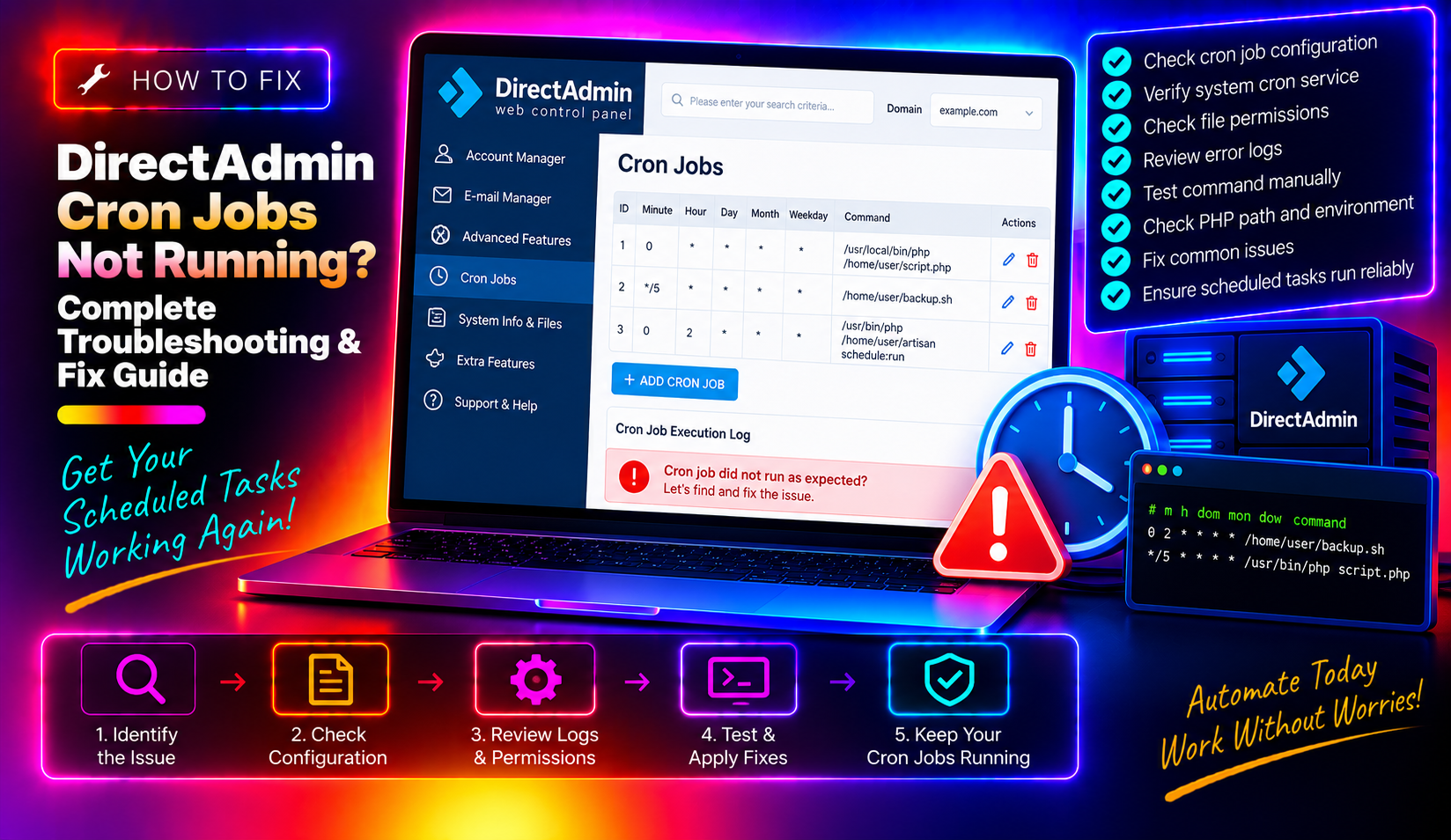
You set up a cron job in DirectAdmin to handle automated backups, SSL renewal, or a scheduled script — and it never runs. No error, no output, just silence. DirectAdmin cron jobs fail silently more often than any other server automation problem, and the causes range from a stopped daemon to a missing environment variable that a shell script takes for granted. This guide covers every common failure point with the exact commands to diagnose and fix them.
How DirectAdmin Handles Cron Jobs
DirectAdmin provides a web interface for end users to manage cron jobs for their account. Behind the scenes, these entries are written to the system crontab under the cPanel user's system account. The actual execution is handled by the system crond daemon — DirectAdmin itself doesn't run cron jobs directly.
This architecture means a cron job that "isn't running" could be failing at any of these layers: the crond daemon is stopped, the crontab entry has a syntax error, the script has a path or permissions problem, or the command relies on environment variables that aren't available in a non-interactive cron environment.
💡 None of these worked? Skip the guesswork.
Get Expert Help →Step 1: Verify the Cron Daemon Is Running
systemctl status crond   # CentOS/AlmaLinux/CloudLinux
systemctl status cron    # Debian/Ubuntu
If the service is stopped or failed, start it:
systemctl start crond && systemctl enable crondsystemctl list-timers crond
journalctl -u crond --since "1 hour ago" | tail -20You should see regular activity lines. If the journal is empty for the past hour despite active cron entries, crond is likely misconfigured or blocked by a security tool.
grep CRON /var/log/cron | tail -50grep CRON /var/log/syslog | tail -50Some minimal server installs don't log cron activity by default. Enable it by adding to /etc/rsyslog.conf:
cron.* /var/log/cron.logThen restart rsyslog:
systemctl restart rsyslogEdit the crontab entry to capture all output:
* * * * * /path/to/script.sh >> /tmp/cron-debug.log 2>&1Run this for a few minutes, then read the debug log. Any script error or "command not found" message will appear there.
crontab -l -u usernameReplace username with the system username that corresponds to the DirectAdmin account.
Common cron timing mistakes:
- Using
*/1intending "every minute" — this works but*alone means every minute if the field is the minute field - Using comma-separated values when ranges are needed (e.g.,
0,30vs0-30) - Mixing up field order — cron fields are: minute hour day-of-month month day-of-week command
Use crontab.guru to validate any timing expression before saving it.
Log into DirectAdmin → Your Account → Cronjobs. Check that the entry is listed. If the interface shows the job but crontab -l -u username doesn't, there's a write permission problem with the crontab file — run crontab -e -u username and add the entry manually.
Instead of:
php script.phpUse:
/usr/local/bin/php script.phpFind the full path of any command with:
which php
which python3
which composerEdit the crontab and add this as the first line:
PATH=/usr/local/sbin:/usr/local/bin:/sbin:/bin:/usr/sbin:/usr/binFor bash scripts that need the full user environment:
#!/bin/bash
source /home/username/.bash_profile
# rest of scriptls /usr/local/php*/bin/php
# Example output:
# /usr/local/php74/bin/php
# /usr/local/php81/bin/php
# /usr/local/php82/bin/php0 2 * * * /usr/local/php81/bin/php /home/username/public_html/artisan schedule:run >> /dev/null 2>&1Laravel's scheduler requires exactly one cron entry running every minute. The standard Laravel cron entry on DirectAdmin is:
* * * * * /usr/local/php81/bin/php /home/username/public_html/artisan schedule:run >> /dev/null 2>&1ls -la /home/username/scripts/myscript.shThe file must have execute permission:
chmod +x /home/username/scripts/myscript.shA script owned by root that a user's cron job tries to execute will fail if the script doesn't have world-execute permission. Either fix the ownership:
chown username:username /home/username/scripts/myscript.shOr, if the script must be owned by root, add it to root's crontab instead of the user's crontab.
Cron sets the working directory to the user's home directory by default. If your script assumes it's running from /home/username/public_html/, add a cd at the top:
#!/bin/bash
cd /home/username/public_html/ || exit 1csf -l | grep cronCSF can occasionally interfere with cron execution on heavily locked-down servers. Check CSF logs if cron appears to start but scripts don't complete.
getenforce
ausearch -m AVC -ts recent | grep cron
If SELinux is enforcing and has denied cron actions, set it to permissive temporarily to confirm:
setenforce 0If cron starts working, create a proper SELinux policy rather than leaving it permissive permanently.
Cron jobs that fail silently — taking backups, sending reports, running renewals — represent a real business risk. If you discover that critical automation has been failing for days or weeks, the root cause almost always turns out to be a configuration detail that managed server support catches early. CloudHouse Technologies' server management service includes proactive monitoring of cron execution, DirectAdmin configuration audits, and scheduled task health checks.