If you are searching for customer portal development cost manufacturing figures, you have probably noticed that nobody publishes a straight answer. That is because a portal for a manufacturer is not one product. A simple order-status page and a full dealer portal with live ERP pricing, credit limits and spare-parts ordering sit at opposite ends of the effort scale. This guide explains what actually moves the price of a B2B portal, where the money usually goes, and how to scope the work so the quote you receive is one you can compare and trust.
We deliberately avoid quoting fixed prices. Costs depend on your ERP, your data quality and your approval workflows, and any number printed without knowing those is a guess. Instead, you will get the cost drivers, relative effort levels and the questions to ask before signing anything.
What a Manufacturing Customer Portal Usually Includes
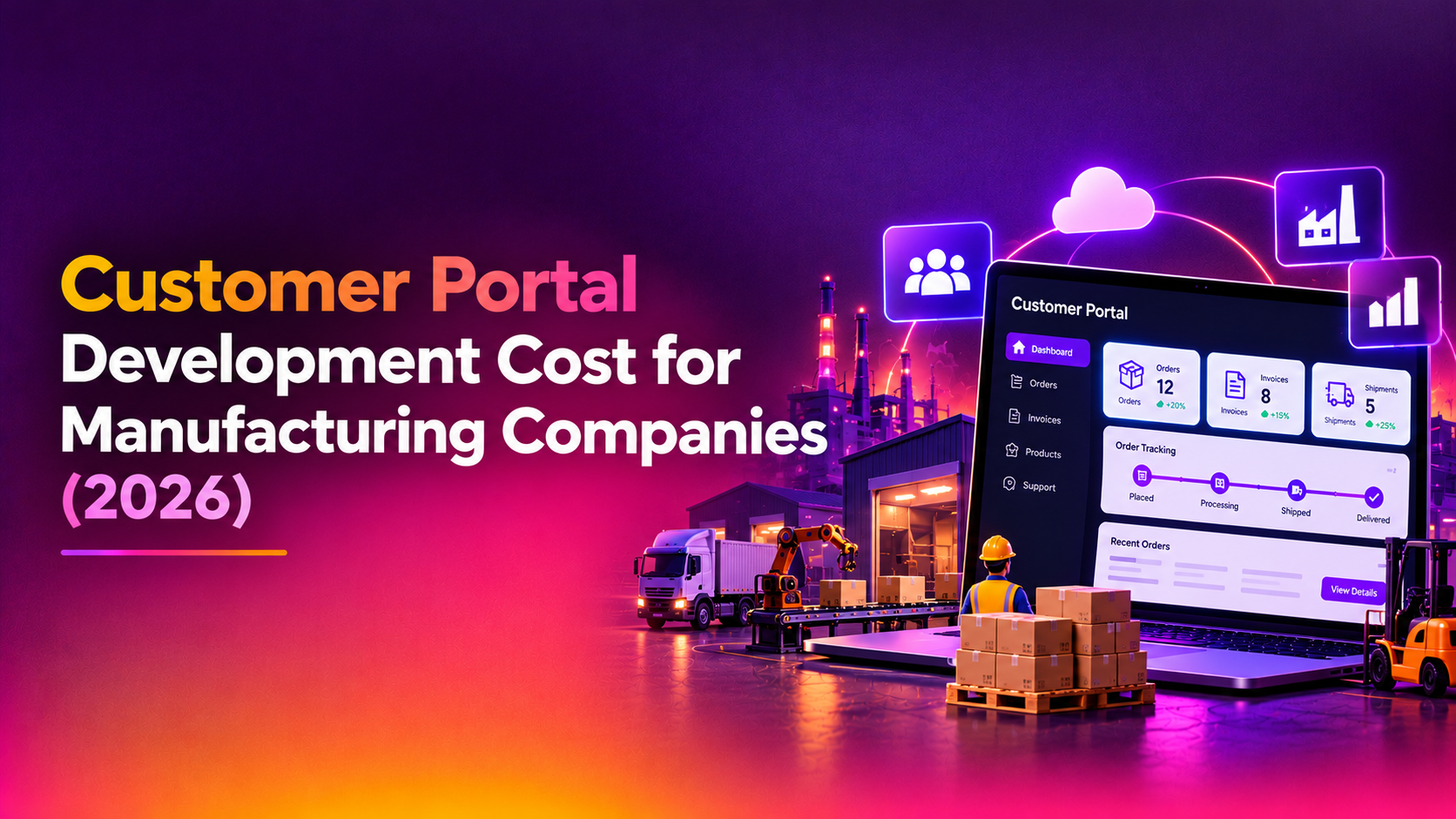
A custom web portal for manufacturers typically exists to remove repetitive phone, email and spreadsheet work from sales and customer service. The common building blocks are:
- Account and user management: customers or dealers log in, and one company can have several users with different permissions.
- Order placement and reorder: catalogue browsing, quick-order by part number, saved lists and repeat orders.
- Order tracking: status from confirmation through production, dispatch and delivery, with shipment references.
- Invoices and statements: download invoices, view outstanding balances, and sometimes pay online.
- Spare-parts requests: search by machine model or serial number, view exploded diagrams, raise a request or quote.
- Documents: certificates, datasheets, manuals, warranty records.
- Support tickets: complaints, returns and service requests tied to a specific order or asset.
Not every manufacturer needs all of these in phase one. The cheapest way to overspend is to build everything before you know which features your customers actually use.
The Main Factors That Drive B2B Portal Development Cost
When people ask about B2B portal development cost, the honest answer is a list of variables. Here are the ones that matter most, roughly in order of impact.
1. ERP and back-office integration
This is usually the single biggest driver. A portal that only displays content is cheap. A portal that reads live stock, customer-specific pricing and order status from your ERP, and writes orders back into it, needs careful integration work. Effort depends on whether your ERP exposes a documented API, whether you are on an older on-premise system that needs a middleware layer, and how clean your master data is. Duplicate customer records, inconsistent part numbers and missing units of measure all turn into development hours.
2. Pricing logic
Manufacturers rarely have one price list. Distributor tiers, contract prices, volume breaks, currency differences and regional taxes all need to be reproduced exactly. If the ERP already calculates the price and the portal simply asks for it, effort is moderate. If the portal must calculate prices itself, effort rises sharply and so does the risk of mismatches with invoices.
3. User roles and approval workflows
A dealer portal development project with a single login per company is straightforward. Multiple buyers, approvers with spending limits, branch-level visibility and sales-rep impersonation each add design and testing time.
4. Catalogue size and product complexity
A few hundred standard SKUs are simple. Configurable products, bills of materials, compatibility rules and machine-to-part mapping for spare parts are not. Search quality matters here too, because a buyer who cannot find a part number quickly will phone your team instead.
5. Payments, credit and compliance
Online payment, credit-limit checks and e-invoicing requirements in your market each add scope. So do audit trails, data-retention rules and any customer-specific security reviews.
6. Design, mobile use and languages
Many buyers and service engineers use portals from a phone on a shop floor. Responsive design is expected, but multi-language and multi-currency support adds content and testing work.
7. Hosting, security and ongoing support
A portal holds commercial data, so authentication, backups, monitoring and patching are part of the real cost. Budget for support after launch, not just the build.
Indicative Effort by Portal Scope
The table below is a planning aid, not a price list. Effort levels are relative and assume a competent team working from a clear specification. Ask any vendor for a written quote based on your own requirements.
| Scope level | Typical features | ERP integration | Relative effort | Main cost risk |
|---|---|---|---|---|
| Basic visibility portal | Login, order status, invoice downloads, document library | Read-only, scheduled sync | Low | Messy source data |
| Ordering portal | Catalogue, quick order, reorder, customer-specific pricing, order history | Two-way, near real time | Medium | Pricing rules and stock accuracy |
| Full dealer portal | Multi-user roles, approvals, credit checks, payments, returns, spare-parts search by machine | Deep two-way, multiple modules | High | Workflow complexity and legacy ERP limits |
| Portal plus service and IoT data | Everything above plus asset records, service tickets, warranty tracking | ERP plus service and asset systems | Very high | Multiple systems, data ownership |
For illustration only: if two vendors quote very different amounts for the same brief, the gap usually comes from different assumptions about integration depth and testing, not from different hourly rates. Compare the assumptions line by line.
Build Custom, Buy Off-the-Shelf, or Extend Your ERP?
Before commissioning a custom build, it is fair to ask whether you need one.
- ERP vendor portal module: quickest to start and tightly integrated, but often rigid in design and workflow, and licensing can grow with the number of users.
- B2B commerce platform: good for catalogue-heavy ordering, but spare-parts logic, service workflows and unusual pricing may need custom extensions anyway.
- Custom portal: highest initial effort, but it fits your actual processes, avoids per-user licensing and can evolve with your business.
Custom tends to make sense when your pricing, approval or spare-parts processes are what differentiate you, or when off-the-shelf tools would force your customers into a clumsy experience. Whichever route you choose, count licences, customisation and integration together when comparing totals.
How to Keep the Budget Under Control
- Start with one customer journey. Reordering and order tracking usually remove the most phone calls. Launch that first, then add features based on real usage.
- Audit your data early. Clean part numbers, customer records and price lists before development begins.
- Pilot with a few friendly dealers. Real feedback in the first weeks prevents expensive rework later.
- Insist on a documented integration approach. Know which ERP endpoints or database views will be used, and who owns them.
- Plan the run cost. Hosting, monitoring, security updates and support should be in the proposal, not a surprise afterwards.
- Own your code. You should receive the source code and documentation so you are never locked in.
A Realistic Phasing Plan for a Dealer Portal
Phasing is the most practical way to control spend while proving value. A sensible sequence for a manufacturer looks like this:
- Phase one: secure login, company accounts, order history, order tracking and invoice downloads. This reduces status-chasing calls quickly and exposes any ERP data problems early.
- Phase two: catalogue search, quick order by part number, reorder lists and customer-specific pricing pulled from the ERP.
- Phase three: spare-parts lookup by machine model or serial number, service requests, returns and warranty records.
- Phase four: payments, credit-limit checks, approval chains and analytics for your sales team.
Each phase should end with something your customers can actually use, so you can judge adoption before funding the next one.
Questions to Ask Any Portal Development Company
A reliable portal development company will welcome detailed questions. Ask these before you shortlist anyone:
- Have you integrated with our specific ERP or a similar one, and how did you handle its limitations?
- What exactly is included in the fixed or estimated scope, and what triggers a change request?
- How are pricing, stock and order data synchronised, and what happens when the ERP is offline?
- Who owns the source code, hosting accounts and documentation at handover?
- What does support look like after launch, and how are urgent issues handled?
How CloudHouse Approaches Portal Projects
At CloudHouse we build custom portals and web applications through our web application development service. We begin with a scoping phase that maps your ordering, invoicing and spare-parts workflows to the systems that hold the data, so the estimate reflects your reality rather than a template. Delivery is phased, which lets you launch the highest-value features first and expand from there.
If you already have a requirements list, an ERP name and a rough idea of how many dealers or customers will log in, that is enough for a first conversation and a written, itemised quote.
Why Companies Choose CloudHouse for Web Application Development
Clients tend to value three things: clear scoping so they know what they are paying for, ongoing support after launch rather than a hand-off and disappearance, and no lock-in, because you keep access to your code, documentation and hosting. We would rather explain a trade-off plainly than oversell a feature you do not need.
Conclusion
The real customer portal development cost for a manufacturer is set by integration depth, pricing complexity, user roles and how much you build in the first release. Define a focused first phase, clean your data, and insist on an itemised written quote that states its assumptions. When you are ready to compare options, talk to CloudHouse about your portal project and we will help you scope it properly.