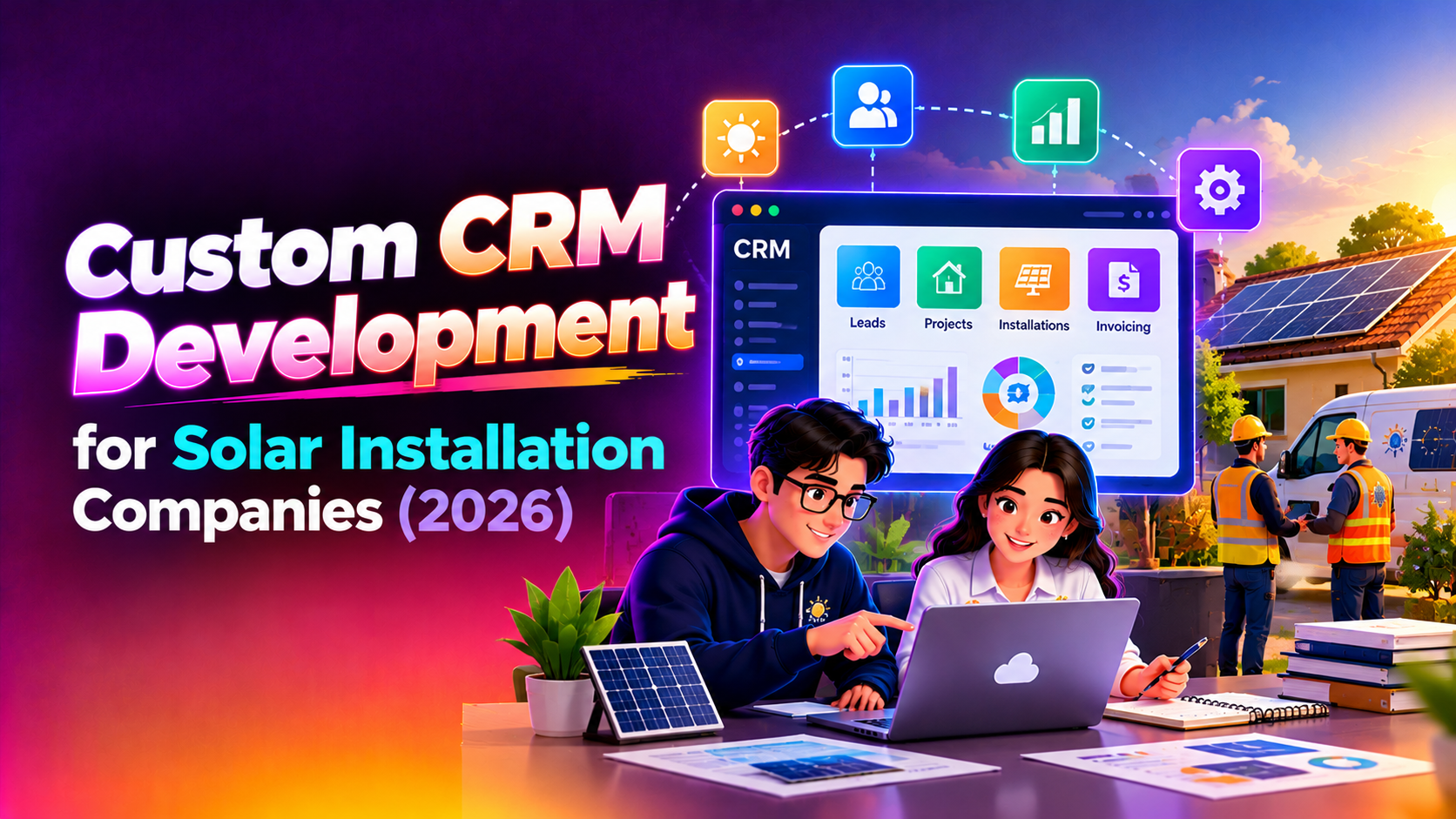
Most solar installers start with a spreadsheet and a WhatsApp group, and that works until the enquiries, site visits and subsidy files pile up. This article explains custom CRM development for solar installation companies: what a purpose-built system should do, which features matter most, and how to judge whether to build or buy. It is written for owners and operations heads of residential, commercial and rooftop installers who are tired of losing track of leads and paperwork.
Nothing here promises a particular result, and every installer works differently. Use it as a framework, then ask any provider for an itemised quote against your own process. If you want to see how we scope this kind of work, our CRM development service page explains the approach.
Why a generic CRM rarely fits a solar business
A standard sales CRM assumes a simple path: lead, call, quote, win. A solar job is longer and has more hand-offs. The same customer moves between sales, a surveyor, a design engineer, a documentation clerk, an installation crew and finally an after-sales team. Each stage has its own owner, its own documents and its own delays.
- Many people touch one job: a lead is not closed when the quote is accepted, because the real work has only started.
- Field work is central: surveys and installations happen on rooftops and sites, often with weak connectivity.
- Paperwork is part of the product: subsidy and utility approvals can stall a project for weeks if one document is missing.
- The relationship lasts years: panels and inverters need servicing, cleaning and warranty follow-up long after handover.
- Quotes are technical: a proposal depends on roof area, load, shading, system size and equipment choice, not just a price list.
The solar customer journey a CRM must follow
Before choosing features, map the journey. A custom CRM should mirror the stages your team already uses, with clear ownership and a next action on every record.
Lead capture from every source
Enquiries arrive from your website form, phone calls, WhatsApp, social media ads, channel partners, referrals and walk-ins. The system should pull them into one list, tag the source, flag duplicates and assign an owner automatically. That lets you see which channels produce serious buyers and which only produce clicks. It also stops two salespeople from calling the same homeowner.
Site survey scheduling
Once a lead is qualified, someone has to visit the roof. A good scheduler shows surveyor availability, groups visits by area to reduce travel, and sends the customer a confirmation and reminder. The surveyor should be able to record roof type, usable area, shading, structure condition, meter details and photos from a phone, even offline, and sync later. Those notes then feed straight into the design and quotation step, so nobody retypes data.
Quotation and proposal tracking
Proposals are where many deals quietly die. The CRM should keep each version of a quote, show which version the customer saw, record when it was sent and opened, and prompt a follow-up if there has been no reply. For installers who offer several system sizes or equipment brands, templates can generate a proposal from survey data and a maintained price list, which your team still reviews before sending. Tracking reasons for lost deals also gives you honest feedback on pricing and positioning.
Subsidy and paperwork stages
Government subsidy schemes, net metering applications and utility approvals involve several documents and several waiting periods. The rules differ by state and change over time, so the system should let your administrator configure stages rather than hard-coding them. A useful pattern is a checklist per project: identity and address proofs, electricity bill, site documents, application submission, inspection, approval and commissioning. Each item has an owner, a due date and an uploaded file. A dashboard then shows which projects are blocked and why, so a customer call about status takes seconds instead of an afternoon.
Installation crew assignment
When material is ready and approvals are in place, a project manager needs to assign crews. The CRM can show crew availability, the job's equipment list, site address and special instructions. Crew leads should be able to mark progress, log material used, upload completion photos and capture the customer's sign-off on a mobile device. This gives the office a live view without chasing people by phone.
After-sales and AMC reminders
Annual maintenance contracts, panel cleaning visits, inverter checks and warranty claims are a steady source of repeat revenue and referrals, but only if nothing is forgotten. The CRM should hold the equipment details and warranty dates for each installation, generate service tickets from a schedule, remind customers before a visit, and record what was done. It should also flag renewals early enough for your team to call before the contract lapses.
Solar CRM feature table
Use this table as a requirements starting point. The priority column is a general guide, since a small residential installer and a commercial EPC contractor will rank things differently.
| Feature | What it does for a solar installer | Typical priority |
|---|---|---|
| Multi-source lead capture | Collects web, call, WhatsApp, ad and partner leads in one list with source tags and duplicate checks | Essential |
| Lead assignment and follow-up tasks | Gives every lead an owner and a next action, with reminders when it goes stale | Essential |
| Survey scheduler with mobile form | Books site visits, records roof and meter details and photos, works offline | Essential |
| Proposal and quotation tracker | Stores quote versions, tracks sent and viewed status, records lost-deal reasons | Essential |
| Subsidy and approval checklist | Configurable stages and document uploads for subsidy, net metering and utility steps | High |
| Crew assignment and job board | Matches crews to jobs, shows equipment lists, captures completion photos and sign-off | High |
| Inventory link | Shows panel, inverter and structure stock against confirmed projects | Medium to high |
| AMC and service ticketing | Schedules visits, sends reminders, tracks warranty and renewal dates | High |
| Payment milestone tracking | Records advance, material and commissioning payments against each project | High |
| Reports and dashboards | Shows pipeline, conversion by source, blocked approvals and crew workload | Medium to high |
| Accounting or messaging integration | Connects invoices and customer messages to the project record | Optional, depends on tools in use |
Notice that the top rows are about discipline, not technology. If your team cannot say who owns a lead today, software will only expose that gap, which is still a useful first step.
Off-the-shelf CRM or custom build?
Many installers begin with a ready-made CRM and configure it. That is a sensible choice when your process is simple and you mostly need a lead list and reminders. Customisation becomes worth considering when the same workarounds keep appearing: separate spreadsheets for subsidy status, a different app for crew scheduling, and manual reminders for AMC visits.
A custom system costs more upfront than configuring a subscription tool, but it can match your stages, your approval documents and your reporting exactly, and you are not paying per user as the crew grows. The trade-off is that you own the responsibility for maintenance, so look for a partner who documents the system and offers support. Our team builds on this basis through our custom CRM development company service, with scoped phases so you can start with the most painful problem first.
What drives the cost of a solar CRM
We do not quote figures in articles, because they depend on scope. These are the factors that move the price, and a reliable provider will break them out in an itemised quote.
- The number of user roles, such as sales, surveyors, engineers, document staff, crews and managers.
- Whether a mobile app is needed for field staff, and whether it must work offline.
- How many stages and document types the subsidy and approval workflow includes.
- Integrations with accounting software, messaging channels, payment tools or inventory records.
- Proposal generation, including price lists, equipment catalogues and templates.
- Migration of existing customer and project data from spreadsheets.
- Training, support and maintenance expectations after launch.
How to roll out without disrupting live projects
Installers cannot pause jobs while a new system is built, so a phased rollout works best. Start with lead capture and follow-up, because it is the easiest to adopt and shows results quickly. Add survey scheduling and proposal tracking next. Bring in subsidy checklists and crew assignment once the team trusts the system, and finish with AMC reminders and reporting. Run the old spreadsheet in parallel for a short period, import active projects with care, and name one person in the office as the system owner who decides on changes.
Questions to ask before you commission a build
- Can we describe our stages from enquiry to commissioning in a single page?
- Who currently owns subsidy and approval follow-up, and how do they track it?
- Do surveyors and crews have reliable phones and data coverage at sites?
- Which reports would we look at every week if they were available?
- Will we own the source code and documentation if we change provider later?
If several answers are unclear, a short discovery phase with an outside team can turn a vague wish list into a scoped plan before you commit budget.
Why Companies Choose CloudHouse for CRM Development
Clients choose CloudHouse because we plan delivery in clear phases, stay available for support after launch and provide transparent, itemised quotes so you can see what each module costs. We start from your actual workflow instead of forcing you into a template. You can learn more on our CRM development company in Kerala page.
Conclusion
A solar business runs on handovers: from sales to survey, survey to quote, quote to paperwork, paperwork to crew and crew to after-sales. A custom CRM earns its place by keeping every handover visible, with an owner and a date attached. Start with the stages that cause the most missed follow-ups, define what you need in plain language, and insist on code ownership and documented support. To discuss your workflow and receive an itemised proposal, visit our CRM development company in Kerala page and request a quote.