
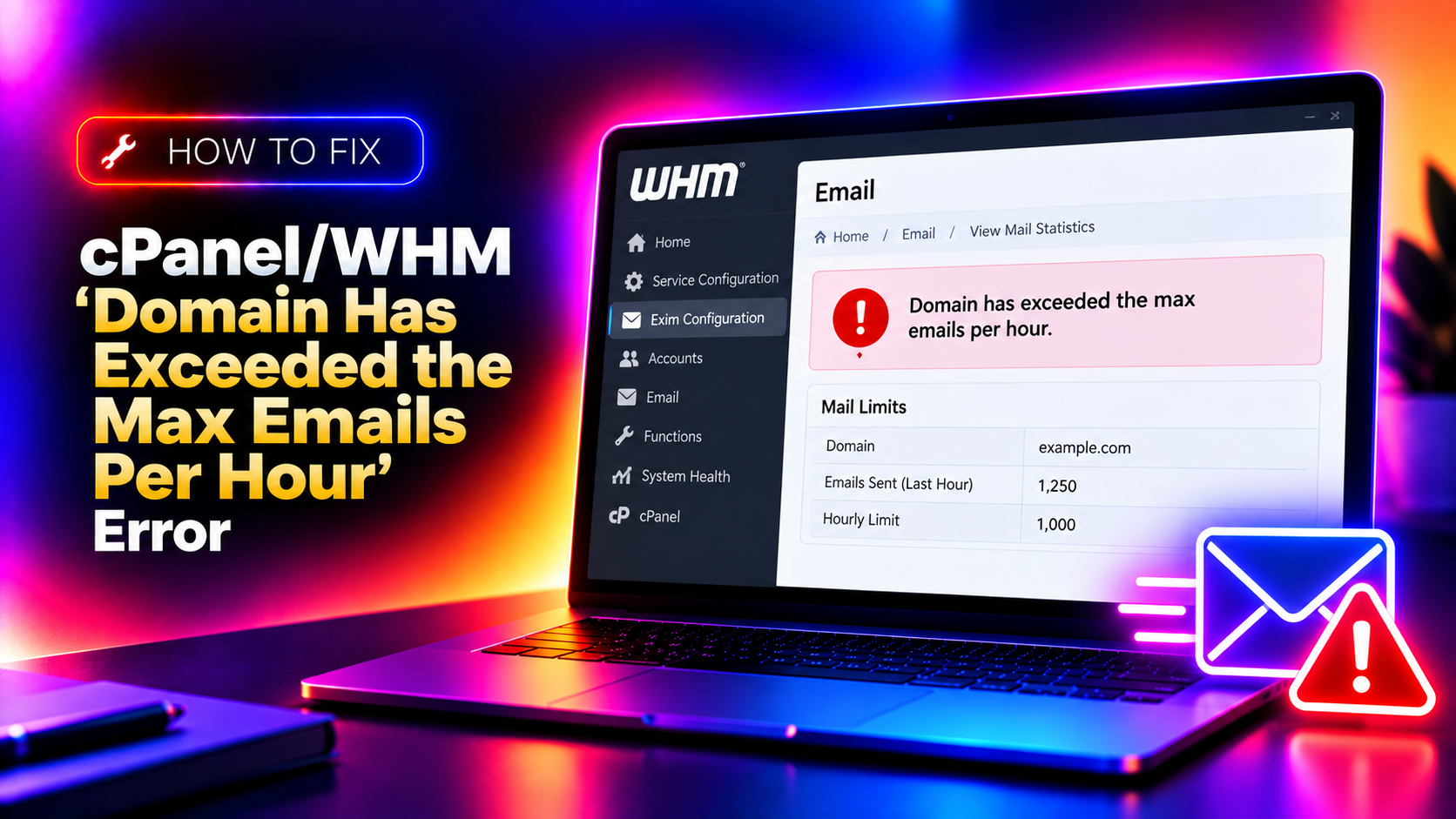
If you manage a cPanel/WHM server and your domain suddenly stops sending emails, one of the most common culprits is the hourly email limit. The error message typically looks like this in your Exim mail logs:
domain.com has exceeded the max emails per hour (500/500 (100%)) allowed. Message discarded.Or for defer/failure limits:
domain.com has exceeded the max defers and failures per hour (5/5 (100%)) allowed.These limits exist to protect your server's sending reputation, but they can block legitimate email traffic when thresholds are set too low or when a spam script runs on the account. This guide walks you through every fix — from immediately unblocking the domain to configuring the right long-term limits in WHM.
Why cPanel Enforces Email Sending Limits
WHM includes two distinct rate-limiting mechanisms for outbound email:
- Max emails per hour per domain — caps the total number of messages a domain can send in a 60-minute window (default: 500 on most shared servers, unlimited on VPS/dedicated by default).
- Max defers and failures per hour — caps the percentage of outgoing mail that bounces or gets deferred. When too many messages go to invalid recipients, Exim stops the domain from sending further.
Both limits are designed to prevent a compromised WordPress site or rogue PHP script from spamming thousands of recipients and getting your server IP blacklisted. When the threshold is hit, Exim creates a lock file that blocks further sending until the hour resets — or until you manually remove the lock.
💡 None of these worked? Skip the guesswork.
Get Expert Help →Method 1: Immediately Unblock the Domain (Remove the Lock File)
The fastest fix is to delete the lock file that Exim created when the domain hit its limit.
ssh root@your-server-ipls /var/cpanel/email_send_limits/You will see files named after blocked domains, for example: max_deferfail_yourdomain.com or max_hourly_yourdomain.com.
rm /var/cpanel/email_send_limits/max_deferfail_yourdomain.com
rm /var/cpanel/email_send_limits/max_hourly_yourdomain.comexim -bp | head -20Email sending for that domain will resume immediately after the lock file is removed. No Exim restart is required.
https://yourserver:2087
2. Go to Server Configuration → Tweak Settings
The maximum each domain can send out per hour (0 is unlimited)4. Set the value appropriate for your use case:
- Shared hosting:
500–1000per domain per hour - VPS/Dedicated with known sending needs:
0(unlimited) or a higher cap like5000
5. Click Save at the bottom of the page.
This setting applies server-wide to all accounts that do not have a per-account override.
Method 3: Set a Per-Account Email Limit Override
You can override the server-wide limit for a specific cPanel account without changing the global setting — useful when one high-volume sender needs a higher cap while others stay restricted.
1. In WHM, go to Account Functions → Modify An Account
2000), or select Unlimited for no cap
5. Click Save
The per-account setting takes precedence over the global Tweak Settings value.
Maximum percentage of failed or deferred messages a domain may send per hour3. Adjust the value:
- Default is
5%— very strict, can trigger on small lists with some bad addresses - Raise to
20%–25%for managed servers with vetted senders - Set to
Unlimited(0) to disable this check entirely on trusted servers
4. Alternatively, configure per-account in Exim Configuration Manager:
Go to Service Configuration → Exim Configuration Manager → Advanced and search for ratelimitcount to see the raw defer configuration.
Method 5: Find and Remove the Root Cause
Simply raising limits without finding what triggered the block is dangerous — it may allow a compromised script to continue spamming and get your server blacklisted. Always investigate first.
Check Exim logs for the sending account:
# Show recent outbound mail from a specific domain
grep "domain.com" /var/log/exim_mainlog | grep "=>" | tail -50

# Find what script generated the emails (look for "php" or script paths)
grep "domain.com" /var/log/exim_mainlog | grep "cwd=" | tail -30
Check for PHP mail abuse:
# Show all email sent by PHP scripts in the last hour
grep "$(date +%Y-%m-%d)" /var/log/exim_mainlog | grep "cwd=/home" | awk '{print $NF}' | sort | uniq -c | sort -rn | head -20
Common causes to look for:
- WordPress contact forms being abused (check
wp-login.phpPOST attempts) - Compromised email account sending via authenticated SMTP
- Bulk mailing scripts in
/home/user/public_html/ - Old newsletter scripts still running
Method 6: Check and Flush the Exim Mail Queue
After unblocking a domain, frozen or queued messages from the blocked period may need to be cleared or force-delivered.
# Count messages in queue
exim -bpc

# List frozen messages
exim -bp | grep frozen

# Force delivery of all queued messages
exim -qff

# Delete all frozen messages
exiqgrep -z -i | xargs exim -Mrm

# Delete all messages from a specific sender
exiqgrep -f "noreply@domain.com" -i | xargs exim -Mrm
Preventing the Error from Recurring
- Set up email alerts: In WHM, go to Contacts → Contact Manager and enable "Max email per hour exceeded" notifications so you are alerted before clients complain.
- Use an external SMTP relay for bulk email (Mailgun, SendGrid, Amazon SES) — offloading bulk sends from Exim entirely eliminates this class of problem.
- Review WordPress and application mail settings: Use SMTP plugins instead of PHP mail() to route through authenticated accounts with rate limiting built in.
- Monitor the Exim queue daily: A growing queue of frozen messages is an early warning that a domain is approaching its limit.
- Implement CSF/LFD email rate limiting: ConfigServer Firewall can monitor
/var/log/exim_mainlogand block accounts that spike abnormally.
Configuring WHM Email Limits — Quick Reference
- WHM path for server-wide limit: Server Configuration → Tweak Settings → Mail → "Maximum each domain can send per hour"
- WHM path for defer/failure limit: Server Configuration → Tweak Settings → Mail → "Maximum percentage of failed or deferred messages"
- WHM path for per-account override: Account Functions → Modify An Account → "Maximum Hourly Email by Domain Relayed"
- Lock file location:
/var/cpanel/email_send_limits/ - Exim main log:
/var/log/exim_mainlog
Managing email rate limits in cPanel/WHM is a balance between protecting your server's sending reputation and allowing legitimate high-volume senders to operate without interruption. If you find yourself repeatedly hitting these limits or struggling to identify rogue scripts, a managed server support service can monitor your Exim queue, tune WHM settings, and respond to incidents before they affect your clients.