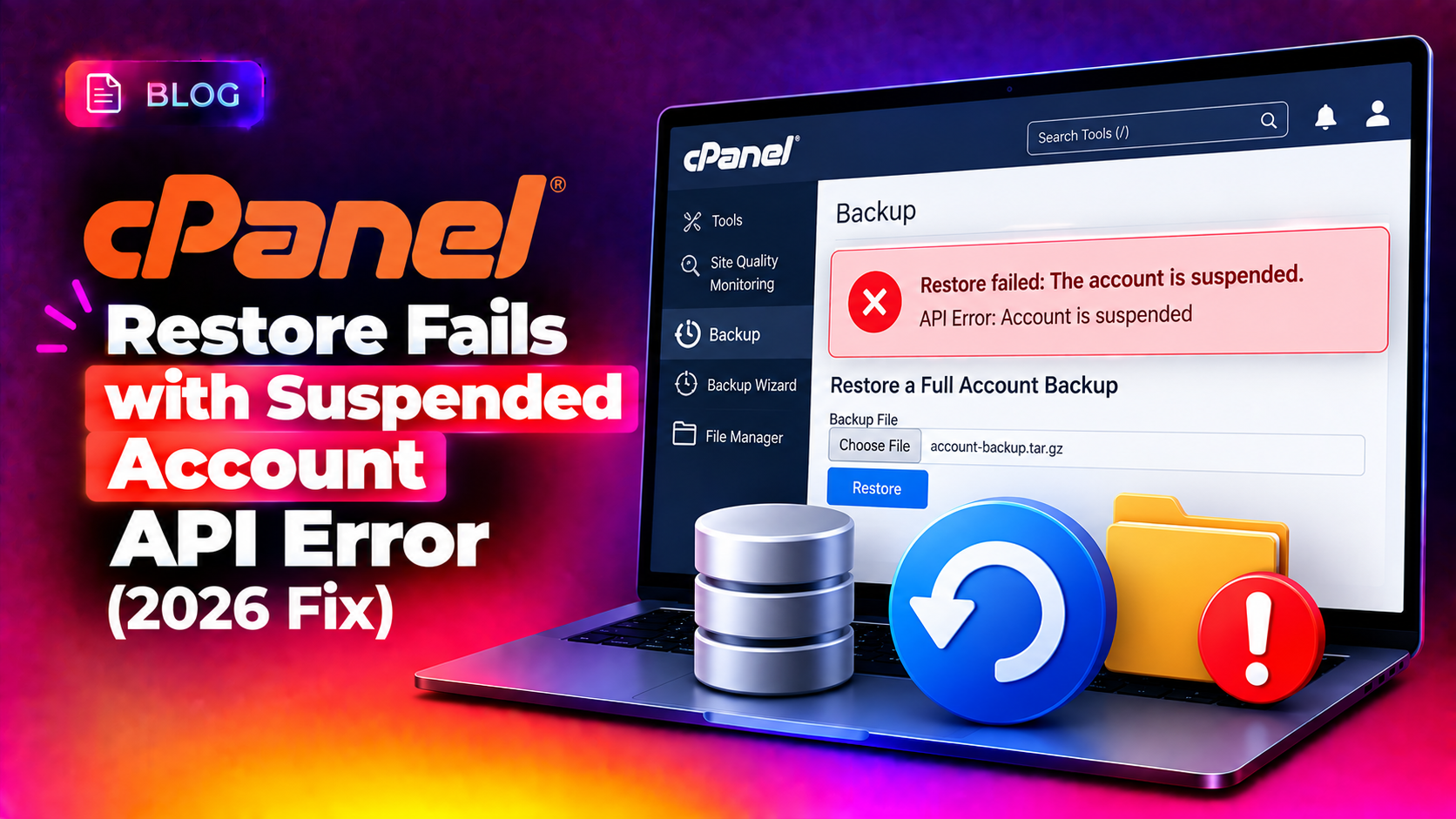
If a WHM restore stalls or errors out the moment it touches a suspended cPanel account, you're not looking at a corrupted backup — you're hitting a known API restriction. When an account was suspended at the time it was backed up, WHM's restore process tries to reapply that suspended state through the cPanel API, and the API refuses to run standard account operations against a suspended account. The result is a restore that appears to hang, throws a vague API error, or completes with missing email, database, or DNS data. This guide walks through exactly why this happens and how to fix a cpanel restore suspended account api error the right way, plus the related database prefix restore failure that often shows up in the same session.
Why cPanel Restores Fail on Suspended Accounts
Every cpmove backup stores the account's suspension status at the time it was taken. When you run a restore through WHM's Restore a Full Backup/cpmove File or Restore Filtered Accounts tool, WHM tries to recreate the account in its original state — including re-suspending it if it was suspended. The problem is that cPanel's account API layer blocks several operations (mail routing setup, DNS zone rebuilding, package assignment) from running against an account flagged as suspended, since those calls assume an active account context.
This creates a chicken-and-egg failure: the account gets created and immediately suspended, and then every subsequent restore step that depends on the API silently fails or throws an error like:
Failed to execute CPanel API call: Account is suspended.You'll typically see this in the restore log as an incomplete DNS zone, missing MySQL databases, or an account that logs in but has none of its original email routing configured — even though the restore process reported "success."
💡 None of these worked? Skip the guesswork.
Get Expert Help →Step-by-Step Fix: Restoring a Suspended Account Correctly
Go to WHM Home → Backup → Restore a Full Backup/cpmove File (or Restore Filtered Accounts if you're doing a bulk restore).
On the confirmation screen before you click restore, make sure the checkbox to suspend the account after restore is not selected. Restoring the account as active lets every API call in the restore chain execute normally — DNS zones build, mail routing applies, and databases attach correctly.
With the account active during restore, WHM can complete DNS, email, and database steps without hitting the suspended-account rejection. Watch the on-screen log for any red "FAILED" lines — with suspension out of the way, these should now clear.
If the account genuinely needs to stay suspended (for example, a non-paying customer), suspend it manually from WHM → List Accounts after the restore finishes. This applies the suspension cleanly, without interfering with the restore's API calls.
Search for the setting labelled "Require a username prefix on names of new databases and database users."
Uncheck the option and save. This allows the restore to recreate databases using their original names instead of forcing the prefix convention.
Restore the account again — the database and database-user creation steps should now complete without the prefix conflict.
Once the restore is confirmed successful, turn the prefix requirement back on so future new databases follow your naming standard.
How to Verify a Restore Completed Successfully
- Check WHM → List Accounts to confirm the account shows as active (not suspended, unless intentional)
- Log into cPanel for the restored account and confirm email accounts, forwarders, and MX records match the original
- Run
mysql -e "SHOW DATABASES;"via SSH and compare the database list against the original backup'smysqldirectory - Check DNS zone integrity with
digagainst the restored domain to confirm records resolve as expected - Review
/var/cpanel/logs/or the on-screen restore log for any remaining "FAILED" or "WARN" lines
Preventing Restore Failures in Future Backups
A few configuration changes reduce the odds of hitting this error again:
- Standardize your database naming policy across all servers before migrating or restoring accounts between them
- Avoid backing up accounts mid-suspension when possible — suspend, wait for the next backup cycle, then archive
- Test restores periodically on a staging WHM instance so a failed restore during a real incident isn't the first time you've seen the process
- Keep WHM and cPanel updated — several suspended-account API edge cases have been patched in recent cPanel & WHM version updates
When to Call a Server Expert
If a restore has already partially completed and you're not sure which pieces are missing, don't keep re-running it — repeated partial restores can leave orphaned databases, duplicate cron jobs, or broken mail routing that's harder to untangle than the original failure. This is exactly the kind of server-management task CloudHouse's team handles daily: diagnosing a stuck restore, safely rolling it back, and completing the migration without data loss. Our server management service covers exactly this kind of hands-on WHM troubleshooting for hosting companies that can't afford extended downtime during a restore.
Frequently Asked Questions
Why does my cPanel restore say "success" but email or DNS is missing?
This usually means the account was restored in a suspended state, which blocked the API calls responsible for building DNS zones and mail routing. Re-run the restore with "Suspend account after restore" unchecked, then manually suspend the account afterward if needed.
Can I restore a cpmove file without triggering the suspended account API error?
Yes — the fix is to leave the account active during the restore process itself, then apply suspension separately from WHM's List Accounts screen once the restore has fully completed.
What does the database prefix restore error actually mean?
It means the account's original database names don't include the required username prefix that your Tweak Settings currently enforce. Temporarily disabling that Tweak Setting lets the restore recreate the databases with their original names.
Is it safe to disable the database prefix Tweak Setting permanently?
It's better to re-enable it after the restore. The prefix requirement prevents naming collisions between different cPanel accounts sharing one MySQL server, so leaving it off long-term increases the risk of database name conflicts.
How do I know if a restore is stuck versus just slow?
Large accounts with big mail or database directories can take a long time without failing. Check the live restore log for a specific API error line rather than judging by elapsed time alone — a true suspended-account failure will show an explicit "Account is suspended" or API rejection message.