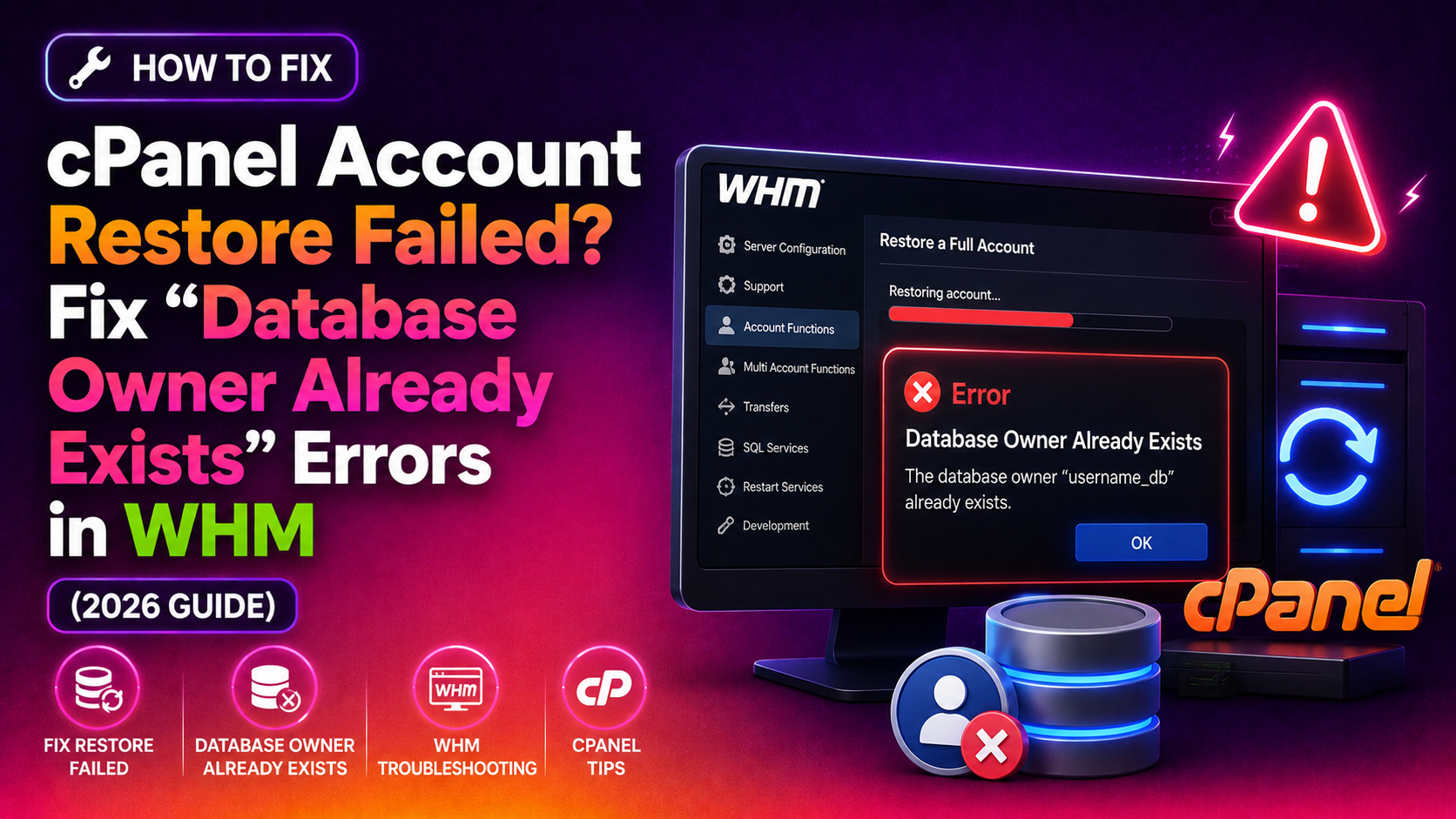
Nothing derails a server migration or disaster recovery faster than hitting this wall mid-restore: "Failed to create the account. A database owner with the name 'username' already exists." You just terminated the old account, triggered the restore — and WHM refuses to proceed. The account is gone, yet cPanel insists someone still owns those databases.
This guide walks you through exactly why this happens and gives you the precise commands to clear the conflict and get the restore through successfully. If you manage cPanel/WHM servers and handle account restores regularly, bookmark this one.
Why cPanel Shows "A Database Owner Already Exists" Error
When you terminate a cPanel account, WHM does not always clean up every database-ownership record immediately. Account deletion queues several cleanup tasks asynchronously — the account may disappear from /var/cpanel/users/ while orphaned entries still live in:
/var/cpanel/databases/username.json— the per-account database map/var/cpanel/databases/username.json.lock— a lock file/var/cpanel/databases/username.yaml— legacy YAML metadata/var/cpanel/databases/username.cache— cPanel's database cache/var/cpanel/databases/users.db— the global database ownership map
When you attempt to restore the account from a cPanel backup (.tar.gz), the restore script queries these files before touching MySQL. If any record claims ownership of the username, WHM aborts immediately with the "database owner already exists" error — even though no live account exists under that name.
A secondary cause is an orphaned MySQL user. If mysql.user still has a row for 'username'@'localhost', the account creation step will fail with a similar "A MySQL user with the name already exists" message.
💡 None of these worked? Skip the guesswork.
Get Expert Help →Step 1: Confirm the Account Is Fully Terminated
Before touching any database metadata, verify the account is actually gone from WHM's perspective.
ls /var/cpanel/users/ | grep usernameIf you see the username listed, the account was not fully removed. Terminate it first via WHM → Account Functions → Terminate Accounts, or via command line:
/scripts/removeacct username/usr/local/cpanel/bin/whoowns usernameIf the output returns any reseller or root ownership, the account structure is not clean. Run removeacct again before proceeding.
ls -la /var/cpanel/databases/ | grep usernamemkdir -p /root/cpanel_db_conflict_backup/
mv /var/cpanel/databases/username.json /root/cpanel_db_conflict_backup/ 2>/dev/null
mv /var/cpanel/databases/username.json.lock /root/cpanel_db_conflict_backup/ 2>/dev/null
mv /var/cpanel/databases/username.yaml /root/cpanel_db_conflict_backup/ 2>/dev/null
mv /var/cpanel/databases/username.cache /root/cpanel_db_conflict_backup/ 2>/dev/null3. Check users.db for residual entries
grep username /var/cpanel/databases/users.dbIf the username appears in users.db, you need to rebuild the database map (covered in Step 4).
mysql -e "SELECT user, host FROM mysql.user WHERE user LIKE 'username%';"Look for exact matches (username) and prefix matches (username_dbuser). cPanel usernames longer than 8 characters get truncated in MySQL — check both the full and truncated versions if applicable.
mysql -e "DROP USER IF EXISTS 'username'@'localhost';"
mysql -e "FLUSH PRIVILEGES;"mysql -e "SHOW DATABASES LIKE 'username\_%';"If orphaned databases exist and you do not need them (the restore will recreate them from the backup), drop them:
mysql -e "DROP DATABASE IF EXISTS username_dbname;"If you want to preserve existing data, rename them first: RENAME TABLE username_db.table TO username_db_old.table; — do this for every table, then drop the empty original database.
/scripts/update_db_cache/usr/local/cpanel/bin/setupdbmapThis re-scans all /var/cpanel/databases/*.json files and rebuilds users.db. It should complete in under a minute on a typical server.
grep username /var/cpanel/databases/users.dbIf the output is empty, you are clear to proceed with the restore.
/usr/local/cpanel/bin/dbmaptool username --type=mysql --dblistThe output should list all databases that belong to the restored user.
/scripts/whoowns username3. Test web access — ping the domain, confirm DNS resolves, and verify the site loads correctly.
4. Check mail delivery — send a test message to an account on the restored domain if email was part of the restore.
How to Prevent This Error in Future Restores
A few practices stop this error from recurring during routine migrations and restores:
- Wait 60 seconds after terminating an account before attempting a restore of the same username. cPanel's async cleanup queues need time to flush.
- Run
setupdbmapimmediately after any account deletion to ensureusers.dbis current before the next restore operation. - Use
/scripts/restorepkg --forcefrom the command line rather than the WHM UI for large account restores — it provides better error output and handles edge cases more gracefully. - Audit orphaned MySQL users monthly using
mysql -e "SELECT u.user FROM mysql.user u LEFT JOIN information_schema.schemata s ON s.schema_name LIKE CONCAT(u.user, '\_%') WHERE s.schema_name IS NULL AND u.user NOT IN ('root','mysql');"— this flags users with no associated databases who may have been left behind by partial account removals. - Keep JetBackup or a similar incremental backup tool configured to store per-account snapshots off-server, so you always have a clean restore target that doesn't conflict with existing server state.
FAQs
See FAQs below for additional troubleshooting guidance.
If your cPanel/WHM environment needs ongoing management — including backup configuration, account migrations, and restore troubleshooting — the team at CloudHouse Technologies' server management service handles these issues daily. Reach out for a free consultation.