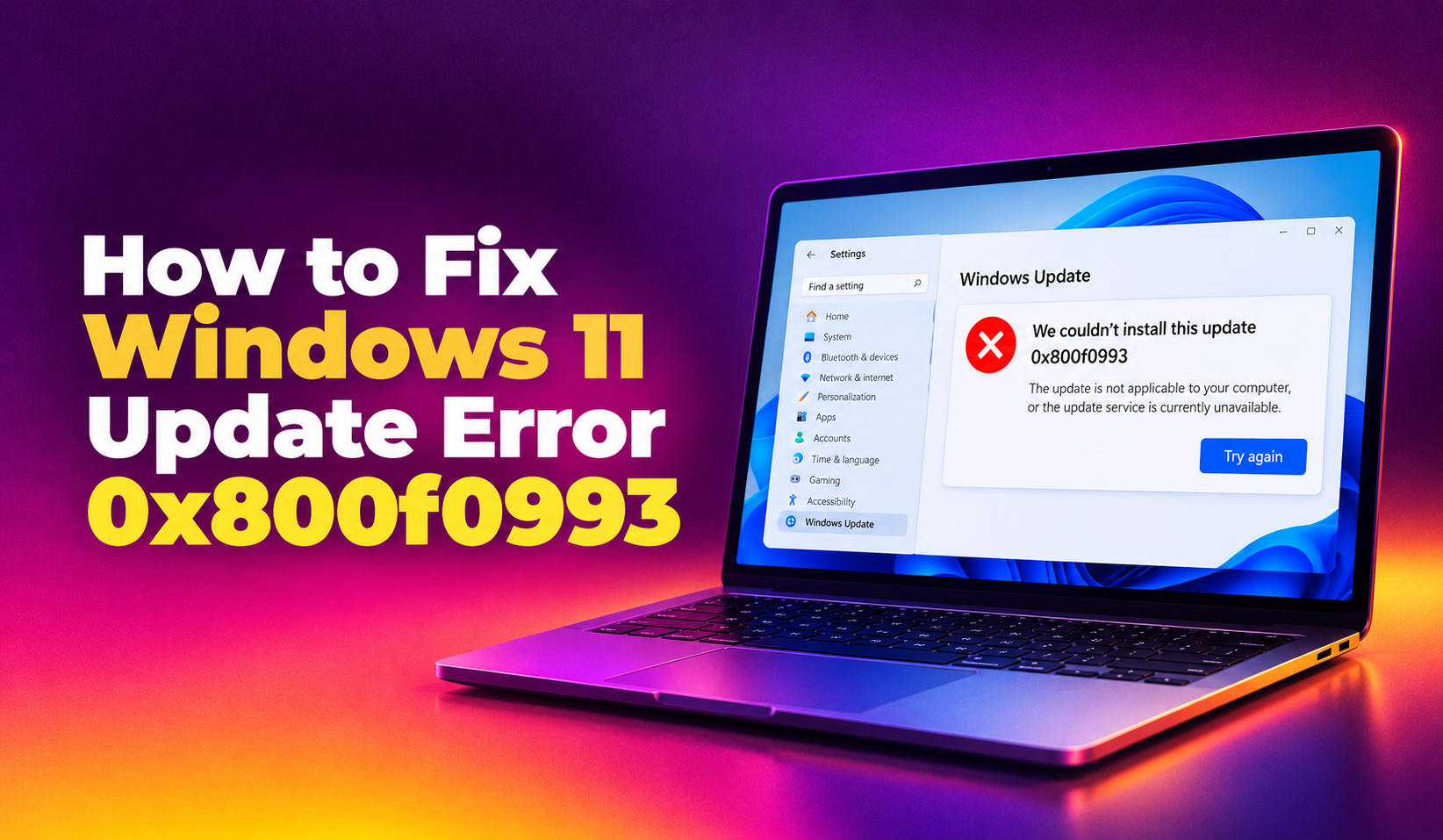
If Windows Update on your PC is stalling out and Settings shows error 0x800f0993 after trying to install the June 2026 cumulative update KB5095093 (or a later monthly rollup), you're not alone. This error points to a corrupted or missing component in the Windows servicing store, and it typically appears during the "Installing update" phase rather than the download phase. This guide walks through every fix that actually resolves 0x800f0993, from the built-in troubleshooter to a full DISM component-store repair.
What Is Windows 11 Update Error 0x800f0993?
Error 0x800f0993 is a servicing stack error that means the Windows Update Agent tried to apply a package (a .cab or .msu payload bundled inside the cumulative update) but the component-based servicing (CBS) store rejected it because a dependent component was missing, mismatched, or flagged as corrupt. Unlike 0x800f0922 (which is almost always an EFI System Partition space issue) or 0x80073712 (a missing manifest file), 0x800f0993 specifically flags a servicing manifest integrity failure inside WinSxS.
You'll usually see this error in one of these places:
- Settings > Windows Update > Update history, next to a failed KB entry
- The Windows Update troubleshooter results screen
C:\Windows\Logs\CBS\CBS.log, as a line similar toFailed to resolve package... 0x800f0993
Why KB5095093 and Later Cumulative Updates Trigger This Error
Since the June 2026 patch Tuesday release, Microsoft's support forums and the Windows 11 25H2 release health dashboard have logged a spike in servicing failures tied to KB5095093 and the optional preview builds that followed it. The pattern shows up mostly on machines that:
- Skipped one or more previous cumulative updates (update chain gaps)
- Previously had a failed or interrupted feature update to 24H2/25H2
- Have a corrupted WinSxS component store from an earlier failed repair
- Run third-party disk-cleanup or "junk file" tools that delete servicing cache files Windows still needs
Because the servicing stack can't find a clean baseline component to apply the new package against, it aborts the install and rolls back, throwing 0x800f0993.
💡 None of these worked? Skip the guesswork.
Get Expert Help →Before You Start: Quick Checks
You need at least 20GB free on the system drive for a cumulative update to stage correctly. Check via Settings > System > Storage.
A pending reboot from a previous failed install can block the next attempt. Restart, then retry Windows Update once before running any repair commands.
Open PowerShell as Administrator and run:
findstr /c:"0x800f0993" C:\Windows\Logs\CBS\CBS.logThis narrows down whether the issue is isolated to one package or a broader store corruption.
net stop wuauserv
net stop bits
net stop cryptsvc
net stop msiserverren C:\Windows\SoftwareDistribution SoftwareDistribution.old
ren C:\Windows\System32\catroot2 Catroot2.oldnet start wuauserv
net start bits
net start cryptsvc
net start msiserverThen go back to Settings > Windows Update and click Check for updates. Windows will rebuild both folders from scratch and re-download KB5095093 cleanly.
Settings > System > Recovery > Advanced startup > Restart now. Or hold Shift while clicking Restart from the Start menu.
Troubleshoot > Advanced options > Command Prompt.
chkdsk C: /f /r
DISM /Image:C:\ /Cleanup-Image /RestoreHealth
Note the /Image:C:\ flag instead of /Online — this targets the offline Windows partition from within WinRE.
4. Exit and restart normally, then retry the update.
Fix 7: Check Disk Space and Corrupted Update Cache
A near-full system drive can silently produce 0x800f0993 because the servicing stack can't stage temporary package files. Clear space using Settings > System > Storage > Temporary files, and specifically check the "Windows Update Cleanup" category, which can reclaim several gigabytes of leftover files from failed install attempts. Avoid third-party registry or junk cleaners for this — they sometimes delete files the servicing stack still tracks as valid, which can reintroduce the exact corruption you're trying to fix.
When to Get Professional Help
If you've run through DISM, SFC, the component reset, and a manual catalog install and Windows Update still throws 0x800f0993, the underlying WinSxS corruption may require a deeper repair-install (in-place upgrade) or a full diagnostic session — especially on machines that have failed multiple feature updates in the past. Rather than risking data loss with a clean reinstall, CloudHouse Technologies' Pay-Per-Ticket Windows Support can remotely diagnose the CBS log, repair the servicing store, and get KB5095093 installed the same day — with no monthly contract required.