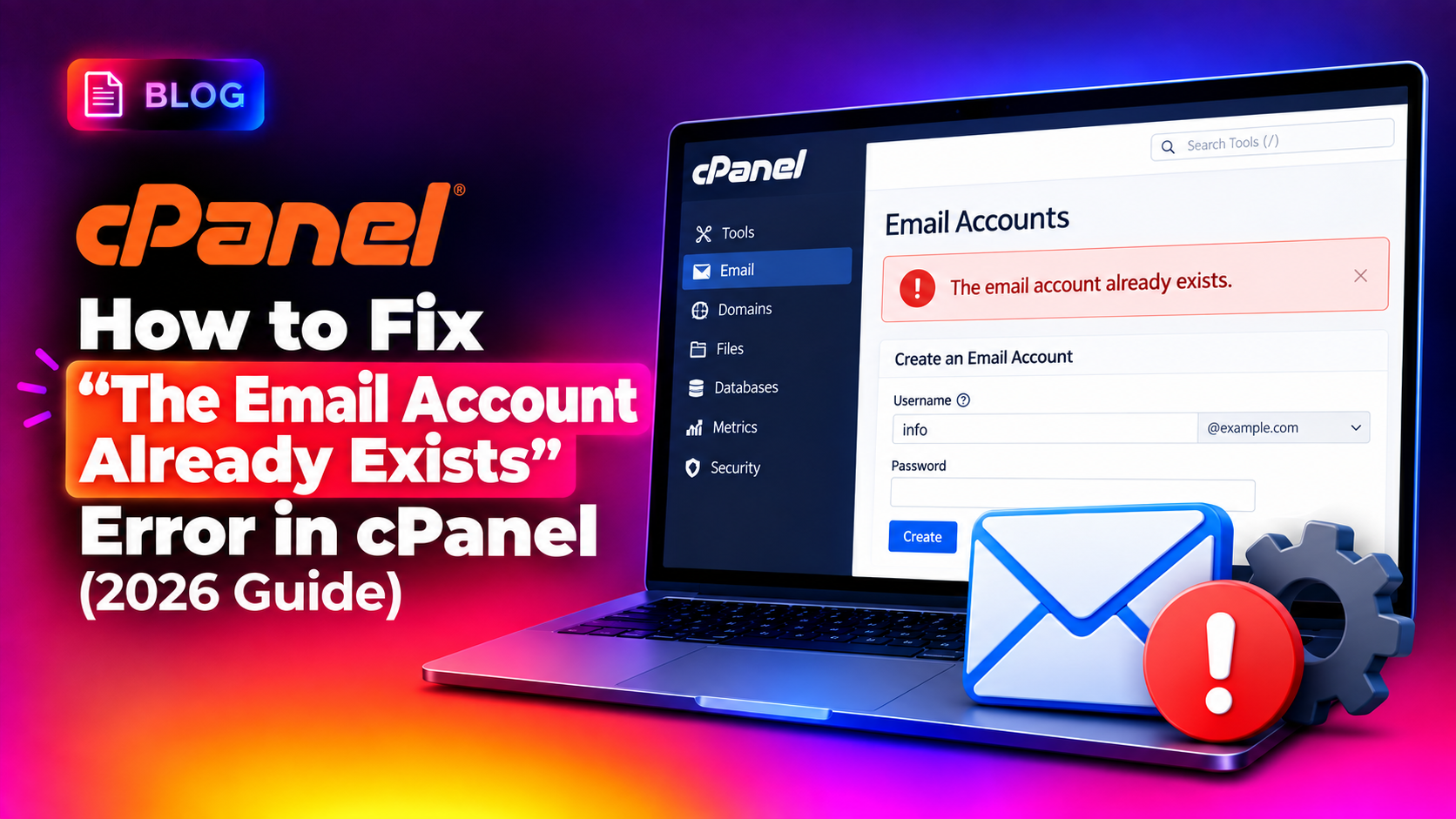
When you try to create a new mailbox in cPanel and instead get slapped with "The email account already exists", it usually has nothing to do with the address actually being in use. In most cases the account was deleted at some point in the past but left orphaned entries behind in the server's password and Exim configuration files. This guide walks through exactly why the error happens and how to clear it safely without breaking mail delivery for the rest of the domain.
Why cPanel Throws This Error
cPanel checks several places before allowing an email account to be created: the domain's virtual passwd file, the shadow file, Exim's virtual user database, and the Dovecot mailbox index. If an account was removed through a crashed cPanel process, a failed migration, a disk quota error mid-deletion, or a manual rm -rf on the mail directory without cleaning up the config files, cPanel still "sees" the account as registered even though the mailbox folder itself is gone.
This mismatch is the single most common root cause reported across cPanel support forums and hosting knowledge bases in 2025-2026, and it gets more common as servers accumulate years of account churn without a full audit.
Common Triggers
- An account was deleted while
eximstatsordovecotwas mid-write, leaving a stale lock or index entry - A cPanel-to-cPanel account transfer failed halfway and left a partial email record on the destination server
- The mail directory under
/home/user/mail/domain.com/was manually deleted without going through WHM/cPanel - A backup restore re-created the domain but an old email entry survived in
/etc/domainusersor/etc/passwd - Disk quota was hit exactly during account deletion, corrupting the cleanup step
Step 1: Confirm the Account Doesn't Actually Exist
Before deleting anything, verify the mailbox really isn't live. Check from WHM as root:
whmapi1 list_pops_for_domain domain=example.comIf the address you're trying to create doesn't appear in the returned list, but cPanel still refuses to create it, you're dealing with an orphaned reference rather than a genuine duplicate.
💡 None of these worked? Skip the guesswork.
Get Expert Help →Step 2: Inspect the passwd and shadow Files
1. SSH into the server as root.
Connect via SSH, since this fix requires editing configuration files directly on disk — it cannot be done from the cPanel UI alone.
ssh root@yourserver.com2. Locate the domain's user/passwd files.
Each domain has its own virtual user table under the account's home directory:
cat /home/cpaneluser/etc/domain.com/passwd
cat /home/cpaneluser/etc/domain.com/shadow3. Remove the stale entry.
Find the line matching the email account in question and delete it with a text editor (never use a blind sed -i without reviewing the line first — a mistyped regex here can wipe every mailbox on the domain):
nano /home/cpaneluser/etc/domain.com/passwdDelete the exact line for the address that won't create, save, and repeat for the shadow file.
Step 3: Clean Up Exim's Virtual User Database
Exim maintains its own mapping of valid mailboxes. If the address lingers there, mail routing can behave unpredictably even after you fix the passwd files.
grep "email@domain.com" /etc/exim.conf
grep -r "email@domain.com" /etc/valiases/
Remove any matching line from /etc/valiases/domain.com that references the orphaned mailbox before recreating it.
Step 4: Remove the Leftover Mail Directory (If Present)
Even if the passwd entry is gone, a leftover Maildir can still cause Dovecot to reject account recreation with a similar-looking error:
ls -la /home/cpaneluser/mail/domain.com/
rm -rf /home/cpaneluser/mail/domain.com/oldaccount
Back up first. Run a quick tar -czf of the folder before deleting anything — if there's any chance the mailbox held mail you still need, you want a copy on hand.
Step 5: Rebuild the Email Account Cache
cPanel caches account lists for performance. After manual file edits, force a rebuild so the change is picked up immediately instead of waiting for the next scheduled sync:
/scripts/updateuserdomains
/scripts/dovecot_generate_config
systemctl restart dovecot
systemctl restart exim
Step 6: Recreate the Email Account
Once the stale entries are gone and services have restarted cleanly, go back into cPanel > Email Accounts and create the mailbox as normal. It should now succeed without the "already exists" error.
When to Escalate to a Full Account Rebuild
If the error keeps reappearing across multiple email addresses on the same domain, that's usually a sign of deeper corruption in the account's user database rather than a one-off stale entry. In that scenario, a full /scripts/pkgacct and re-restore of just the email component, or a WHM-level account rebuild, is often faster and safer than chasing individual file edits. This is exactly the kind of server-level maintenance our team at CloudHouse server management service handles as part of ongoing cPanel upkeep — catching and clearing orphaned account data before it turns into a support ticket.
Preventing This From Happening Again
- Always delete email accounts through WHM/cPanel rather than manually removing Maildir folders
- Monitor disk quota alerts so deletions never run mid-operation during a full-disk event
- Run a quarterly audit comparing
whmapi1 list_pops_for_domainoutput against actual Maildir folders to catch drift early - Keep cPanel and Exim updated — several stale-account edge cases were patched in recent cPanel builds
- Document any manual server-side cleanup so the next admin isn't guessing at what was changed
Reading Exim and Dovecot Logs to Confirm the Root Cause
Before touching any configuration file, it's worth spending five minutes in the logs to confirm exactly which layer is rejecting the account creation. Both Exim and Dovecot log account-related errors with enough detail to point you straight at the broken file.
tail -f /var/log/exim_mainlog | grep domain.com
tail -f /var/log/maillog | grep dovecot
If Exim's log shows a "duplicate local part" warning, the conflict is in the virtual alias table. If Dovecot logs a "mailbox already exists" error referencing an index file, the conflict is in the Maildir index rather than the passwd file — which changes which cleanup step you need to run first.
Checking WHM's Account Creation Log
WHM keeps a dedicated log for account and email creation attempts that's often more readable than the raw mail logs:
tail -100 /usr/local/cpanel/logs/error_log | grep -i emailThis log frequently names the exact file cPanel choked on, which saves you from having to inspect every candidate file manually.
Handling Multi-Server and Cluster Environments
On servers running DNS clustering or account transfers between multiple cPanel nodes, the same orphaned-entry problem can appear on the secondary server even when the primary server's records are clean. If your environment uses WHM's Transfer Tool or a custom rsync-based sync between nodes, always re-run /scripts/updateuserdomains on every node after a manual fix, not just the one where the error originally appeared. Skipping this step is one of the most common reasons admins report the error "coming back" a few hours after they thought it was resolved — the stale record was simply re-synced from a node that wasn't cleaned up.
A Quick Reference Checklist
- Confirm the address isn't actually live via
whmapi1 list_pops_for_domain - Check Exim and Dovecot logs to identify which layer is rejecting creation
- Back up the domain's passwd, shadow, and mail directory before editing anything
- Remove the stale line from passwd and shadow, matched exactly to the problem address
- Clear any matching entry from
/etc/valiases/domain.com - Delete the orphaned Maildir folder only after confirming no needed mail is inside
- Rebuild caches with
/scripts/updateuserdomainsand/scripts/dovecot_generate_config - Restart Exim and Dovecot, then retest account creation from cPanel
- On clustered setups, repeat the sync step on every node
A Real-World Example
A common support scenario looks like this: an administrator deletes oldstaff@example.com during a routine account cleanup. Two weeks later, a new employee joins and needs an email account with the exact same address pattern reused. cPanel refuses with the "already exists" error even though whmapi1 list_pops_for_domain shows no such account. Investigating the domain's passwd file reveals a single leftover line from the original deletion — the account removal process had been interrupted by a scheduled backup job that briefly locked the filesystem. Removing that one stale line and rebuilding the cache resolved it in under two minutes once the root cause was identified.
This kind of scenario is exactly why checking the logs first (Step covered above) saves significant time — jumping straight to file edits without confirming which layer is actually rejecting the request can lead to unnecessary changes in the wrong file.
Automating Detection Before It Becomes a Ticket
Rather than waiting for a user to report the error, proactive server management sets up a lightweight cron job that periodically diffs the output of whmapi1 list_pops_for_domain against the raw Maildir listing for every domain on the server. Any mismatch gets flagged for manual review before an end user ever hits the create-account screen. This kind of drift detection is a standard part of ongoing maintenance for shared and reseller hosting environments where account churn is frequent — new client sign-ups, cancellations, and staff email turnover all create these small inconsistencies over time.
The "Email Account Already Exists" error looks alarming the first time you see it, but it's almost always a leftover configuration artifact rather than an actual naming conflict. Clearing the stale passwd, shadow, and Exim entries — then rebuilding the account cache — resolves it in the vast majority of cases without any risk to the rest of the domain's mail.